




Un movimiento en falso al quitar un protector de pantalla y estás viendo un arañazo que no hiciste tú mismo. O peor aún, una pantalla agrietada por demasiada presión en el lugar equivocado. ¿La buena noticia? Quitar un protector de pantalla de tu iPhone Es sencillo cuando se conoce el método adecuado. Aquí tienes el proceso completo y sin daños, de principio a fin.
Cuándo es el momento de quitar el protector de pantalla
No todos protector de pantalla Debe eliminarse de inmediato. Pero cuando se da alguna de estas situaciones, es hora de:
- Agrietado o hecho añicos. Un protector roto ya ha cumplido su función. Dejarlo puesto puede provocar que los bordes afilados rayen la pantalla.
- Burbujas o bordes que se levantan. Una vez que el protector comienza a despegarse por las esquinas, el polvo y la suciedad se acumulan debajo, y el adhesivo se debilita aún más.
- Rayado hasta el punto de afectar la visibilidad. Una superficie muy rayada indica que el protector está desgastado. En ese caso, es hora de cambiarlo.
- Actualizando a un protector mejor. Si va a optar por un cristal templado de mayor calidad, retirar el antiguo de forma limpia es el primer paso para una instalación impecable.
Si se da alguna de estas situaciones, no se demore.
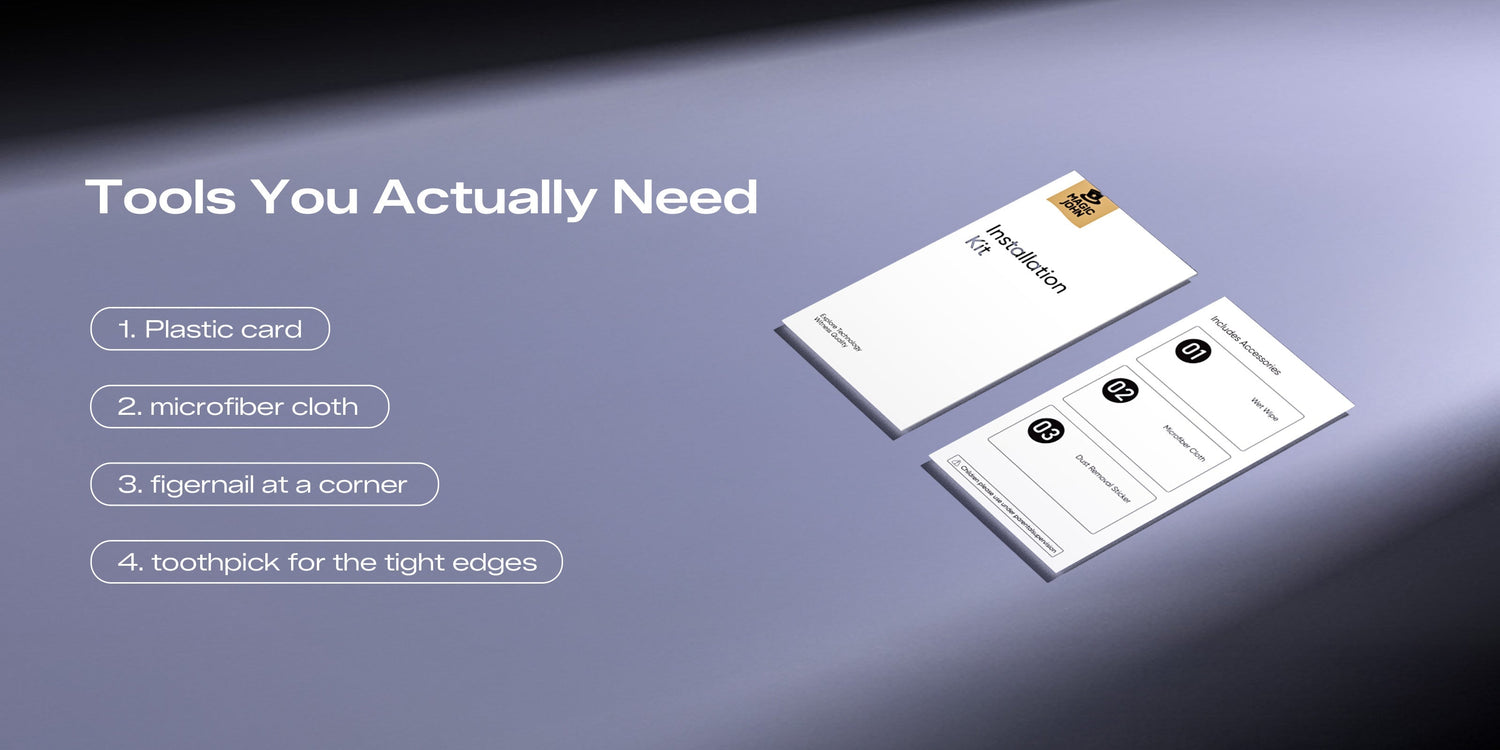
Herramientas que realmente necesitas (y qué debes evitar)
Quitar un protector de pantalla de forma segura no requiere un kit de herramientas. Pero usar las herramientas adecuadas y evitar las incorrectas marca la diferencia.
| Herramientas | |
| Usar | Tarjeta de plástico (tarjeta de regalo o tarjeta de fidelización antigua), paño de microfibra, Uña en una esquina (usada suavemente), palillo de dientes para bordes estrechos |
| Evitar | Objetos metálicos (cuchillos, llaves, espátulas metálicas), herramientas afiladas cerca de los bordes de la pantalla, fuerza excesiva o palanca en el centro. |
Proceso de extracción segura paso a paso
Esta es la parte más importante. Siga estos pasos, ya sea que tenga un protector de película estándar o uno protector de pantalla de vidrio templado en tu iPhone.
Para protectores de película estándar
- Atenúa la pantalla para que puedas ver claramente los bordes sin reflejos.
- Busca un rincón para empezar. Presiona suavemente la uña contra el borde del protector (no contra el cristal que hay debajo) y crea un pequeño hueco en una esquina inferior.
- Deslice una tarjeta de plástico por debajo del borde. Sostenga la tarjeta en un ángulo bajo, casi plano, y muévala lentamente hacia adentro para aflojar el adhesivo.
- Despega gradualmente. Tire con un ángulo bajo, casi paralelo a la pantalla, en lugar de tirar hacia arriba. Esto reduce la tensión en la pantalla.
- Retirar con un movimiento suave. hasta que la película se desprenda por completo.
Para protectores de pantalla de vidrio templado
Eliminando vidrio templado Retirar la película protectora de tu iPhone requiere un poco más de cuidado. El cristal no se flexiona, así que no puedes despegarla de la misma manera.

- Empieza siempre por una esquina. El vidrio templado se despega por los bordes. Prueba primero con la esquina inferior. Presiona suavemente con la uña a lo largo del borde lateral para ver si se separa.
- Utilice un palillo de dientes como palanca. Si la uña no se adhiere bien, inserte un palillo de dientes horizontalmente en el hueco e inclínelo suavemente para levantarlo un poco. No lo fuerce.
- Coloca una tarjeta de plástico debajo del cristal. Deslízalo por debajo de la esquina levantada y ve avanzando lentamente por el borde inferior. No estás haciendo palanca; estás guiando el adhesivo para que se suelte.
- Levanta uniformemente desde ambos lados. Una vez que el borde inferior se haya aflojado, sujete con los pulgares ambas esquinas inferiores y levante el cristal de manera uniforme. Una presión desigual puede provocar que el cristal se rompa.
- Deslízalo para quitarlo. Una vez que la parte inferior esté libre, el resto debería desprenderse sin problemas. Si sientes resistencia en la parte superior, desliza la tarjeta a lo largo de ese borde antes de seguir tirando.
Consejo: Si el cristal parece pegajoso, unos segundos de calor suave con un secador de pelo (a una distancia de 15-20 cm, en la configuración más baja) pueden ablandar el adhesivo lo suficiente como para ayudar a que se suelte.
Cómo eliminar los residuos de adhesivo persistentes
A veces, al retirar un protector de pantalla de tu iPhone, queda una fina capa adhesiva. Esto es normal, sobre todo con los protectores más antiguos.

- Primero, un paño de microfibra. Frota suavemente con movimientos circulares pequeños; muchas manchas claras desaparecen de esta manera.
- Alcohol isopropílico al 70% (cantidad pequeña). Aplique unas gotas sobre un paño de microfibra (nunca directamente sobre la pantalla) y limpie suavemente.
- Evite usar toallas de papel o pañuelos desechables. Estos productos pueden dejar microarañazos en la pantalla.
- Nunca utilice acetona o quitaesmalte. Estos disolventes pueden eliminar el revestimiento oleofóbico de tu iPhone.
Trabaje despacio y por secciones, en lugar de fregar de forma generalizada.
La forma correcta de limpiar la pantalla después de desmontarla
Antes de colocar un nuevo protector o usar el teléfono sin él, tómate un momento para limpiar bien la pantalla. Esto es más importante de lo que la mayoría de la gente cree.
- Utilice primero un paño de microfibra seco. Trabaje en líneas rectas de un extremo al otro; los movimientos circulares pueden redistribuir los aceites en lugar de eliminarlos.
- Si es necesario, utilice un paño ligeramente humedecido. A alcohol isopropílico al 70% El paño funciona bien. Escurra el exceso de líquido antes de tocar la pantalla.
- Deje que la pantalla se seque por completo. Con treinta a sesenta segundos es suficiente. La humedad debajo de un protector nuevo provoca burbujas.
- Inspeccione bajo buena iluminación. Sostén el teléfono en diferentes ángulos para detectar cualquier resto de polvo o manchas antes de colocar una nueva.
Una limpieza a fondo después de retirar el protector de pantalla garantiza el éxito de la siguiente instalación.
Su siguiente paso: Consiga el protector de repuesto adecuado.

Una vez que la pantalla esté limpia y libre de residuos, lo más recomendable es reemplazar el protector cuanto antes. La pantalla de tu iPhone queda expuesta en el momento en que retiras el protector antiguo.
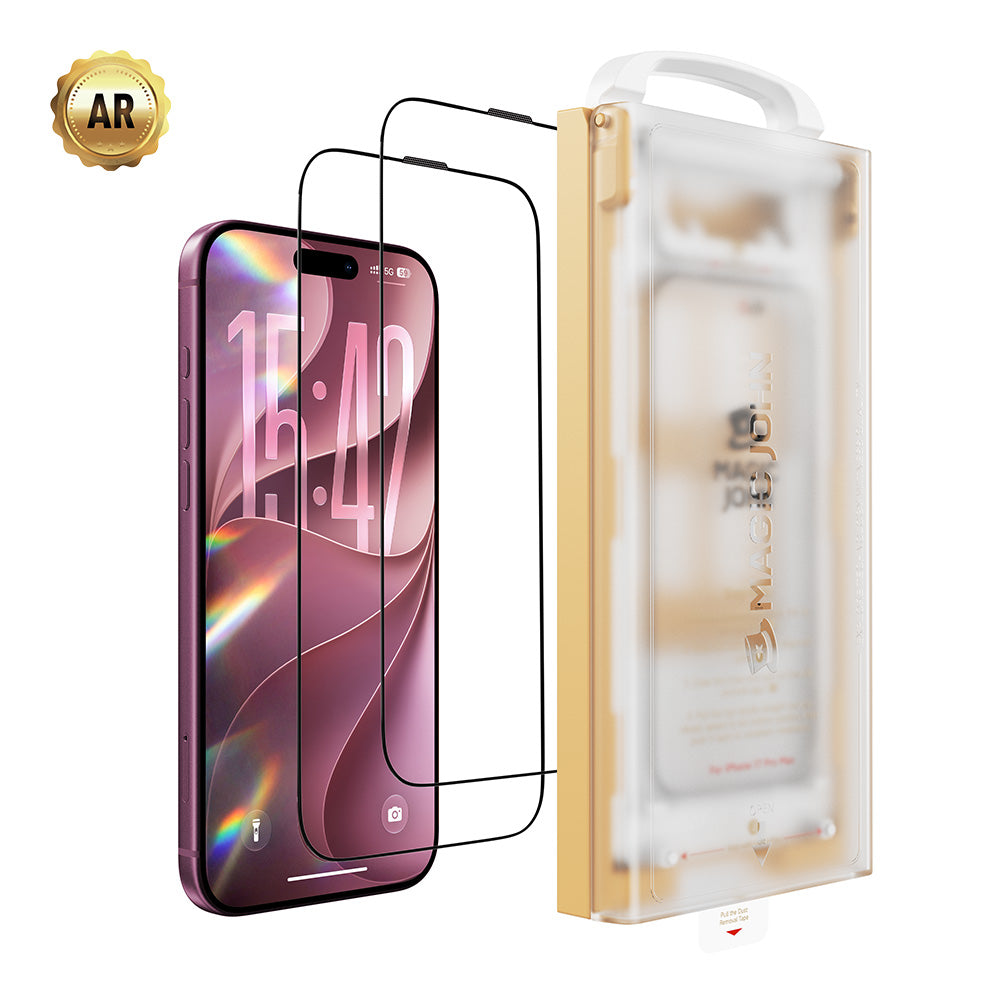
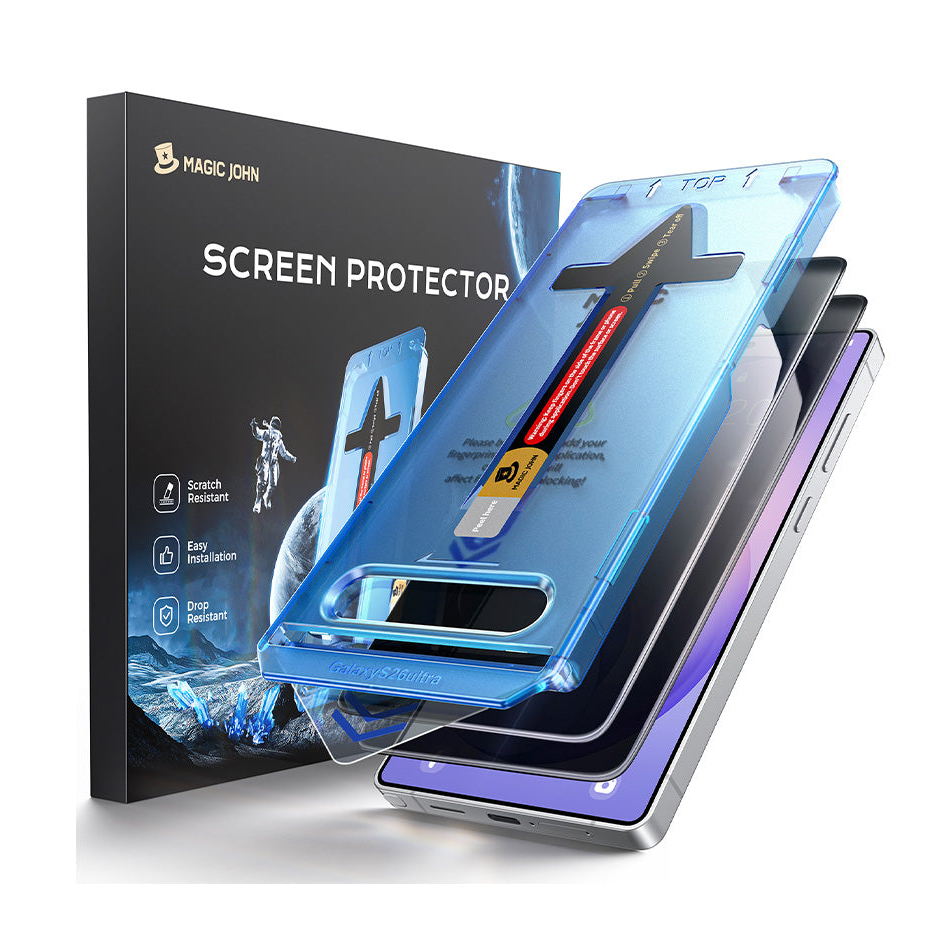
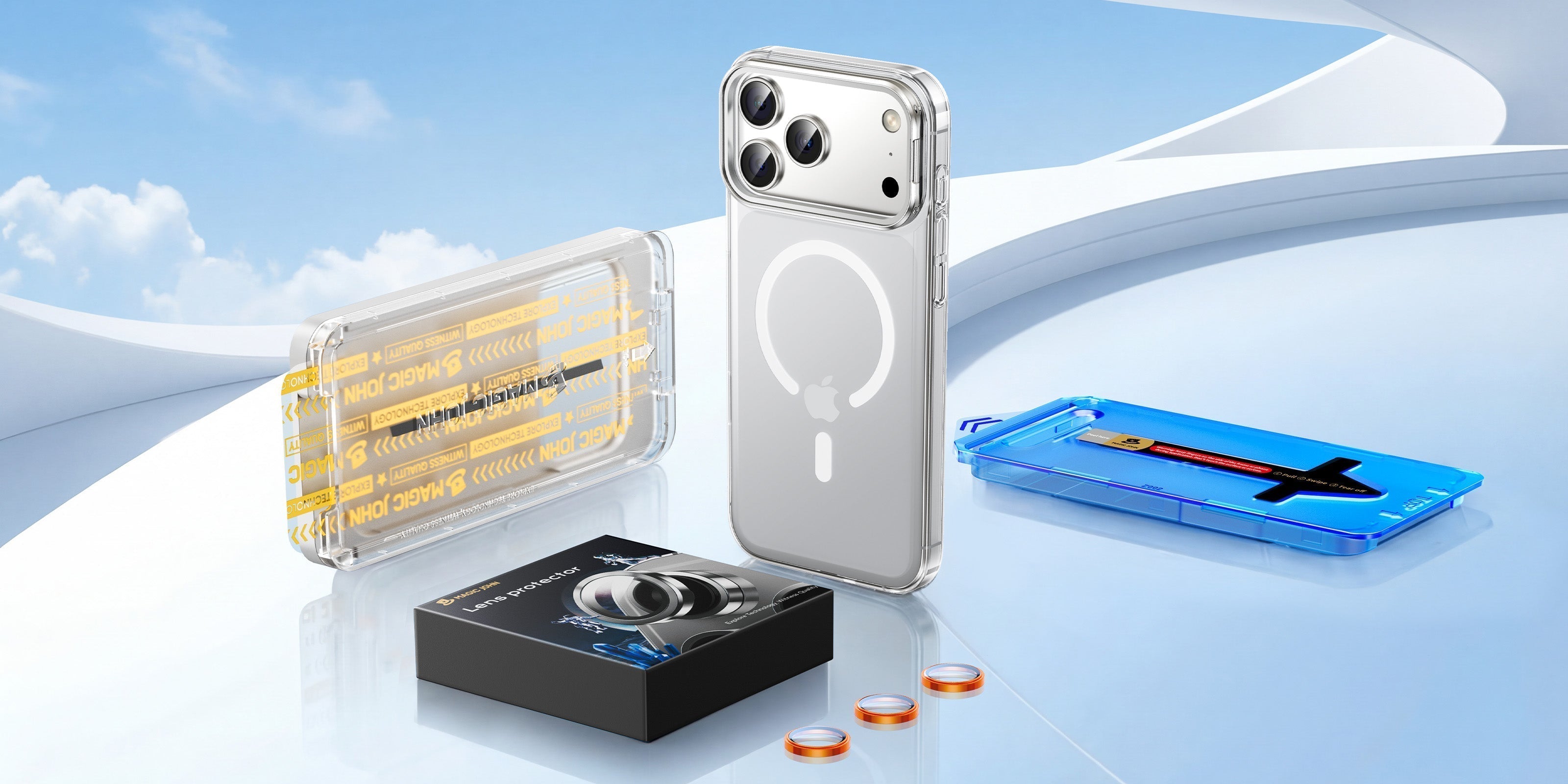
Si has tenido problemas con los bordes despegados, burbujas o un protector que nunca se ajustaba correctamente, vale la pena actualizarlo.El Protector de pantalla de vidrio templado Magic John de tercera generación utiliza un aplicador automático sin polvo que elimina los residuos durante la instalación, por lo que Los problemas de burbujas y de alineación se eliminan prácticamente por completo.. Con dureza 9H y cobertura de borde a borde, Está diseñado para que se instale correctamente a la primera y se mantenga así.
Lista de verificación para la remoción sin daños
Antes de terminar, repase esta breve lista de verificación para asegurarse de que su pantalla esté en perfectas condiciones:
- ✅ Solo se utilizó una tarjeta de plástico o la uña; no se usaron herramientas metálicas.
- ✅ Levantado desde una esquina, no desde el centro.
- ✅ Se retiró el vidrio templado de manera uniforme de ambos lados.
- ✅ Elimine cualquier residuo de adhesivo con un paño de microfibra o alcohol isopropílico al 70%.
- ✅ Limpié y sequé completamente la pantalla antes de aplicar un nuevo protector.
- ✅ ¿Listo para instalar un reemplazo de calidad? Magic John tiene la solución.
Preguntas frecuentes sobre cómo quitar y reemplazar los protectores de pantalla
P1: ¿Puedo reutilizar un protector de pantalla después de quitarlo?
En la mayoría de los casos, no. Una vez que se levanta la capa adhesiva, esta acumula polvo y pierde adherencia. Intentar volver a aplicarla suele provocar burbujas y una mala fijación. Lo ideal es colocar un protector nuevo sobre una pantalla limpia.
P2: ¿Quitar el protector de pantalla dañará la pantalla del iPhone?
No, si sigues los pasos correctos. Levantar suavemente desde una esquina con una tarjeta de plástico no ejerce una presión significativa sobre la pantalla. El riesgo de dañarla proviene de usar herramientas metálicas, forzarla desde el centro o hacer palanca de forma desigual sobre el vidrio templado. Sigue los pasos anteriores y tu pantalla estará en perfectas condiciones.
P3: ¿Cómo puedo quitar un protector de pantalla sin tarjeta ni herramienta?
Para empezar, basta con usar la uña. Presiona suavemente en el borde de una esquina inferior hasta que notes una ligera separación. En el caso de los protectores de pantalla de película, a menudo puedes despegarlos solo con los dedos; tira lentamente en un ángulo bajo. Para el vidrio templado, puedes usar un palillo de dientes para levantarlo inicialmente antes de usar los pulgares para despegarlo uniformemente.
P4: ¿Cuánto tiempo debo esperar para colocar un nuevo protector de pantalla después de quitar el anterior?
Lo antes posible. Cada minuto que la pantalla de tu iPhone está expuesta, existe la posibilidad de que se acumule polvo o se raye. Ten listo el repuesto antes de empezar a desmontarlo para que el proceso sea rápido. Si vas a cambiar a un Protector de vidrio templado Magic John, El aplicador sin polvo hace que la instalación sea lo suficientemente rápida como para que su pantalla no quede desprotegida durante mucho tiempo.


Deja un comentario
Este sitio está protegido por hCaptcha y se aplican la Política de privacidad de hCaptcha y los Términos del servicio.