





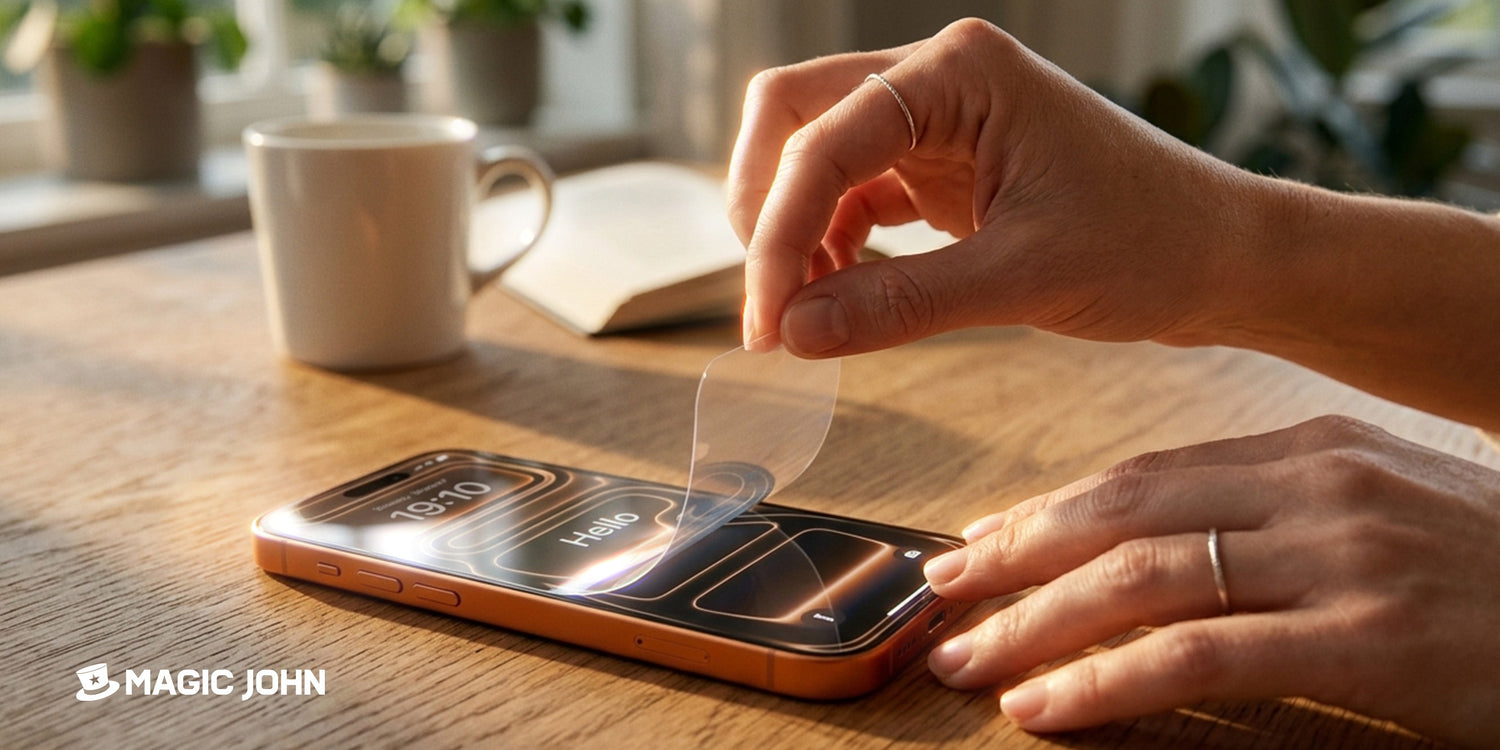
Viele Menschen bekommen ihre Bildschirme nicht durch Stürze beschädigt oder zerkratzt, sondern beim Abnehmen des Bildschirms. Ein Fingernagel rutschte unter die falsche Ecke, eine Karte wurde zu steil gehalten, und plötzlich ist nicht nur die Schutzfolie beschädigt. Die gute Nachricht: Gehärtetes Glas und Weichfolie Die Schutzvorrichtungen sehen unterschiedlich aus, und zu wissen, welche man hat, verändert die gesamte Vorgehensweise.
Wann es Zeit ist, die Displayschutzfolie Ihres iPhones zu entfernen
Nicht jeder Kratzer oder jede Schramme bedeutet, dass die Schutzfolie entfernt werden muss. Hier sind vier kurze Checklisten, die Ihnen helfen zu entscheiden, ob es Zeit ist, die iPhone-Schutzfolie zu entfernen oder ob sie noch eine Weile ihren Zweck erfüllen kann.
| Was Sie sehen | Was zu tun |
| Risse, die sich über die Oberfläche ausbreiten | Nehmen Sie es jetzt weg, zerbrochenes Glas kann zu Schnittverletzungen führen. |
| Kanten heben sich ab oder lösen sich ab | Bald austauschen, sonst sammelt sich Schmutz darunter. |
| Hartnäckige Blasen, die sich nicht herausdrücken lassen | Ersetzen, die Haftung hat sich gelöst. |
| Nur leichte Oberflächenkratzer | Lass es so, das ist der Beschützer, der seine Aufgabe erfüllt. |
Abheben iPhone-Displayschutzfolie Wenn man zu spät greift, nachdem der Klebstoff vollständig versagt hat, wird der Vorgang nur noch komplizierter. Es frühzeitig erkennen, Wenn sich nur eine Ecke anhebt, hat man deutlich mehr Kontrolle.
Werkzeuge, die die Arbeit einfacher und sicherer machen
Wie man ein Displayschutzfolie Für eine saubere Reinigung braucht man wirklich nicht viel. Das richtige Werkzeug ist fast immer etwas Weiches und Dünnes.
Empfohlene Werkzeuge
- A Kreditkarte oder Debitkarte (die flache Kante eignet sich perfekt)
- Ein Zahnstocher oder ein Kunststoffhebelwerkzeug, um unter eine enge Ecke zu gelangen.
- Klebeband (zum Anheben einer hartnäckigen Kante ohne Kratzer)
- Mikrofasertuch zum anschließenden Reinigen
Werkzeuge, die man vollständig vermeiden sollte
- Metallklingen oder Cuttermesser
- Schere oder Pinzette mit scharfen Spitzen
- Ihr Fingernagel wurde in einem steilen Winkel unter den Nagel gedrückt
Darum ist die Wahl des Werkzeugs beim Abnehmen so wichtig. iPhone-Displayschutzfolie: Auch das iPhone-Display besteht aus Glas. Metallwerkzeuge und scharfe Fingernägel können über den Bildschirm schleifen, sobald die Schutzfolie nachgibt, und Kratzer hinterlassen, die auch durch keine neue Schutzfolie verdeckt werden können.
So entfernen Sie eine Displayschutzfolie aus gehärtetem Glas von einem iPhone
Das Entfernen des Glases von einem iPhone ist das Szenario, dem die meisten Leute begegnen, denn gehärtetes Glas Schutzvorrichtungen sind mittlerweile Standard. Wichtig sind Geduld und flache Winkel.
Schritt für Schritt
- Schalten Sie Ihr iPhone aus oder zumindest den Bildschirm.
- Suchen Sie die am stärksten angehobene Ecke. Normalerweise ist dies eine der unteren Ecken in der Nähe des Ladeanschlusses.
- Drücken Sie ein Stück Band Ziehen Sie an dieser Ecke und ziehen Sie langsam nach oben. Dadurch entsteht genügend Platz zum Arbeiten.
- Schieben Sie die Kante einer Kreditkarte in einem sehr flachen Winkel (fast flach auf dem Bildschirm) in den Spalt.
- Führen Sie die Karte vorsichtig am Rand entlang, nicht zur Mitte hin. Lassen Sie die Karte, nicht Ihre Finger, die Trennung vornehmen.
- Sobald sich genügend Schutzfolie abgelöst hat, ziehen Sie diese mit beiden Daumen langsam und gleichmäßig ab.
- Biegen Sie das Glas niemals zurück. Gehärtetes Glas bricht leicht, und eine beim Entfernen beschädigte Schutzfolie erzeugt scharfe Splitter.
Der häufigste Fehler, den man bei diesem Schritt machen könnte: zu schnell. Durch langsames, gleichmäßiges Abziehen von der Oberfläche (nicht in einem spitzen Winkel nach oben) lässt sich der Klebstoff sauber lösen.
Wie man eine weiche Displayschutzfolie vom iPhone entfernt
Weiche Schutzfolien sind heutzutage seltener, werden aber immer noch bei günstigen Modellen und einigen Blickschutzfiltern verwendet. Das Entfernen der iPhone-Schutzfolie gestaltet sich etwas anders, da die Folie flexibel ist und sich dehnt, anstatt zu reißen.
Wo es sich von Glas unterscheidet
- Die Folie ist dünner und schwieriger darunter zu gelangen, daher Eine Zahnstocherspitze funktioniert besser als eine Karte, um den Aufzug zu starten
- Nach dem Anheben in einem Winkel von etwa 45 Grad abziehen (nicht flach, nicht senkrecht nach oben).
- Geh langsam vor, sonst reißt der Film und die Hälfte bleibt zurück.
- Folien hinterlassen mehr Rückstände als gehärtetes Glas, insbesondere wenn sie lange Zeit darauf angebracht waren.
Sollte die Folie in der Mitte reißen, keine Panik. Drücken Sie ein Stück Klebeband fest auf die eingerissene Stelle und ziehen Sie damit den Rest der Folie in kleinen Abschnitten ab.
So reinigen Sie den Bildschirm nach dem Entfernen der Schutzfolie
Diesen Schritt überspringen die meisten Leute, und genau deshalb wird ihre nächste Displayschutzfolie auch so behandelt darunter eingeschlossene Blasen. Ein iPhone-Displayschutzfolie Veränderung ist nur so gut wie der Untergrund, auf dem sie stattfindet.

Entfernung von Rückständen
- Eine kleine Menge Reinigungsalkohol auftragen (70% Isopropyl) auf ein Mikrofasertuch, nicht direkt auf den Bildschirm.
- Klebrige Stellen mit kreisenden Bewegungen sanft abwischen.
- Bei hartnäckigen Klebstoffresten den Alkohol fünf Sekunden einwirken lassen, bevor man ihn abwischt.
- Verwenden Sie niemals Papiertücher, da diese die oleophobe Beschichtung von iPhone-Bildschirmen zerkratzen.
Letzte Vorbereitungen für die Leinwand
- Verwenden Sie zum abschließenden Trockenwischen ein sauberes Mikrofasertuch.
- Überprüfen Sie den Bildschirm bei hellem Licht und neigen Sie ihn leicht, um eventuell verbliebenen Staub oder Rückstände zu erkennen.
- Berühren Sie den Bildschirm nach diesem Schritt nicht mehr mit den Fingern.
- Bringen Sie den neuen Schutz innerhalb weniger Minuten nach der Reinigung an, bevor sich neuer Staub absetzt.
Ein sauberer Bildschirm ist der wichtigste Faktor für ein blasenfreies Ergebnis. Wer diesen Schritt überspringt und direkt eine neue Schutzfolie anbringt, wird mit ziemlicher Sicherheit innerhalb von ein bis zwei Tagen Schmutz darunter feststellen.
Nächste Schritte: Auswahl der passenden Ersatz-Displayschutzfolie
Sobald die alte Schutzfolie entfernt und der Bildschirm sauber ist, haben Sie nur wenig Zeit, eine neue anzubringen, bevor Staub erneut zum Problem wird. Die entscheidende Frage ist nun, welche Art von Displayschutzfolie am besten zu Ihrem Smartphone und Ihren Nutzungsgewohnheiten passt.
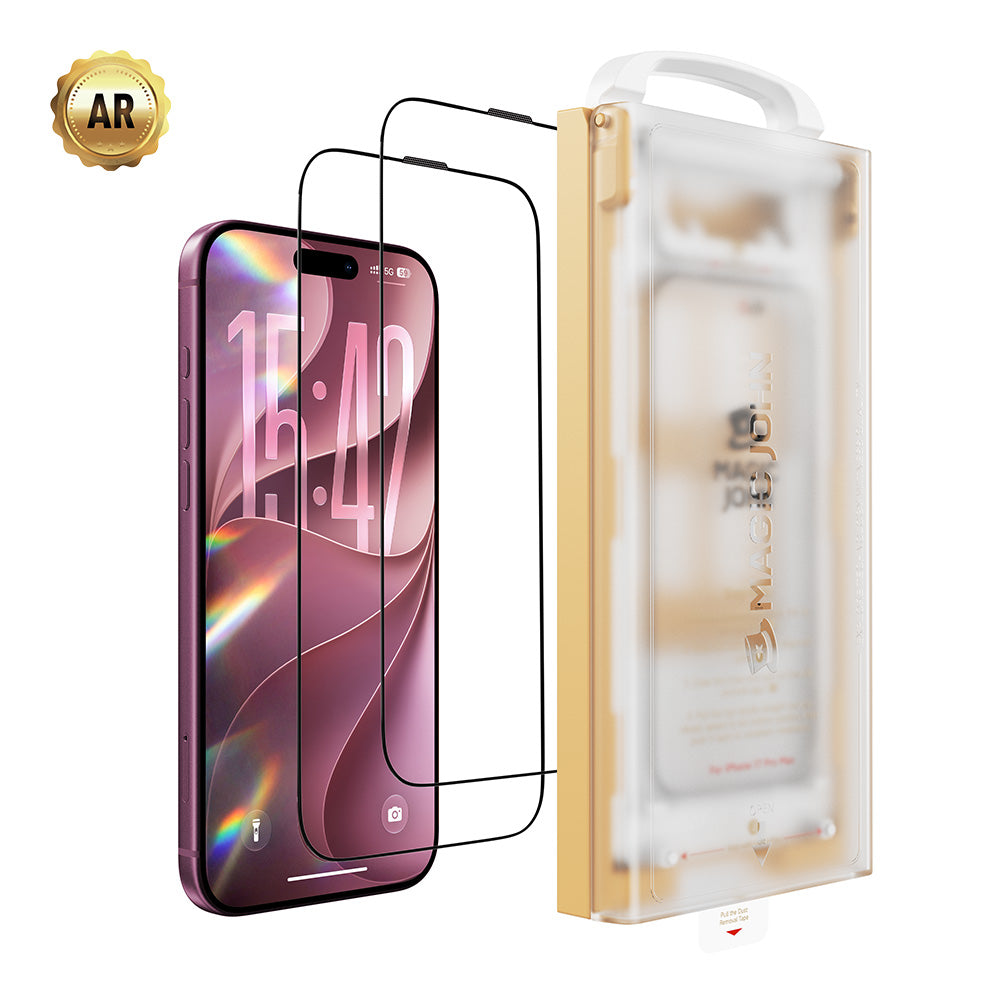
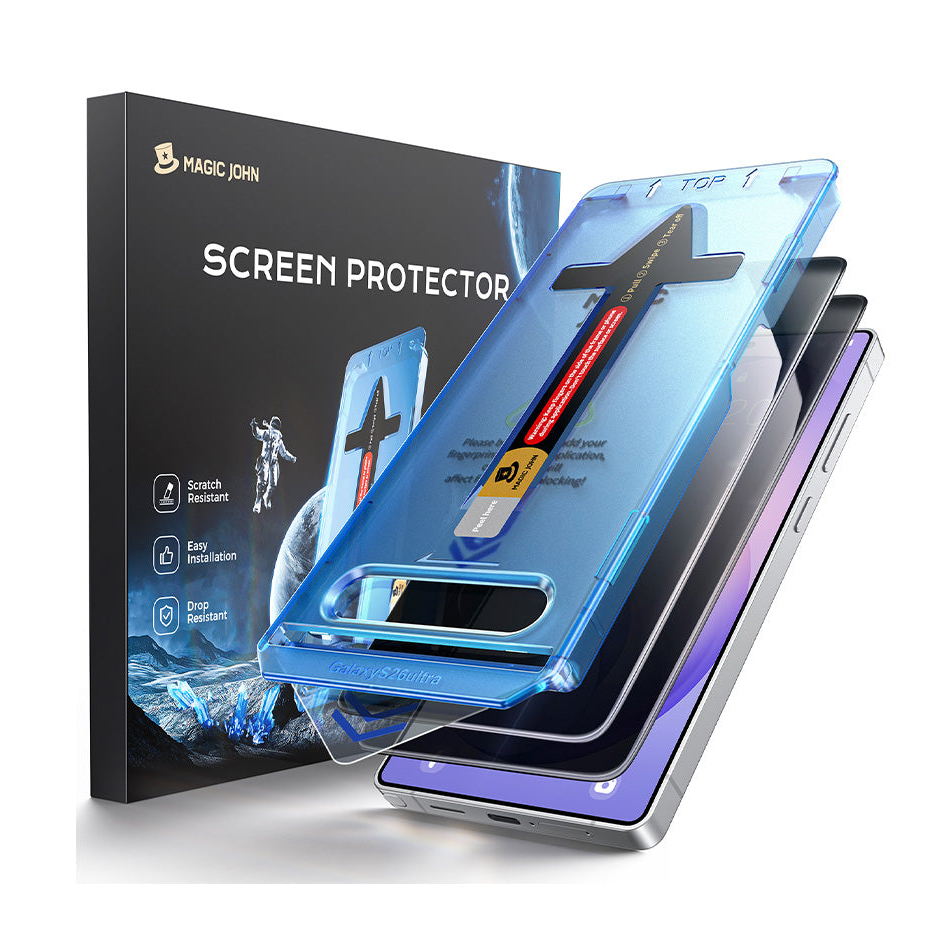
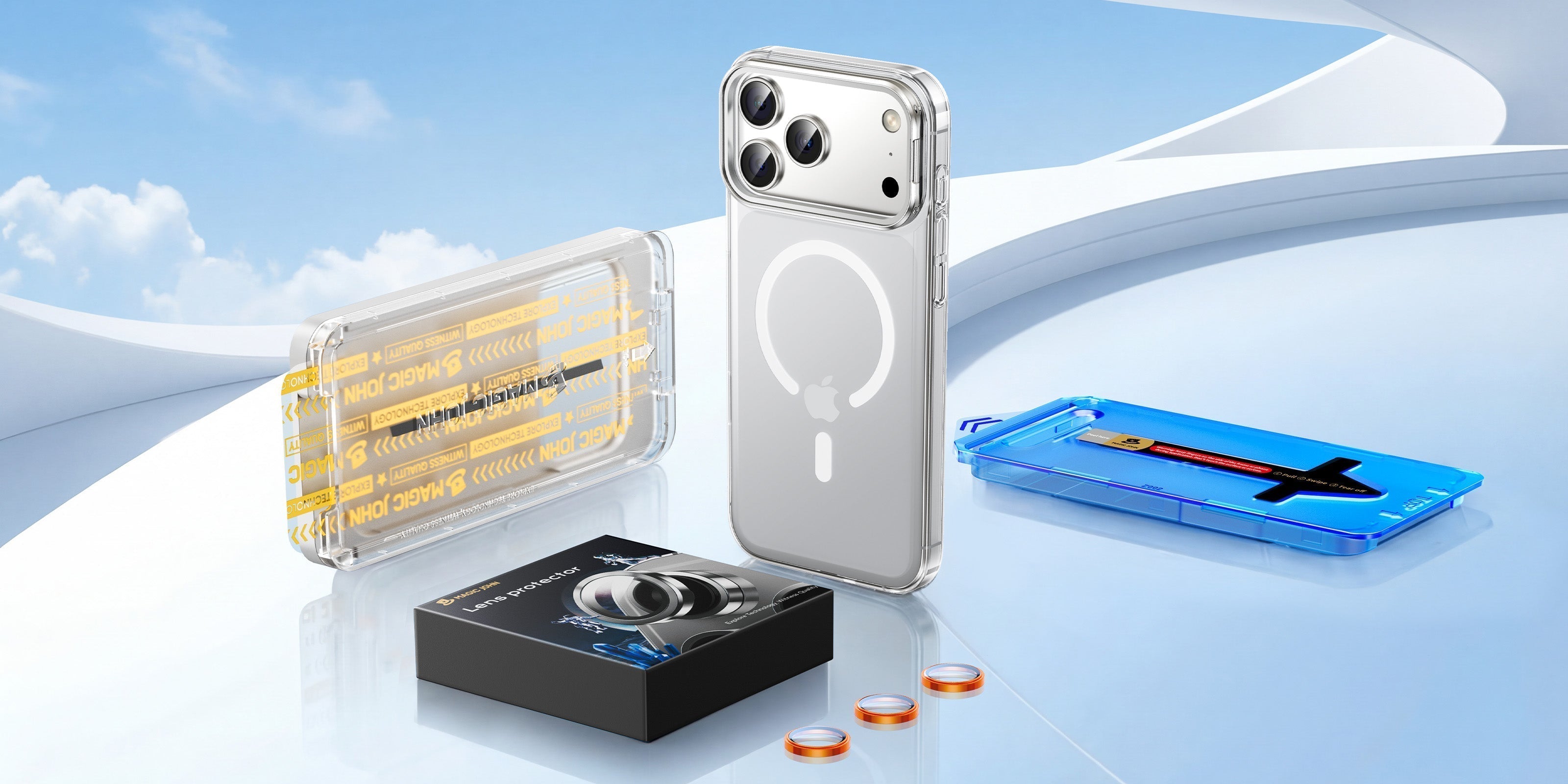
Falls Ausrichtung, Blasen oder Staub bisher ein Ärgernis waren, MAGIC JOHN Gen 3 Displayschutzfolie wurde entwickelt, um all diese Frustrationen zu beseitigen. Der Applikator der 3. Generation lässt sich einfach auf das Telefon aufstecken und richtet den Schutz automatisch aus, mit integrierter Staubentfernungsstufe, sodass Sie während der Installation nicht mit Schmutz zu kämpfen haben. 9H gehärtetes Glas Es deckt das gesamte Display von Kante zu Kante ab, und dank der wiederverwendbaren Installationsschale muss nur das Glas selbst ausgetauscht werden, nicht das gesamte Set.

Wer nach dem Entfernen einer alten Schutzfolie auf der Suche nach der besten Displayschutzfolie für sein iPhone ist, sollte auf eine Härte von 9H, vollständige Kantenabdeckung und eine hohe Qualität achten. sauberes Installationssystem. Wenn man bei der Installation die gleiche Sorgfalt walten lässt, trägt das dazu bei, dass sich der gesamte Prozess auszahlt.
Kurzzusammenfassung
Um eine iPhone-Displayschutzfolie unbeschädigt zu entfernen, sind fünf Dinge wichtig: die richtigen Werkzeuge verwenden, an einer angehobenen Ecke beginnen, einen flachen und gleichmäßigen Winkel einhalten, gehärtetes Glas niemals biegen und den Bildschirm vor dem Anbringen einer neuen Folie gründlich reinigen. Gehen Sie vorsichtig vor, dann lassen sich sowohl die alte Folie als auch Ihr Bildschirm problemlos entfernen. Wenn Sie die Folie ersetzen möchten, bietet MAGIC JOHN speziell entwickelte Lösungen für eine ebenso saubere Anbringung wie Entfernung.
Durchstöbern Sie das Sortiment von MAGIC JOHN an iPhone-Displayschutzfolien, um die passende für Ihr Gerät zu finden.
Häufig gestellte Fragen zur Entfernung von iPhone-Displayschutzfolien
Frage 1: Kann ich meine iPhone-Displayschutzfolie ohne Werkzeug entfernen?
In einigen Fällen ist das möglich.. Wenn sich eine Kante bereits deutlich ablöst, kann man sie vorsichtig mit dem Fingernagel abziehen. Vorsicht ist geboten, wenn man zu fest drückt oder in einem steilen Winkel ansetzt, da der Nagel sonst über das Display schleifen kann, sobald sich die Schutzfolie löst. Eine Karte oder Klebeband sind immer sicherer. Haftet die Schutzfolie noch fest und löst sich nicht an den Kanten ab, kann das Abziehen mit bloßen Händen Kratzer auf dem Bildschirm verursachen oder Klebereste hinterlassen.
Frage 2: Kann das Entfernen meiner Displayschutzfolie das iPhone-Display beschädigen?
Nicht, wenn man die iPhone-Displayschutzfolie vorsichtig entfernt.. iPhone-Bildschirme haben zwar eine starke oleophobe Beschichtung, bestehen aber dennoch aus Glas. Die Gefahren bestehen in Kratzern durch scharfe Gegenstände, plötzlichem Druck beim Ablösen des Klebers oder dem Biegen einer Schutzfolie aus gehärtetem Glas, bis diese beim Entfernen bricht. Solange Sie ein weiches, flaches Werkzeug verwenden, den Winkel flach halten und die Folie langsam abziehen, bleibt der Bildschirm unbeschädigt.
Frage 3: Wie werde ich klebrige Rückstände nach dem Entfernen einer Displayschutzfolie los?
Ein leicht angefeuchtetes Mikrofasertuch 70%iger Isopropylalkohol Entfernt die meisten Rückstände. Wischen Sie mit sanften, kreisenden Bewegungen über die klebrige Stelle und lassen Sie den Alkohol seine Arbeit tun, anstatt stark zu schrubben. Bei besonders hartnäckigen Flecken halten Sie das feuchte Tuch einige Sekunden lang auf die Stelle, bevor Sie wischen. Vermeiden Sie Aceton, handelsübliche Glasreiniger oder Produkte, die Bleichmittel enthalten, da diese die oleophobe Beschichtung des Bildschirms beschädigen können.
Frage 4: Wie lange sollte ich warten, bis ich eine neue Displayschutzfolie anbringen muss, nachdem ich die alte entfernt habe?
Sobald der Bildschirm sauber und trocken ist, bringen Sie die Schutzfolie an. Warten Sie nicht länger als ein paar Minuten, da sich sonst erneut Staub auf der Oberfläche absetzen kann, insbesondere in klimatisierten Räumen oder mit Ventilatoren. Sollten Sie nicht sofort eine Schutzfolie anbringen können, legen Sie Ihr Smartphone mit dem Bildschirm nach unten auf ein sauberes Mikrofasertuch, bis Sie bereit sind. Für einen reibungslosen Wechsel der iPhone-Schutzfolie empfiehlt es sich, die Vorbereitung und Anbringung in einem Arbeitsgang durchzuführen, anstatt die Reinigung jetzt und die Anbringung später vorzunehmen.


Hinterlassen Sie einen Kommentar
Diese Website ist durch hCaptcha geschützt und es gelten die allgemeinen Geschäftsbedingungen und Datenschutzbestimmungen von hCaptcha.