

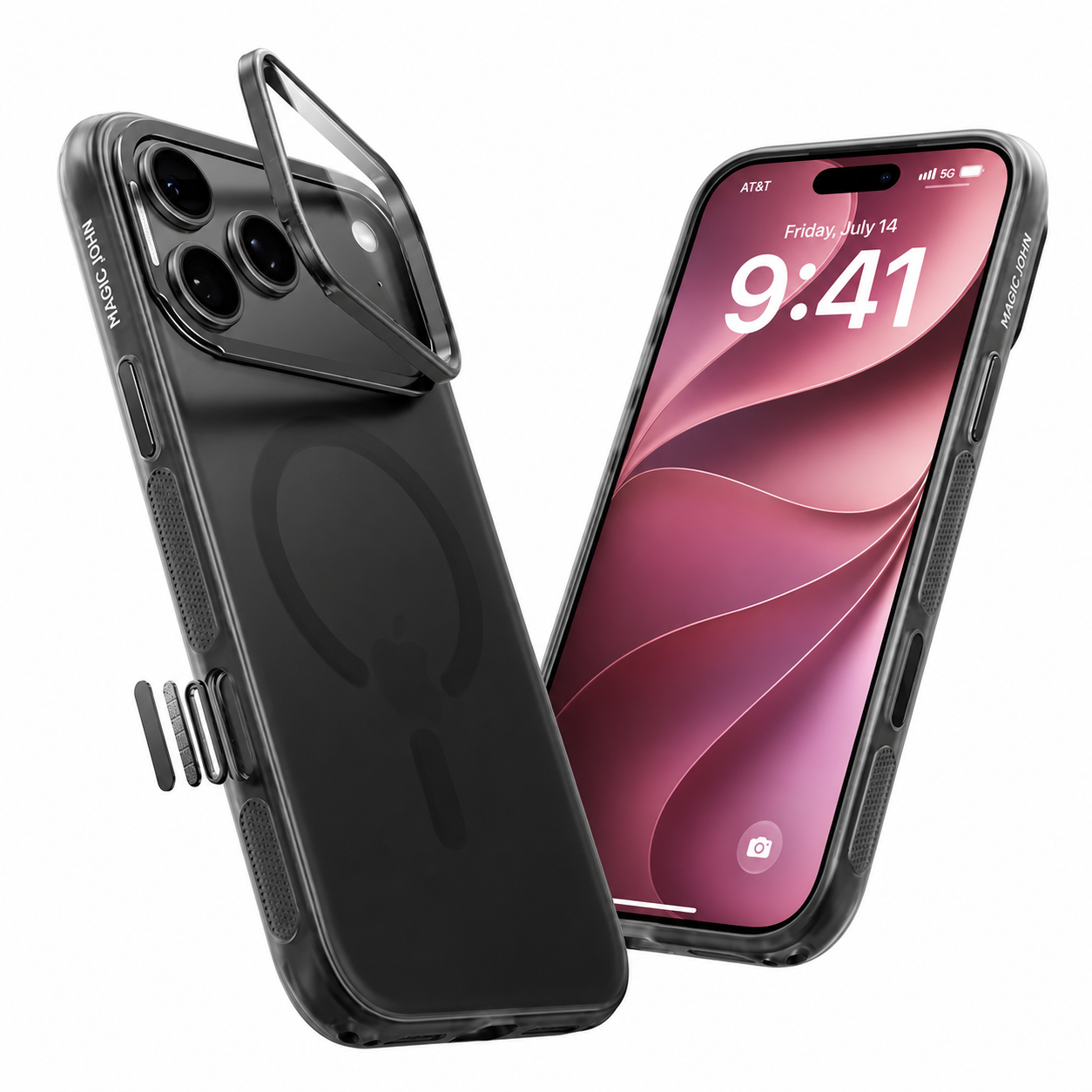
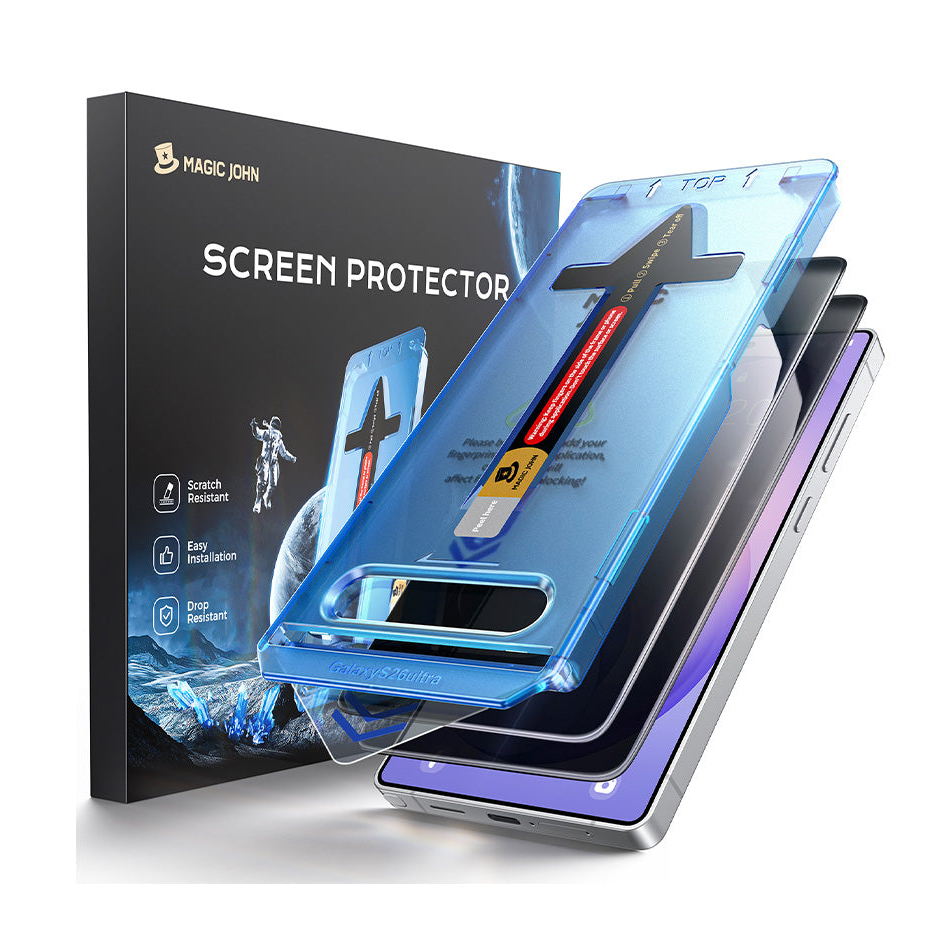
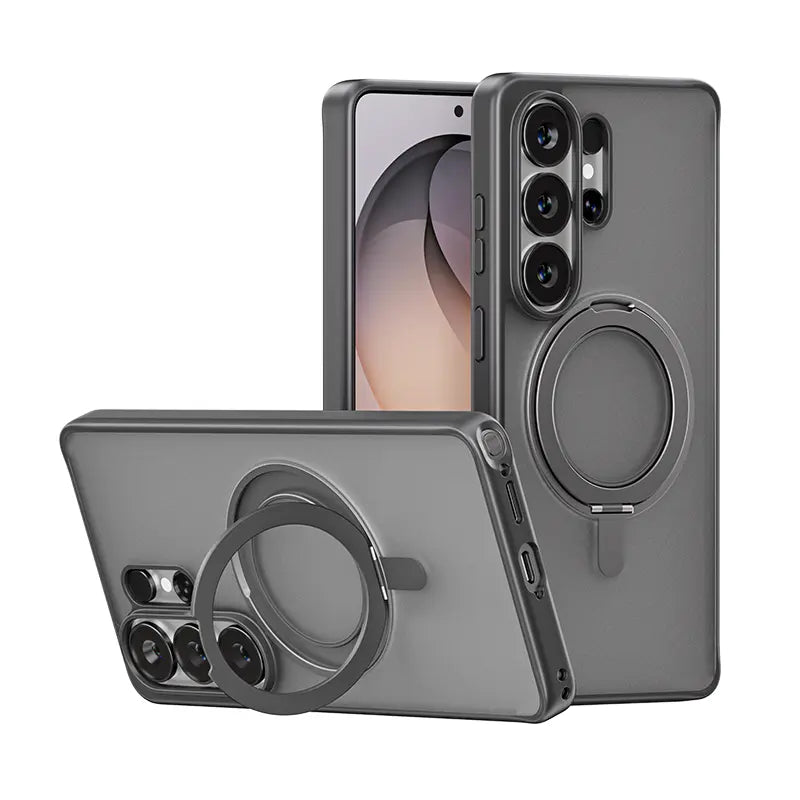



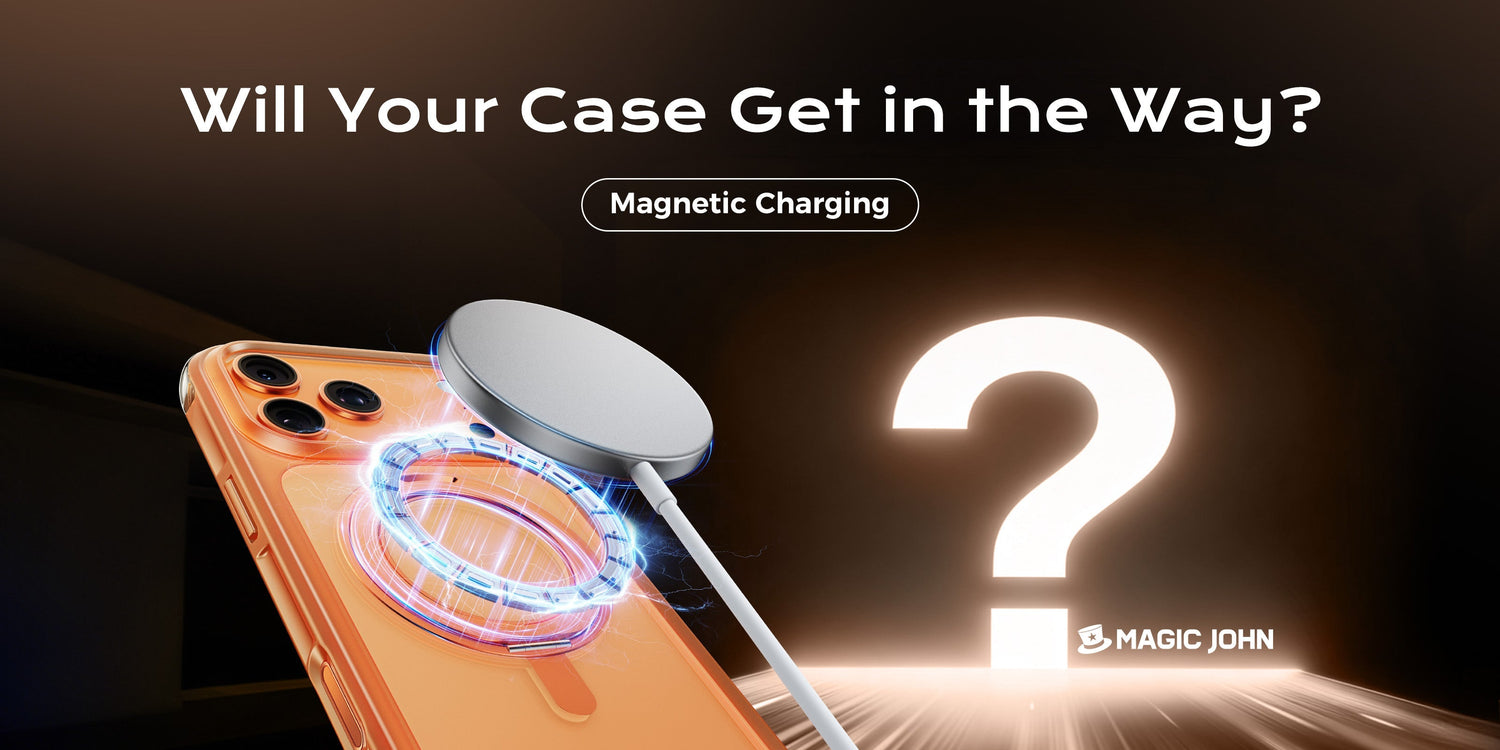
Sie legen Ihr Handy auf das magnetische Ladegerät. Die Kontrollleuchte blinkt, aber der Ladevorgang dauert nur halb so lange wie gewöhnlich. Oder das Ladegerät rastet gar nicht erst ein.
Magnetisches Laden kann durch ein Handyhülle, Das Ergebnis hängt jedoch vom jeweiligen Fall ab. Material, Dicke und integriertes Zubehör spielen eine Rolle. Nicht jeder Fall führt zu Problemen, und die folgenden Abschnitte bieten Ihnen eine klare, praktische Antwort für Ihre spezifische Situation.
Kurzantwort: Funktioniert magnetisches Laden durch die Schutzhülle?
| Ihre Situation | Funktioniert magnetisches Laden? |
| Dünne Silikon- oder durchsichtige Hülle (unter 3 mm) | ✅ Normalerweise in Ordnung |
| MagSafe-kompatibles Gehäuse | ✅ Vollständig kompatibel |
| Dickes, robustes Gehäuse (5 mm+) | ⚠️ Kann sich verlangsamen oder nicht ausrichten |
| Gehäuse aus Metall oder metallbeschichtetem Gehäuse | ❌ Blockiert das Magnetfeld |
| Brieftaschenhülle oder Hülle mit Magnetstreifen | ❌ Magnetische Störungen können die Ladezuverlässigkeit beeinträchtigen. |
Neugierig auf die Gründe? In den folgenden Abschnitten wird alles detailliert erklärt.
Wie magnetisches Laden tatsächlich funktioniert
Magnetisches Laden kombiniert zwei Technologien: kabelloses Laden, bei dem die Energieübertragung kabellos mittels elektromagnetischer Induktion erfolgt, und einen Magnetring, der das Telefon präzise auf dem Ladegerät positioniert.
Eine korrekte Ausrichtung ermöglicht einen effizienten Energietransfer. Eine fehlerhafte Ausrichtung oder jegliche Störung des Magnetfelds führt zu einer Verlangsamung oder einem vollständigen Abbruch des Ladevorgangs.
Es gibt zwei gängige Formate:
- MagSafe (iPhone-spezifisch): Apples System nutzt einen präzisen Magnetring, der in kompatible iPhone-Modelle integriert ist. Die Hülle muss entweder MagSafe-kompatibel sein oder dünn genug und nichtmetallisch, damit sie die Ausrichtung nicht beeinträchtigt.
- Standardmäßiges Qi-Wireless-Laden mit Magneten (üblich bei Android): Ein flexibleres Format. Die Magnete erleichtern die Positionierung, die Anforderungen sind aber nicht so streng wie bei MagSafe.
Der entscheidende Punkt ist: Elektromagnetische Energie durchdringt nichtmetallische Materialien problemlos. Schwierigkeiten entstehen erst, wenn das Gehäuse zu dick ist, aus dem falschen Material besteht oder Zubehör enthält, das das Magnetfeld stört.
Was macht eine Handyhülle ladenfreundlich (oder nicht)?
Drei Faktoren bestimmen, wie gut Ihre Hülle mit magnetischem Laden funktioniert:
1. Material
Hüllen aus Silikon, Kunststoff, Leder und Stoff sind unproblematisch. Sie sind nicht leitend und lassen das elektromagnetische Feld ungehindert durch. Metallhüllen hingegen stellen das eigentliche Problem dar. Metall blockiert und streut elektromagnetische Felder, die für kabelloses Laden unerlässlich sind. Selbst eine dünne Metallplatte im Inneren einer Hülle kann den Ladevorgang unterbrechen.
2. Dicke
Dünnere Hüllen bieten eine bessere Leistung. Die Ladespulen in Ihrem Telefon und Ladegerät funktionieren über einen geringen Abstand. Apples Richtlinien für MagSafe-kompatible Hüllen schreiben eine Rückseitendicke von etwa [Wert fehlt] vor. 2,0 bis 2,1 mm. In der Praxis kommen Fälle bis zu etwa 3 mm Das Laden ist möglicherweise weiterhin möglich, jedoch können Ausrichtung und Geschwindigkeit außerhalb des kompatiblen Bereichs nicht garantiert werden. Hüllen, die dicker als 5 mm wird die Ladeeffizienz unabhängig vom Format spürbar verringern. Konkrete Zahlen werden im folgenden Abschnitt erläutert.
3. Eingebautes Zubehör
Brieftaschenhüllen, Hüllen mit Magnetkartenstreifen und Hüllen mit magnetischen Ständern können den Ladevorgang stören.Die zusätzlichen magnetischen Elemente konkurrieren mit dem Magnetfeld des Ladegeräts, ziehen es aus der Bahn oder blockieren es vollständig.
MagSafe vs. herkömmliches kabelloses Laden: Warum der Unterschied wichtig ist
MagSafe und das standardmäßige magnetische Qi-Laden haben sehr unterschiedliche Anforderungen. Sie als identisch zu behandeln, führt zu Kompatibilitätsproblemen, die sich leicht vermeiden lassen.
MagSafe (iPhone): Apples MagSafe-System ist präzise. iPhones verfügen über ein eingebautes Magnetsystem, und damit das Laden einwandfrei funktioniert, muss die Hülle MagSafe-kompatibel oder zumindest dünn und nichtmetallisch sein, damit sie die Ausrichtung nicht beeinträchtigt.
Bei einer nicht kompatiblen Hülle können zwei Dinge passieren: Entweder rastet das Ladegerät nicht richtig ein und lockert sich über Nacht, oder der Ladevorgang wird mit reduzierter Leistung durchgeführt. Eine MagSafe-kompatible Hülle verfügt über einen eigenen Magnetring im Inneren, der iPhone und Ladegerät präzise ausrichtet und so für eine sichere Verbindung und volle Ladegeschwindigkeit sorgt.
Standardmäßiges kabelloses Qi-Laden mit Magneten (Zubehör für Android und nicht kompatible iPhones): Dieses Format ist unkomplizierter. Solange das Gehäuse nicht aus Metall besteht und eine angemessene Dicke aufweist, funktionieren die meisten Gehäuse problemlos ohne spezielle Zertifizierung.
Für iPhone-Nutzer, die auf Magnetzubehör Bei Geräten wie Ladegeräten, Halterungen und Geldbörsen macht es im Alltag einen großen Unterschied, auf die MagSafe-Kompatibilität auf dem Etikett der Hülle zu achten.
Gehäusedicke und Ladeleistung: Wann ist es zu viel?
Hier ein praktischer Überblick darüber, wie sich die Gehäusedicke auf die einzelnen Ladeformate auswirkt:
- MagSafe-Laden: Apples offizielle Richtlinien für kompatible Hüllen geben eine Rückseitendicke von 2,0 bis 2,1 mm an. Hüllen innerhalb dieses Bereichs gewährleisten die volle magnetische Einrastfunktion und die angegebene Ladegeschwindigkeit. Dickere Hüllen können zwar auch laden, jedoch sind Ausrichtung und Ladeleistung nicht garantiert.
- Standardmäßiges kabelloses Qi-Laden mit Magneten: Dieses Format erlaubt einen größeren Abstand zwischen Spule und Telefon. Die meisten dünnen bis mitteldicken Hüllen funktionieren problemlos. Bei sehr dicken, robusten Hüllen, typischerweise 5 mm oder mehr auf der Rückseite, nimmt die Effizienz jedoch ab.
Die meisten schlanken Alltagshüllen sind unbedenklich. Probleme bereiten hingegen robuste, extrem widerstandsfähige Modelle, die speziell für den Fallschutz entwickelt wurden und deren Rückseite leicht 5 mm überschreiten kann.
Ein praktischer Workaround: Falls Ihre dicke, robuste Schutzhülle das Laden verlangsamt oder unzuverlässig macht, entfernen Sie sie, bevor Sie das Telefon auf die Ladestation legen. Ladegerät. Es dauert nur wenige Sekunden und erspart Ihnen den Austausch Ihrer Hülle oder Ihres Ladegeräts.
Metallhüllen und Brieftaschenhüllen: Warum sie nicht funktionieren
Diese beiden Gehäusetypen verursachen die meisten Ladeprobleme. Hier finden Sie eine detaillierte Erklärung zu jedem Gehäusetyp.
Metallgehäuse: Kabelloses Laden nutzt ein Magnetfeld zur Energieübertragung. Metall absorbiert und streut dieses Feld, bevor es die Ladespule des Smartphones erreicht. Der Effekt ist vergleichbar mit dem Versuch, ein Radiosignal in einem Metallgehäuse zu empfangen. Selbst eine teilweise metallische Hülle, beispielsweise mit einer Metallrückseite oder einem Metallrahmen, kann die Ladeeffizienz deutlich verringern oder sogar vollständig unterbinden.
Brieftaschenhüllen und Hüllen mit Magnetstreifen: Diese Hüllen bergen zwei Probleme. Erstens verschieben die Magnete im Inneren das Magnetfeld des Ladegeräts aus der Mitte. Zweitens kann das Magnetfeld des Ladegeräts den Magnetstreifen von Kredit- und Debitkarten mit der Zeit beschädigen. Wenn Ihre Brieftasche Karten mit Magnetstreifen enthält, ist eine separate Brieftasche oder eine Hülle ohne integriertes Kartenfach die sicherere Wahl.
Für eine funktionierende Brieftaschenlösung sollten Sie nach einer MagSafe-kompatiblen, abnehmbaren Brieftasche Ausschau halten.Es trennt sich vor dem Ladevorgang sauber, sodass Ihre Karten sicher bleiben und der Ladevorgang zuverlässig funktioniert.
So prüfen Sie, ob Ihre Hülle mit magnetischem Laden kompatibel ist
Kein Ausprobieren nötig. Drei kurze Prüfungen genügen:
- Überprüfen Sie die Produktbeschreibung: Achten Sie auf Kennzeichnungen wie „MagSafe-kompatibel“, „Qi-kompatibel“ oder „kompatibel mit magnetischem Laden“. Seriöse Zubehörhersteller geben dies deutlich an. Fehlt diese Angabe in der Produktbeschreibung, ist Vorsicht geboten.
- Überprüfen Sie die Spezifikation zur Gehäusedicke: Beachten Sie die Produktspezifikationen hinsichtlich der Dicke der Rückseite. MagSafe-kompatible Hüllen sind in der Regel 2,0 bis 2,1 mm dick. Dickere Hüllen funktionieren unter Umständen auch, die Kompatibilität ist jedoch weniger zuverlässig. Falls die Dicke nicht angegeben ist, kontaktieren Sie den Verkäufer direkt.
- Führen Sie einen kurzen Praxistest durch: Legen Sie Ihr Smartphone mit Hülle auf das Ladegerät. Hält der Magnet fest? Ist die Ladegeschwindigkeit ähnlich wie ohne Hülle? Falls das Laden merklich langsamer ist oder der Kontakt zum Ladegerät ständig abbricht, ist die Hülle wahrscheinlich zu dick oder verursacht Störungen.
Wenn Sie auf der Suche nach einer neuen Handyhülle sind und von Anfang an eine klare Antwort wünschen, schauen Sie sich das Sortiment an Handyhüllen von MAGIC JOHN an unter magicjohn.com. Die Fälle sind gekennzeichnet für MagSafe-Kompatibilität, So können Sie sich vor dem Kauf vergewissern.
Fazit
Magnetisches Laden funktioniert in den meisten Fällen auch mit einer Handyhülle. Das Ergebnis hängt von drei Faktoren ab: Material, Dicke und den in der Hülle integrierten Funktionen. Nichtmetallische, dünne Hüllen ohne magnetisches Zubehör funktionieren zuverlässig. Bei Metallhüllen, dicken, robusten Hüllen und Brieftaschenhüllen mit Magnetstreifen kann es hingegen zu Problemen kommen.
Bei MAGIC JOHN, unsere Fälle und Displayschutzfolien Sie sind für den täglichen Gebrauch konzipiert und unterstützen kabelloses Laden. Entdecken Sie unser Sortiment an MagSafe-kompatiblen Hüllen unter magicjohn.com um eine Option zu finden, die zu Ihrer Nutzung Ihres Telefons passt.
Häufig gestellte Fragen zu kabellosem Laden und Zubehör
Frage 1: Verlangsamt eine Handyhülle das kabellose Laden, selbst wenn es funktioniert?
Ja, Das kann vorkommen. Eine Hülle vergrößert den Abstand zwischen Ladespule und Smartphone geringfügig, was die Ladeleistung leicht reduziert. Je dicker die Hülle, desto deutlicher ist die Verlangsamung spürbar. Bei dünnen Hüllen im MagSafe-kompatiblen Bereich (ca. 2 mm) ist der Unterschied minimal. Dickere Hüllen können die Ladeverzögerung deutlicher wahrnehmen oder dazu führen, dass die Ladeleistung reduziert wird. Wenn Ihnen die Ladegeschwindigkeit wichtig ist, überprüfen Sie vor dem Kauf die Angaben zur Hüllendicke.
Frage 2: Kann ich ein MagSafe-Ladegerät mit einer Handyhülle eines anderen Herstellers als Apple verwenden?
Ja. Ein MagSafe-Ladegerät funktioniert wie ein normales Qi-Ladegerät mit Geräten anderer Hersteller oder Hüllen, die nicht MagSafe-kompatibel sind. Zwar stehen Ihnen weder der magnetische Verschluss noch die höhere Ladeleistung von MagSafe-kompatiblen Systemen zur Verfügung, aber das Ladegerät liefert dennoch kabellose Energie, solange die Hülle nicht aus Metall besteht und nicht zu dick ist. Einige Android-Smartphones verfügen über integrierte Magnete, die mit MagSafe-Zubehör kompatibel sind. Es lohnt sich daher, kurz zu prüfen, ob Ihr spezifisches Modell kompatibel ist.
Frage 3: Können meine Kreditkarten durch eine Brieftaschenhülle beim magnetischen Laden beschädigt werden?
Ja, Es besteht ein reales Risiko. Kabellose Ladegeräte erzeugen ein Magnetfeld, und wiederholte Einwirkung kann den Magnetstreifen von Kredit- und Debitkarten mit der Zeit beschädigen. Chipkarten (EMV) und kontaktlose Karten (RFID/NFC) sind im Allgemeinen widerstandsfähiger, aber auch hier sind Magnetstreifen anfällig. Am sichersten ist es, die Karten vor dem Auflegen des Telefons auf das Ladegerät zu entfernen oder eine MagSafe-kompatible, abnehmbare Geldbörse zu verwenden, die sich vor dem Ladevorgang rückstandslos entfernen lässt.
Frage 4: Beeinträchtigt eine Displayschutzfolie das kabellose Laden?
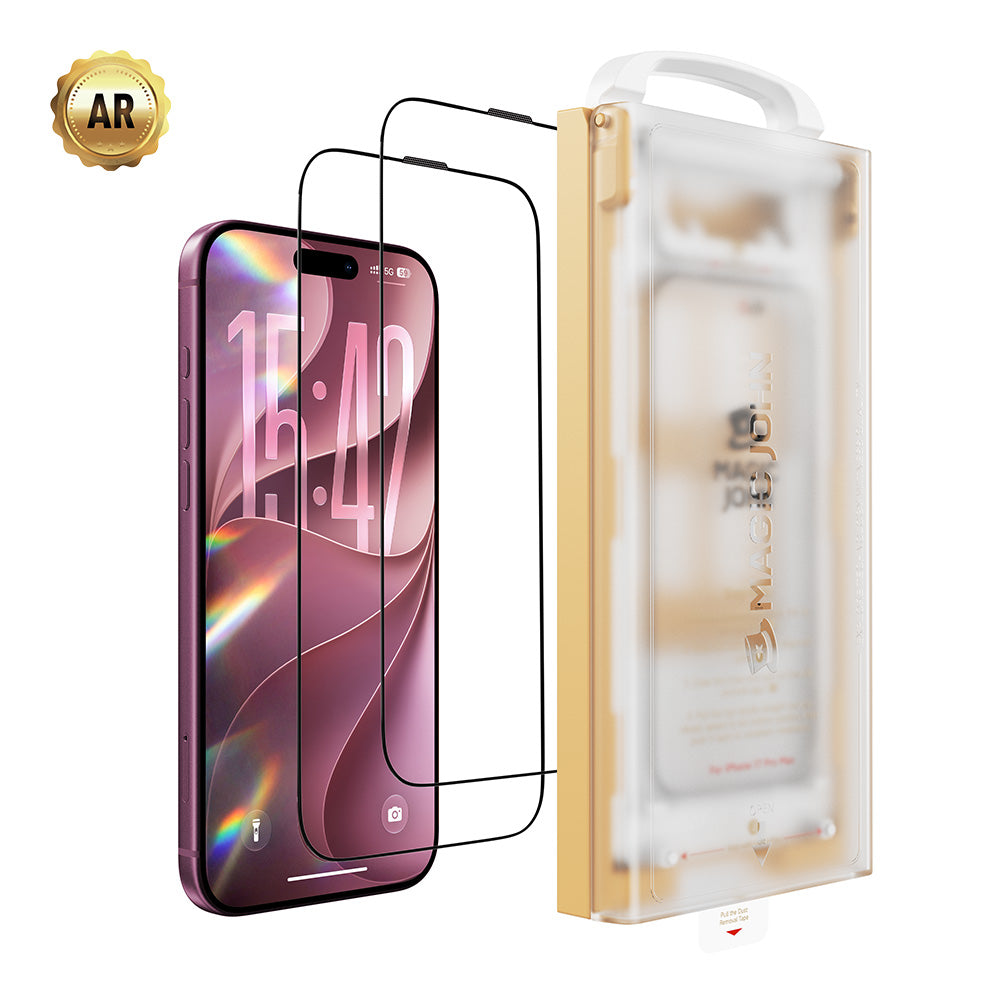
NEIN. Die Spulen für das kabellose Laden befinden sich auf der Rückseite des Telefons, die Displayschutzfolien auf der Vorderseite. Die beiden Komponenten beeinflussen sich nicht gegenseitig. Displayschutzfolie aus gehärtetem Glas, Eine Displayschutzfolie oder auch gar keine Displayschutzfolie hat keinen Einfluss auf die Ladeleistung. Ihr Bildschirm bleibt geschützt, ohne dass dies Auswirkungen auf den Ladevorgang Ihres Telefons hat.


Hinterlassen Sie einen Kommentar
Diese Website ist durch hCaptcha geschützt und es gelten die allgemeinen Geschäftsbedingungen und Datenschutzbestimmungen von hCaptcha.