
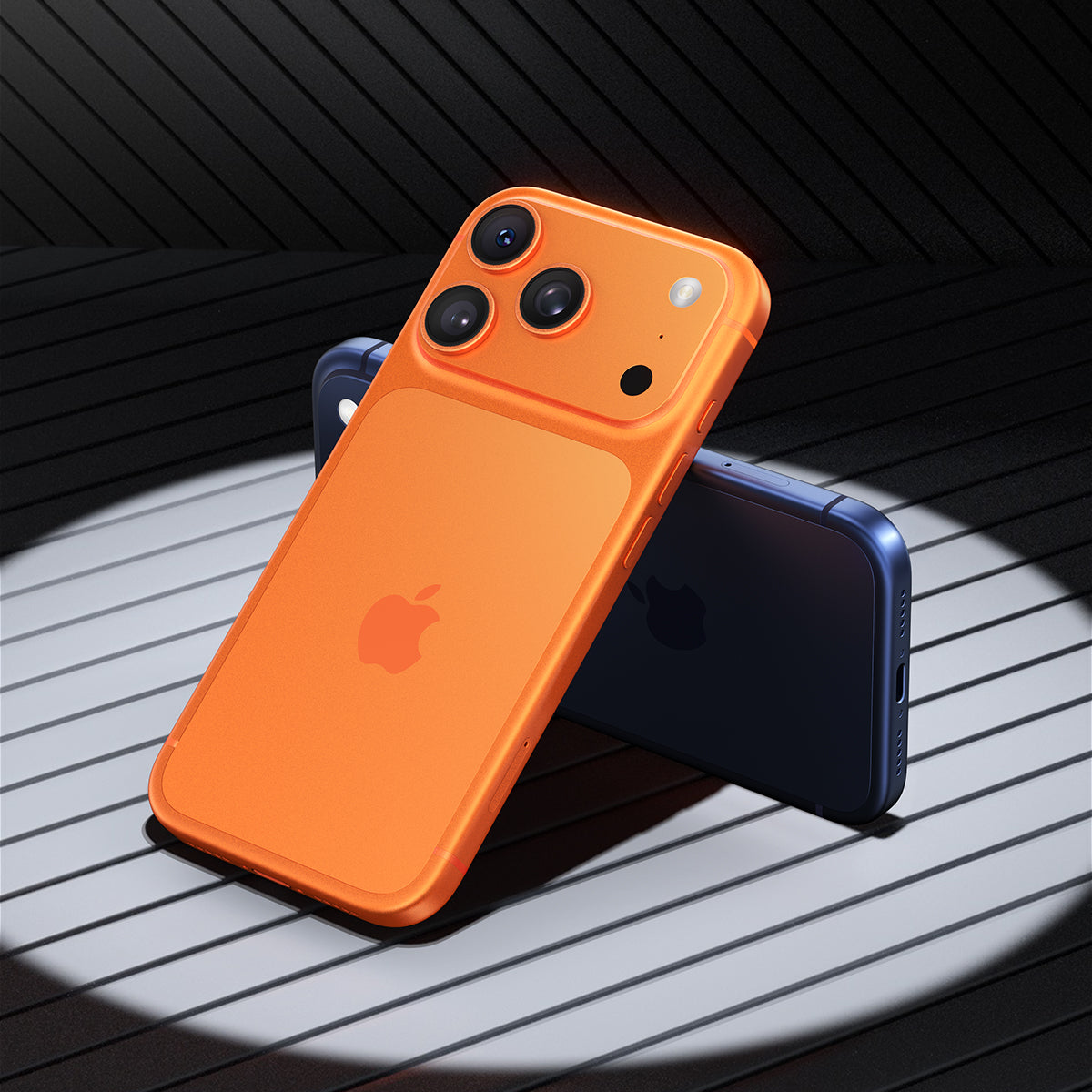

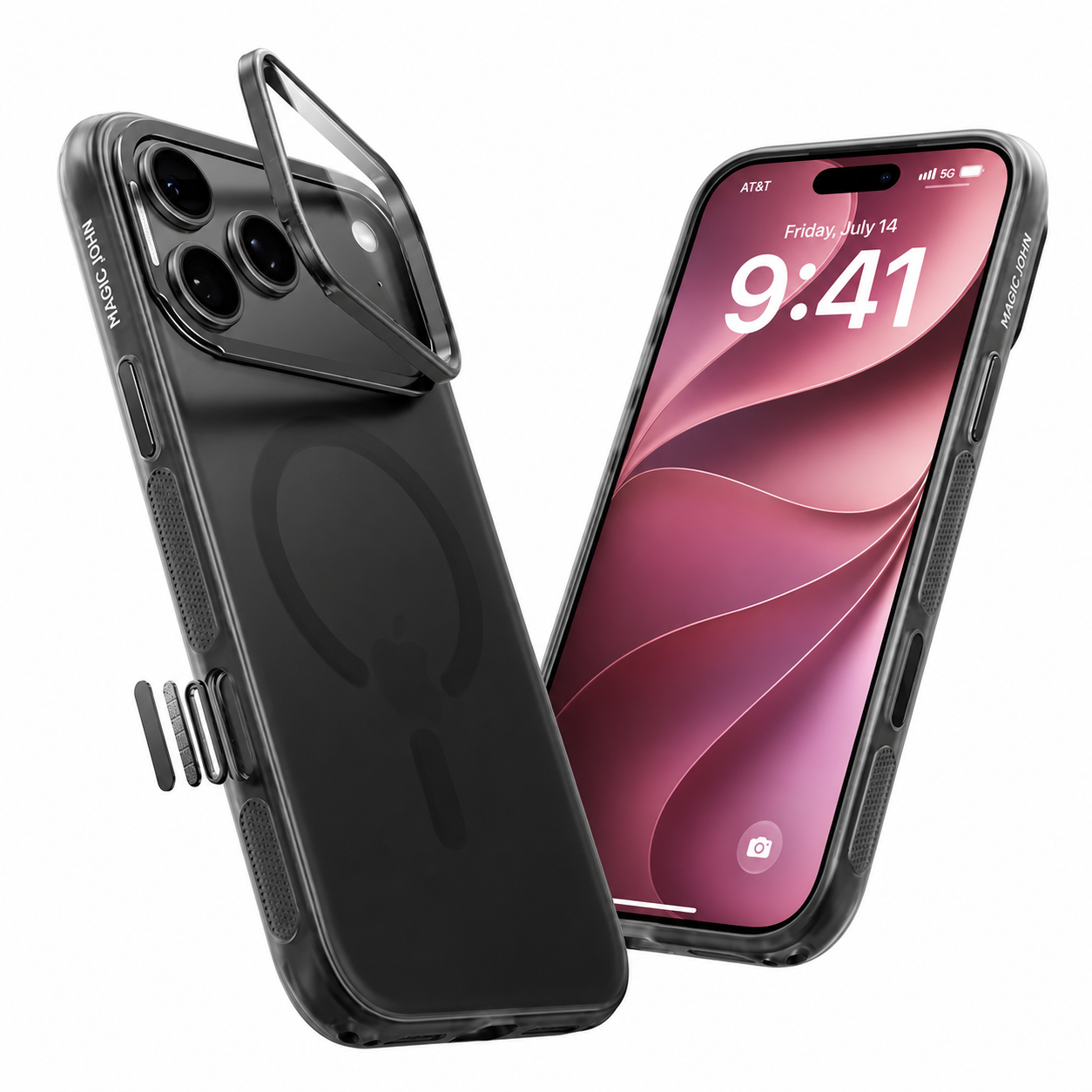
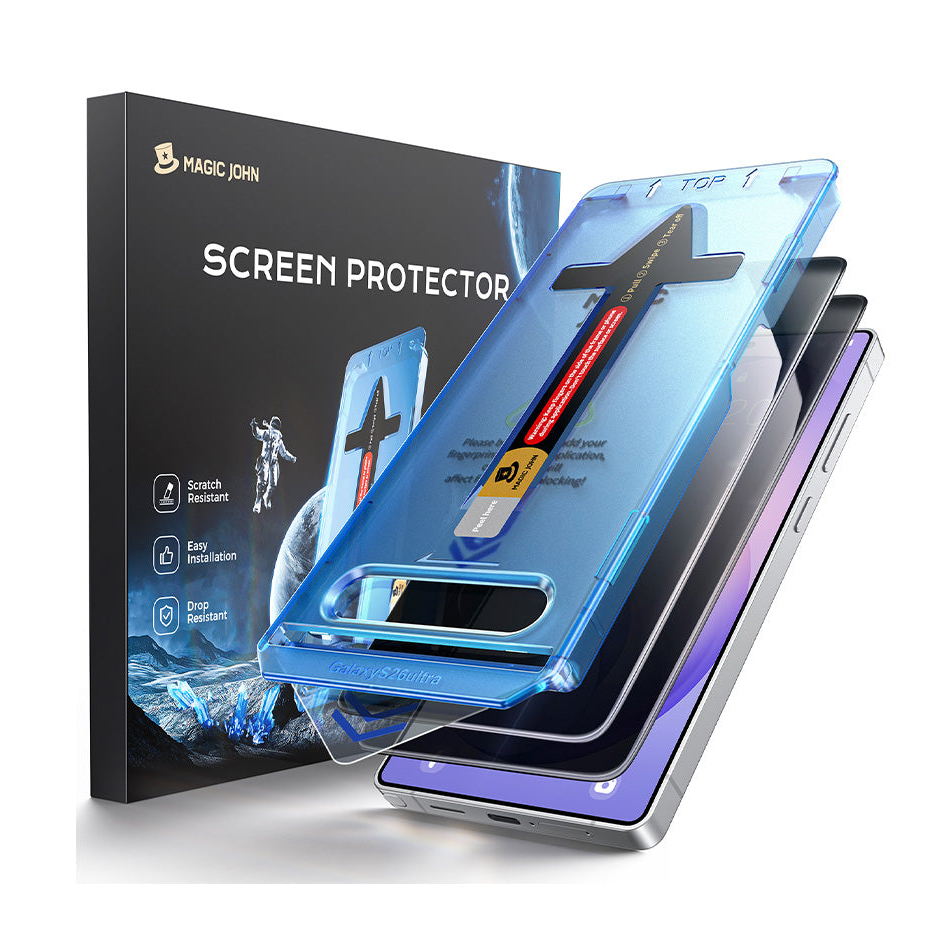
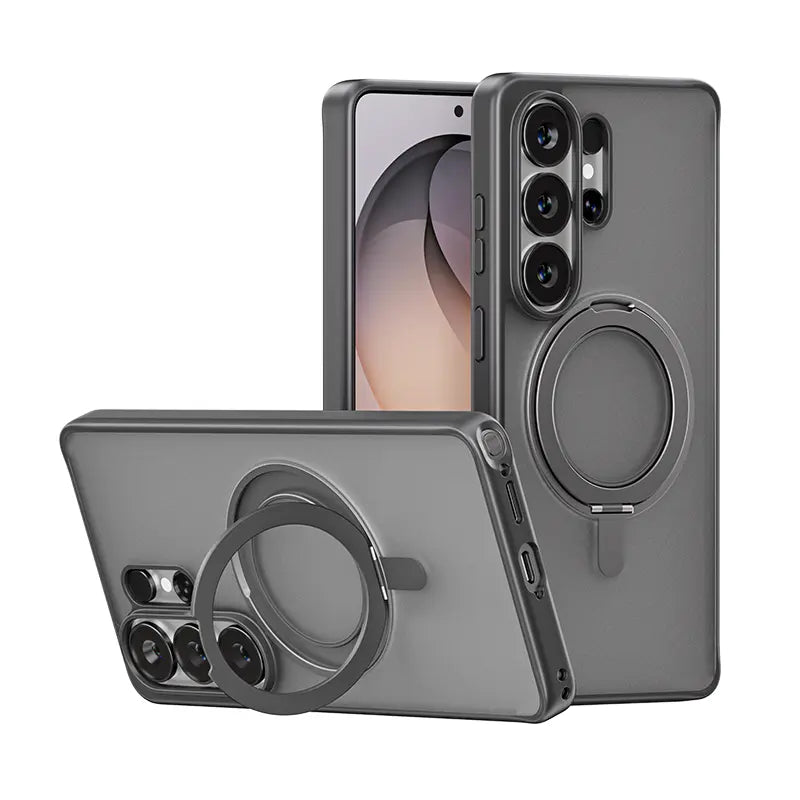

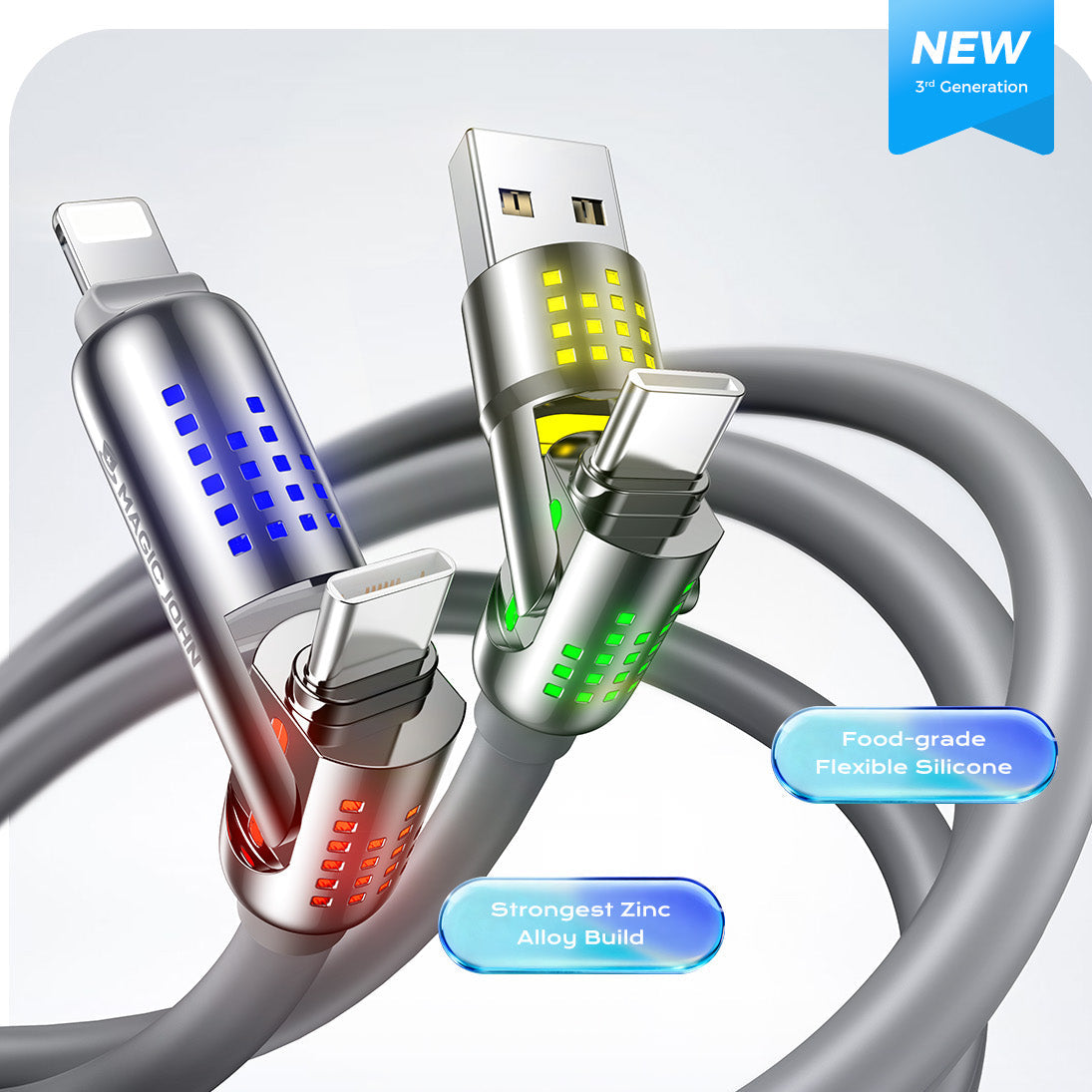



Ein gesprungener Bildschirm. Eine zerkratzte Linse. Ein unglücklicher Sturz, und schon steht die Reparaturrechnung an. Die Wahrheit ist: Die meisten Menschen denken erst an Schutz, wenn etwas kaputtgegangen ist. Aber iPhone-Schutz Es reicht nicht, einfach eine Displayschutzfolie anzubringen und die Sache damit abzuhaken. Es geht darum, dass drei Schichten gleichzeitig zusammenarbeiten: Ihr Bildschirm, Ihr Telefongehäuse und Ihre Kamera. So richten Sie das richtig ein.
Warum eine Displayschutzfolie allein nicht ausreicht
Der Bildschirm ist das Offensichtlichste, was geschützt werden muss. Aber ein Displayschutzfolie Schützt nur... den Bildschirm.
Ihr iPhone hat zwei weitere Schwachstellen, die oft übersehen werden: die Ecken und die Rückseite (die beim Fallenlassen brechen) und die Kameralinsen (die durch das Ablegen auf einem Tisch verkratzen). Eine Displayschutzfolie kann in beiden Fällen nicht helfen.
Wenn also Leute fragen: "Brauche ich eine Hülle und Displayschutzfolie? Die Antwort lautet: Ja, Das stimmt. Und falls Sie ein neueres iPhone mit mehreren Linsen besitzen, sollten Sie auch einen Kameralinsenschutz auf die Liste setzen.
Vollständiger iPhone-Schutz bedeutet, alle drei Bereiche gleichzeitig abzudecken. Helm, Schoner und Handschuhe schützen jeweils einen anderen Körperteil – fehlt einer, bleibt etwas ungeschützt. Dasselbe gilt hier.
Die Displayschutzfolie: Ihre erste Verteidigungslinie
Der Bildschirm ist der größte und am häufigsten genutzte Teil Ihres Smartphones. Gleichzeitig ist er das teuerste Ersatzteil und am anfälligsten für alltägliche Beschädigungen. Schlüssel in der Hosentasche, das Smartphone mit dem Display nach unten auf rauen Oberflächen, unerwartete Stürze: Der Bildschirm ist ständig Stößen ausgesetzt.
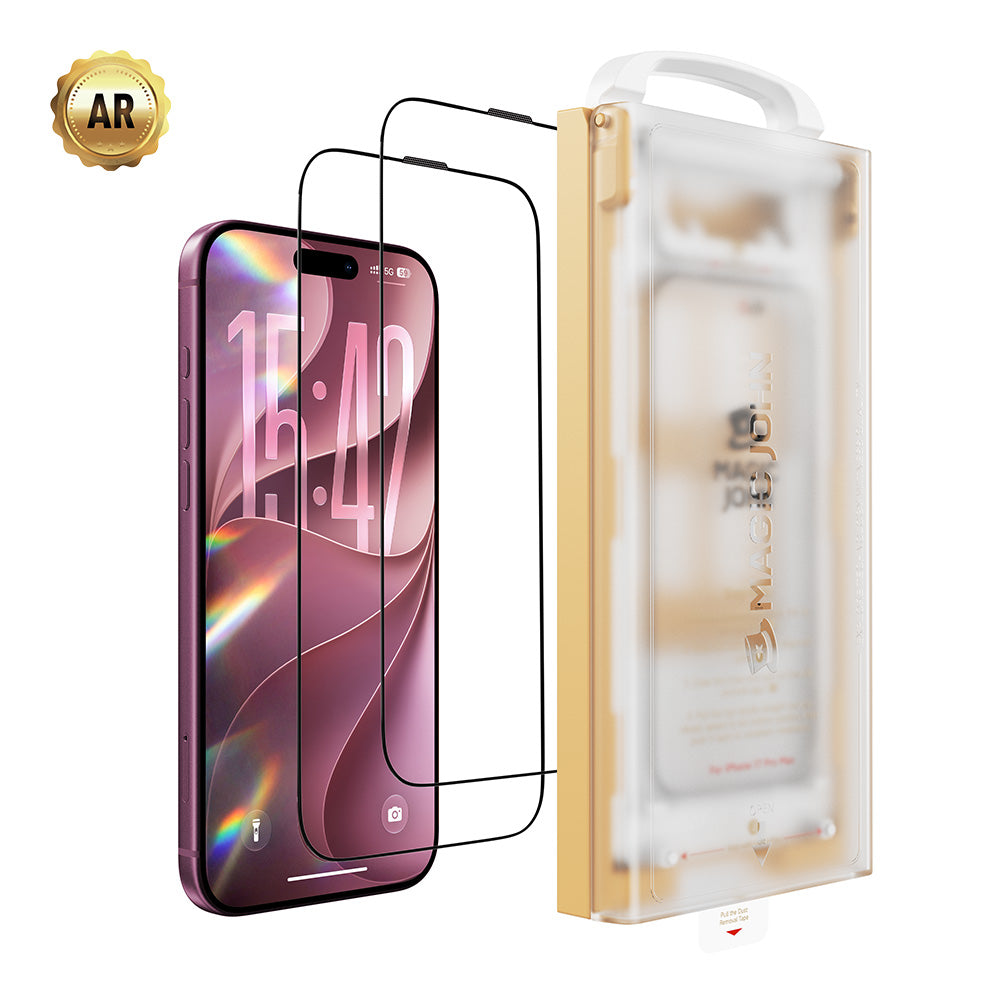
Eine gute Displayschutzfolie dient als Schutzschicht. Sie fängt Kratzer und Stöße ab, sodass das eigentliche Display unversehrt bleibt. Die beste Displayschutzfolie für iPhones besteht aus gehärtetem Glas. Sie ist hart genug, um Kratzern zu widerstehen und Stöße besser abzufedern als Kunststofffolien.
Beim Einkaufen iPhone-Displayschutzfolie, Achten Sie auf Folgendes:
- Härtegrad 9H: Dies ist der Branchenstandard für Kratzfestigkeit. Auf diesem Niveau hinterlassen Alltagsgegenstände wie Schlüssel und Münzen keine Spuren.
- Abdeckung bis in die letzte Ecke: Bei Teilschutzvorrichtungen bleiben die Seiten ungeschützt, und genau dort entstehen üblicherweise Risse.
- Oleophobe Beschichtung: Dadurch bleiben Fingerabdrücke und Schlieren von der Oberfläche fern, sodass der Bildschirm sauber und gut lesbar bleibt.
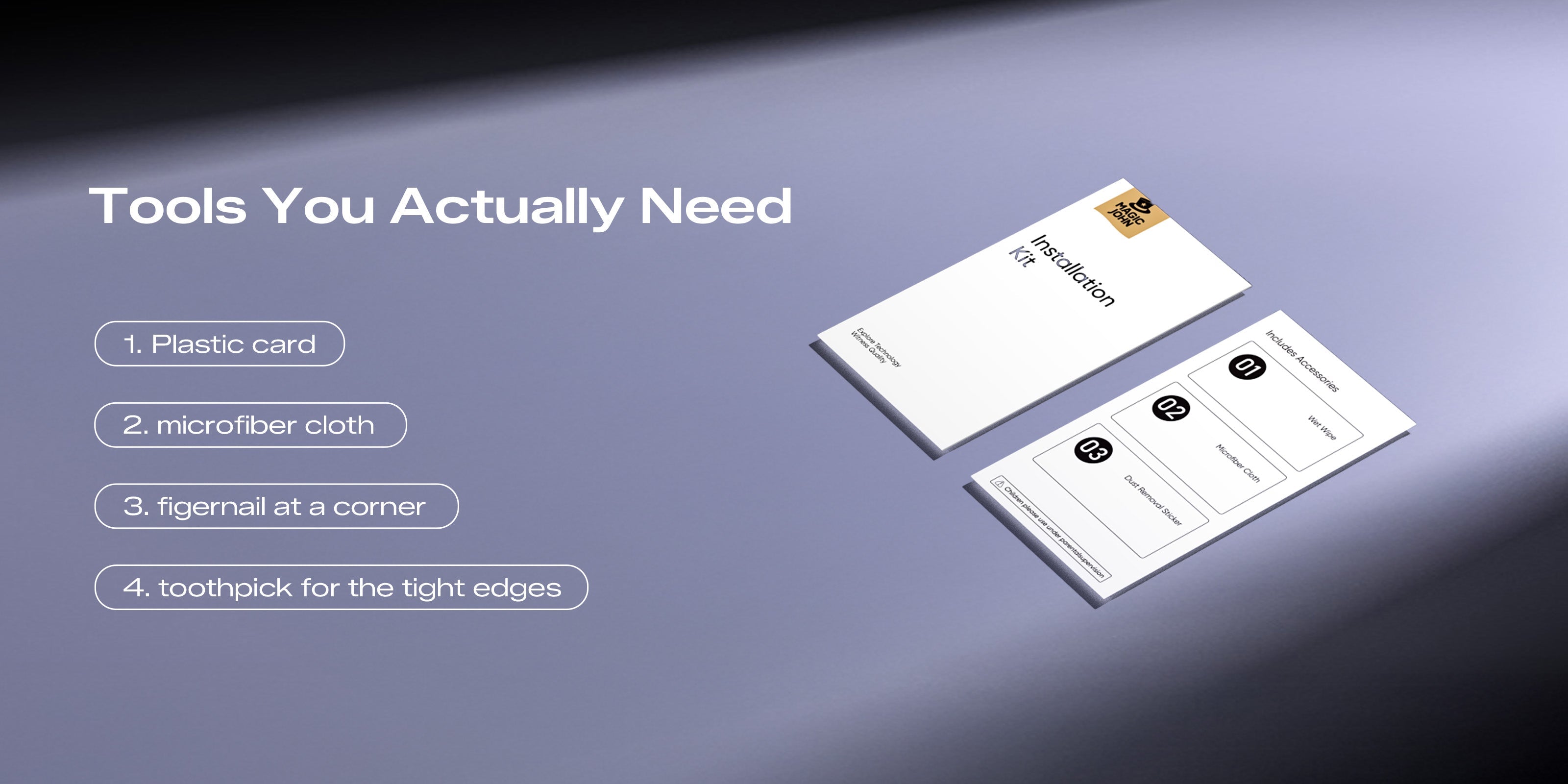
- Einfache Installation: Eine Displayschutzfolie mit Blasen oder Fehlausrichtung ist ärgerlich. Achten Sie auf Optionen mit einer Staubentfernungsapplikator für eine saubere Installation.
Wenn Sie über ein Set aus iPhone-Displayschutzfolie und Hülle nachdenken, ist die Wahl der richtigen Displayschutzfolie entscheidend. Eine falsch ausgerichtete Schutzfolie kann die Passform Ihrer Hülle beeinträchtigen, daher ist Qualität und ein passgenauer Sitz wichtig. Präzisionsinstallation Beide zählen.
Wie die richtige Hülle zusätzlichen Fallschutz bietet, den eine Displayschutzfolie nicht leisten kann.
Eine Displayschutzfolie absorbiert Stöße von vorne. Die Hülle hingegen schützt vor Stößen aus allen anderen Richtungen: von hinten, von den Ecken und von den Seiten. Diesen Schutz kann eine Displayschutzfolie allein nicht bieten.
Wenn man ein iPhone fallen lässt, treffen meist zuerst die Ecken auf. Dieser Aufprall sendet eine Stoßwelle durch das Gehäuse des Telefons direkt zum Bildschirm. Deshalb können Handys auch dann brechen, wenn sie mit dem Display nach oben landen. Gehäuse mit verstärkten Ecken unterbricht diese Schockwelle, bevor sie das Display erreicht.

Ein richtiges iPhone-Zubehör Das Set aus Hülle und Displayschutzfolie bietet doppelten Schutz. Die Hülle schützt die Hülle, die Displayschutzfolie die Oberfläche.Zusammen sind sie wesentlich effektiver als jede für sich.
Bei der Auswahl eines Gehäuses sollten Sie Folgendes beachten:
- Erhöhte Kanten: Der Rand um den Bildschirm sollte etwas über das Display hinausragen, damit der Bildschirm die Oberfläche nicht berührt, wenn man das Telefon mit dem Bildschirm nach unten ablegt.
- Eckverstärkung: Hier entstehen die meisten Schäden, daher ist zusätzliche Polsterung an dieser Stelle besonders wichtig.
- Freiraum für Kameraausschnitt: Achten Sie darauf, dass das Gehäuse die Linsen nicht bedeckt oder gegen sie drückt.
- Schlank genug, um sich wohlzufühlen: Die beste Hülle ist die, die Sie tatsächlich jeden Tag auf Ihrem Handy behalten.
Ein wichtiger Punkt: Wenn Sie Ihre Hülle mit einer Displayschutzfolie kombinieren, achten Sie auf Kompatibilität. Manche dickere Hüllen haben einen erhöhten Rand, der die Schutzfolie mit der Zeit ablösen kann. Testen Sie beides vor dem Kauf, um sich späteren Ärger zu ersparen.
Kameraobjektivschutz und warum er oft vernachlässigt wird
Die Kameralinsen moderner iPhones, insbesondere der Pro- und Pro Max-Modelle, stehen auf der Rückseite des Telefons etwas hervor. Durch diesen kleinen Vorsprung berühren sie als Erstes eine harte Oberfläche, wenn man das Telefon ablegt.

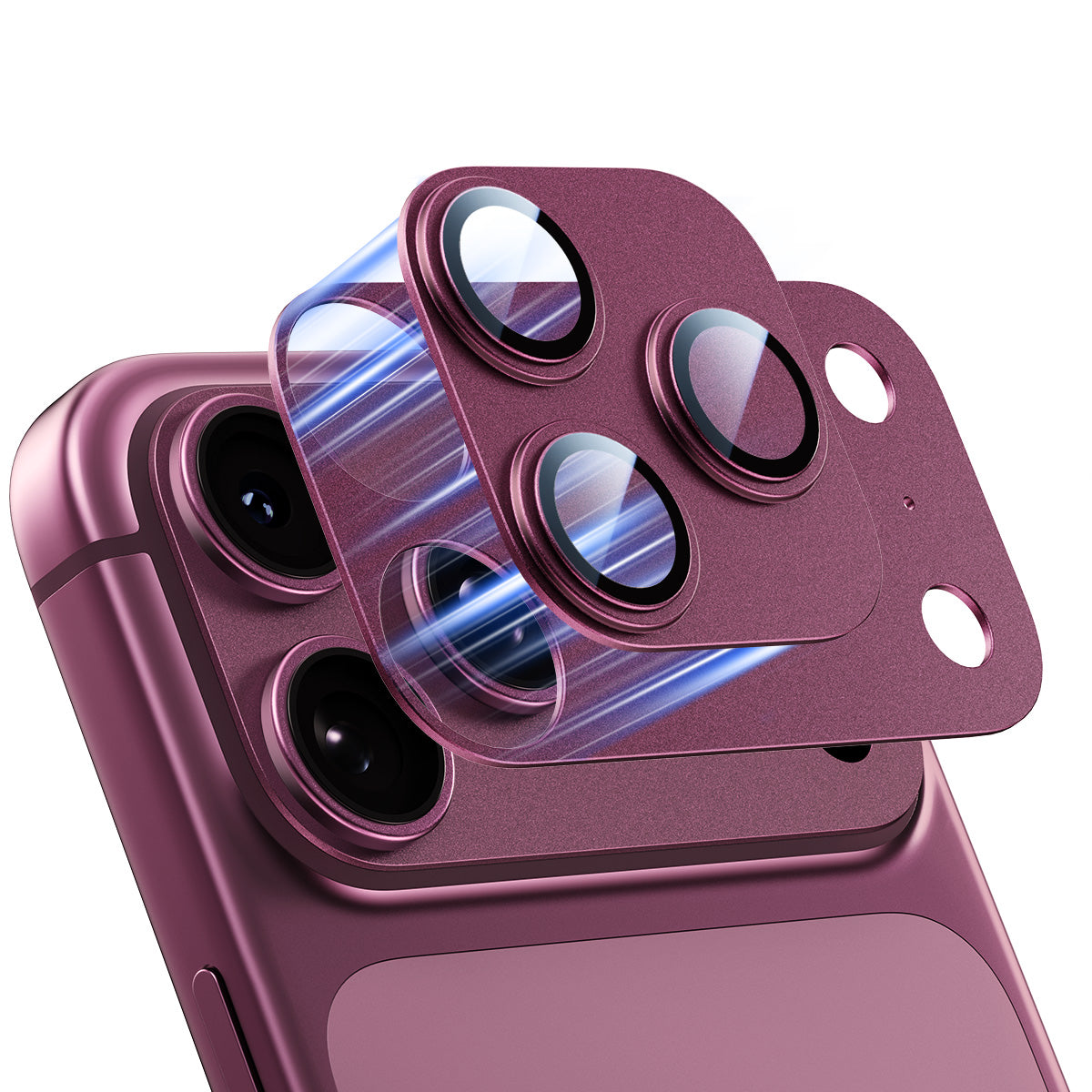
Ein iPhone Kameralinsenschutz Es handelt sich um einen kleinen, dünnen Ring (meist aus gehärtetem Glas), der über jeder Linse sitzt und den Abrieb abfängt, anstatt das eigentliche Glas zu beschädigen. Kameraglas ist nicht billig zu ersetzen, und eine zerkratzte Linse beeinträchtigt die Bildqualität direkt, insbesondere bei schlechten Lichtverhältnissen.
Die meisten Menschen bemerken Kratzer auf der Kameralinse nicht sofort. Sie entstehen schleichend, und wenn Fotos unscharf oder Videos verwaschen wirken, ist der Schaden bereits angerichtet. Ein Objektivschutz für die iPhone-Kamera kostet nur einen Bruchteil eines Linsenaustauschs – und bietet echten Schutz.
Worauf Sie bei einem Kameraobjektivschutz achten sollten:
- Konstruktion aus gehärtetem Glas: Gleiche Kratzfestigkeitslogik wie Ihre Displayschutzfolie.
- Passgenau für Ihr iPhone-Modell: Die Linsenpositionen variieren je nach Modell, vergewissern Sie sich also, dass es speziell für Ihr Modell ausgelegt ist.
- Keine Beeinträchtigung der Fotoqualität: Ein hochwertiger Objektivschutz ist optisch transparent. Wenn Ihre Fotos nach der Anbringung anders aussehen, handelt es sich nicht um ein gutes Produkt.
Objektivschutzfolien für Kameras sind klein, preiswert und einfach anzubringen. Sie sind aber auch der Teil der Ausrüstung, den die meisten Leute auslassen – bis sie schließlich eine Objektivreparatur bezahlen müssen.
Weiteres Zubehör, das es wert ist, Ihrer Konfiguration hinzugefügt zu werden

Sobald Sie die drei wichtigsten Schutzebenen abgedeckt haben, gibt es noch einige weitere Zubehörteile, die den Alltag mit dem iPhone spürbar angenehmer machen.
Zu den besten iPhone-Zubehörteilen, die man in Betracht ziehen sollte:
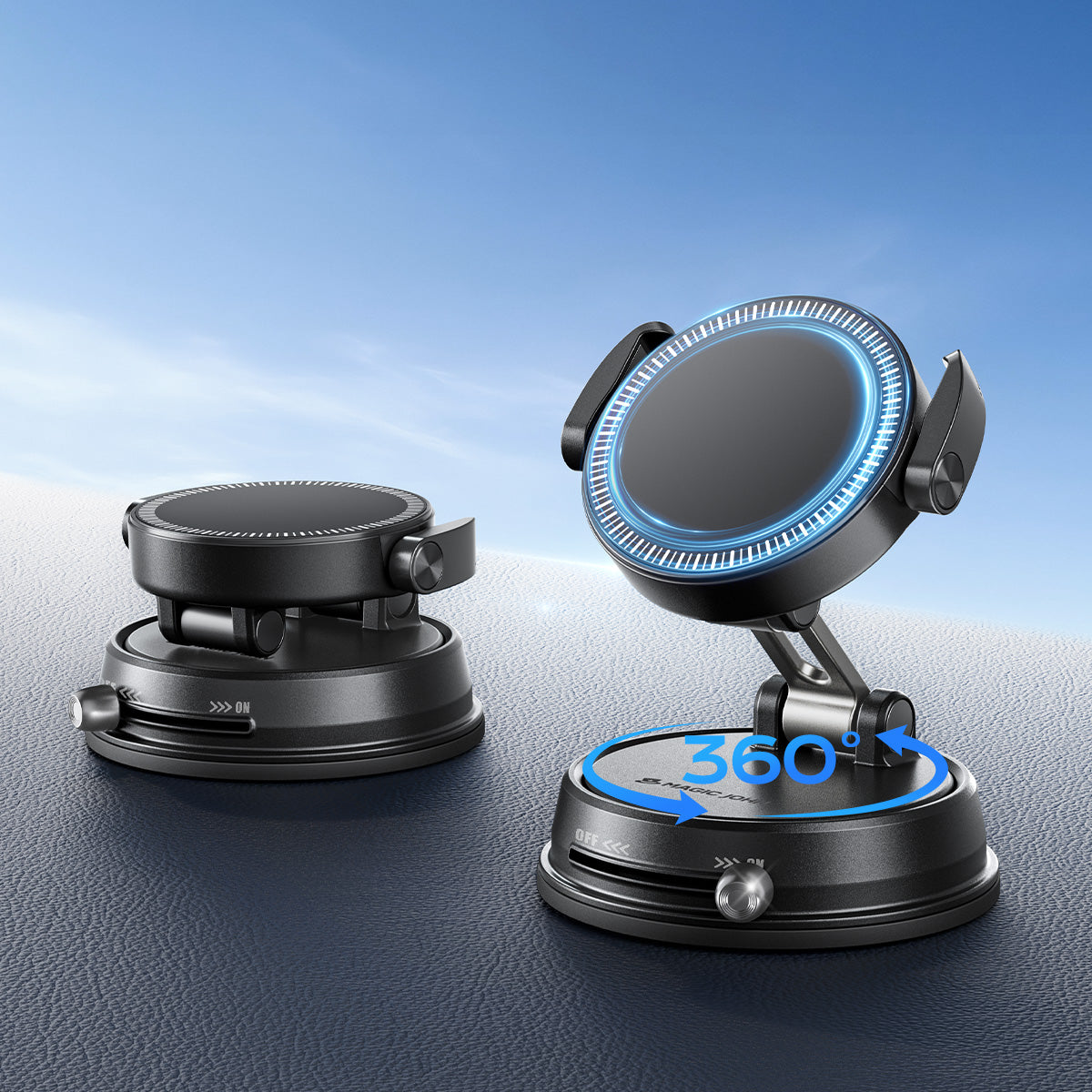
- MagSafe-kompatibles Ladegerät: Bei neueren iPhones ist kabelloses Laden über MagSafe praktisch und schont langfristig den Ladeanschluss.
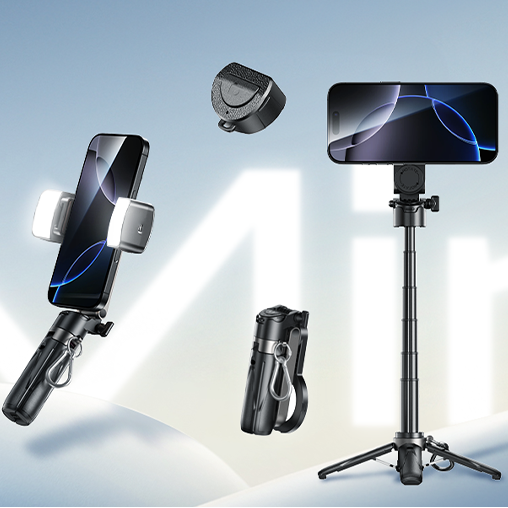
- Handygriff oder Ringhalter: Mehr Sicherheit in der Hand bedeutet weniger versehentliches Fallenlassen.
- Blickschutzfolie: Wer sein Smartphone in der Öffentlichkeit nutzt, kann mit einem Blickschutzfilter die seitliche Sichtbarkeit einschränken. Ideal für alle, die unterwegs Banking-Apps, geschäftliche E-Mails oder private Nachrichten bearbeiten.
- Verstärktes Geflechtkabel: Billige Kabel fransen schnell aus. Ein geflochtenes Kabel hält dem täglichen Verschleiß viel besser stand und hält in der Regel jahrelang statt nur Monate.
Wenn Sie ein komplettes System aufbauen, Magic Johns Displayschutzfolie der 3. Generation ist einen Blick wert. Es verwendet gehärtetes Glas mit einer Härte von 9H, eine 360°-Rundumabdeckung, eine Anti-Fingerabdruck-Beschichtung und einen staubfreien Auto-Applikator. sorgt für eine saubere und blasenfreie Installation. Es ist für die iPhone 12- bis 17-Serie verfügbar und kommt sowohl in HD-transparenter als auch in 28°-Sichtschutz-Option.
Schützen Sie Ihr iPhone noch heute!
Ein guter Schutz für Ihr iPhone muss nicht kompliziert sein, erfordert aber mehr als nur eine Schutzschicht. Eine Displayschutzfolie schützt vor Oberflächenschäden. Eine Schutzhülle dämpft Stürze und Stöße ab. Ein Objektivschutz bewahrt Ihre Kameralinse vor Kratzern, damit Ihre Fotos scharf bleiben. Wenn Sie alle drei Komponenten verwenden, haben Sie ein wirklich zuverlässiges System. Beginnen Sie mit dem Displayschutz. Zauberer John bietet Ihnen einen Schutz, der auf Langlebigkeit ausgelegt ist.
Häufig gestellte Fragen zu iPhone-Zubehör und Schutz
Frage 1: Lohnt es sich, iPhone-Zubehör im Set oder einzeln zu kaufen?
Der Kauf eines iPhone-Zubehörpakets ist in der Regel die bessere Wahl. Aus mehreren Gründen. Erstens sparen Sie Geld. Sets sind pro Artikel fast immer günstiger als der Einzelkauf. Zweitens sind die Zubehörteile im Set aufeinander abgestimmt, sodass Sie nicht raten müssen, ob Ihre Hülle und Displayschutzfolie kompatibel sind. Wenn Sie alle drei Schutzschichten (Display, Hülle und Linse) benötigen, suchen Sie nach einem Set, das alles enthält, anstatt die Teile einzeln zusammenzusuchen.
Frage 2: Funktioniert eine Displayschutzfolie auch in einer Schutzhülle?
Ja, und tatsächlich sind die meisten Displayschutzfolien so konzipiert, dass sie mit einer Schutzhülle verwendet werden können. Eine Displayschutzfolie liegt direkt auf dem Display auf und schützt die Glasoberfläche, während die Hülle das Gehäuse und die Ecken umschließt. Solange beide Produkte die richtige Größe für Ihr iPhone-Modell haben, beeinträchtigen sie sich nicht gegenseitig. Achten Sie lediglich darauf, dass Ihre Hülle keinen ungewöhnlich hohen Innenrand hat, der einen Spalt zwischen Hüllenrand und Displayschutzfolie verursachen könnte. Standard- und Slim-Hüllen sind in der Regel problemlos mit einer Displayschutzfolie mit flachem Rand kompatibel.
Frage 3: Wie finde ich heraus, welche Magic John Displayschutzfolie zu meinem iPhone-Modell passt?
Zauberer John Displayschutzfolien sind nach iPhone-Modell sortiert. Suchen Sie Ihr Modell auf der Produktseite und wählen Sie es aus. Das aktuelle Sortiment umfasst die iPhone-Serien 12, 13, 14, 15, 16 und 17, inklusive der Pro- und Pro Max-Varianten. Wenn Sie nicht sicher sind, welches iPhone-Modell Sie besitzen, gehen Sie zu „Einstellungen“. > Allgemein > Überprüfen Sie unter „Über“ den Modellnamen. Dadurch erhalten Sie die genaue Modellbezeichnung und können das richtige Produkt auswählen.
Frage 4: Benötige ich wirklich einen Kameralinsenschutz für mein iPhone?
Wenn Ihr iPhone über Linsen verfügt, die von der Rückseite abstehen, was bei den meisten iPhones ab der 11er-Serie der Fall ist, Dann ja, ein Objektivschutz für die Kamera ist tatsächlich nützlich. Die Linsen ragen etwas über das Rückglas hinaus und berühren daher jedes Mal Oberflächen, wenn Sie Ihr Smartphone ablegen. Mit der Zeit entstehen dadurch Mikrokratzer, die die Bildqualität beeinträchtigen, insbesondere bei schlechten Lichtverhältnissen oder im Zoom. Ein Kameralinsenschutz ist eines der günstigsten Zubehörteile und schützt eines der wertvollsten Teile Ihres Smartphones.
Frage 5: Kann eine eng anliegende Handyhülle meine Displayschutzfolie ablösen?
Dies ist ein häufiges Problem beim Kombinieren verschiedener Marken. Manche Hüllen umschließen das Telefon so fest, dass sie gegen die Ränder der Displayschutzfolie drücken und dadurch Blasen verursachen oder diese ablösen. Um das zu beheben, verwenden Sie eine Hülle und einen Schutz, die aufeinander abgestimmt sind. Magic John Die Handyhüllen sind so konzipiert, dass sie zu 100 % mit unseren Displayschutzfolien kompatibel sind.Die Hülle umschließt Ihr Telefon sicher und lässt gleichzeitig genügend Platz für das Glas, sodass Sie sich keine Sorgen machen müssen, dass sich die beiden gegenseitig beeinträchtigen.


Hinterlassen Sie einen Kommentar
Diese Website ist durch hCaptcha geschützt und es gelten die allgemeinen Geschäftsbedingungen und Datenschutzbestimmungen von hCaptcha.