


Acabas de comprar un iPad nuevo y la primera pregunta siempre es la misma: ¿qué protector de pantalla necesitas? La respuesta depende casi por completo de cómo uses tu iPad. Los tres tipos principales ofrecen protección, tienen un aspecto y una sensación muy diferentes entre sí.
Un vistazo rápido: Comparación entre cristal templado, antirreflejos y superficies similares al papel.
| Característica | Vidrio templado | Antideslumbrante | Similar al papel (estándar) | Similar al papel (híbrido) |
| Material | Vidrio templado | Cristal templado + capa mate | película de PET | Vidrio templado + capa de papel |
| Protección contra caídas | Fuerte | Fuerte | Bajo | Fuerte |
| Resistencia a los arañazos | 9H | 9H | 3H–4H | 9H |
| Claridad de la pantalla | Excelente | Bien | Reducido | Bien |
| Reducción del deslumbramiento | Ninguno | Bien | Bien | Bien |
| Sensación del Apple Pencil | Liso | Ligeramente texturizado | Fricción similar a la del papel | Fricción similar a la del papel |
| Desgaste de la punta | Bajo | Bajo-moderado | Moderado-alto | Moderado-alto |
| Visibilidad de huellas dactilares | Moderado | Bajo | Bajo | Bajo |
| Esperanza de vida | Hasta que se agrietó | Hasta que se agrietó | 6–12 meses | Hasta que se agrietó |
El cristal templado es la opción predeterminada ideal para la mayoría de los usuarios de iPad. El acabado antirreflejos se adapta a condiciones de iluminación específicas. El acabado similar al papel es una alternativa intencionada para quienes usan el Apple Pencil con frecuencia.
Los tres tipos de protectores de pantalla para iPad: una visión general
La mayoría de los protectores de pantalla para iPad se dividen en tres categorías.
De qué está hecho cada tipo
- Vidrio templado Es una lámina rígida de vidrio templado, generalmente de 0,3 mm de espesor, que se adhiere a la superficie de la pantalla. Es la opción estándar para la protección contra caídas y arañazos.
- Protectores antirreflejos Son vidrios templados con un acabado mate. El revestimiento esmerilado dispersa la luz incidente, reduciendo los reflejos. El material base y el nivel de protección son los mismos que los del vidrio templado convencional.
- Protectores con apariencia de papel Son de un material completamente diferente. La mayoría son de película delgada de PET con una superficie texturizada diseñada para generar fricción al usar un lápiz óptico. Algunas versiones más recientes utilizan una base de vidrio con un recubrimiento que imita el tacto del papel.
Antirreflejos vs. Textura similar al papel: No son lo mismo
Los protectores antirreflejos reducen los reflejos. No añaden textura que dificulte la escritura o el dibujo, y ofrecen una protección total del cristal templado.
Los protectores con apariencia de papel ofrecen mayor resistencia táctil para el uso del Apple Pencil. Además, reducen los reflejos como efecto secundario, aunque esa no es su función principal. La mayoría de las láminas estándar con apariencia de papel ofrecen menor protección contra caídas que el vidrio templado.
Protectores de pantalla de vidrio templado para iPad
El vidrio templado agrega una capa física sobre la pantalla que Absorbe los arañazos y distribuye la energía del impacto en una gota.
Lo que hace bien
Una película con calificación 9H protector de vidrio templado Resiste llaves, monedas y la abrasión diaria. Mantiene una nitidez de pantalla total sin cambios de color ni neblina. La sensibilidad táctil se mantiene constante y la precisión del Apple Pencil no se ve afectada.

Además, es el tipo más fácil de evaluar: si se agrieta, se reemplaza. No hay una degradación gradual sin señales evidentes.
Las ventajas y desventajas
La superficie de vidrio refleja la luz directamente, lo que puede provocar reflejos en habitaciones luminosas o al aire libre. Las huellas dactilares son más visibles en una superficie brillante, aunque las versiones de alta calidad incluyen un revestimiento oleofóbico que ayuda a disimularlas.
Algunos usuarios encuentran que el cristal sin recubrimiento resulta resbaladizo bajo el Apple Pencil, que es la razón principal por la que existen los protectores con apariencia de papel.
Protectores de pantalla antirreflejos para iPad
Un protector de pantalla antirreflejos para iPad es un protector de vidrio templado con acabado mate. No constituye una categoría de producto independiente. Su nivel de protección, grosor e instalación son los mismos que los de un protector de vidrio templado estándar.
¿Qué hace el revestimiento mate?
La superficie esmerilada dispersa la luz incidente en lugar de reflejarla directamente. Esto permite leer la pantalla en entornos luminosos, como cerca de una ventana, en un aula o al aire libre.
Además, reduce la visibilidad de las huellas dactilares y añade una pequeña cantidad de fricción bajo el lápiz óptico, lo que algunos usuarios prefieren al cristal sin recubrimiento.
La disyuntiva: Calidad de la pantalla
El revestimiento mate difunde la luz en ambas direcciones. Los colores se ven ligeramente menos saturados y los detalles finos se perciben un poco menos nítidos en comparación con el cristal transparente. Esta diferencia se nota al editar vídeos y fotografías.
Protectores de pantalla para iPad con apariencia de papel
Los protectores con apariencia de papel existen por una razón: el Apple Pencil no se siente bien sobre el cristal sin protección.
Sobre cristal liso, la punta del Apple Pencil se desliza con muy poca resistencia. Sobre una superficie similar al papel, la película texturizada añade fricción, imitando el roce de un lápiz sobre papel. Para ilustradores y quienes toman notas, esto cambia por completo la experiencia de uso del iPad.
La disyuntiva de la punta del Apple Pencil
La misma textura que crea la sensación de papel también acelera el desgaste de la punta del Apple Pencil. Sobre cristal sin protección, la punta del Pencil suele durar entre ocho y doce meses con un uso regular. Con un protector similar al papel, los usuarios frecuentes suelen reemplazar las puntas cada cuatro o seis meses.
Las puntas de repuesto son económicas y se venden en paquetes múltiples, por lo que el costo es manejable. Aun así, conviene tenerlo en cuenta antes de comprar.
Calidad de visualización
Las películas estándar con apariencia de papel reducen la nitidez de la pantalla de forma más notable que el cristal antirreflejos. Los colores son menos vivos y la pantalla se ve ligeramente borrosa en comparación con el cristal sin protección o un protector de cristal templado transparente. Esto es importante si también usas tu iPad para ver vídeos o editar fotos.
La opción híbrida
Algunos protectores de pantalla con apariencia de papel ahora utilizan una base de vidrio templado con un revestimiento superficial que imita el tacto del papel. Estos ofrecen una resistencia a los arañazos de 9H y una protección real contra caídas, a la vez que conservan la textura para escribir. Suelen ser más caros que las versiones estándar de película PET, pero su nivel de protección es comparable al del vidrio templado estándar.
¿Qué protector de pantalla para iPad debería elegir?
Elija vidrio templado si
- Utilizas tu iPad principalmente para contenido multimedia, navegación web o tareas de productividad sencillas.
- Utilizas el Apple Pencil ocasionalmente y no necesitas una resistencia similar a la del papel.
- La nitidez de la pantalla y la precisión del color son importantes para ti.
- Quieres la mayor protección contra caídas y arañazos.
Elija Antirreflejo Si
- Utilizas frecuentemente tu iPad cerca de ventanas brillantes o luces de techo.
- El reflejo dificulta ver la pantalla en tu configuración habitual.
- No eres un usuario intensivo del Apple Pencil.
Elija Papel Si
- Dibujas o tomas notas a mano durante varias horas al día.
- La sensación del cristal desnudo hace que los trazos del Apple Pencil se sientan imprecisos.
- Estás dispuesto a aceptar cierta reducción en la calidad de visualización para una mejor sensación al escribir.
Si además necesitas protección contra caídas, busca una versión de vidrio híbrido con un revestimiento superficial similar al papel en lugar de una película de PET estándar.
¿No estás seguro? Responde a estas dos preguntas.
¿Utilizas el Apple Pencil durante más de una hora al día? Si la respuesta es no, el vidrio templado o antirreflejos es casi con toda seguridad la solución correcta.
¿Su mayor preocupación es el deslumbramiento o la sensación al usar el lápiz óptico? Si buscas reflejos, elige una superficie antirreflejos. Si prefieres una sensación similar al papel al usar un lápiz óptico.
Instalación y uso diario
Las pantallas del iPad son considerablemente más grandes que las de los teléfonos, lo que dificulta notablemente la instalación. El polvo que se acumula bajo el cristal o un error de alineación en una esquina son mucho más difíciles de corregir en una superficie de 11 o 13 pulgadas.
Algunos aspectos que marcan una verdadera diferencia en los iPads:
- Limpie bien la pantalla antes de empezar. Incluso las partículas pequeñas crean burbujas visibles a este tamaño.
- Trabaje en un entorno con poco polvo y muévase lentamente durante la alineación.
- Utilice el marco de alineación o las pestañas de guía. si se incluye. En una pantalla grande, la colocación a mano alzada rara vez resulta recta.
- Comience por un borde y presione hacia abajo gradualmente. en lugar de colocar toda la hoja a la vez.
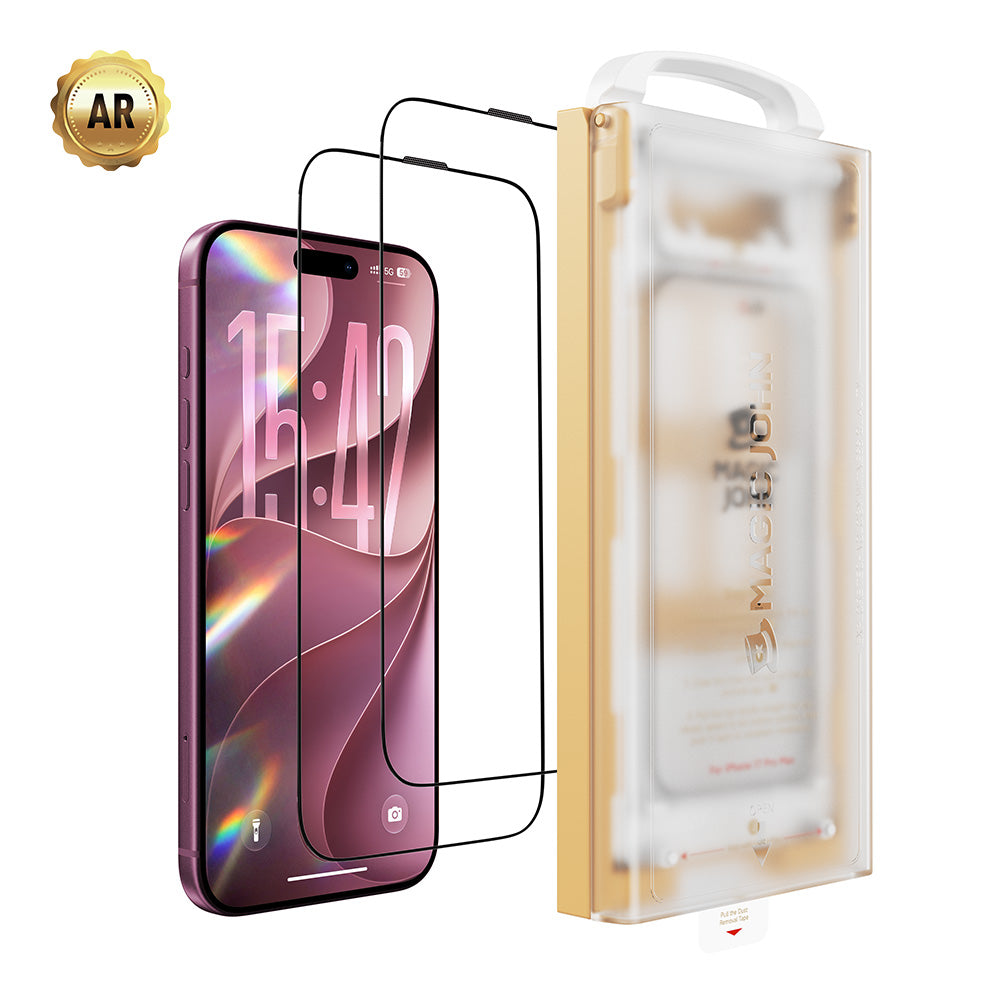
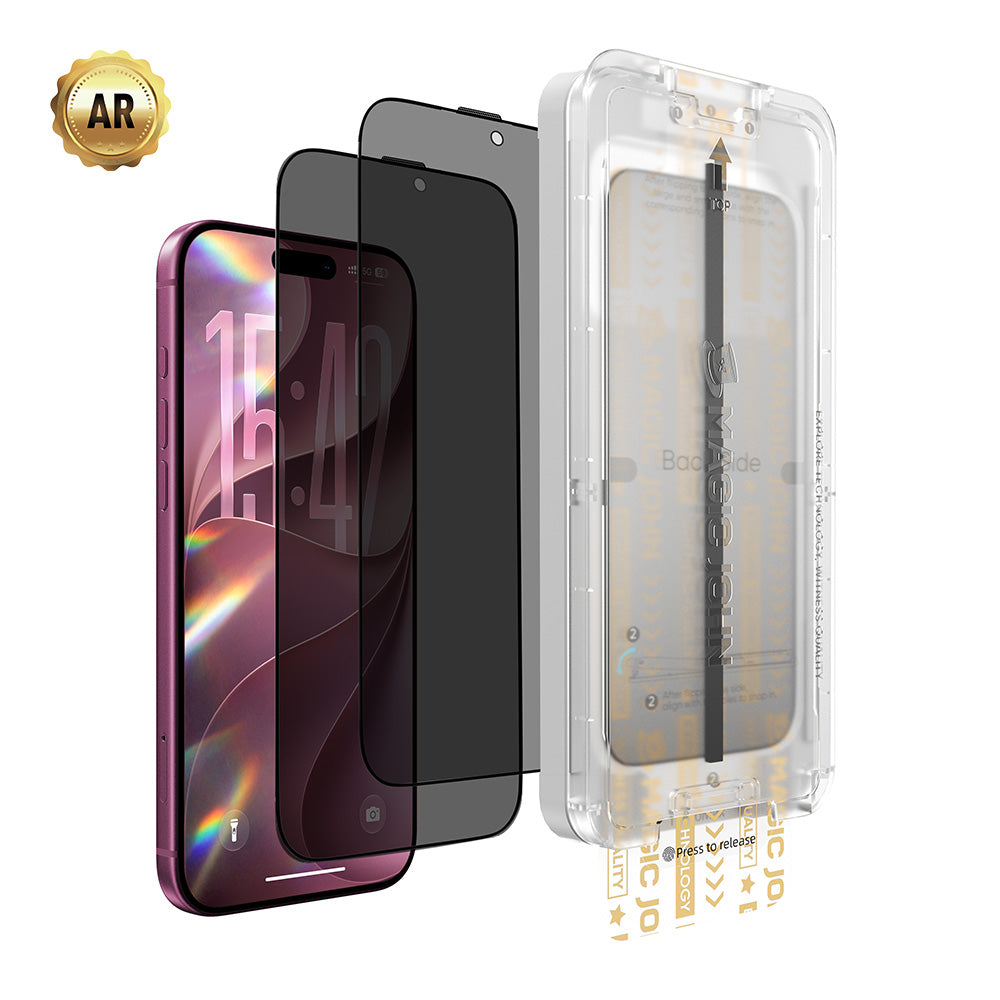
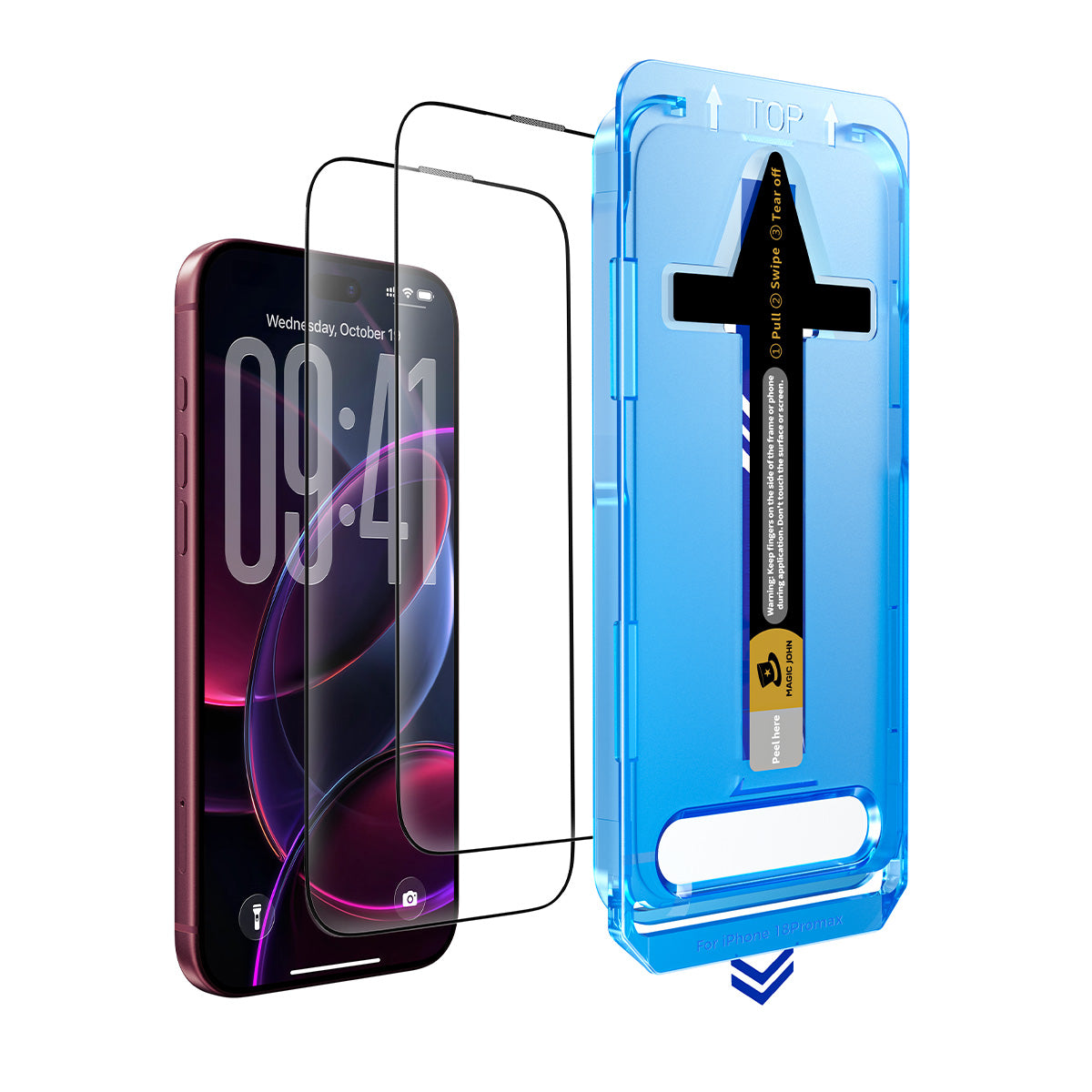
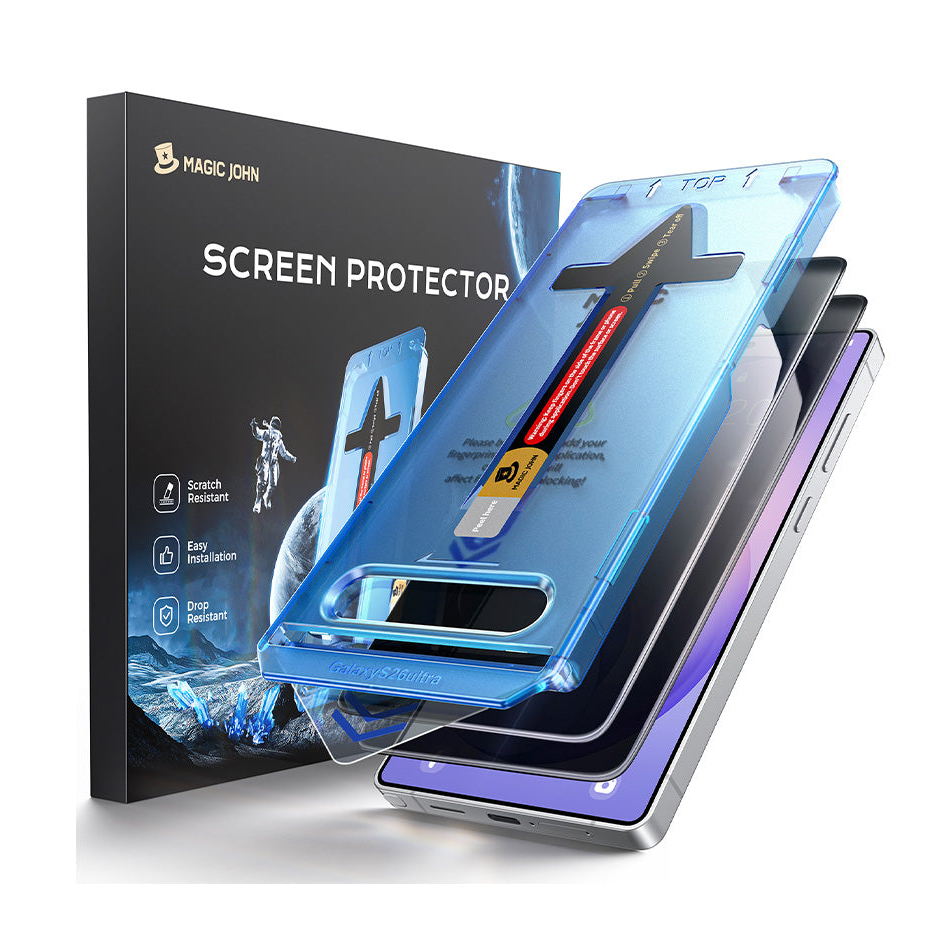
Los protectores de pantalla para iPad Pro y iPad Air de MAGIC JOHN incluyen un kit de instalación completo con guías de alineación y un video tutorial, que aborda el principal punto de frustración para la instalación en pantallas grandes. Compatible con iPad Pro M4/M5 (11" y 13") y iPad Air 6/7 M2/M3 (11" y 13").
Para uso diario: los protectores de vidrio templado y antirreflejos duran hasta que se agrietan. La película de PET, similar al papel, se desgasta con el tiempo y normalmente necesita ser reemplazada cada seis a doce meses, o antes si usas mucho el Apple Pencil.
Preguntas frecuentes
P1: ¿Un protector de pantalla similar al papel desgasta más rápido las puntas del Apple Pencil?
Sí. Con un uso regular, se recomienda reemplazar las puntas cada cuatro o seis meses, en comparación con los ocho o doce meses que dura el vidrio sin protección. Las puntas de repuesto vienen en paquetes múltiples y no son caras.
P2: ¿Es lo mismo antirreflejo que similar al papel?
No. Los protectores antirreflejos son de vidrio templado con un revestimiento mate que reduce los reflejos. Los protectores con textura de papel suelen ser de película PET con una superficie texturizada diseñada para simular la escritura en papel. Ambos reducen el brillo, pero los materiales, los niveles de protección y la experiencia con el lápiz óptico son diferentes.
P3: ¿Un protector de pantalla afectará la calidad de la pantalla de mi iPad?
Depende del tipo. El cristal templado transparente no tiene ningún efecto visible en la calidad de la pantalla.Tanto los protectores antirreflejos como los de textura similar al papel reducen la saturación y la nitidez del color en cierta medida: los antirreflejos en menor medida, mientras que los de textura similar al papel lo hacen de forma más notoria. Si la calidad de la pantalla es una prioridad, el cristal templado transparente es la mejor opción.
P4: ¿Qué protector de pantalla para iPad funciona mejor con el Apple Pencil?
Para dibujar y escribir a mano, un protector con textura similar al papel ofrece la sensación más natural al usar el lápiz. Para un uso ocasional del Lápiz, donde la precisión es más importante que la fricción, el cristal templado transparente o el cristal antirreflejos preservan la precisión del Lápiz sin aumentar el desgaste de la punta.
P5: ¿Necesito un protector de pantalla para el iPad Pro?
El iPad Pro utiliza la pantalla Liquid Retina XDR de Apple, con cristal de nanotextura opcional disponible en algunas configuraciones. De cualquier manera, un protector de pantalla Aun así, ofrece una protección significativa contra la abrasión y las caídas cotidianas, especialmente si llevas el iPad en una bolsa. Si necesitas una funda protectora depende de cómo la uses, no del modelo en sí.
Encuentra el protector de pantalla adecuado para tu iPad
El cristal templado es ideal para la mayoría. El acabado antirreflejos merece la pena si sueles tener problemas con los reflejos. El acabado tipo papel solo es recomendable si la sensación del Apple Pencil es algo que utilizas a diario. Elige según tu uso real, no la opción más cara.
Explora la gama de protectores de pantalla para iPad de MAGIC JOHN, tanto para iPad Pro como para iPad Air, y encuentra el que mejor se adapte a tu modelo.


Deja un comentario
Este sitio está protegido por hCaptcha y se aplican la Política de privacidad de hCaptcha y los Términos del servicio.