




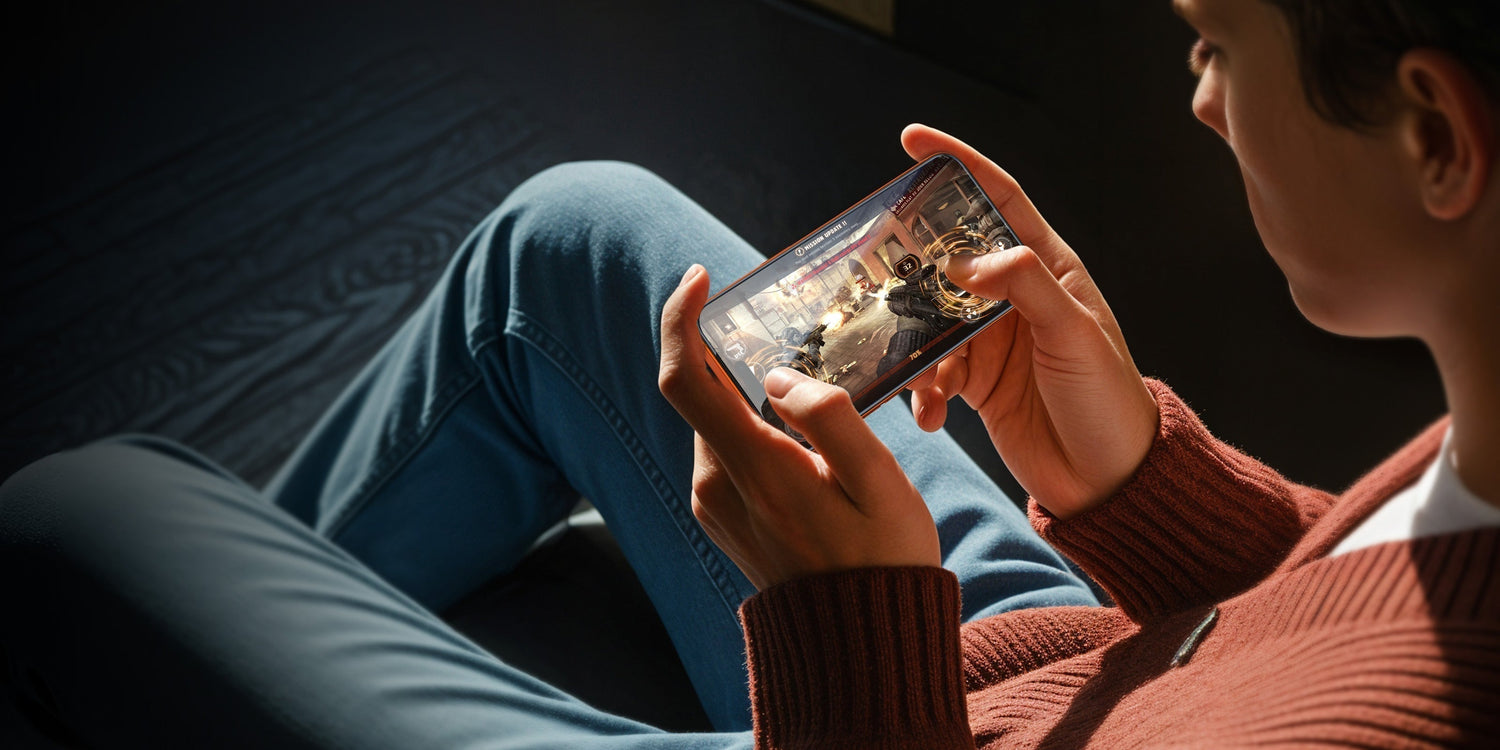
Tienes un teléfono con alta frecuencia de actualización. Tienes Wi-Fi rápido. Has acumulado miles de horas de juego. En ese enfrentamiento de fracciones de segundo, incluso un pequeño deslizamiento o un movimiento fallido pueden arruinar tu sincronización justo cuando más importa.
¿El culpable? Esa capa invisible entre tu dedo y la pantalla..
La mayoría de los jugadores de juegos móviles culpan a sus habilidades o a su conexión a Internet cuando fallan un tiro. La fricción de la pantalla, el retraso táctil y los recubrimientos desgastados arruinan tu rendimiento incluso antes de apretar el gatillo. Aquí te explicamos cómo tu protector de pantalla Decide si dominas o eres eliminado.
¿Por qué tu pantalla ralentiza tus reacciones?
Juegos de alto riesgo como Call of Duty Mobile y PUBG miden éxito en milisegundos. La física nos dice que la fricción se opone al movimiento. Eso es precisamente lo que ocurre entre tu pulgar y el protector de pantalla.
¿Qué crea la resistencia al arrastre?
Los diferentes materiales generan diferentes cantidades de resistencia. Los científicos miden esto con el Coeficiente de fricción, o COF (cuánta resistencia ofrecen dos superficies al deslizarse una sobre la otra).
Los protectores de película plástica suelen tener un coeficiente de fricción (COF) de 0,4 a 0,5, lo que crea una textura superficial "pegajosa". Cada disparo rápido o desplazamiento veloz lucha contra esa resistencia.
Protectores de vidrio templado Normalmente miden entre 0,2 y 0,3 de coeficiente de fricción (COF). Esto es comparable o incluso más suave que la mayoría de las pantallas de teléfonos originales.
Cómo afecta a tu juego
Durante un partido de 10 minutos, tus dedos recorren varios metros sobre el cristal. Una mayor fricción no solo ralentiza los movimientos individuales, sino que también provoca fatiga en los dedos. Tus músculos se cansan al luchar contra esa resistencia, y tu precisión disminuye con cada minuto que pasa.
Las superficies de baja fricción permiten que tus dedos se deslicen. En lugar de ralentizar el ritmo, los tiempos de reacción se mantienen precisos desde el primer tiroteo hasta el círculo final.
Cómo los espacios de aire eliminan la sensibilidad táctil
Pulsaciones fantasma. Pulsaciones no registradas. Respuesta retardada del botón de disparo. Estos fallos suelen deberse a un mismo problema: aire atrapado entre el protector y la pantalla.
Cómo funciona la detección táctil
Las pantallas táctiles capacitivas detectan la carga eléctrica de tu dedo. protector de pantalla Es necesario que la señal se transmita correctamente al digitalizador situado debajo de la pantalla. Las burbujas de aire interrumpen esta transmisión.
¿Por qué las burbujas causan problemas?
Los protectores con adhesivo solo en los bordes suelen dejar burbujas microscópicas en el centro. Estas bolsas de aire actúan como aislantes, creando zonas muertas donde la señal se pierde o se registra con retraso.
Los sistemas adhesivos de cobertura total se adhieren de forma más completa a la pantalla. Menos burbujas significan menos obstáculos.
¿El grosor provoca retardo?
El grosor importa menos de lo que crees.
El vidrio templado estándar (normalmente de 0,013 pulgadas de grosor) conduce las señales táctiles de forma eficaz. Con este grosor, el retardo es mínimo. La mala adherencia o las burbujas de aire son las que provocan los retrasos, no el vidrio en sí.
La diferencia se hace evidente en los momentos de frenesí. protector correctamente instalado Conduce las señales táctiles casi tan bien como el vidrio sin recubrimiento, pero con la ventaja añadida de protegerlo contra arañazos y con una textura superficial uniforme.
Cómo las huellas dactilares interrumpen tu deslizamiento
Las manos sudorosas afectan a todos los jugadores de videojuegos móviles serios. La piel produce aceites naturales y sudor durante las partidas intensas. Esto crea dos problemas de rendimiento:
- Fricción inconsistente: Las manchas de aceite hacen que algunas zonas sean resbaladizas, mientras que las zonas secas conservan buen agarre. Es imposible desarrollar memoria muscular cuando la textura de la superficie cambia cada pocos segundos.
- obstrucción visual: Las manchas refractan la luz, creando reflejos que pueden ocultar a los enemigos en las zonas más oscuras del mapa.
Cómo ayudan los recubrimientos
Los recubrimientos oleofóbicos (tratamientos repelentes de aceite) evitan que el aceite y el agua manchen la pantalla. Sin embargo, el método de aplicación determina su duración.
Recubrimientos en aerosol
- Aplicado como paso final de fabricación.
- Al principio se siente suave
- El efecto desaparece en 2-4 semanas de juego regular.
- La superficie se vuelve pegajosa e irregular.
Recubrimientos galvanizados
- Unidos a nivel molecular durante la fabricación.
- El agua forma gotas y se desliza.
- Las huellas dactilares se borran fácilmente.
- Suelen durar entre 6 y 12 meses con un uso regular.
Prueba tu protector actual
Coloca una gota de agua sobre la pantalla. Los recubrimientos electrolíticos hacen que el agua forme una gota compacta que se desliza limpiamente. Si el agua se extiende o deja un rastro, es probable que el recubrimiento se haya desgastado.
Estos tres problemas (fricción, espacios de aire y huellas dactilares) se acumulan durante los partidos. El tiempo de reacción disminuye, los comandos fallan y la memoria muscular se deteriora.
Para abordar los tres aspectos, busque protectores con características técnicas específicas.
Qué buscar en un cristal para videojuegos
El control requiere previsibilidad. Desliza el pulgar dos pulgadas hacia la derecha. La mira debe moverse exactamente esa distancia cada vez.
La calidad de la superficie determina si esto ocurre de forma consistente.
3 características clave que mejoran el rendimiento:
Material de baja fricción
El vidrio templado (COF 0,2-0,3) reduce la resistencia al aire en comparación con la película plástica (COF 0,4-0,5). Los disparos rápidos y los movimientos veloces se realizan con menos esfuerzo y con menor fatiga en los dedos con el tiempo.
Adhesivo de cobertura total
El adhesivo que solo se aplica en los bordes deja espacios de aire en el centro. El adhesivo de cobertura total se adhiere a toda la pantalla, minimizando el retraso entre el toque y la respuesta del juego.
Protección de superficie duradera
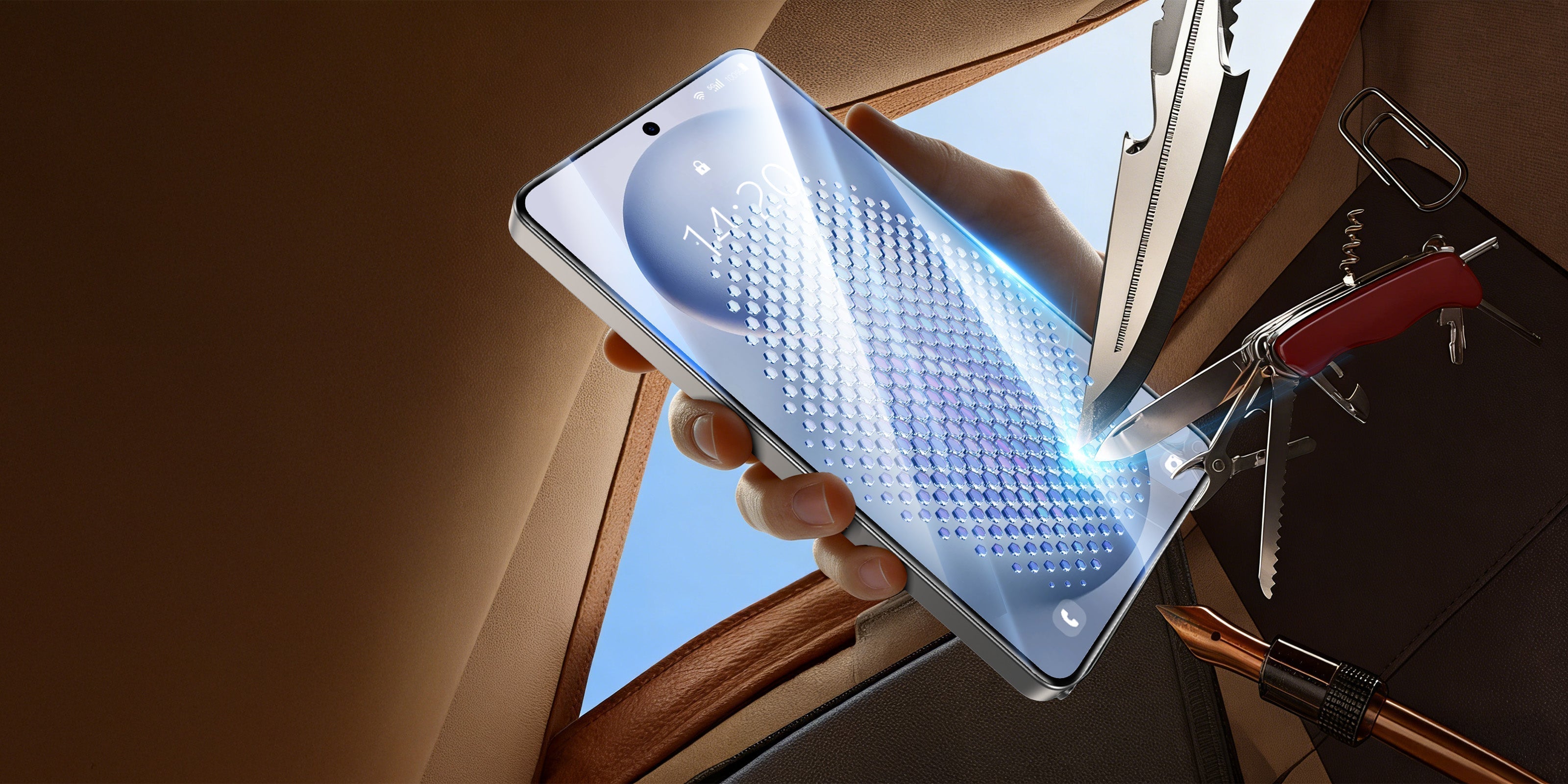
La dureza 9H indica resistencia a los arañazos. Esto evita microarañazos causados por llaves, monedas y el uso diario. Esas pequeñas ranuras aumentan la fricción con el tiempo. Mantener una superficie lisa preserva una respuesta táctil uniforme.

Cómo elegir tu protector de pantalla para juegos
Esto es lo que debes comprobar al evaluar las opciones:
Compruebe el recubrimiento
Buscar "recubrimiento oleofóbico electrodepositado"en las especificaciones del producto.
Los términos genéricos como "resistente al aceite" o "antihuellas dactilares", sin detalles técnicos, suelen indicar que se trata de un producto aplicado mediante pulverización. Estos productos se desgastan más rápidamente.
Compruebe el adhesivo.
Adhesivo de cobertura total Crea una mejor conductividad táctil. El adhesivo aplicado solo en los bordes es propenso a la formación de burbujas de aire.
Productos con herramientas de alineación o kits de instalación sin polvo Facilita una instalación correcta. Las burbujas de aire causadas por una mala instalación perjudican la sensibilidad táctil, independientemente de la calidad del vidrio.
Verifique el material
Vidrio templado Con un grosor de aproximadamente 0,013 pulgadas, logra un equilibrio entre la respuesta táctil y la durabilidad.
Comprobar dureza 9H Clasificación de resistencia a los arañazos.
Privacidad vs. Brillo
Los protectores de pantalla de privacidad utilizan una capa de rejilla (lámina angular) que bloquea la visión lateral. Esto reduce el brillo máximo entre un 10 y un 20 %.
Para juegos competitivos en interiores, el impacto suele ser aceptable. Para obtener la máxima luminosidad en exteriores, el vidrio transparente ofrece un mejor rendimiento.
Cuándo reemplazar
Si después de unos meses la pantalla se siente "pegajosa", significa que el revestimiento oleofóbico se ha desgastado.
Los recubrimientos galvanizados suelen mantener su rendimiento durante 6 a 12 meses con un uso regular en videojuegos. Los recubrimientos aplicados por pulverización suelen degradarse en un plazo de 2 a 4 semanas.
Tomar la decisión correcta
Un protector de pantalla bien diseñado aborda la fricción, el retardo táctil y la acumulación de huellas dactilares mediante características técnicas específicas:
- Vidrio templado para una menor fricción
- Adhesivo de cobertura total para una mejor conductividad táctil.
- Recubrimiento oleofóbico electrodepositado para un rendimiento sostenido.
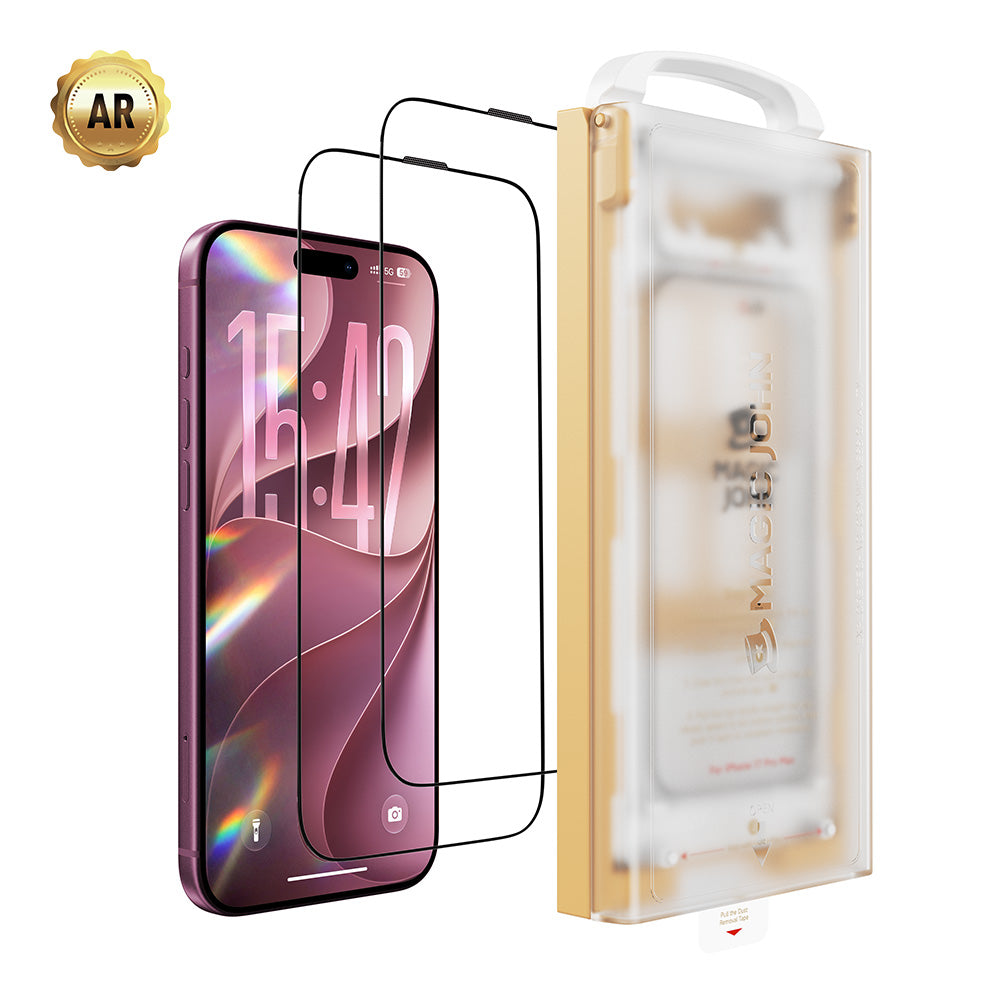
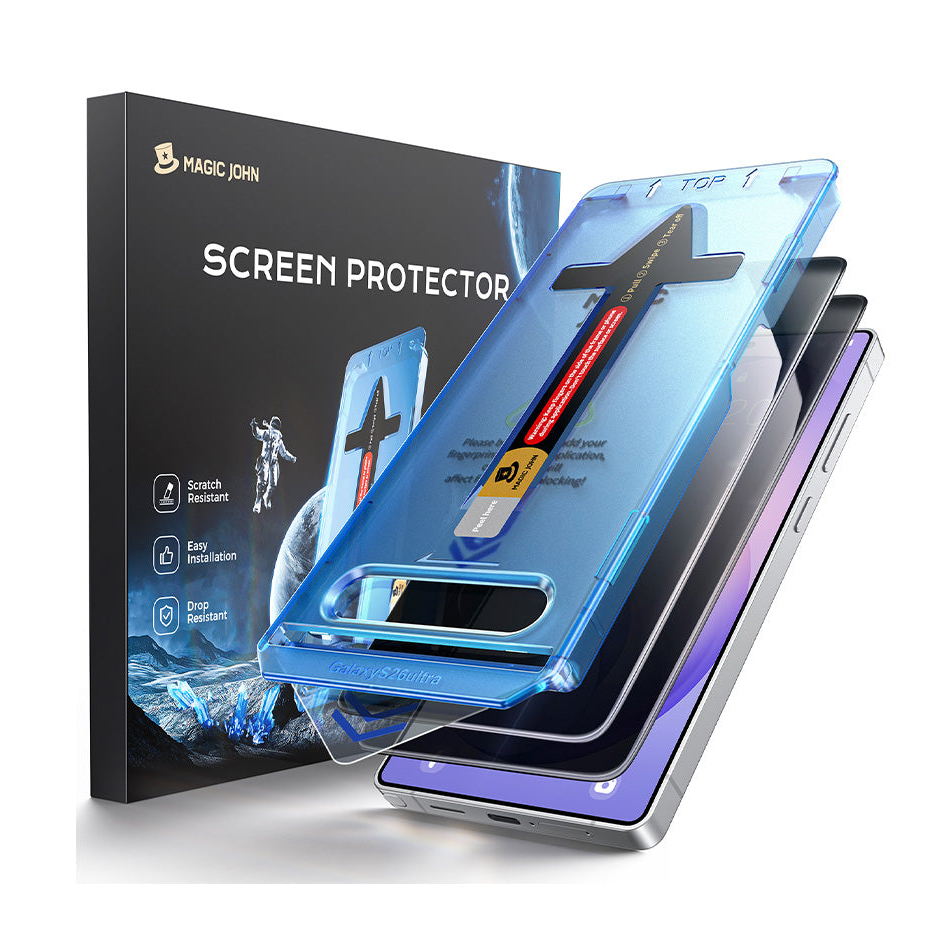
Si buscas una solución que combine estas características técnicas con una instalación fiable, echa un vistazo a Magic John. Nuestros protectores utilizan un revestimiento oleofóbico galvanizado para un deslizamiento uniforme e incluyen una caja de instalación libre de polvo diseñada para minimizar las burbujas de aire.

El protector de pantalla adecuado mantiene el rendimiento. Elige en función de las especificaciones técnicas, no solo del precio.
Preguntas frecuentes
P1: ¿El cristal más grueso provoca retardo táctil en los juegos?
No con el grosor estándar. El vidrio templado de aproximadamente 0,013 pulgadas conduce las señales táctiles de manera efectiva. El retardo generalmente se debe a espacios de aire o a un adhesivo deficiente, no al grosor del vidrio.
P2: ¿Cómo puedo saber si mi protector tiene un recubrimiento galvanizado?
Prueba la gota de agua. Coloca una sola gota de agua sobre la pantalla. El recubrimiento electrolítico hace que el agua forme una gota compacta que se desliza fácilmente. Si el agua se extiende sin cubrir, es probable que tengas un recubrimiento en aerosol o que la protección esté desgastada.
P3: ¿Un protector de pantalla de privacidad reducirá mi rendimiento en los juegos?
protectores de la privacidad La capa de rejilla reduce el brillo máximo entre un 10 % y un 20 %. Para jugar en interiores, este impacto suele ser mínimo. Para obtener el máximo brillo en exteriores, el cristal transparente funciona mejor.
P4: ¿Por qué mi pantalla se siente pegajosa después de unos meses?
Esto indica la degradación del recubrimiento. Los recubrimientos aplicados con aerosol se desgastan en 2 a 4 semanas de uso regular. Los recubrimientos galvanizados suelen durar de 6 a 12 meses. La fricción de los dedos desgasta gradualmente cualquier recubrimiento con el tiempo.
P5: ¿Puede un protector de pantalla ayudar con las manos sudorosas?
Sí. El recubrimiento oleofóbico repele el sudor y la grasa, evitando su acumulación en la pantalla. Si bien no impide que las manos suden, evita que la humedad genere zonas de fricción irregulares. Su eficacia depende de la calidad y el estado del recubrimiento.



Deja un comentario
Este sitio está protegido por hCaptcha y se aplican la Política de privacidad de hCaptcha y los Términos del servicio.