

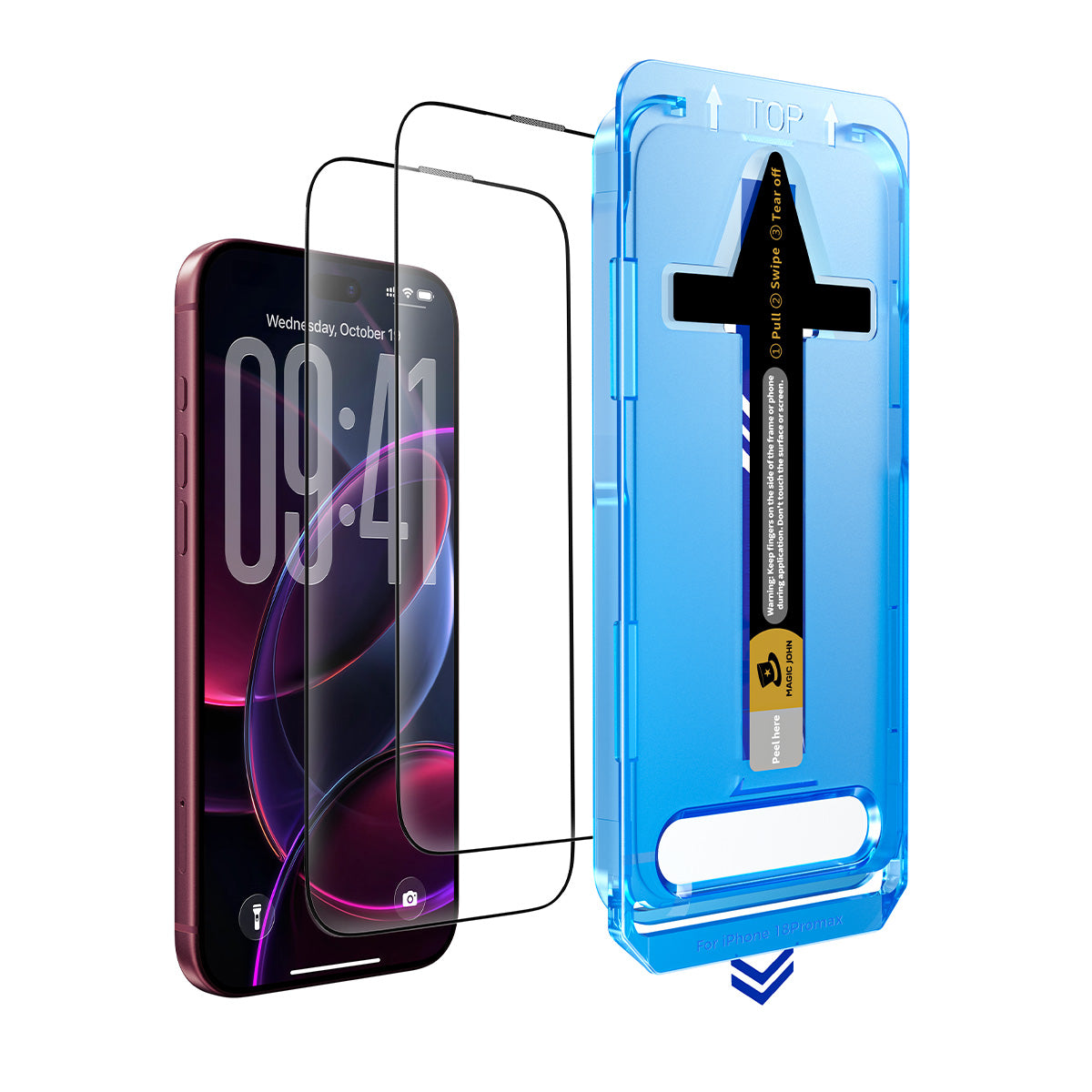
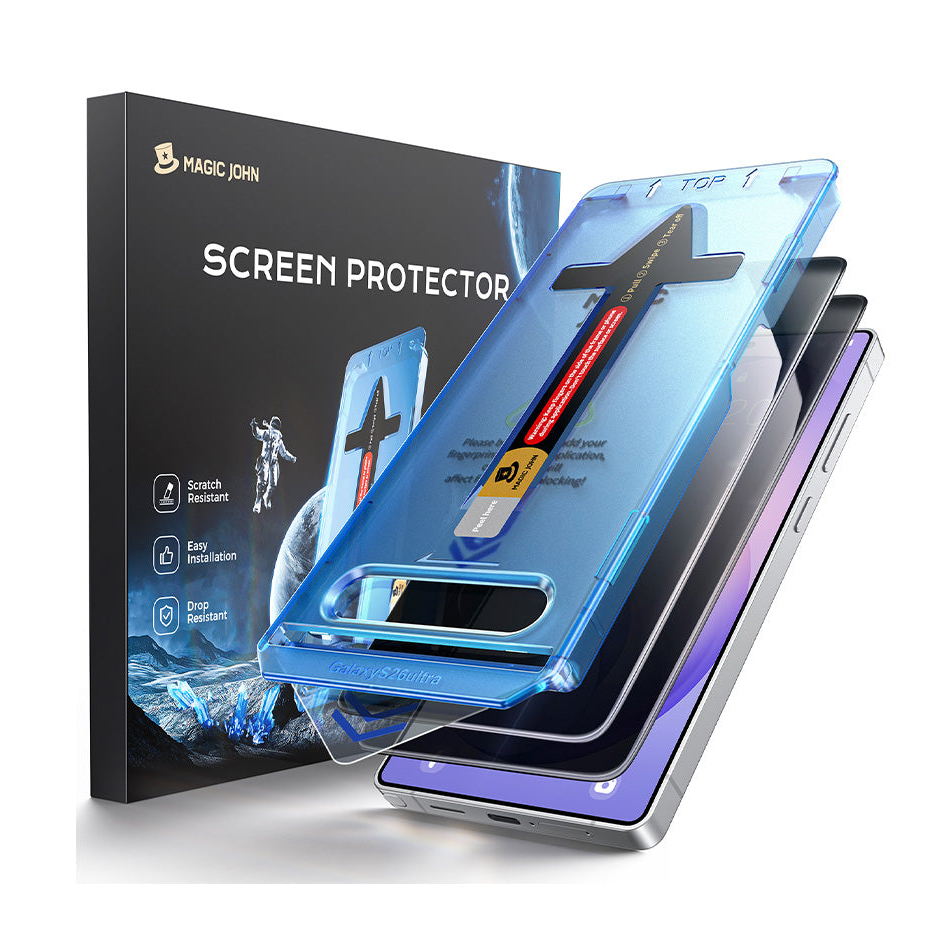

اشتريتَ للتو جهاز iPad جديدًا، والسؤال الأول دائمًا هو نفسه: أي واقي شاشة تحتاجه فعلاً؟ تعتمد الإجابة بشكل شبه كامل على كيفية استخدامك لجهاز iPad. الأنواع الثلاثة الرئيسية توفر حماية مختلفة، وتختلف في الشكل والملمس اختلافًا كبيرًا عن بعضها البعض.
نظرة سريعة: مقارنة بين الزجاج المقوى والزجاج المضاد للانعكاس والزجاج الشبيه بالورق
| ميزة | زجاج مقسّى | مضاد للوهج | شبيه بالورق (قياسي) | يشبه الورق (هجين) |
| مادة | زجاج مقسّى | زجاج مقسّى + طبقة غير لامعة | غشاء البولي إيثيلين تيريفثالات | زجاج مقسّى + طبقة ورقية |
| حماية من السقوط | قوي | قوي | قليل | قوي |
| مقاومة للخدش | 9H | 9H | 3H–4H | 9H |
| وضوح الشاشة | ممتاز | جيد | مخفض | جيد |
| تقليل الوهج | لا أحد | جيد | جيد | جيد |
| شعور قلم أبل | سلس | ذو ملمس خفيف | احتكاك يشبه الورق | احتكاك يشبه الورق |
| تآكل سن القلم | قليل | منخفض إلى متوسط | متوسط - مرتفع | متوسط - مرتفع |
| وضوح بصمات الأصابع | معتدل | قليل | قليل | قليل |
| عمر | حتى تتشقق | حتى تتشقق | 6-12 شهرًا | حتى تتشقق |
يُعد الزجاج المقوى الخيار الأمثل لمعظم مستخدمي الآيباد. أما الزجاج المضاد للوهج فيناسب ظروف الإضاءة المختلفة. بينما يُعتبر الملمس الشبيه بالورق خيارًا مدروسًا لمن يستخدمون قلم آبل بكثرة.
نظرة سريعة على الأنواع الثلاثة من واقيات شاشة الآيباد
تندرج معظم واقيات شاشة الآيباد ضمن إحدى الفئات الثلاث.
مكونات كل نوع
- زجاج مقسّى هي عبارة عن لوح صلب من الزجاج المقوى، بسمك 0.3 مم عادةً، يلتصق بسطح الشاشة. وهو الخيار القياسي للحماية من السقوط والخدوش.
- واقيات مضادة للوهج هي عبارة عن زجاج مقسّى بسطح غير لامع. يعمل الطلاء المصنفر على تشتيت الضوء الساقط، مما يقلل من الانعكاسات. المادة الأساسية ومستوى الحماية هما نفس الزجاج المقسّى العادي.
- واقيات تشبه الورق هي مادة مختلفة تمامًا. معظمها عبارة عن غشاء رقيق من البولي إيثيلين تيريفثالات (PET) ذي سطح محكم مصمم لخلق احتكاك تحت قلم اللمس. تستخدم بعض الإصدارات الأحدث قاعدة زجاجية مغطاة بطبقة ذات ملمس ورقي.
مضاد للوهج مقابل شبيه بالورق: ليسا الشيء نفسه
تعمل واقيات الانعكاسات المضادة للوهج على تقليل الانعكاسات. وهي لا تضيف ملمسًا ذا قيمة للكتابة أو الرسم، وتوفر حماية كاملة للزجاج المقوى.
توفر الأغطية الواقية الشبيهة بالورق مقاومةً للمس عند استخدام قلم آبل. كما أنها تقلل من الوهج كأثر جانبي، ولكن هذه ليست وظيفتها الأساسية. توفر معظم الأغطية الواقية القياسية الشبيهة بالورق حمايةً أقل من الزجاج المقوى عند السقوط.
واقيات شاشة من الزجاج المقوى لأجهزة الآيباد
يُضيف الزجاج المقسّى طبقة مادية فوق الشاشة يمتص الخدوش ويوزع طاقة الصدمة في القطرة.
ما يجيده
حاصل على تصنيف 9H واقي زجاجي مقوى يقاوم المفاتيح والعملات المعدنية والخدوش اليومية. يحافظ على وضوح الشاشة بالكامل دون أي تغيير في الألوان أو ضبابية. تبقى حساسية اللمس ثابتة، ودقة قلم آبل لا تتأثر.

كما أنه أسهل أنواع الزجاج تقييماً: إذا تشقق، يتم استبداله. لا يوجد تدهور تدريجي بدون علامة واضحة.
المفاضلات
يعكس سطح الزجاج الضوء مباشرةً، مما قد يُسبب وهجًا في الغرف المضيئة أو في الهواء الطلق. وتكون بصمات الأصابع أكثر وضوحًا على السطح اللامع، مع أن الأنواع عالية الجودة مزودة بطبقة مقاومة للزيوت تُساعد في ذلك.
يجد بعض المستخدمين أن الزجاج المكشوف يبدو زلقًا تحت قلم Apple Pencil، وهذا هو السبب الرئيسي لوجود واقيات تشبه الورق.
واقيات شاشة مضادة للتوهج لأجهزة iPad
واقي شاشة الآيباد المضاد للوهج هو واقي زجاجي مقوى ذو سطح غير لامع. وهو ليس منتجًا منفصلاً. مستوى الحماية والسماكة وطريقة التركيب مماثلة للزجاج المقوى القياسي.
ما يفعله الطلاء غير اللامع
يعمل السطح المصنفر على تشتيت الضوء الساقط بدلاً من عكسه مباشرةً. وهذا يجعل الشاشة قابلة للقراءة في البيئات المضيئة، مثل قرب النافذة، أو في الفصل الدراسي، أو في الهواء الطلق.
كما أنه يقلل من وضوح بصمات الأصابع ويضيف قدراً ضئيلاً من الاحتكاك تحت القلم، وهو ما يفضله بعض المستخدمين على الزجاج المكشوف.
المفاضلة: جودة العرض
يعمل الطلاء غير اللامع على تشتيت الضوء في كلا الاتجاهين. تبدو الألوان أقل تشبعًا، والتفاصيل الدقيقة أقل وضوحًا مقارنةً بالزجاج الشفاف. هذا التنازل ملحوظ عند تحرير محتوى الفيديو والصور.
واقيات شاشة iPad تشبه الورق
توجد واقيات تشبه الورق لسبب واحد: قلم آبل يبدو غير مريح على الزجاج المكشوف.
على الزجاج الأملس، ينزلق رأس قلم آبل بسلاسة تامة. أما على سطح يشبه الورق، فتضيف الطبقة المزخرفة احتكاكًا يحاكي حركة القلم على الورق. بالنسبة للرسامين ومدوني الملاحظات، يُغير هذا الأمر تجربة استخدام الآيباد تمامًا.
المفاضلة بين سن قلم أبل
إنّ نفس الملمس الذي يُضفي إحساسًا بالورق يُسرّع أيضًا من تآكل رأس قلم آبل. على الزجاج العادي، يدوم رأس القلم عادةً من ثمانية إلى اثني عشر شهرًا مع الاستخدام المنتظم. أما مع واقي يُشبه الورق، فيُضطر المستخدمون النشطون إلى استبدال الرؤوس كل أربعة إلى ستة أشهر.
رؤوس الاستبدال رخيصة الثمن ومتوفرة في عبوات متعددة، لذا فإن التكلفة معقولة. مع ذلك، من الأفضل أخذها في الاعتبار قبل الشراء.
جودة العرض
تُقلل الأغشية الرقيقة العادية، الشبيهة بالورق، من وضوح الشاشة بشكل ملحوظ أكثر من الزجاج المضاد للانعكاس. تصبح الألوان أقل حيوية، وتبدو الشاشة ضبابية بعض الشيء مقارنةً بالزجاج العادي أو واقي الشاشة الزجاجي المقوى الشفاف. وهذا الأمر مهم إذا كنت تستخدم جهاز iPad لمشاهدة الفيديوهات أو تعديل الصور.
الخيار الهجين
تستخدم بعض واقيات الشاشة الشبيهة بالورق الآن قاعدة من الزجاج المقوى مع طبقة سطحية تُحاكي ملمس الورق. توفر هذه الواقيات مقاومة للخدش بدرجة 9H وحماية حقيقية من السقوط، مع الحفاظ على إمكانية الكتابة عليها. عادةً ما تكون تكلفتها أعلى من واقيات PET القياسية، لكن مستوى الحماية الذي توفره يُضاهي الزجاج المقوى القياسي.
أي واقي شاشة لجهاز iPad يجب أن تختار؟
اختر الزجاج المقوى إذا
- تستخدم جهاز iPad الخاص بك بشكل أساسي للوسائط أو التصفح أو الإنتاجية الخفيفة
- تستخدم قلم آبل بشكل متقطع ولا تحتاج إلى مقاومة تشبه مقاومة الورق
- تهمك وضوح الشاشة ودقة الألوان
- أنت تريد أقوى حماية من السقوط والخدوش
اختر خاصية مقاومة التوهج إذا
- أنت تستخدم جهاز iPad الخاص بك بشكل متكرر بالقرب من النوافذ الساطعة أو الأضواء العلوية
- يُصعّب الوهج رؤية الشاشة في بيئتك المعتادة
- أنت لست مستخدمًا مكثفًا لقلم Apple Pencil
اختر "شبيه بالورق" إذا
- ترسم أو تدون ملاحظات بخط اليد لعدة ساعات يومياً
- إن ملمس الزجاج الخام يجعل ضربات قلم آبل تبدو غير دقيقة.
- أنت على استعداد لقبول بعض التخفيض في جودة العرض لتحسين تجربة الكتابة.
إذا كنت بحاجة أيضًا إلى حماية من السقوط، فابحث عن نسخة زجاجية هجينة ذات طبقة سطحية تشبه الورق بدلاً من طبقة PET القياسية.
لست متأكدًا؟ أجب عن هذين السؤالين
هل تستخدم قلم آبل لأكثر من ساعة في اليوم؟ إذا لم يكن الأمر كذلك، فإن الزجاج المقسى أو الزجاج المضاد للوهج هو الحل الصحيح على الأرجح.
هل ما يقلقك أكثر هو الوهج أم إحساس القلم؟ إذا كنت تعاني من وهج، فاختر طلاءً مضاداً للوهج. إذا كنت تشعر وكأنك تستخدم قلماً، فاختر طلاءً يشبه الورق.
التركيب والاستخدام اليومي
شاشات الآيباد أكبر بكثير من شاشات الهواتف، مما يجعل عملية التركيب أكثر صعوبة بشكل ملحوظ. ويصعب تصحيح الغبار العالق تحت الزجاج أو خطأ المحاذاة في الزاوية على سطح بحجم 11 أو 13 بوصة.
بعض الأمور التي تُحدث فرقاً حقيقياً على أجهزة الآيباد:
- نظف الشاشة جيداً قبل البدء. حتى الجزيئات الصغيرة تُكوّن فقاعات مرئية بهذا الحجم.
- اعمل في بيئة قليلة الغبار وتحرك ببطء أثناء عملية المحاذاة.
- استخدم إطار المحاذاة أو علامات التوجيه إذا تم تضمينها. على شاشة كبيرة، نادراً ما يكون وضع اليد الحرة مستقيماً.
- ابدأ من أحد الأطراف واضغط لأسفل تدريجياً بدلاً من وضع الورقة بأكملها دفعة واحدة.
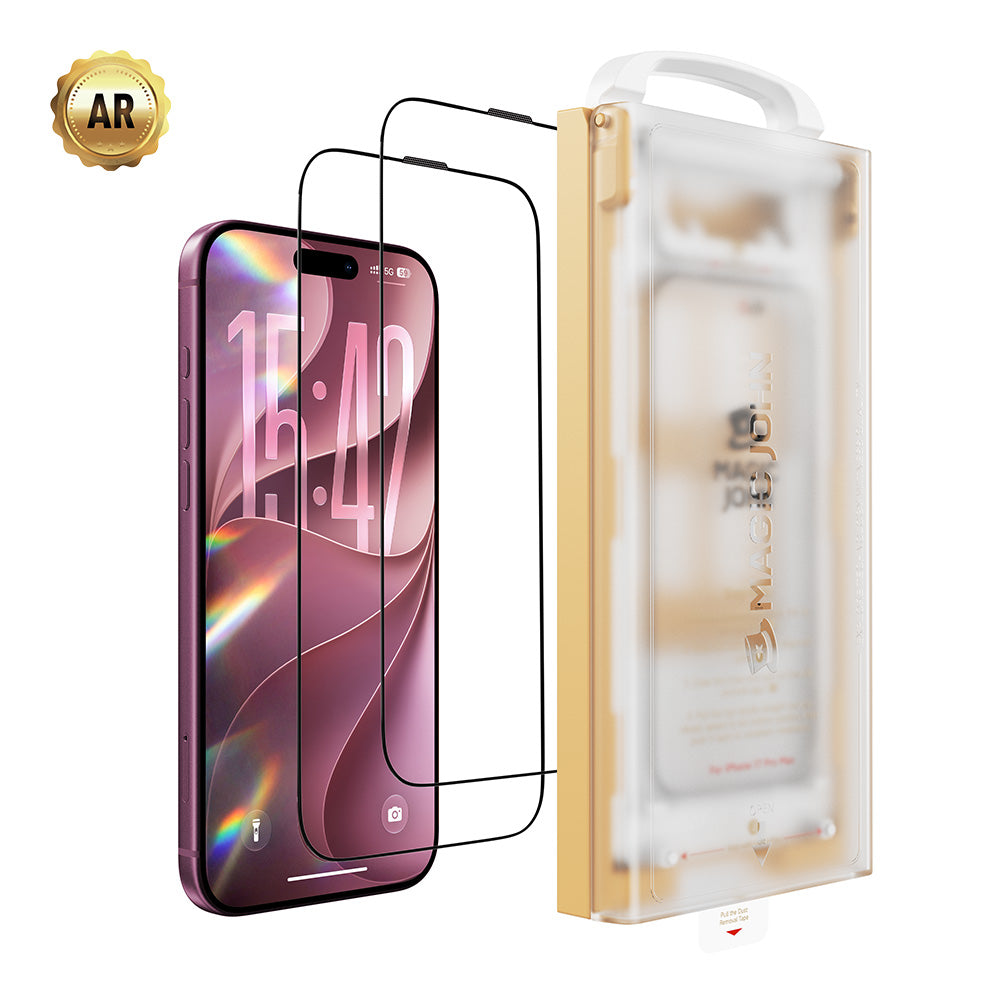
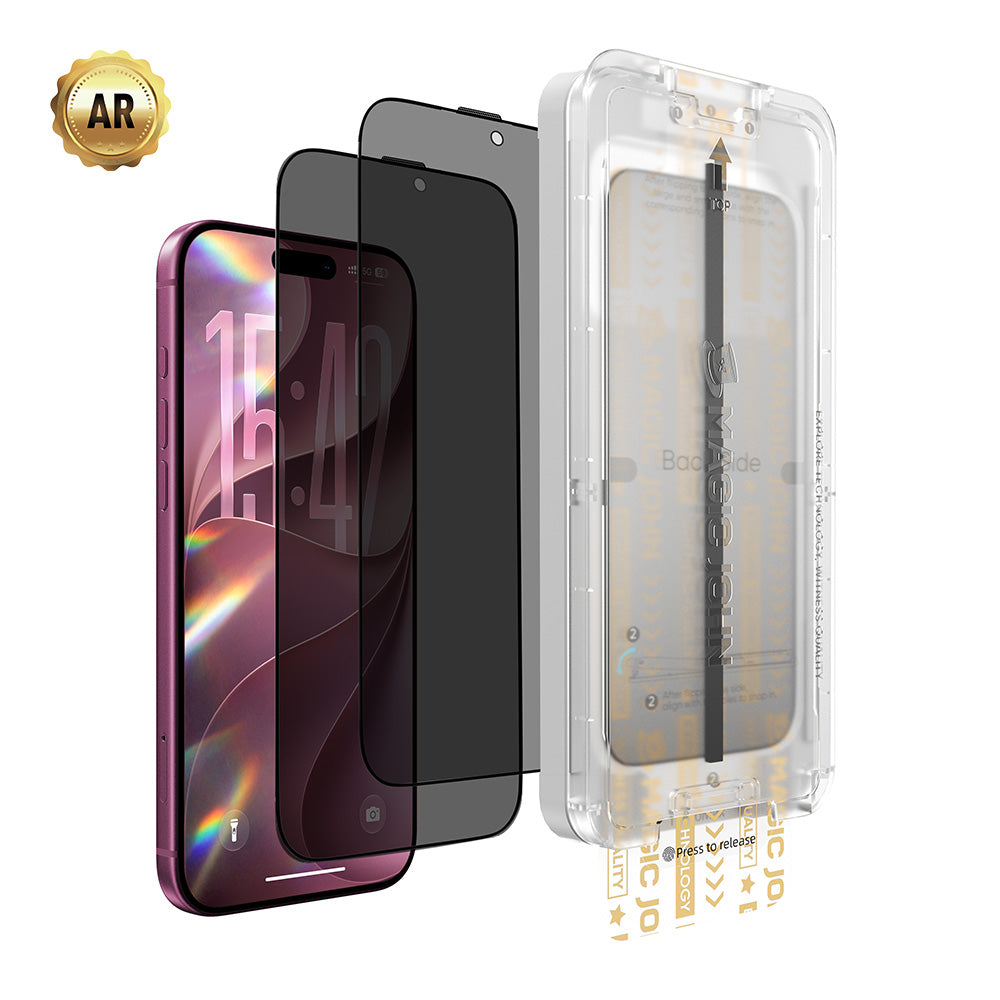
تتضمن واقيات شاشة MAGIC JOHN لأجهزة iPad Pro و iPad Air مجموعة تركيب كاملة مع أدلة محاذاة وفيديو تعليمي، مما يعالج نقطة الإحباط الرئيسية في تركيب الشاشات الكبيرة. متوافق مع iPad Pro M4/M5 (11" و 13") و iPad Air 6/7 M2/M3 (11" و 13").
للاستخدام اليومي: يدوم الزجاج المقوى والواقيات المضادة للانعكاس حتى تتشقق. أما غشاء البولي إيثيلين تيريفثالات (PET) الشبيه بالورق فيتآكل بمرور الوقت، ويحتاج عادةً إلى استبدال كل ستة إلى اثني عشر شهرًا، أو قبل ذلك إذا كنت تستخدم قلم آبل بكثرة.
الأسئلة الشائعة
س1: هل يؤدي واقي الشاشة الشبيه بالورق إلى تآكل رؤوس قلم Apple Pencil بشكل أسرع؟
نعم. يُتوقع استبدال رؤوس العدسات كل أربعة إلى ستة أشهر مع الاستخدام المنتظم، مقارنةً بثمانية إلى اثني عشر شهرًا على الزجاج العادي. تأتي رؤوس العدسات البديلة في عبوات متعددة وهي غير مكلفة.
س2: هل خاصية مقاومة الوهج هي نفسها خاصية تشبه الورق؟
لا. واقيات الشاشة المضادة للوهج مصنوعة من زجاج مقسّى بطبقة غير لامعة تقلل الانعكاسات. أما واقيات الشاشة الشبيهة بالورق فهي عادةً عبارة عن غشاء من البولي إيثيلين تيريفثالات (PET) ذي سطح محكم مصمم لمحاكاة الكتابة على الورق. كلا النوعين يقللان الوهج، لكن المواد المستخدمة ومستويات الحماية وتجربة استخدام القلم تختلف.
س٣: هل سيؤثر واقي الشاشة على جودة عرض جهاز الآيباد الخاص بي؟
يعتمد ذلك على النوع. الزجاج المقسى الشفاف ليس له تأثير ملحوظ على جودة العرض.تُقلل كل من واقيات الشاشة المضادة للوهج والواقيات الشبيهة بالورق من تشبع الألوان ووضوح الصورة بدرجة ما: الواقيات المضادة للوهج أقل تأثيراً، بينما الواقيات الشبيهة بالورق أكثر وضوحاً. إذا كانت جودة الشاشة أولوية، فإن الزجاج المقوى الشفاف هو الخيار الأفضل.
س4: ما هو أفضل واقي شاشة لجهاز iPad يعمل مع قلم Apple Pencil؟
للرسم والكتابة اليدوية، يوفر غطاء واقٍ يشبه الورق إحساسًا طبيعيًا بالقلم. أما للاستخدام المتقطع للقلم الرصاص حيث تكون الدقة أهم من الاحتكاك، فإن الزجاج المقوى الشفاف أو الزجاج المضاد للانعكاس يحافظ على دقة القلم دون التسبب في تآكل سنّه.
س5: هل أحتاج إلى واقي شاشة لجهاز iPad Pro؟
يستخدم جهاز iPad Pro شاشة Liquid Retina XDR من Apple، مع توفر زجاج Nano-texture اختياري في بعض التكوينات. في كلتا الحالتين، واقي الشاشة لا يزال يوفر حماية فعّالة ضد الخدوش والسقوط اليومي، خاصةً إذا كنت تحمل جهاز iPad في حقيبة. ويعتمد احتياجك إليه على طريقة استخدامك له، وليس على طراز الجهاز نفسه.
اعثر على واقي الشاشة المناسب لجهاز iPad
الزجاج المقوى مناسب لمعظم المستخدمين. خاصية مقاومة الانعكاس تستحق العناء إذا كنت تعاني من انعكاسات الضوء بشكل متكرر. أما الزجاج ذو الملمس الورقي فهو خيار مناسب فقط إذا كنت تستخدم قلم آبل بشكل يومي. اختر بناءً على استخدامك الفعلي، وليس على الخيار الأغلى.
تصفح واقيات شاشة MAGIC JOHN لأجهزة iPad Pro و iPad Air للعثور على المقاس المناسب لجهازك.


اترك تعليقا
This site is protected by hCaptcha and the hCaptcha Privacy Policy and Terms of Service apply.