






A commuter phone accident rarely starts with a dramatic fall. It is usually a sudden train stop, a crowded platform, a small café table, or a rushed attempt to check directions with one hand.
Public transportation also creates less visible problems. Messages may be readable from the next seat, charging options may be limited, and a loose cable can become another thing to manage in a crowded space.
This phone protection guide focuses on four practical commuter concerns: drops, screen privacy, one-handed use, and temporary charging.
Build a Four-Layer Commuter Setup
No single accessory solves every commuter problem. Match each everyday risk with one practical response.
| Commuter Risk | Practical Response | What to Look For |
|---|---|---|
| Sudden drops | Protective phone case | Secure grip, protected corners, and raised screen edges |
| Scratches or direct screen impact | Screen protector | Correct model, reliable adhesion, and case compatibility |
| People viewing your screen | Privacy screen protector | Clear front view with reduced side visibility |
| Low battery away from home | Compact charging setup | Compatible cable, adapter, or charged power bank |
| Using a large phone with one hand | Software and grip support | Reachability, balanced grip, or an integrated stand |
Check compatibility before buying or installing anything. A protector or case designed for the wrong model can interfere with screen edges, buttons, cameras, or case fit.
Reduce Drop Risk on Trains and Platforms
The most vulnerable moment is often when you are standing. One hand may be holding a rail while the other is checking a ticket, message, or map.
- Open your ticket or route before entering the busiest part of the platform.
- Keep the phone close to your body instead of extending it into the aisle.
- Avoid balancing the phone loosely on your fingertips while walking.
- Put it away before using stairs, escalators, or crowded station exits.
- Use a case with a surface that remains comfortable and secure in your hand.
A case primarily protects the phone body and corners. A screen protector provides a replaceable layer over the display. When using both, confirm that the protector is case-friendly so the case does not lift its edges.
Magic John offers separate collections for phone cases and screen protectors, allowing you to choose protection made for the listed device instead of relying on a universal fit.
Protection still has limits. A case or glass protector can reduce certain everyday risks, but it cannot guarantee survival from every fall, surface, or impact angle.
Protect Your Screen Privacy in Crowded Spaces

Physical damage is not the only commuter concern. Someone sitting beside you may be able to see messages, work documents, verification codes, or banking information.
CISA identifies “shoulder surfing” as a physical security risk in public spaces and recommends considering a privacy filter around other people. A privacy protector reduces side visibility, but it does not replace a passcode, Face ID, secure applications, or safe network practices. See CISA’s mobile workplace guidance.
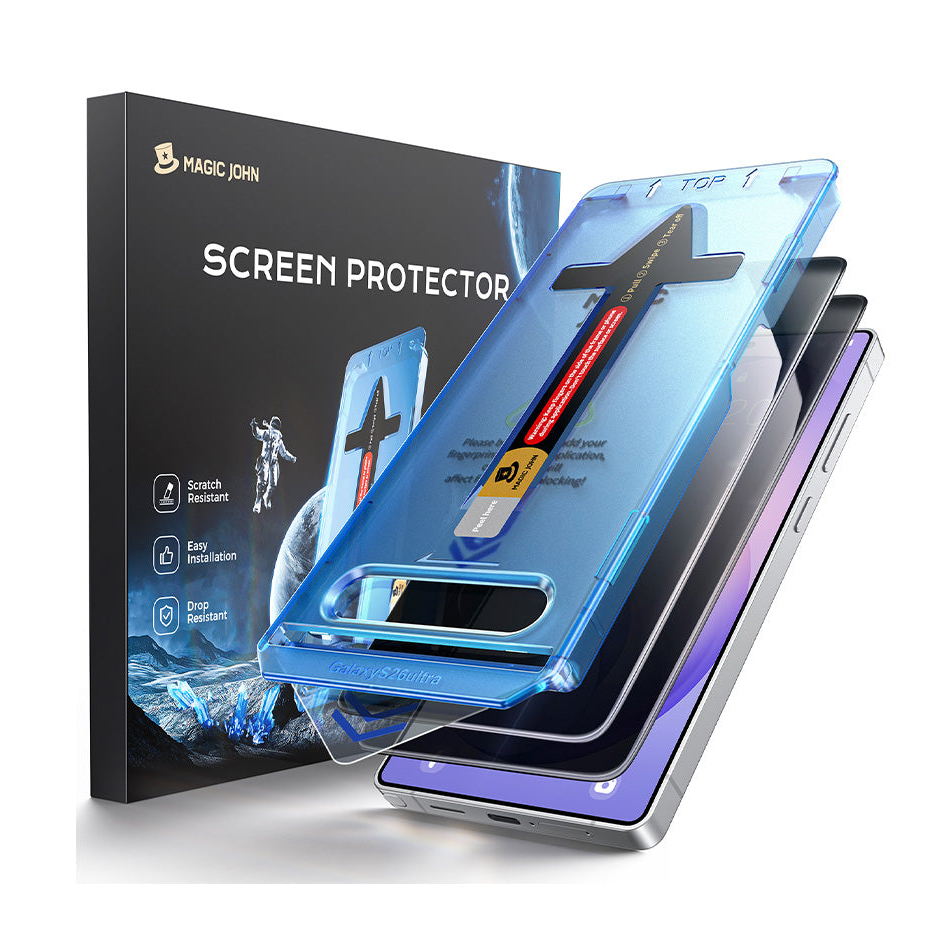
A privacy screen for iPhone can be useful when you read work email on a train, check financial information in a café, enter verification codes in public, or regularly sit close to other passengers.
- Review what appears in lock-screen notifications.
- Lock the phone before putting it down.
- Position the display toward your body.
- Avoid opening sensitive information when someone is directly behind you.
- Stay aware of your surroundings when entering passwords in public.
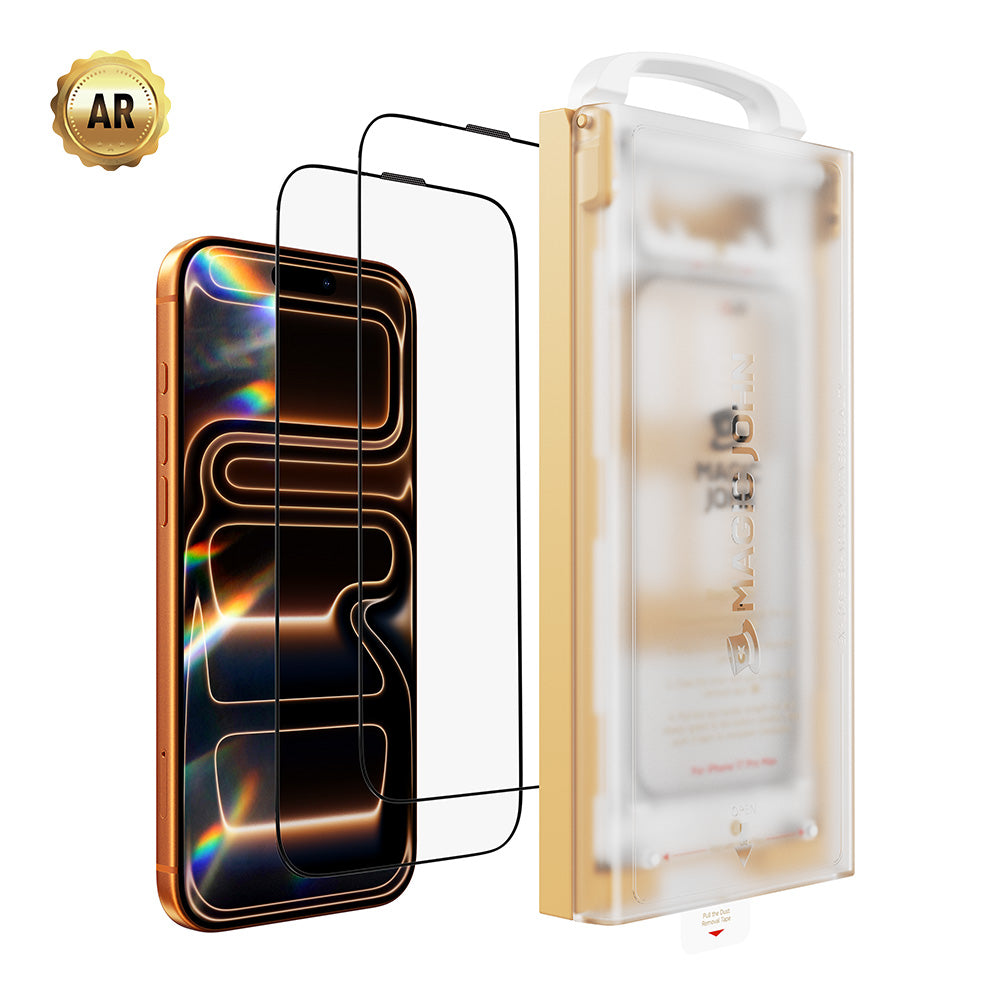
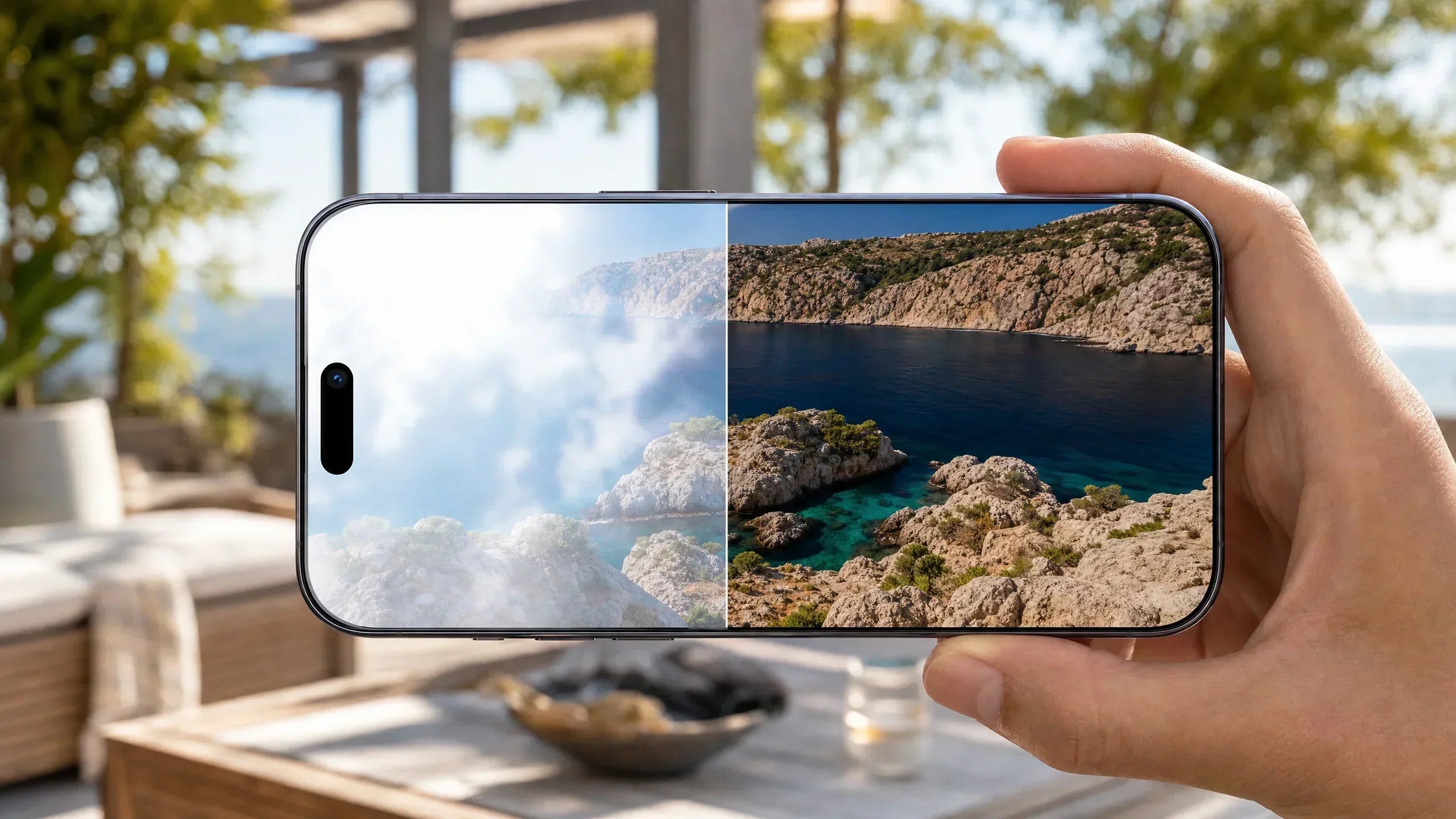
The MAGIC JOHN iPhone 17 AR Coating Screen Protector is available for its listed iPhone 17 Pro and Pro Max models in HD Crystal Clear and 28° Privacy Function. Its tempered glass is scratch resistant and shatter resistant, while the AR coating is designed to reduce distracting glare in bright environments.
For a closer explanation of viewing angles, see the guide to 28° versus 45° privacy screen protectors.
Make One-Handed Phone Use More Secure
Large phones can be difficult to control while holding a bag, coffee cup, or train rail. Reaching for the top of the display may shift the phone toward the ends of your fingers.
Apple’s Reachability feature lowers the upper half of the iPhone display so it is easier to reach with your thumb. On supported Face ID models, enable it under Settings → Accessibility → Touch → Reachability, then swipe down on the bottom edge. Apple provides model-specific Reachability instructions.
- Move the phone into your palm before unlocking it.
- Use Reachability instead of stretching your thumb across the screen.
- Complete longer messages after sitting down.
- Avoid typing while walking near platform edges or traffic.
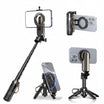
- Consider a grip or a compatible phone case with stand support.
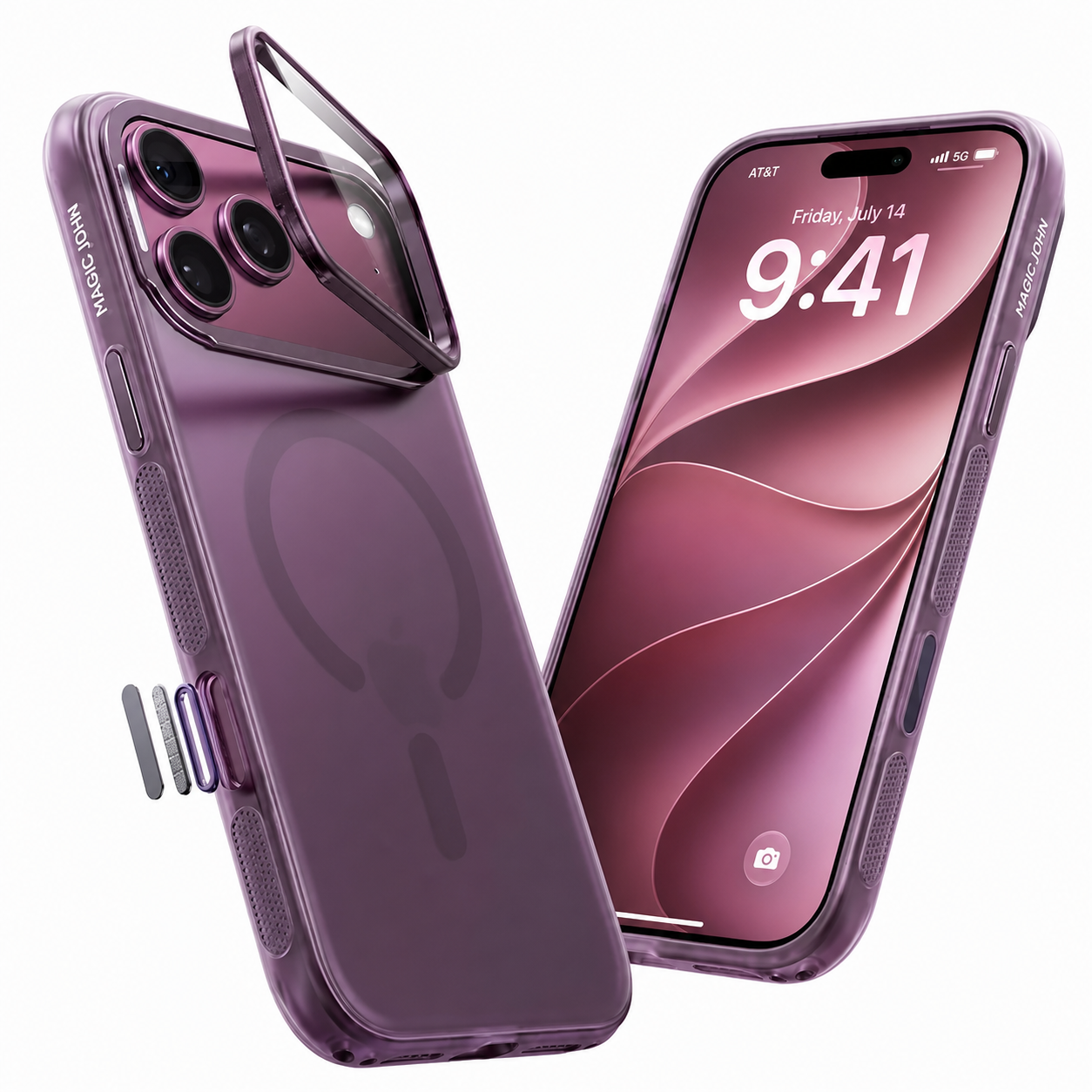
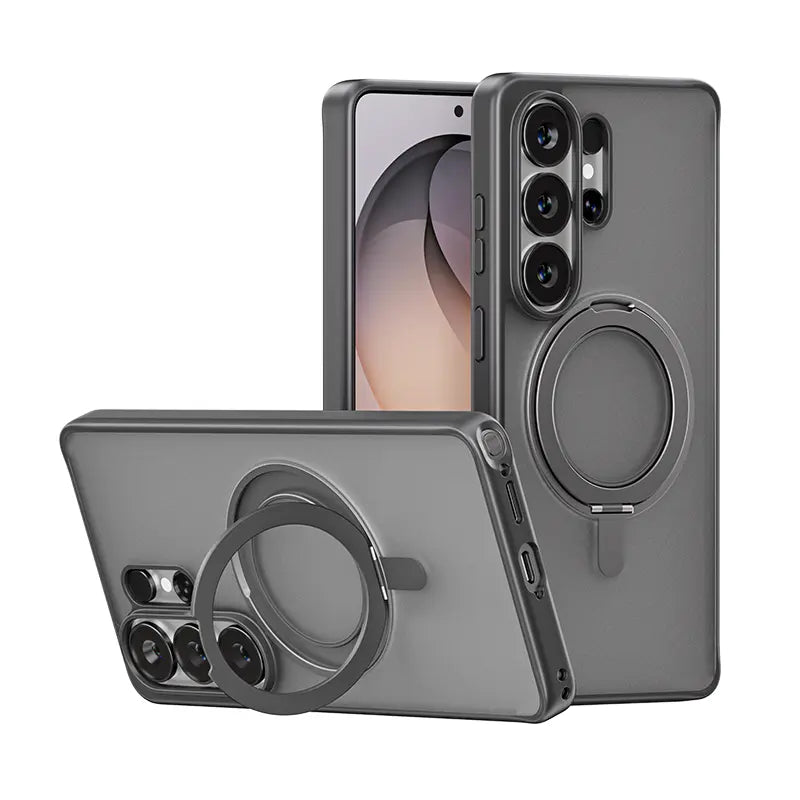
The MAGIC JOHN 360° Invisible Magnetic Phone Case combines a case with an integrated rotating stand for its listed compatible devices. Check the exact model and accessory requirements before selecting it.
Protect Your Phone in Cafés
A café presents different risks from a train: small tables, drinks, charging cables, and people moving between closely spaced seats.
- Keep the phone away from the table edge and drinks.
- Avoid covering it with papers, napkins, or a bag.
- Route charging cables where a chair or passerby cannot catch them.
- Take the phone with you when leaving the table.
- Lock the screen whenever the device is unattended.
If a phone or connector becomes wet, do not immediately plug in a cable. Apple warns that charging with moisture in the connector can corrode the pins and cause permanent damage. Follow Apple’s liquid-detection guidance and wait until the phone and cable are dry.
Prepare for Temporary Charging
A commute does not always require a large charging kit. The objective is often just enough power for navigation, transit tickets, calls, and messages.
- Check the battery level before leaving home.
- Carry a cable compatible with your phone and available power source.
- Confirm that a power bank is charged.
- Inspect cables for damaged insulation or bent connectors.
- Keep charging equipment in a dry, easy-to-reach pocket.
Apple recommends discontinuing the use of visibly damaged cables or adapters. Pull a cable by its connector rather than the wire to reduce strain on the joint. See Apple’s cable and adapter safety guidance.
When the battery is low, Low Power Mode can reduce background activity and extend remaining operating time. Apple explains which functions Low Power Mode adjusts.
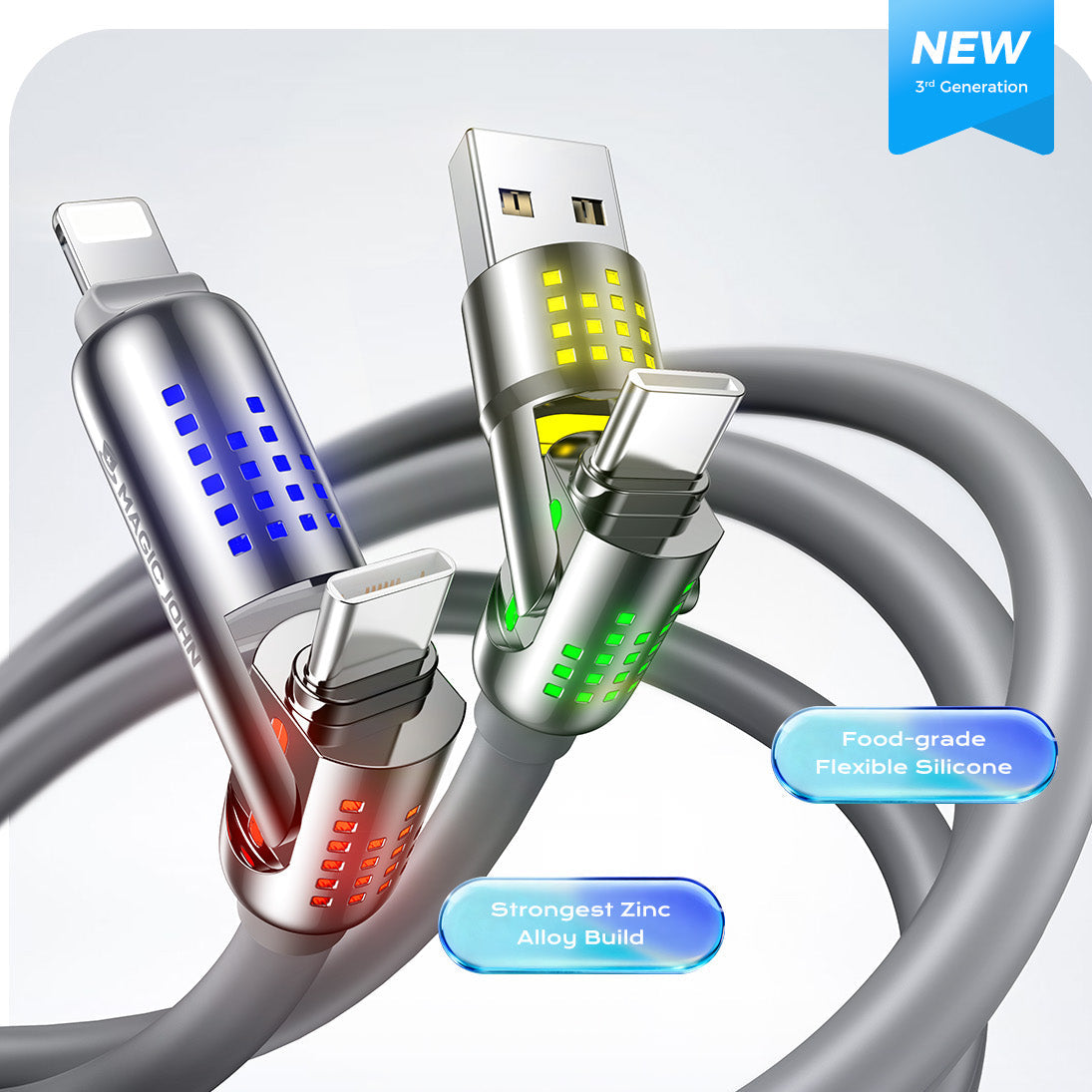
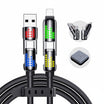
A 4 in 1 charging cable can be convenient when your daily bag contains devices with different connector requirements. The MAGIC JOHN 4-in-1 USB charging cable supports the connector combinations and compatible devices listed on its product page. Charging speed still depends on the device, cable configuration, and power source.
Daily Commuter Checklist
Before Leaving Home
- Check the case and screen protector for damage or lifted edges.
- Confirm that the battery can cover the expected journey.
- Pack a compatible cable or charged power bank if necessary.
- Prepare tickets or directions before reaching the busiest area.
On the Train or Bus
- Keep the phone close to your body.
- Use a stable grip before unlocking it.
- Use Reachability rather than stretching across a large display.
- Angle the screen away from nearby passengers.
- Put the phone away before moving through doors or stairs.
In a Café
- Keep the phone away from drinks and table edges.
- Route charging cables safely.
- Lock the screen before looking away.
- Do not leave the phone unattended.
- Check that the charging port is dry before connecting power.
A useful commuter setup should remove small points of friction. It should make the phone easier to hold, harder for nearby passengers to view, and simpler to keep powered without filling your bag with unnecessary accessories.
Frequently Asked Questions
Is a privacy screen protector worth using on public transportation?
It can be useful if you regularly view messages, financial information, or work documents near other passengers. It reduces side visibility but does not replace secure passwords, Face ID, or safe browsing practices.
Should I choose HD Crystal Clear or 28° Privacy AR glass?
Choose HD when maximum clarity and easy screen sharing matter most. Choose 28° Privacy when reducing side visibility is more important in trains, cafés, flights, or shared offices.
Is the MAGIC JOHN AR screen protector scratchproof or shatterproof?
No protector should be treated as indestructible. The tempered glass is described as scratch resistant and shatter resistant, which means it is designed to reduce everyday damage rather than guarantee that damage cannot occur.
Should I use both a phone case and a screen protector?
They protect different areas. A case primarily covers the phone body and corners, while a screen protector adds a replaceable layer over the display.
How can I use a large iPhone more easily with one hand?
Enable Apple’s Reachability feature and move the phone securely into your palm before interacting with it. A compatible case with an integrated grip or stand may provide another contact point.
What should I carry for emergency phone charging?
Carry a compatible, undamaged cable and either a suitable adapter or charged power bank. A verified multi-connector cable may reduce the number of separate cables needed for different devices.


Deixar comentário
Este site é protegido por hCaptcha e a Política de privacidade e os Termos de serviço do hCaptcha se aplicam.