
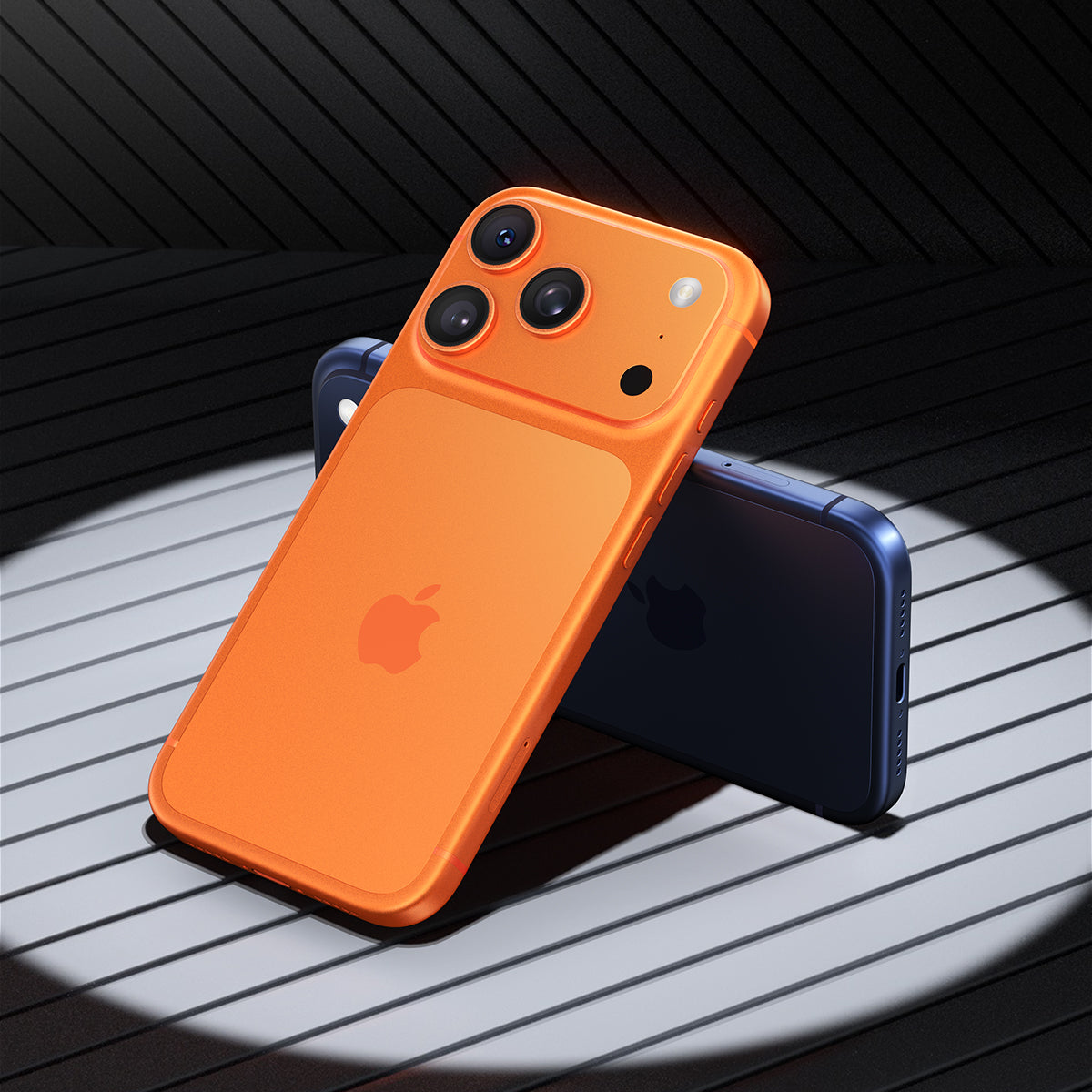
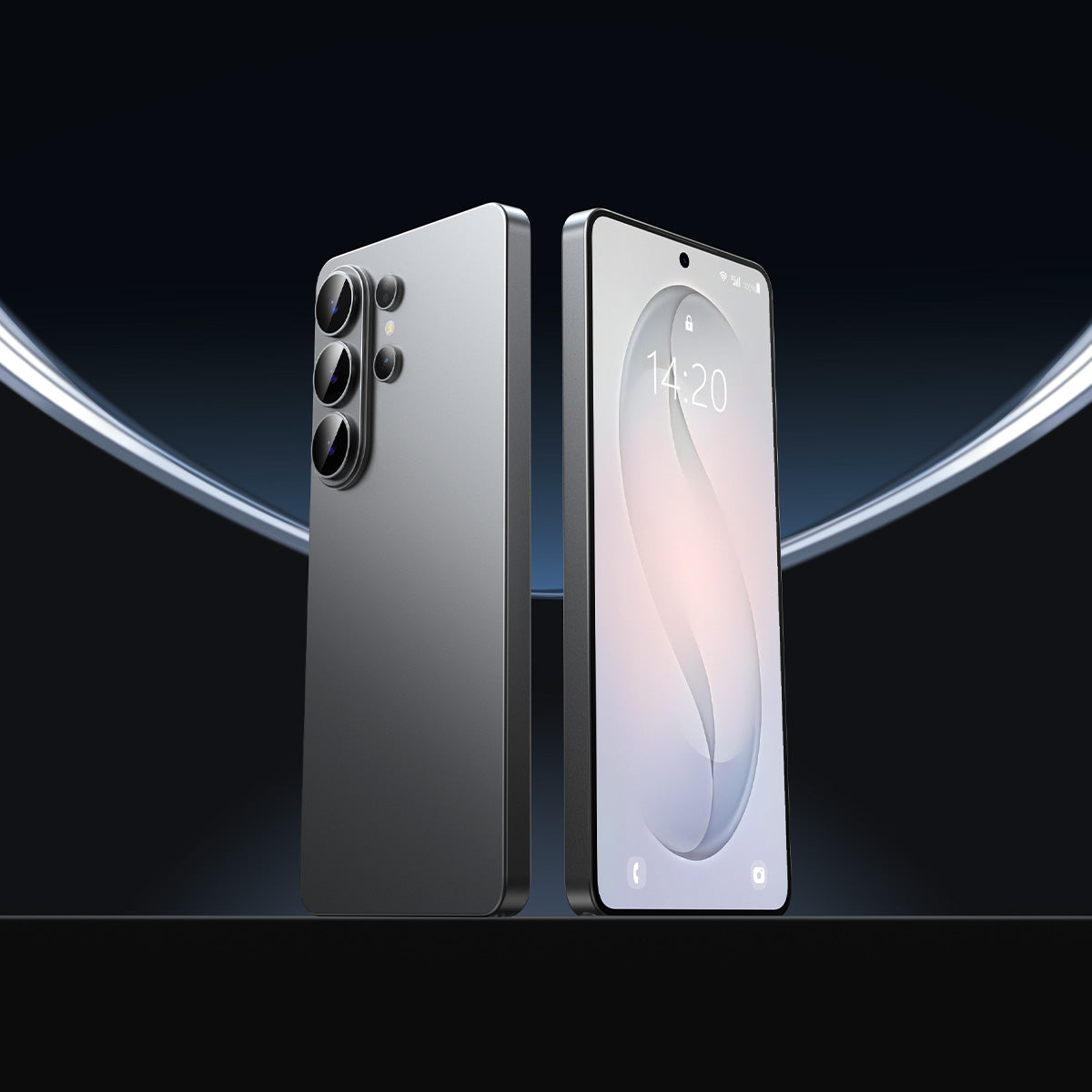




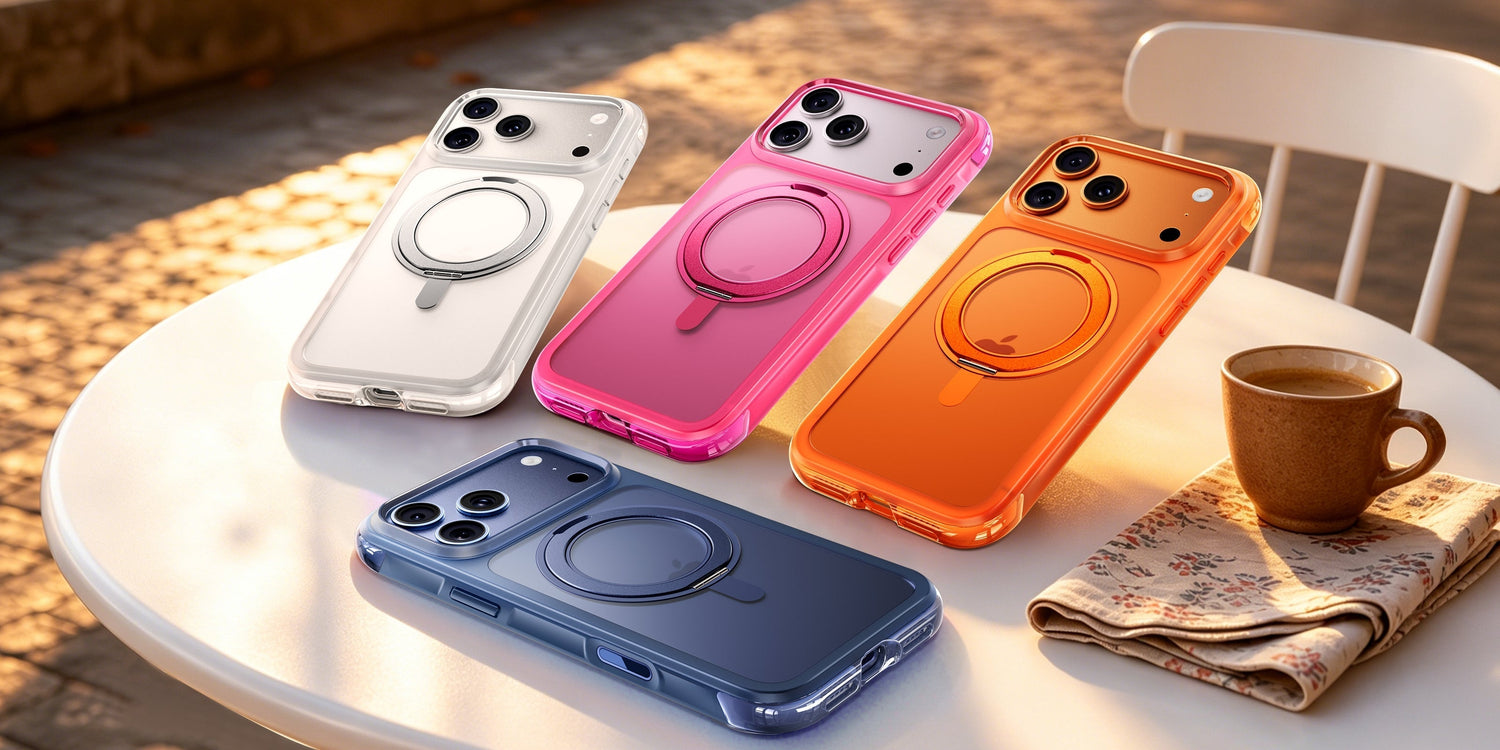
Ao adquirir um novo iPhone 17 Pro, geralmente surge uma dúvida imediata: qual capa escolher? A capa certa. Capa para iPhone 17 Pro Protege bem o seu dispositivo sem que ele pareça um tijolo no bolso. Estas opções atendem a todos os tipos de usuários, para que você encontre a ideal para você.
Seleção rápida por caso de uso
| Caso de uso | Tipo de caso | Funcionalidade essencial necessária |
| Uso diário | Slim + MagSafe | Leve e com boa aderência. |
| Quedas pesadas/ao ar livre | Áspero | Cantos com airbag, testados contra quedas. |
| Streaming/viagens | estojo de suporte | Suporte de apoio ou suporte MagSafe |
| Usuários que priorizam a câmera | Fino + espaço para lentes | Sem interferência da lente |
O que define uma boa capa para iPhone 17 Pro em 2026?
Eis o que você deve priorizar: proteção contra quedas, Compatibilidade com MagSafe, e espaço livre da lente da câmera.
Proteção contra quedas
A característica que realmente faz a diferença é cantos que absorvem impactos: Bolsos flexíveis integrados à capa que se comprimem em caso de queda, em vez de transferir a força para o telefone.
Em uma capa com airbag para iPhone 17 Pro, esses bolsos de canto vazados Distribuir a força para fora em vez de enviá-la diretamente para a estrutura.
Compatibilidade com MagSafe
O iPhone 17 Pro possui um anel magnético integrado que se encaixa em carregadores e acessórios MagSafe. Se a capa for muito grossa ou usar o material interno errado, esse alinhamento se desfaz e o carregamento fica mais lento.
As capas compatíveis com MagSafe possuem ímãs embutidos especificamente para manter o alinhamento através do material da capa.

Espaço livre para lentes de câmeras
O iPhone 17 Pro possui uma barra de câmera horizontal que percorre toda a parte traseira do aparelho. As lentes ainda se projetam acima da superfície. Sem uma borda elevada, o vidro pode ser facilmente arranhado ao deslizar sobre superfícies duras.
Procure por um lábio levantado Isso, na verdade, limpa o nível da lente.
Qual tipo de capa para iPhone é o ideal para você?
Capas finas
Ideal para: Para levar no bolso, ideal para o escritório, uso diário leve.
capas super finas Mantenha a sensação ao toque do telefone o mais próxima possível da original. Se você costuma deixar o telefone cair a cada poucos meses, uma capa fina geralmente é suficiente. Se ele cair com mais frequência, você precisará de uma capa com mais amortecimento.
Capas resistentes e com airbag
Ideal para: Uso externo, quedas frequentes, estilos de vida ativos
As capas robustas usam uma camada externa rígida sobre uma camada interna flexível para absorver impactos em duas direções. O design da capa com airbag para iPhone 17 Pro adiciona bolsas de ar ocas em cada canto para amortecimento extra em quedas. Sim, elas são mais volumosas, mas resistem a quedas que capas finas simplesmente não suportariam.
Clear Cases
Ideal para: Usuários que desejam exibir a cor original do iPhone.
As capas transparentes ficam ótimas quando você as coloca pela primeira vez. O que você precisa observar é o amarelamento: o TPU de qualidade inferior pode ficar com uma tonalidade amarelada opaca em poucos meses de exposição ao sol. capas transparentes de alta qualidade usar Revestimentos anti-amarelamento e resistentes a riscos que de fato se mantêm ao longo do tempo.
Estojos com suporte
Ideal para: Transmissão ao vivo, chamadas de vídeo, uso com as mãos livres
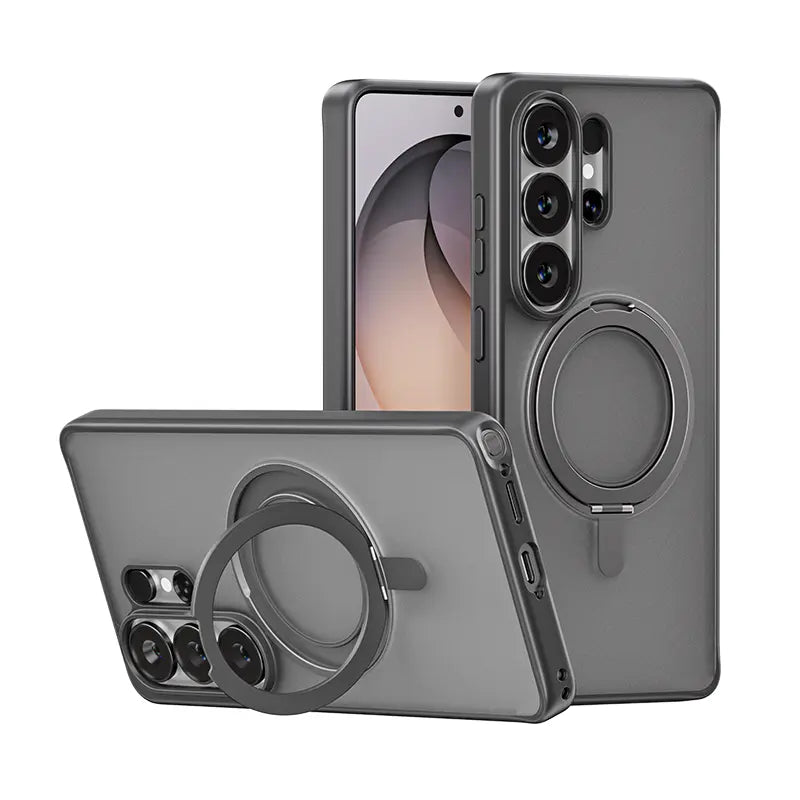
As capas com suporte abrem um apoio para que você possa apoiar o telefone sem precisar segurá-lo. Um suporte ajustável permite que você encontre o ângulo exato para vídeos, chamadas ou leitura em uma mesa.Para obter a melhor capa para iPhone 17 Pro Max para streaming, um suporte integrado é muito mais conveniente do que carregar um suporte separado.
Melhores capas para iPhone 17 Pro para estilos de vida específicos
Para uso diário em deslocamentos e no escritório.
A melhor capa para iPhone 17 Pro Max para uso diário mantém tudo simples:
- Fino o suficiente para parecer natural na mão.
- Compatível com MagSafe para carregamento de mesa
- Acabamento fosco ou texturizado que resiste a impressões digitais.
Capas brilhantes acumulam marcas de dedos com facilidade. Um acabamento fosco ou com toque suave permanece mais limpo durante todo o dia e proporciona uma sensação de maior segurança ao segurar o aparelho.
Para viajantes e passageiros frequentes
Para viagens, você precisa de uma capa que resista a quedas da bolsa ou da calçada sem transformar seu celular em um tijolo. Boa proteção contra impactos. espaço livre da câmera aumentado, E um perfil que não altere a sensação do telefone na sua mão são os três aspectos que vale a pena verificar.
Para jogadores e streamers
A aderência é mais importante aqui do que em qualquer outro lugar. costas texturizadas Impede que o telefone escorregue das suas mãos durante o uso. Verifique também as bordas laterais: uma capa muito grossa nas laterais dificulta uma pegada confortável na lateral do telefone.
Conclua a configuração: Tela & Proteção da câmera
Por que o caso por si só não é suficiente
Uma capa não protege a tela nem as lentes da câmera. Ambas ainda sofrem impactos sempre que o telefone é virado com a tela para baixo ou desliza sobre uma superfície áspera.
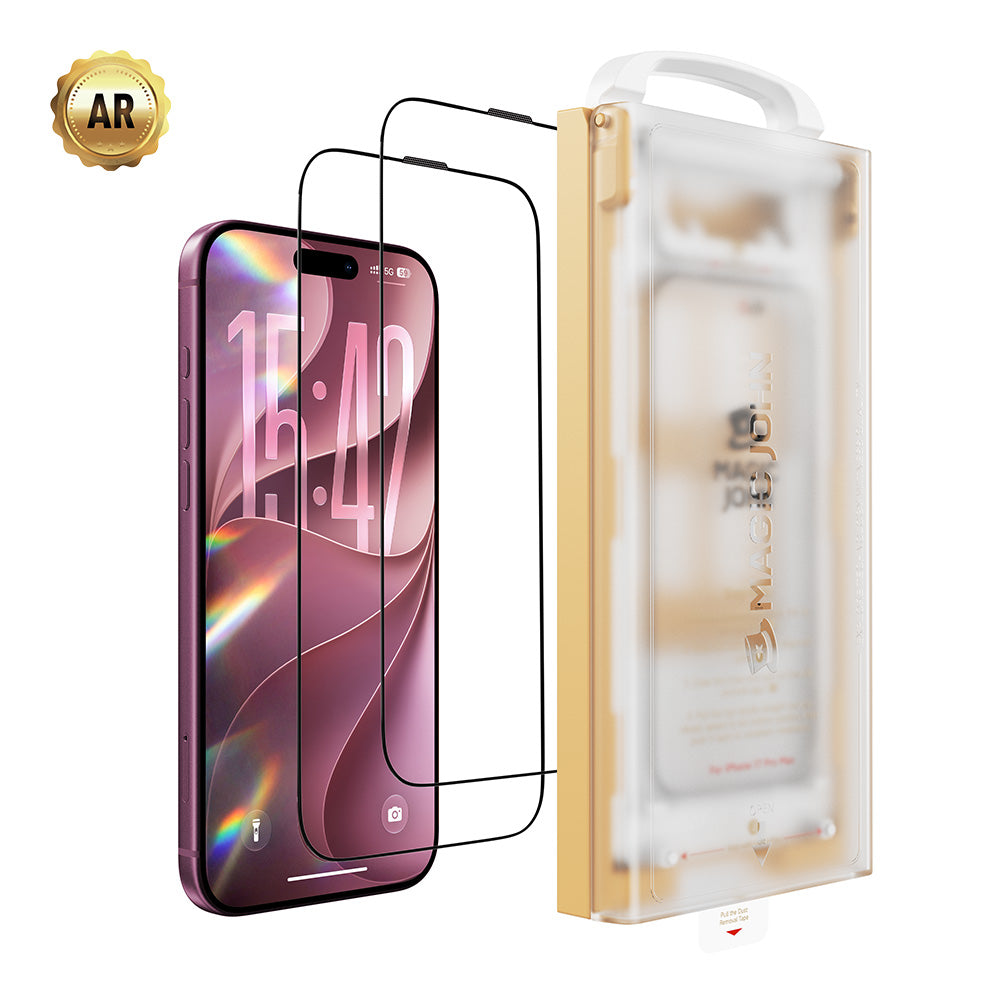
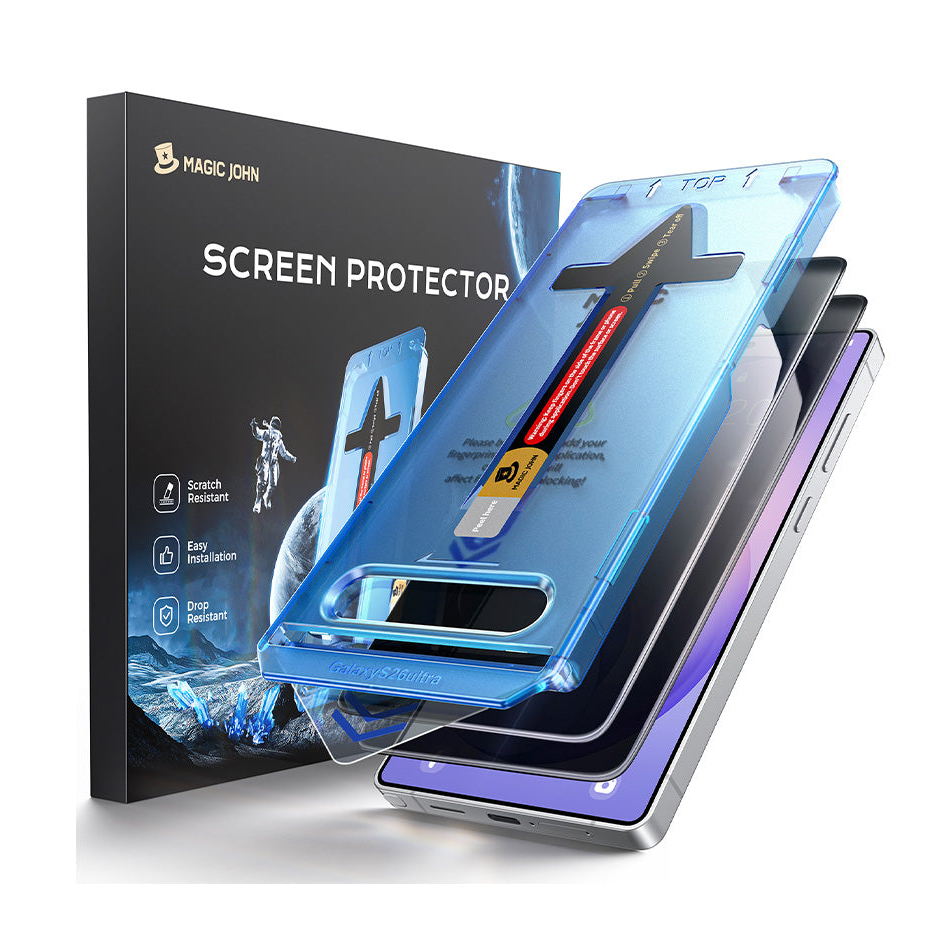
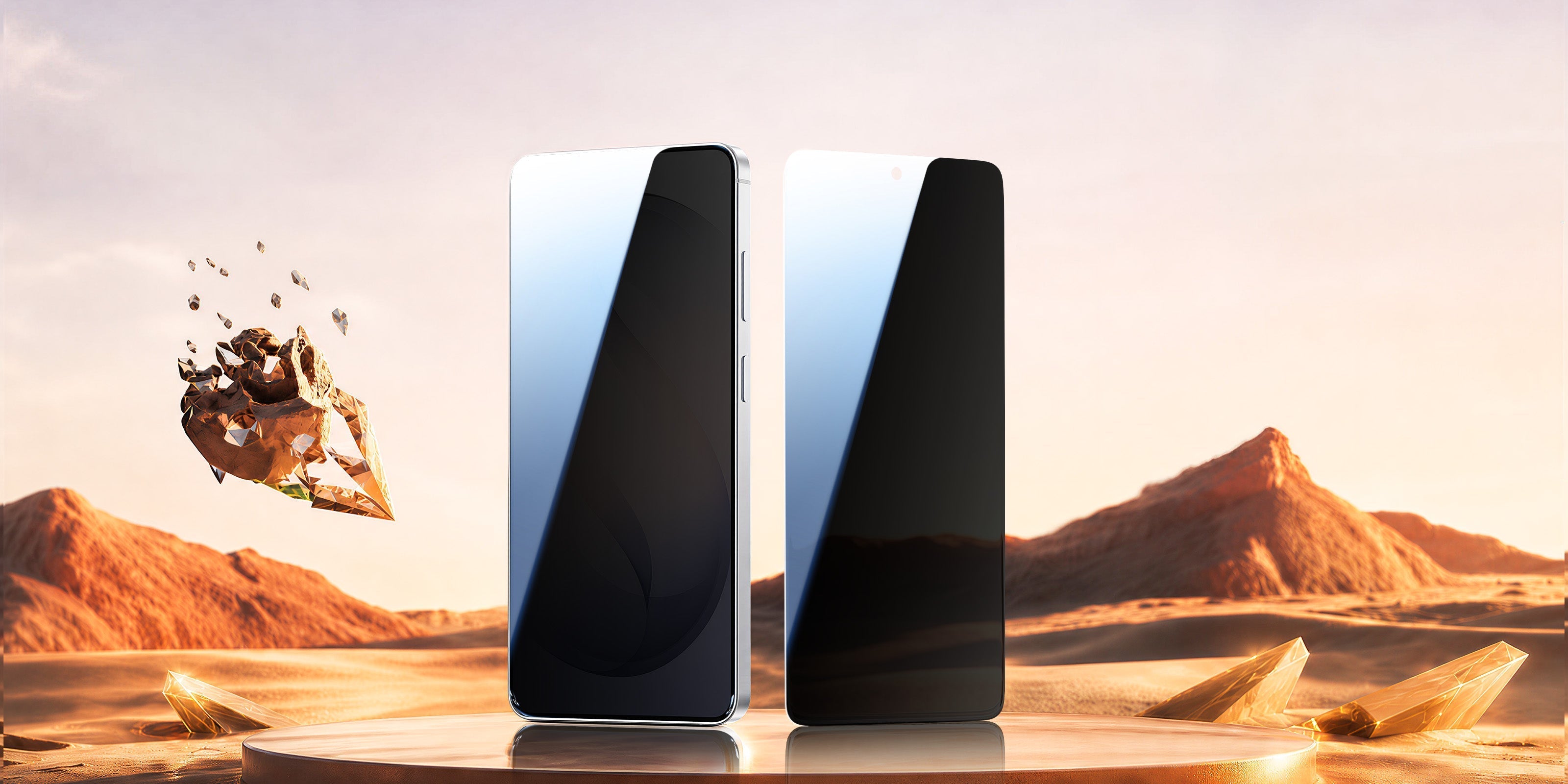
Combine sua capa com uma película protetora de tela.
Os protetores de tela MAGIC JOHN vêm com um aplicador sem poeira que remove partículas da tela antes que o vidro a toque. A instalação leva apenas alguns segundos e sai sem bolhas.
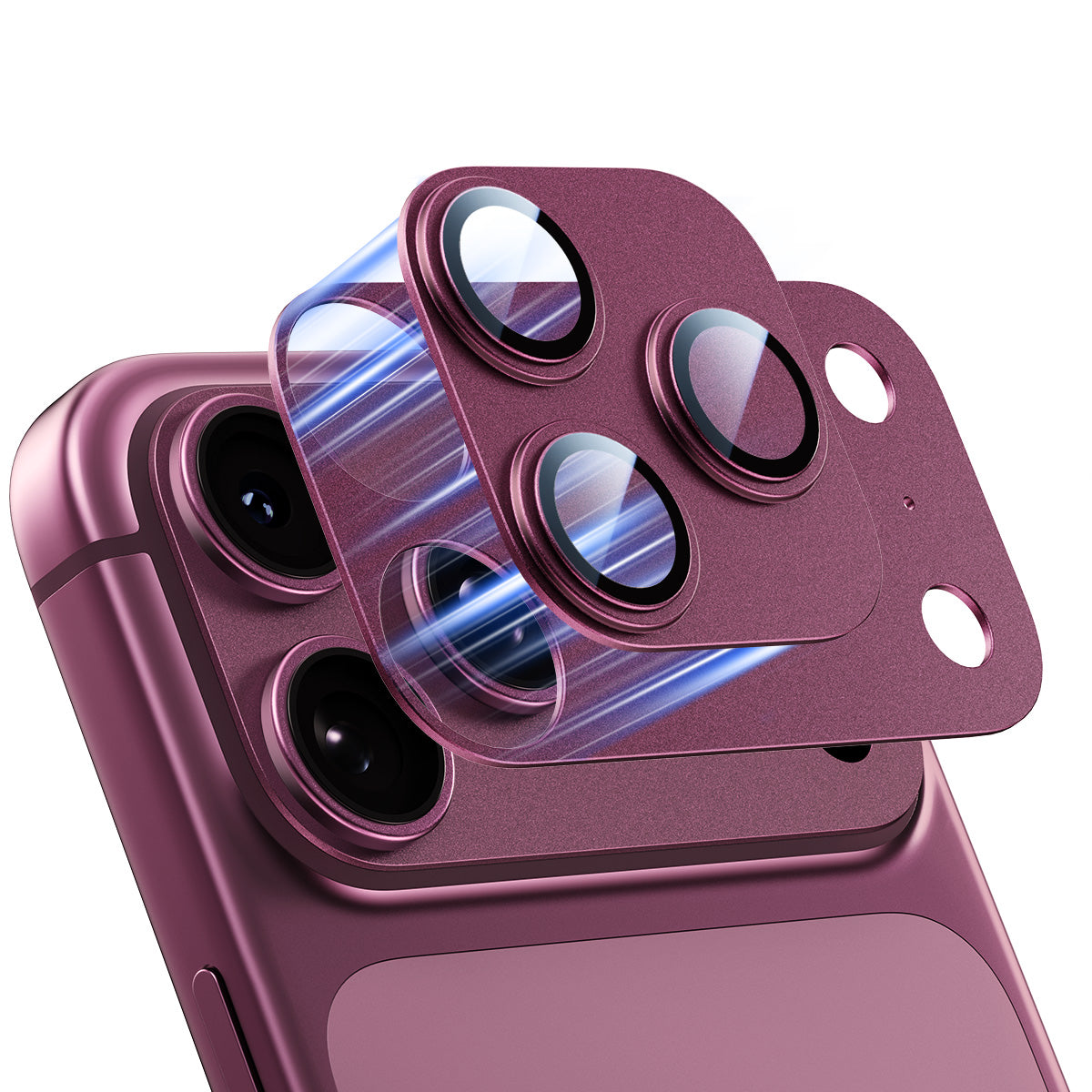
Protetor de Lente da Câmera para iPhone 17 Pro
O protetor de lente magnético MAGIC JOHN para iPhone 17 Pro Max se encaixa usando o próprio anel magnético do telefone. Não são necessárias ferramentas nem adesivo.. Ele se encaixa perfeitamente sobre o módulo da câmera sem bloquear as lentes.
Como escolher capas para o seu iPhone 17?
Passo 1: Conheça seu maior risco
Uma pergunta sincera: com que frequência você deixa seu celular cair? Se for algo frequente, comece com uma capa resistente ou com airbag. Se ele fica mais na bolsa ou em cima da mesa, uma capa fina já resolve.
Passo 2: Verifique a compatibilidade do MagSafe com a câmera
Antes de finalizar a compra, verifique duas coisas: se a capa é compatível com MagSafe (e não apenas "magnética") e se o recorte para a câmera está acima do nível da lente. Se o anúncio não mencionar nenhum dos dois, provavelmente não é compatível.
Passo 3: Adapte ao seu ambiente diário
| Ambiente | Tipo de caso recomendado |
| Escritório/deslocamento | Slim + MagSafe |
| Ao ar livre/ativo | Cantos reforçados com airbags |
| Viagens/streaming | Estojo com suporte + espaço para lentes |
Proteja seu iPhone 17 Pro
Uma boa capa para iPhone 17 Pro oferece três vantagens: classificação de queda, Alinhamento MagSafe e espaço livre para a câmera. Adicione um protetor de tela e a tampa da lente, e todo o telefone fica resolvido.

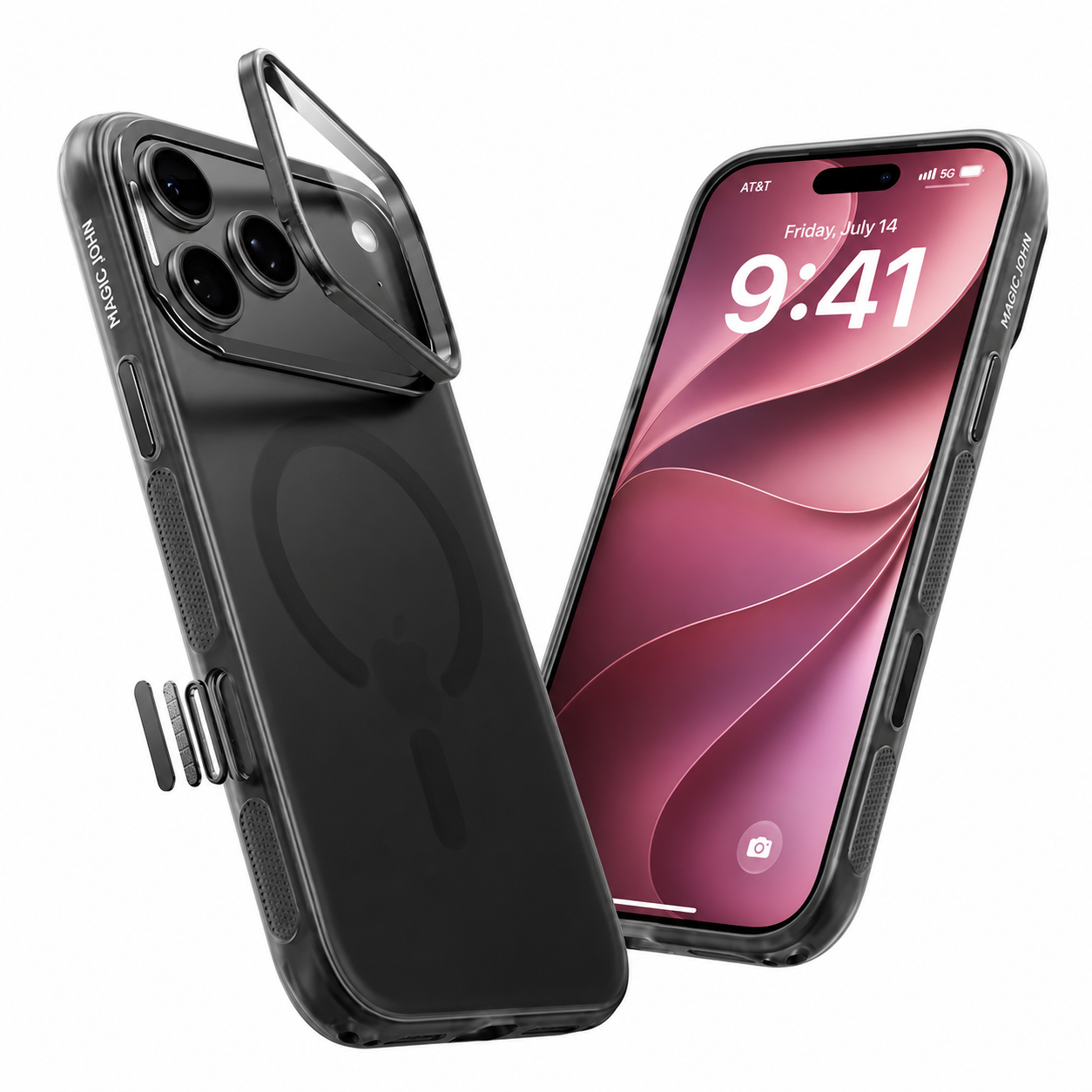
Capa com almofada de ar MAGIC JOHN Guardian Protege seu telefone com:
- Proteção de airbag de 360°
- Fosco & À prova de impressões digitais
- Suporte oculto
- Forte sucção magnética
- Magro & Ajuste elegante
- Recortes de precisão
Veja o que combina com você em Capas para iPhone do MAGIC JOHN.
Perguntas frequentes sobre capas para iPhone 17 Pro
P1: Qual é o melhor tipo de capa para o iPhone 17 Pro para uso diário?
Uma capa fina compatível com MagSafe e com acabamento fosco atende às necessidades diárias da maioria das pessoas. É leve, resistente a impressões digitais e permite carregar o celular na mesa sem precisar removê-la. Se você costuma deixar o celular cair com frequência, opte por uma capa resistente com cantos reforçados com airbags.
P2: As capas para iPhone 17 Pro são compatíveis com carregadores MagSafe?
Nem todas, não. Capas comuns sem ímãs embutidos podem enfraquecer o alinhamento do MagSafe e diminuir a velocidade do carregamento sem fio. Uma capa devidamente compatível com MagSafe possui ímãs embutidos dimensionados para se encaixarem no anel interno do iPhone. Procure por essa etiqueta antes de comprar.
P3: O que a proteção de canto do airbag realmente faz?
Os cantos com airbag são pequenos compartimentos ocos embutidos em cada canto da capa. Quando o telefone atinge uma superfície com o canto primeiro, eles se comprimem e absorvem a força, em vez de transmiti-la diretamente para a estrutura. Quedas com impacto nos cantos são, de longe, o padrão de queda mais comum, e é exatamente para isso que os cantos com airbag foram projetados.
Q4: Devo comprar um protetor de lente de câmera separado junto com a minha capa?
Sim, e é um pequeno detalhe que faz uma diferença notável. A capa protege a estrutura ao redor da barra da câmera, mas as lentes em si ainda ficam expostas.
P5: Posso usar uma capa resistente e ainda usar o carregamento sem fio?
Sim, Com certeza. A maioria das capas resistentes de alta qualidade para iPhone 17 Pro Max suporta carregamento sem fio Qi2 e MagSafe através da capa. A velocidade pode ser um pouco menor em comparação com o carregamento sem capa, mas funciona perfeitamente.



Deixe um comentário
Este site é protegido por hCaptcha e a Política de privacidade e os Termos de serviço do hCaptcha se aplicam.