
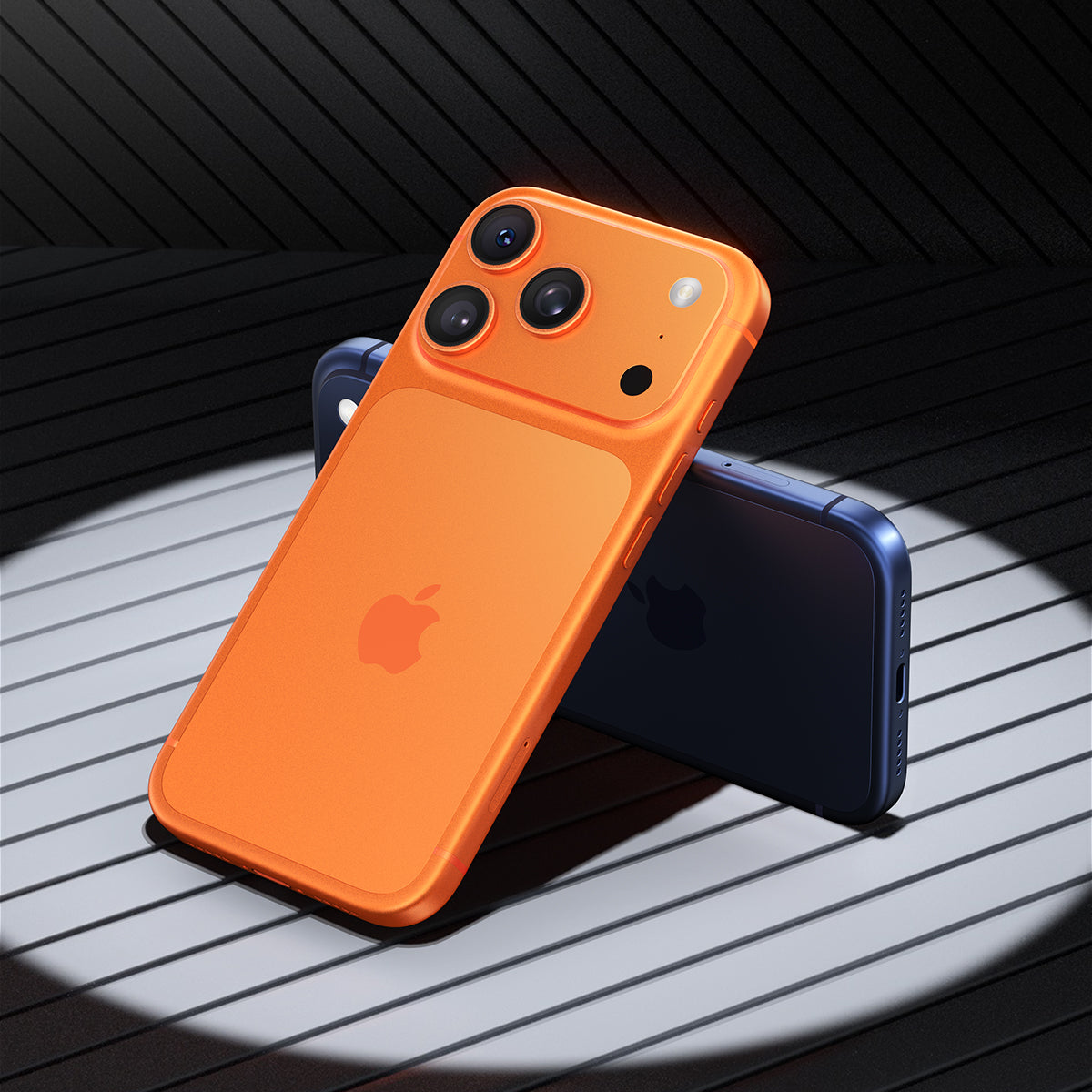
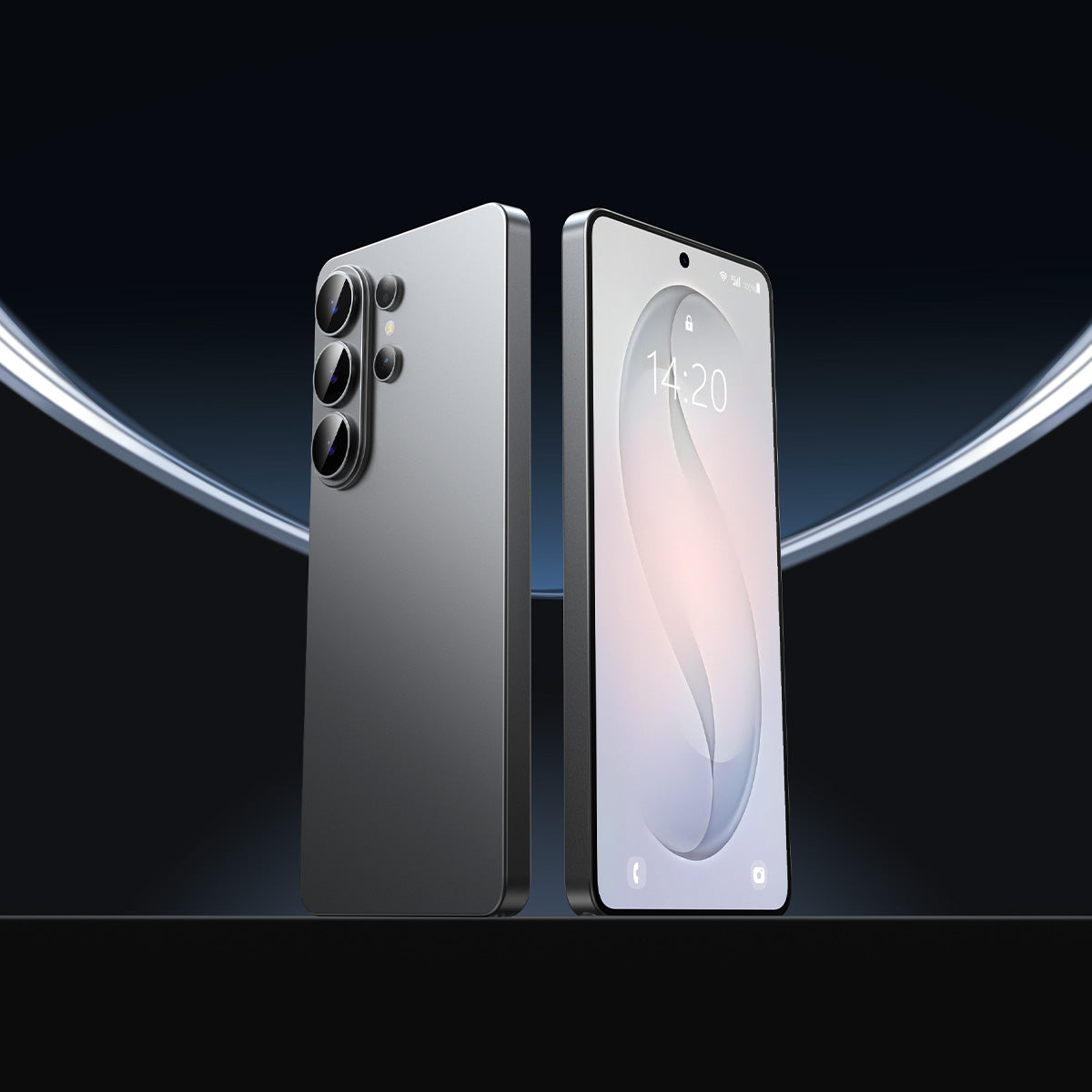

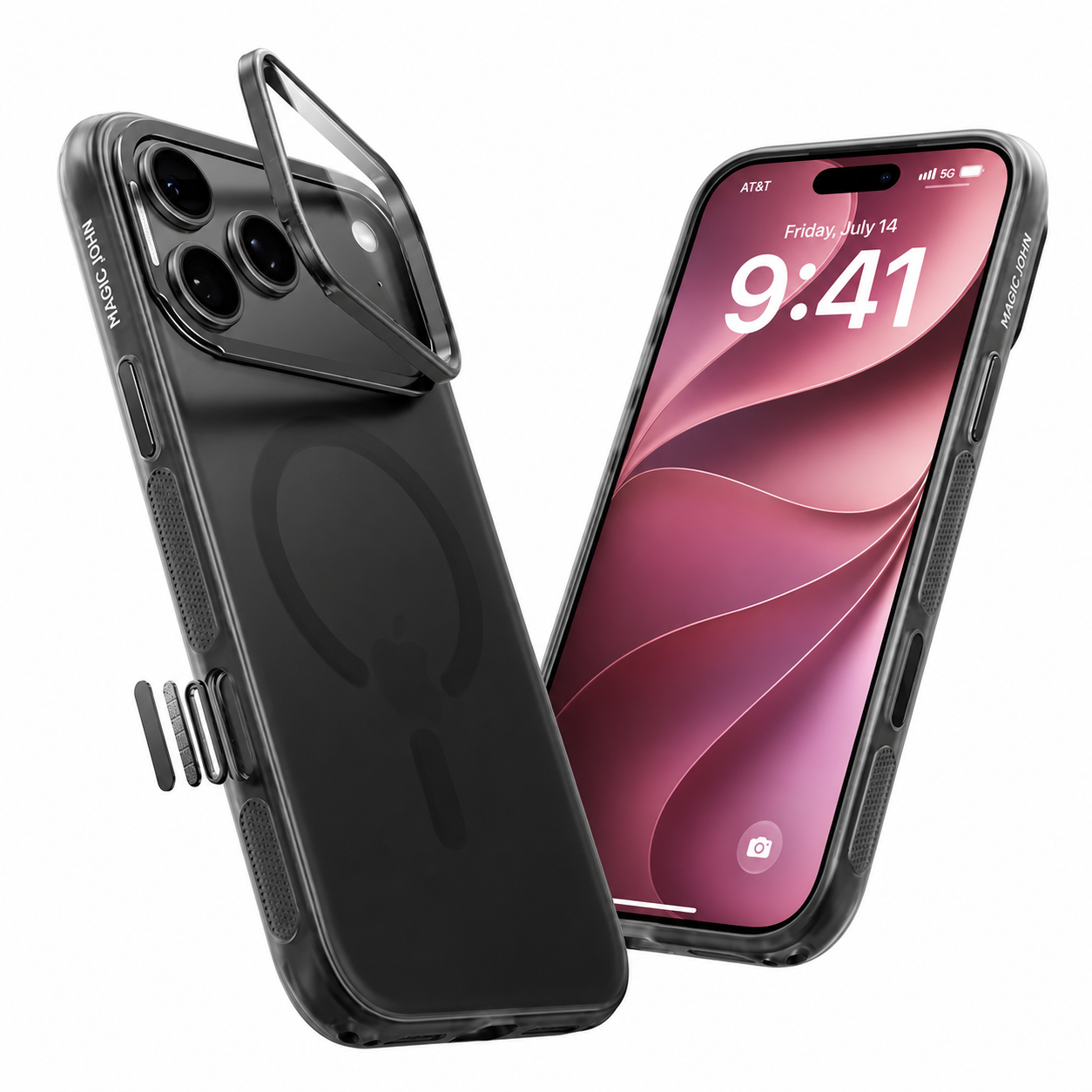
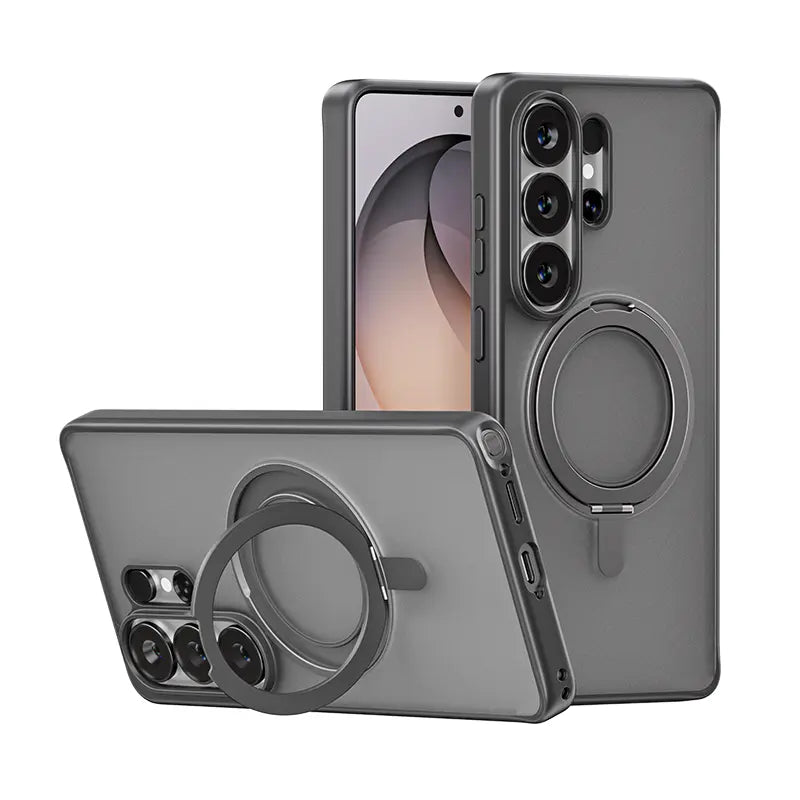



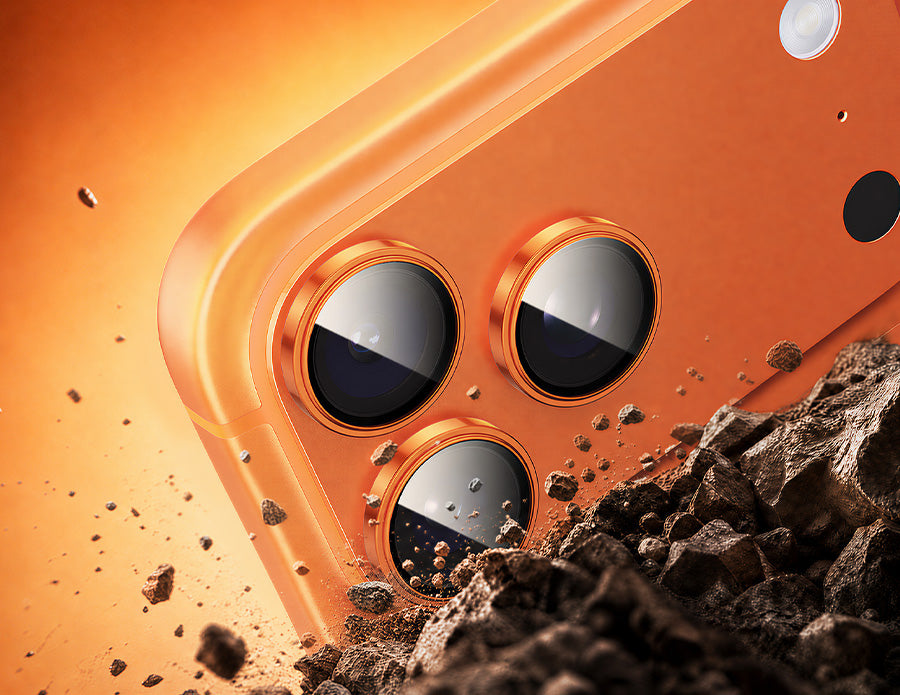
O novo módulo de câmeras do iPhone 17 Pro se estende por toda a parte traseira do aparelho, colocando-o em posição ideal. três lentes de 48MP plano contra superfícies do dia a dia. O iPhone 17 padrão mantém uma saliência vertical, mas ambos os designs deixam o vidro de precisão exposto à areia, chaves e concreto. Uma película protetora vai arruinar suas fotos, ou economizar em um reparo caro? Eis o que você precisa saber.
Sim, a maioria dos proprietários de iPhone 17 deve usar um protetor de lente.
Um protetor de lente é um investimento inteligente, desde que seja de alta qualidade o suficiente para manter a nitidez das fotos. Sua necessidade dependerá do seu ambiente e da qualidade óptica do protetor.
O vidro de safira não é invencível.
A Apple protege suas lentes com cristal de safira. Embora seja resistente a tecidos e plásticos de bolso, tem suas limitações:
- Microarranhões: Elementos ambientais como areia de quartzo, poeira de concreto e partículas metálicas são mais duros que a safira. Com o tempo, eles agem como uma lixa microscópica, deixando abrasões que degradam a nitidez da imagem.
- Risco de impacto: A safira é dura, mas quebradiça. Uma queda direta sobre cascalho, azulejo ou pavimento pode facilmente rachar a lente por completo.
Quem mais precisa disso?
Recomenda-se vivamente o uso de um protetor. para:
- Usuários ativos: Frequentadores assíduos de praias, academias ou trilhas para caminhadas. A areia, em particular. É uma das maneiras mais rápidas de riscar uma lente.
- Profissionais: Qualquer pessoa que trabalhe na construção civil, na indústria ou em ambientes com muita poeira.
- Pais: Crianças pequenas deixam cair os telefones com frequência.
- Proprietários cuidadosos: Mesmo para usuários internos, serve como um seguro de baixo custo para o valor de revenda.
A estratégia da "camada sacrificial"
Um protetor é projetado para suportar o impacto. Se riscar, você substitui. Acessório de US$ 10 a US$ 20. Se a lente ou a superfície ao redor forem arranhadas, a Apple precisa substituir todo o painel traseiro unibody. Mesmo danos estéticos são afetados. centenas de dólares.
Como o redesenho do iPhone 17 altera a dinâmica do Surface
A série iPhone 17 Pro substitui a clássica saliência quadrada por uma platô de câmera horizontal de largura total. Isso altera a forma como o telefone se posiciona sobre as superfícies:
- Zona de contato mais ampla: A antiga saliência no canto funcionava como um único pé. O novo platô cria uma ampla faixa de contato, expondo uma área de superfície muito maior à areia da mesa.
- Protrusão multinível: As lentes de 48 MP se projetam ligeiramente acima da plataforma do modelo Pro e da saliência vertical do modelo padrão de 17 polegadas. Quando o aparelho é colocado com a tela virada para baixo, essas lentes são o principal ponto de contato.
- Atrito inevitável: Com um sistema de câmera mais largo e saliente, é praticamente impossível evitar o contato direto do vidro com a superfície. Uma película protetora absorve esse atrito diário, mantendo o vidro original intacto.
- Painel traseiro monobloco: A parte traseira de vidro do iPhone 17 Pro é uma peça única. Um arranhão ao redor da câmera não pode ser reparado por conta própria — o painel traseiro inteiro deve ser substituído.
O protetor de lente prejudica a qualidade da foto?
Só se a qualidade da imagem for ruim. Um protetor bem feito é opticamente invisível. Para manter fotos com qualidade profissional, procure por estas especificações:
-
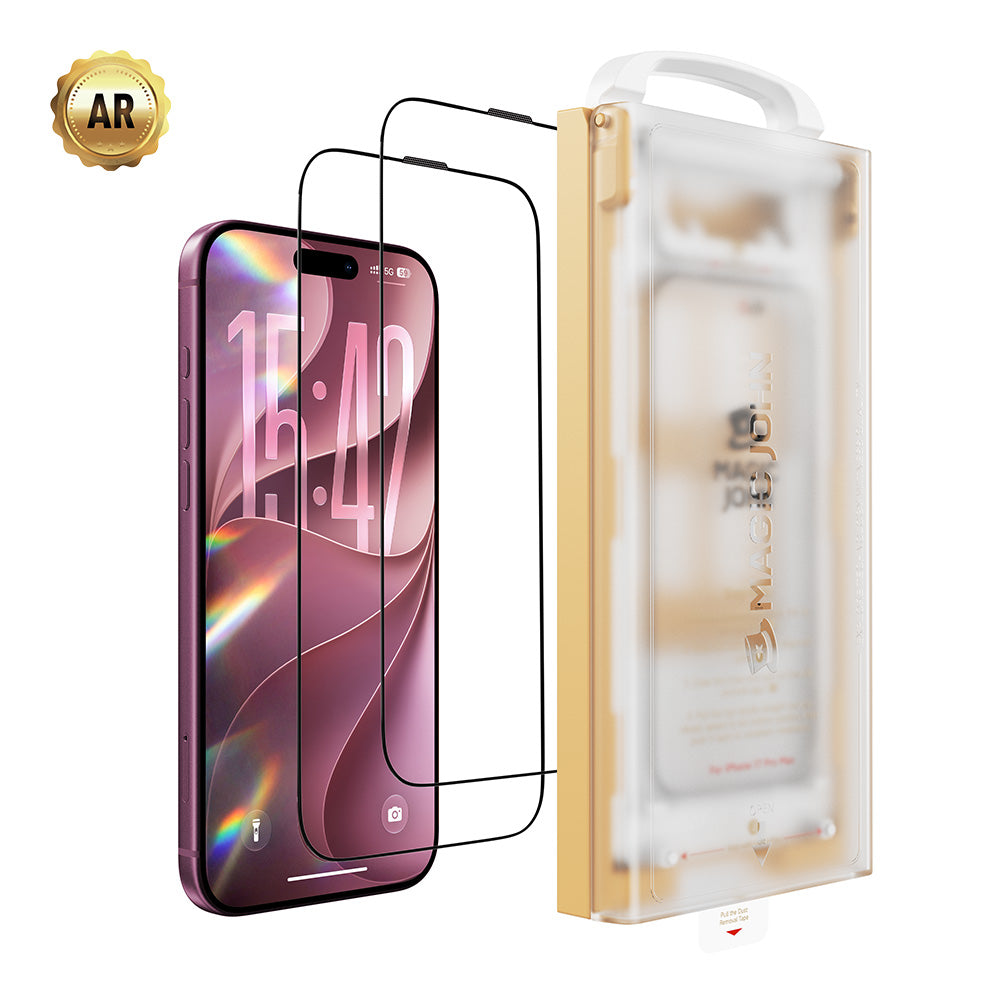
Revestimento AR (Antirreflexo): Essencial para fotografia noturna. Sem ele, a luz pode refletir entre a lente e o protetor, causando fantasmas e reflexos perceptíveis ao redor dos postes de luz.

- Transmissão de luz de 99%: Garante que as cores, o contraste e a faixa dinâmica correspondam à lente sem proteção.Uma transmitância inferior a 95% suaviza visivelmente a imagem.
- Precisão óptica: O vidro de corte preciso evita irregularidades microscópicas que dispersam a luz e criam um aspecto embaçado sob a luz solar intensa.
O teste de qualidade de 3 fotos: Após a instalação, tire uma foto em plena luz do dia, uma contra uma lâmpada e uma à noite. Se não observar nenhum efeito estrelado, névoa ou alteração de cor, seu protetor está instalado corretamente. opticamente neutro.
Vidro temperado vs. Vidro de safira vs. Películas protetoras
| Recurso | Vidro temperado | Vidro de qualidade safira | Filme/Plástico |
| Dureza (escala de lápis) | 9H | 9H+ | 3–4H |
| Transmitância de luz | 95–99% | 99%+ | 90–95% |
| Resistência a riscos | Forte | Muito forte | Fraco |
| Impacto da fotografia noturna | Risco de erupção solar (se não houver risco de erupção) | Minimalista (com RA) | Suaviza a imagem |
| Ideal para | Usuários do dia a dia | puristas da fotografia | Uso temporário |
Observação: As classificações de dureza acima utilizam a escala de dureza de lápis (H), e não a escala de Mohs. O vidro de safira tem dureza aproximadamente 9 na escala de Mohs, mas as classificações de proteção para o consumidor são normalmente medidas e comercializadas usando o padrão de dureza de lápis.
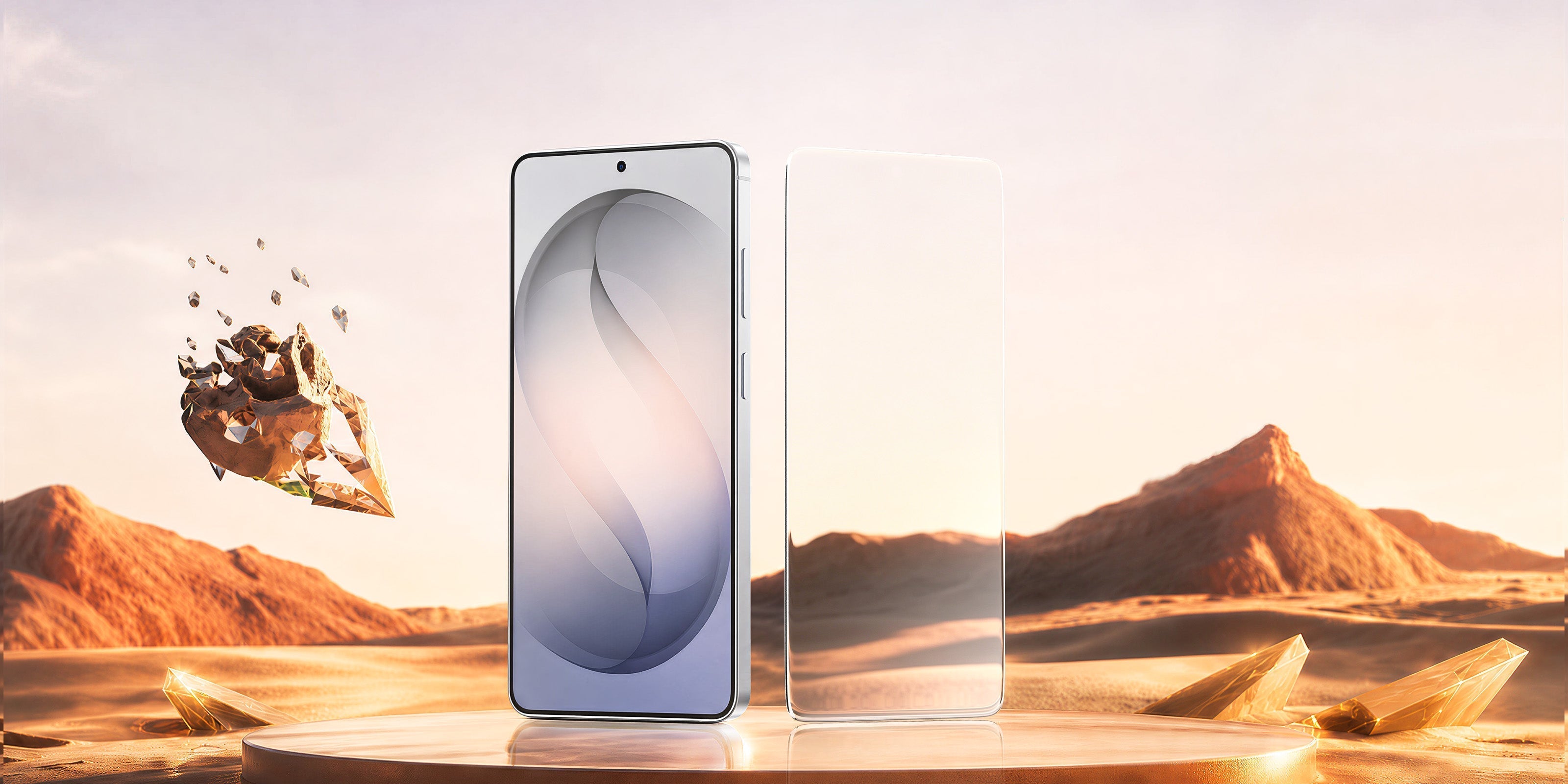
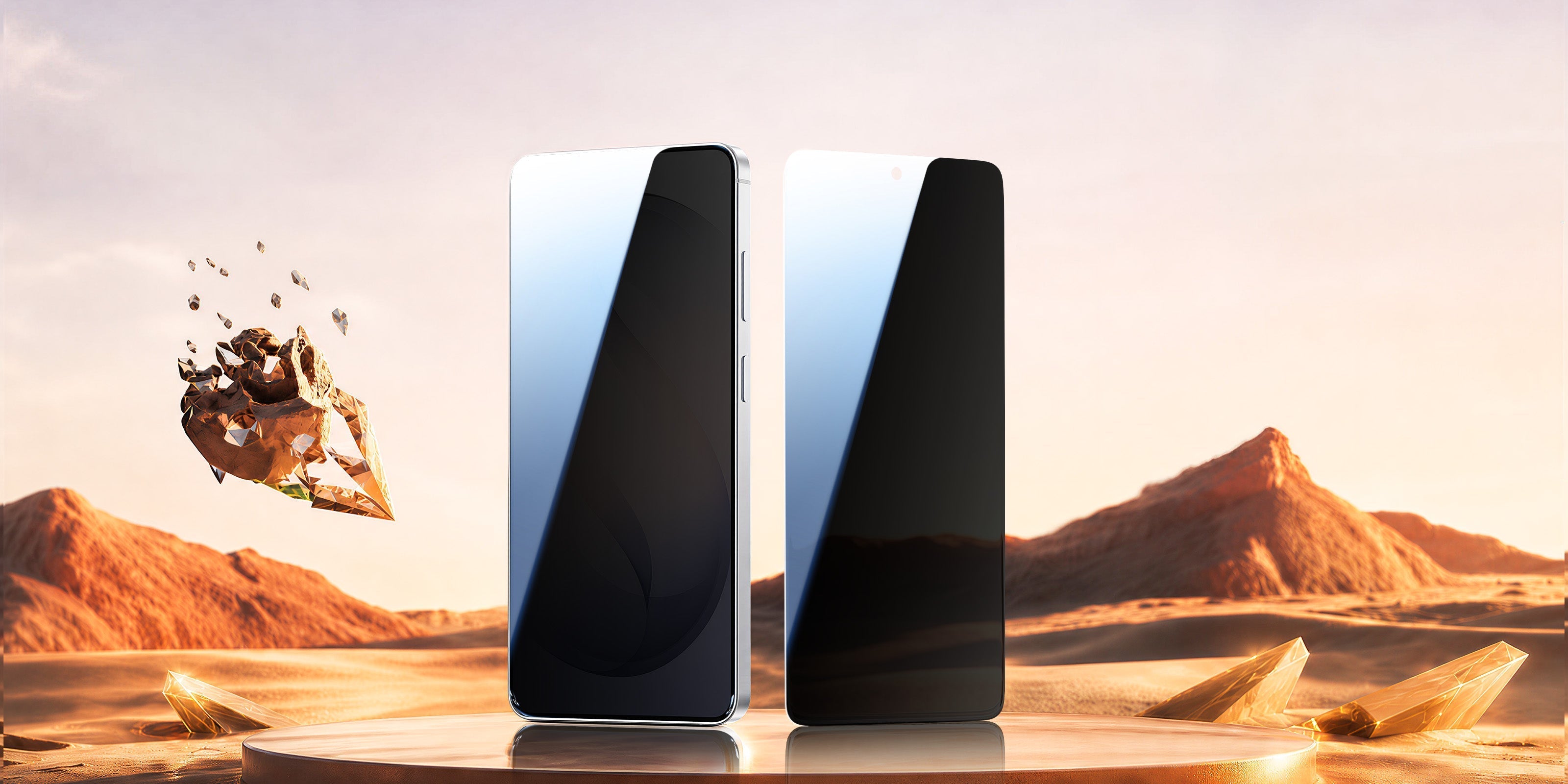
Para a maioria dos usuários, o vidro temperado com revestimento antirreflexo ou o vidro de safira oferecem o melhor equilíbrio entre proteção e nitidez. A MAGIC JOHN oferece duas opções desenvolvidas especificamente para a linha iPhone 17, cada uma adequada a um tipo diferente de usuário — detalhadas abaixo.
Anéis de proteção de lente individuais versus protetores de lente de placa inteira
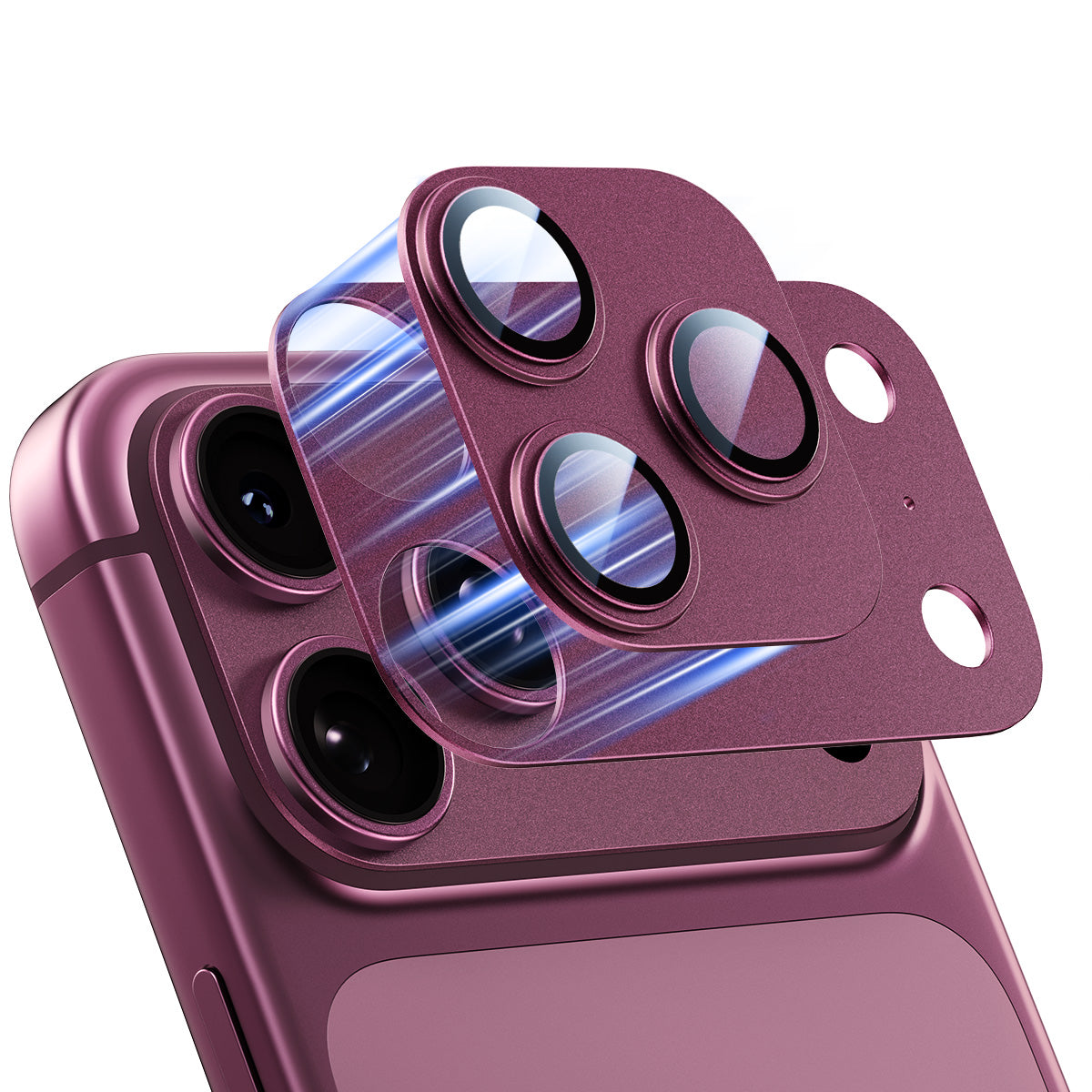
- Anéis de Lente Individuais: Envolve cada lente individualmente. São mais finas, minimizam a interferência do flash e permitem a substituição de uma única lente. Ideais para o iPhone 17 Pro/Pro Max com 3 lentes.
- Protetores de placa completa: Uma única peça de vidro que cobre todo o módulo. A instalação é mais rápida, mas ocasionalmente pode interferir com o flash ou entrar em conflito com capas muito justas. Ideal para o iPhone 17 e o iPhone 17 Air com câmera dupla.
- Encaixe magnético: Utiliza uma base nanomagnética para encaixar e desencaixar a lente em segundos. Ideal para fotógrafos que ocasionalmente desejam usar a lente sem proteção para sessões de fotos controladas — encaixe para transporte diário, remova antes da sessão e encaixe novamente ao terminar.
Qual protetor de lentes MAGIC JOHN é o ideal para você?
Protetor de Lentes Magnético MAGIC JOHN — Ideal para usuários do iPhone 17 Pro e Pro Max que desejam flexibilidade. O nano-encaixe magnético O design permite colocar ou remover a película protetora em segundos — útil para trabalhos profissionais onde se deseja uma lente sem proteção e, em seguida, aplicá-la instantaneamente ao terminar. Anel totalmente metálico com vidro de dureza 9H e 99% de transparência.
O anel de base magnético também cobre a superfície plana ao redor das lentes, evitando arranhões por contato que exigiriam a substituição completa do painel traseiro.

Protetor de Lente de Câmera MAGIC JOHN — Ideal para usuários do dia a dia de toda a linha iPhone 17, incluindo o iPhone 17 padrão e o iPhone 17 Air. Utiliza uma base de alinhamento de precisão para um Instalação com um só toque e sem bolhas. O vidro com dureza 9H preserva 100% da qualidade original da câmera.Disponível em seis cores.

Como instalar sem bolhas ou poeira
A poeira presa estraga as fotos. Os passos de instalação variam ligeiramente dependendo do tipo de protetor que você possui.
Protetores de Base de Alinhamento (e.g. , Protetor de Lente de Câmera MAGIC JOHN)
- Limpar: Limpe as lentes com o algodão embebido em álcool fornecido e deixe secar por 30 segundos.
- Remova a película inferior: Retire a película protetora para expor o lado adesivo.
- Pressione para alinhar: Posicione a moldura de alinhamento sobre o módulo da câmera e pressione suavemente — a moldura guiará o vidro automaticamente para a posição exata.
- Remova a moldura: Após o encaixe do vidro, remova a moldura de alinhamento. A película protetora permanece no lugar.
- Teste: Fotografe com todas as lentes disponíveis. Use o zoom para verificar se há manchas escuras ou névoa inesperada.
Protetores magnéticos de encaixe (e.g. , Protetor de Lentes Magnético MAGIC JOHN)
- Limpar: Limpe as lentes com o algodão embebido em álcool fornecido e deixe secar por 30 segundos.
- Fixe a base: O anel de base nanomagnético adere à estrutura do módulo da câmera. Pressione firmemente por 30 segundos para fixar.
- Encaixe o vidro: O protetor encaixa-se instantaneamente na base magnética — sem necessidade de adivinhação quanto ao alinhamento.
- Inspecionar: Verifique sob uma luz forte. Se algo parecer fora do normal, desencaixe e recoloque em segundos.
- Teste: Tire uma foto com as lentes principal, ultra-angular e teleobjetiva. Use o zoom para verificar se há manchas escuras ou névoa inesperada.
Por que algumas películas protetoras se soltam junto com as capas?
Se o seu protetor de tela A película continua descascando, o recorte da câmera da sua capa está muito apertado. Protetores mais espessos (0,5 mm ou mais) geralmente entram em conflito com capas justas, fazendo com que a borda da capa empurre o adesivo, afastando-o.
A solução: Instale primeiro a película protetora. Use películas ultrafinas (0,2 mm–0,3 mm) e procure capas com uma borda da câmera ligeiramente elevada que não interfira com as lentes. Observe que os protetores de lente Não bloqueie o carregamento MagSafe., pois a bobina está localizada no centro do telefone.
Proteja a lente, preserve a clareza.
As três câmeras traseiras de 48 MP do iPhone 17 Pro representam um salto significativo na fotografia móvel — e vale a pena protegê-las. Escolha uma película protetora de vidro de alta qualidade., Instale-o em um ambiente limpo e verifique a compatibilidade da capa. Seja você usuário do iPhone 17 padrão ou do Pro Max, a MAGIC JOHN tem um modelo desenvolvido especificamente para o seu dispositivo.
Perguntas frequentes sobre protetores de lente da câmera do iPhone 17
P1: Um protetor de lente de câmera causa reflexos na lente à noite?
Não, se tiver revestimento antirreflexo (AR). Reflexos e fantasmas perceptíveis em fotos noturnas são mais comuns em lentes de baixo custo sem revestimento.
P2: A lente de safira do iPhone 17 é resistente a riscos sem película protetora?
Não completamente. Ela resiste ao atrito do dia a dia, mas areia, detritos metálicos e quedas ainda podem causar microarranhões ou quebrar a lente.
P3: Posso usar uma película protetora do iPhone 16 Pro no iPhone 17 Pro?
Não. O iPhone 17 Pro apresenta um módulo de câmera horizontal completamente novo, com dimensões e espaçamento de lentes diferentes. Você precisa de uma película protetora feita especificamente para o iPhone 17 Pro.
Q4: Com que frequência devo substituir a proteção da lente da câmera?
Substitua-o quando notar arranhões visíveis, bordas levantadas ou fotos desfocadas.Com uso normal, um protetor de alta qualidade normalmente dura... 6 a 12 meses.


Deixe um comentário
Este site é protegido por hCaptcha e a Política de privacidade e os Termos de serviço do hCaptcha se aplicam.