




Des graphismes impeccables ou une réactivité optimale : le jeu mobile met les protections d’écran à rude épreuve. Les protections mates et transparentes sont conçues pour des besoins différents. Comprendre le problème que chacune résout simplifie le choix.
Réponse rapide : Choisissez le verre transparent pour des graphismes nets, des couleurs éclatantes et une expérience de jeu optimale en intérieur. Optez pour le verre mat si la transpiration des mains ou les reflets sont des problèmes récurrents pendant vos sessions.
Quels critères les joueurs mobiles doivent-ils prendre en compte pour choisir un protecteur d'écran ?
Le jeu vidéo impose des exigences différentes à un protecteur d'écran que l'usage quotidien. Voici ce qui compte réellement :
- Consistance au toucher. Le frottement doit rester prévisible tout au long d'une longue session, et pas seulement au début.
- Résistance à la transpiration. La transpiration affecte l'adhérence et la glisse, ce qui se traduit par des erreurs de manipulation au fil du temps.
- Contrôle de l'éblouissement. Dans les environnements plus lumineux, les reflets estompent les scènes sombres et les détails de la mini-carte.
- Résistance aux empreintes digitales. Les traces de doigts s'accumulent plus rapidement pendant les jeux vidéo que lors d'une utilisation normale.
- Netteté de l'écran. Les détails comptent dans le jeu compétitif, et toute perte de clarté a un coût réel.
- Sensibilité tactile. Le dispositif de protection ne doit pas ajouter de délai ou de latence perceptible à la réponse d'entrée.
- Durabilité. Le frottement constant du pouce signifie que le revêtement de surface s'use davantage que sur un téléphone utilisé régulièrement.
Comment fonctionnent les protections d'écran mates et transparentes
Protections d'écran transparentes HD
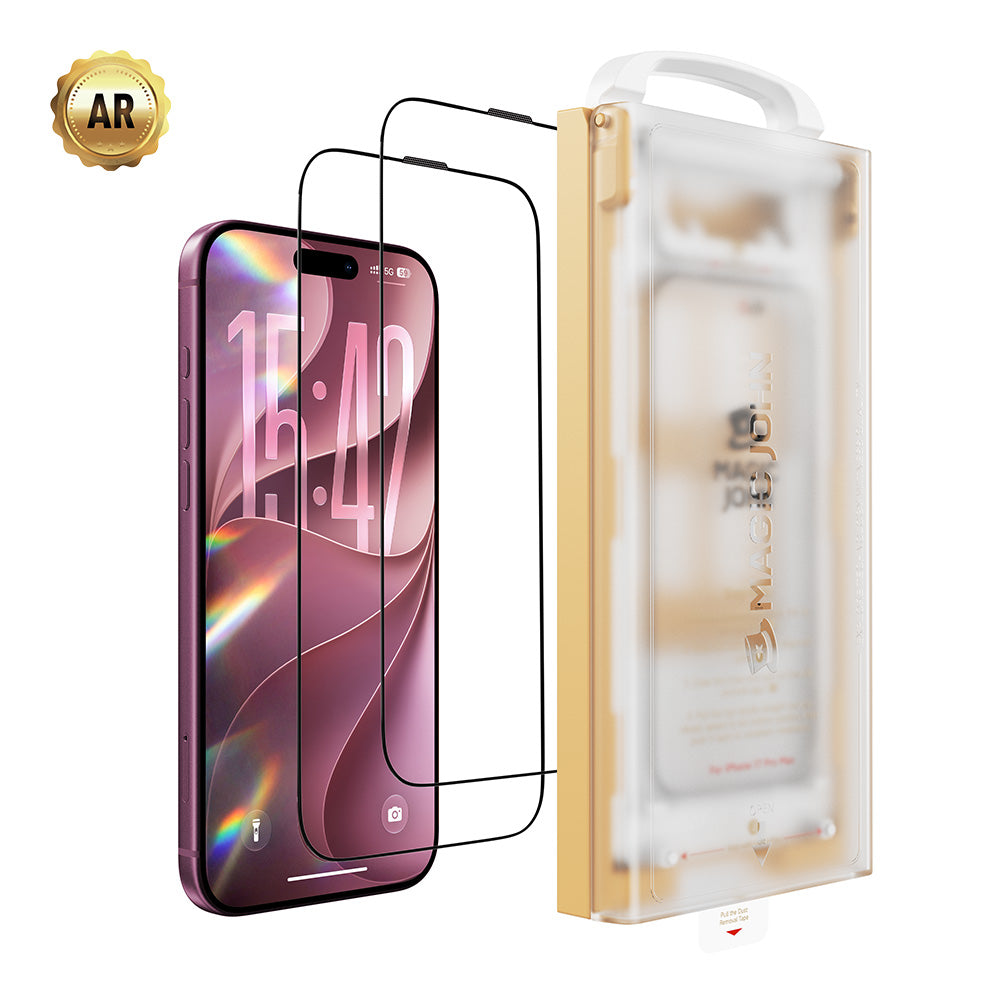
Verre trempé haute transparence préserve la couleur, le contraste et la netteté L'affichage est très proche de ce que votre écran est censé afficher. La surface est identique à celle du verre nu.
Ce qu'il fait bien
- Préserve la fidélité des couleurs et la netteté d'origine de l'écran.
- Le revêtement oléophobe facilite l'essuyage des traces et les rend moins visibles en surface.
- Aucune période d'adaptation : aspect et toucher de verre nu dès le premier jour
- Aucun effet scintillant ou granuleux, quel que soit l'angle.
Là où il pêche
- Sa surface brillante réfléchit la lumière directe près des fenêtres, sous les éclairages zénithaux ou à l'extérieur.
- Les empreintes digitales sont plus visibles que sur une surface mate, surtout lors de longues séances.
Protections d'écran mates
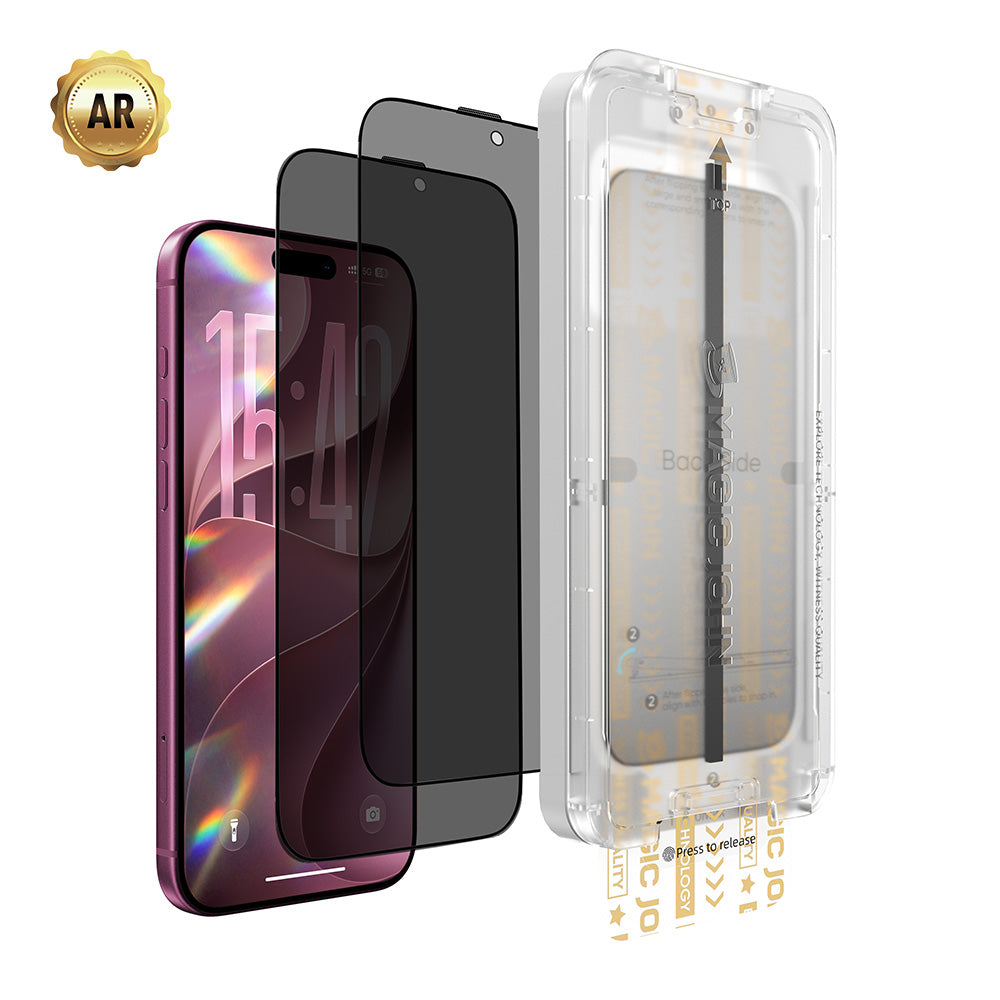
Une texture micro-gravée diffuse la lumière incidente dans de multiples directions, réduisant l'éblouissement et adoucissant les reflets. Cette même texture modifie le mouvement de votre pouce. Vous bénéficiez ainsi d'une résistance plus fine et sèche qui reste constante malgré la transpiration.
Ce qu'il fait bien
- Réduit sensiblement l'éblouissement dans les environnements lumineux ou extérieurs.
- La friction tactile reste stable lors de séances longues et intenses.
- Les empreintes digitales s'étalent sur la surface et deviennent beaucoup moins visibles.
Là où il pêche
- Les contours du texte s'adoucissent, les détails fins perdent légèrement en netteté, les couleurs peuvent paraître légèrement moins saturées.
- Effet scintillant ou cristallin : sous certains angles ou sur fond blanc, la microtexture crée un léger chatoiement visible à l’œil nu. Ce phénomène est particulièrement perceptible sur les écrans OLED haute résolution, et la tolérance individuelle varie considérablement.
Mat contreHD Clear : côte à côte
| Fonctionnalité | HD Clear | Mat |
| netteté de l'écran | Au plus proche de l'original ; aucun compromis visuel | Légèrement atténué ; plus visible sur les écrans OLED haute résolution. |
| Couleur et contraste | Préservation intégrale de la fidélité des couleurs | Saturation légèrement réduite |
| Résistance à l'éblouissement | Réfléchit la lumière directe de façon plus visible | Performant dans des environnements lumineux, extérieurs et à forte intensité lumineuse. |
| visibilité des empreintes digitales | Révèle plus rapidement les traces d'huile sur une surface brillante. | Les taches s'étalent et sont beaucoup moins visibles. |
| toucher | Toucher lisse comme du verre ; peut bouger lors de longues séances d'entraînement intense. | Sec et uniforme ; stable même en cas de transpiration des mains |
| Risque lié aux boissons pétillantes/céréales | Aucun | Présent ; varie selon la qualité du produit et la densité de pixels de l’écran |
| Idéal pour | Jeux d'intérieur, joueurs axés sur l'affichage | Jeux en extérieur ou dans les transports, mains moites |
Pour les joueurs qui privilégient une image nette et jouent en intérieur, le verre transparent est le meilleur choix. Le verre mat, quant à lui, est idéal pour ceux qui transpirent ou sont souvent confrontés à des reflets.
L'éblouissement affecte-t-il les jeux mobiles ?
Cela dépend de l'endroit où vous jouez.
L'éblouissement est un véritable obstacle à l'extérieur, près des fenêtres ou sous un éclairage zénithal intense.. Le fini mat fait une différence notable dans ces conditions.
Pour jouer en intérieur le soir ou dans des salles à éclairage contrôlé, Les reflets sont rarement un problème. De nombreux smartphones haut de gamme intègrent également des revêtements antireflets au niveau de la dalle qui atténuent encore davantage ce problème.
Si vous jouez principalement à l'intérieur le soir, les reflets ne seront probablement pas un facteur déterminant pour vous.
Un protecteur d'écran transparent laisse-t-il toujours apparaître toutes les empreintes digitales ?
Pas par défaut. Les protections transparentes de qualité comprennent des revêtements oléophobes. qui facilitent l'essuyage des traces et les rendent moins visibles en surface. Cette réputation de retenir les empreintes digitales concerne surtout les produits d'entrée de gamme ou sans revêtement.
Le verre brillant marque plus rapidement que le verre mat. Pendant les jeux vidéo, les empreintes digitales s'accumulent vite car les pouces sont constamment en mouvement.
Si les taches en cours de match vous dérangent, un protecteur d'écran anti-traces de doigts Une finition mate mérite d'être prise en considération.
[[produits_liés_1]]
Un protecteur d'écran mat dégrade-t-il l'apparence de l'écran ?
Oui, dans une certaine mesure. La fourchette est large.
Pour les appareils d'entrée de gamme, les utilisateurs décrivent souvent l'effet comme celui d'une image à travers du verre dépoli. Les couleurs apparaissent ternes et grises plutôt que vives. Les fonds blancs et les éléments d'interface utilisateur lumineux laissent apparaître le grain le plus nettement.
Dans les scènes sombres, le contraste diminue et les détails dans les ombres deviennent moins nets. Certains joueurs essaient le rendu mat pendant un mois sans s'y habituer ; d'autres ne le remarquent plus au bout d'une journée.
Les protections mates haut de gamme réduisent considérablement cet écart, mais le compromis ne disparaît pas complètement.
| Ce que les utilisateurs remarquent le plus | Quand il apparaît |
| Superposition granuleuse ou floue | Fonds blancs, menus lumineux, écrans de chargement |
| Les couleurs paraissent plus ternes ou moins éclatantes. | En particulier sur les écrans OLED avec des profils de couleurs éclatants |
| Les scènes sombres perdent en contraste | Visible dans les environnements de jeu à faible luminosité |
| Éclat scintillant sous certains angles | Incliner le téléphone sous la lumière |
L'impact est particulièrement marqué sur les écrans OLED à haute densité de pixels. Plus l'écran sous-jacent est net, plus la couche de diffusion est visible. Sur les téléphones de milieu de gamme à plus faible densité de pixels, la différence est moins perceptible.
Pour les jeux rapides où la réaction prime sur l'observation, de nombreux joueurs acceptent facilement ce compromis. En revanche, pour la vidéo, les photos ou tout jeu comportant des environnements sombres et détaillés, le mode clair est plus sûr.
Mat ou transparent : voici comment choisir
Choisissez Effacer si…
- Vous souhaitez des graphismes d'une netteté optimale et des couleurs fidèles à l'affichage.
- Vous jouez principalement à l'intérieur, le soir ou sous un éclairage contrôlé.
- Vous utilisez également votre téléphone pour la vidéo, les photos ou les tâches quotidiennes où la qualité de l'écran est importante.
- Vous souhaitez un risque nul de grains, de bulles ou de toute période d'adaptation
Choisissez Matte si…
- Vos mains transpirent sensiblement lors de séances de plus d'une heure.
- Vous jouez à l'extérieur, pendant vos trajets domicile-travail ou dans des pièces lumineuses où l'éblouissement est un problème récurrent.
- Les traces de doigts vous distraient et vous souhaitez une surface facile d'entretien
Vous n'avez toujours pas décidé ? Clear est le point de départ le moins risqué. Pas de période d'adaptation, pas d'effet de grain, aucun compromis pour les jeux en intérieur.
Trouvez la tenue idéale pour votre jeu
Le verre transparent convient aux joueurs qui recherchent une image nette et une expérience de jeu optimale dans des environnements contrôlés. Le verre mat est plus adapté aux joueurs sensibles à la transpiration ou aux reflets et qui acceptent une image plus douce en contrepartie.
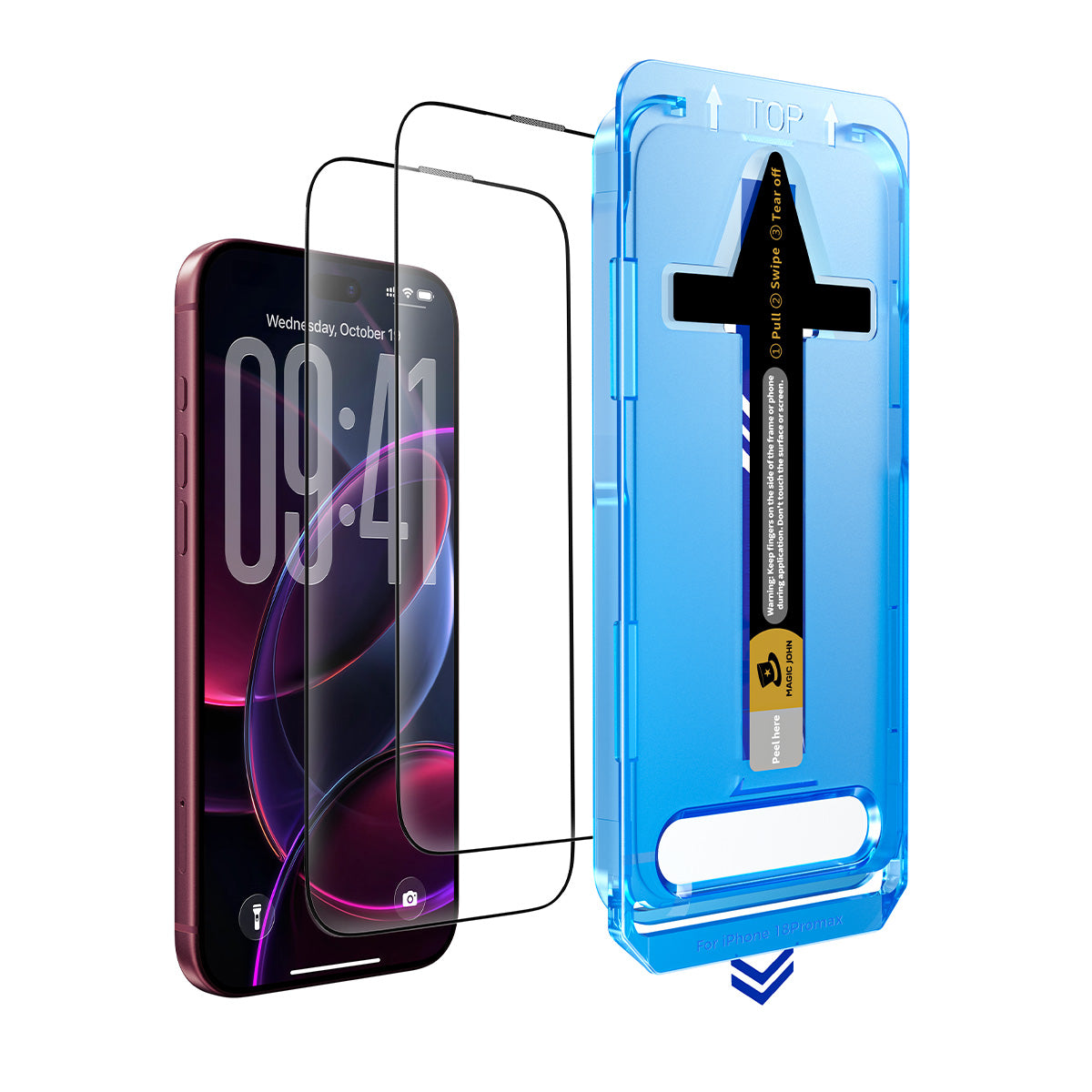
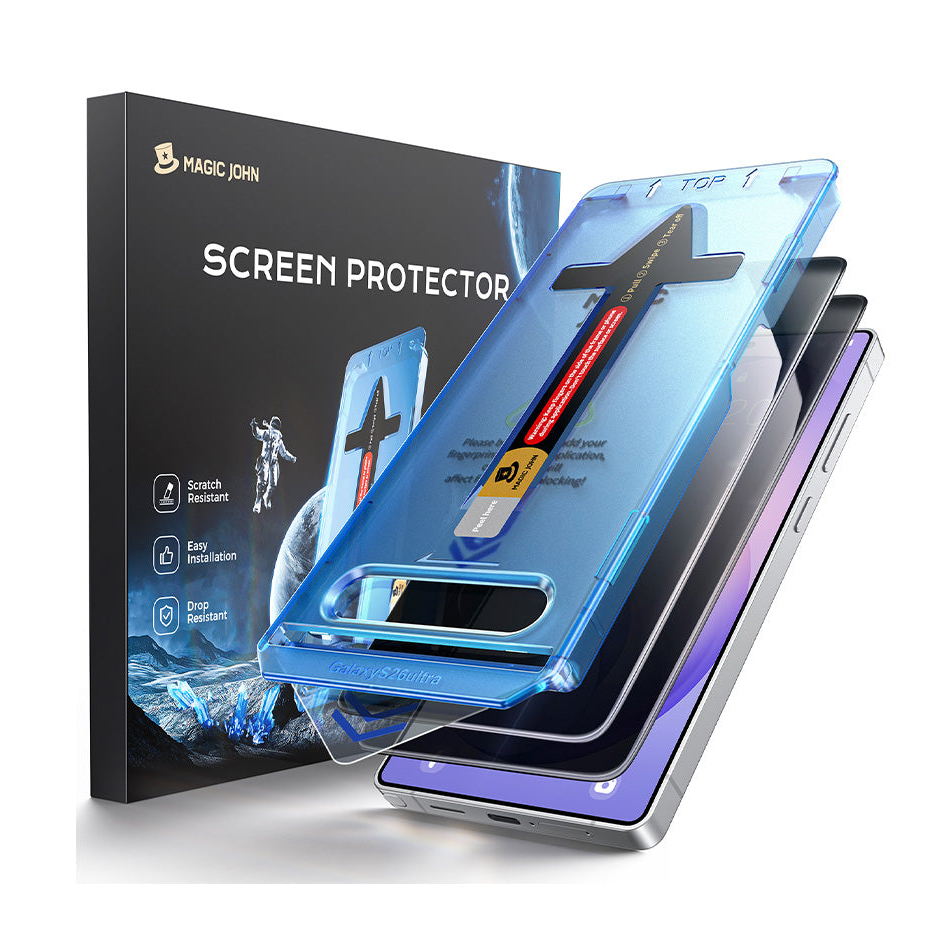
Les protections d'écran en verre trempé transparent HD de MAGIC JOHN sont conçues pour offrir une vision nette, un toucher réactif et un applicateur automatique sans poussière. installation facile.
Trouvez le produit adapté à votre appareil sur JOHN MAGIQUE.
FAQ
Q1 : Le mat ou le transparent est-il préférable pour COD Mobile ?
Pour jouer en intérieur avec une main stable, le film transparent est préférable. Il offre des graphismes plus nets et une fidélité des couleurs optimale. Pour les longues sessions de jeu où la transpiration des pouces peut être un problème, ou pour jouer dans des environnements lumineux, le film mat assure un contrôle tactile plus constant.
Q2 : Un protecteur d’écran mat est-il rugueux ou lisse au toucher ?
Les protections d'écran mates offrent un toucher lisse, tout en présentant une meilleure résistance que le verre nu. Leur surface micro-gravée crée une texture fine et sèche, semblable à celle d'un écran de liseuse. Elles n'accrochent pas et ne provoquent aucune friction. Les joueurs ayant les mains moites apprécient généralement une friction plus stable et prévisible lors des sessions prolongées.
Q3 : Un protecteur mat rendra-t-il mon écran OLED granuleux ?
Oui, Oui. Les écrans OLED haute résolution sont plus sensibles à l'effet scintillant causé par une texture mate, car la couche de diffusion contraste avec la netteté native de l'écran. Il en résulte un léger scintillement visible sur fond blanc ou sous un certain angle. Les protections mates haut de gamme atténuent sensiblement cet effet, mais il ne disparaît pas complètement.
Q4 : Le revêtement d’un protecteur d’écran transparent s’use-t-il avec le temps ?
Oui. Les revêtements oléophobes s'usent progressivement avec l'usage quotidien. Après quelques mois, un protecteur transparent peut paraître moins lisse et retenir davantage les empreintes digitales. Une sensation collante ou une difficulté à l'essuyer sont les signes habituels. Ce phénomène est normal pour toute surface en verre traitée et n'est pas spécifique à une marque ou un produit en particulier.
Q5 : Je ne sais pas lequel choisir. Que dois-je faire ?
Le verre transparent est le choix le plus sûr. Il convient à la plupart des configurations de jeu, ne présente aucun risque de grain ou de scintillement et ne nécessite aucune période d'adaptation. Si les reflets ou la transpiration deviennent gênants pendant le jeu, il est toujours possible de passer à un verre mat.


Laisser un commentaire
Ce site est protégé par hCaptcha, et la Politique de confidentialité et les Conditions de service de hCaptcha s’appliquent.