





Esa telaraña de cristales rotos en tu teléfono parece un desastre, pero probablemente sea solo el protector de pantalla haciendo exactamente lo que debe hacer: absorber el impacto para que la pantalla no lo sufra. Antes de intentar despegarlo y arriesgarte a que se te llenen los dedos de astillas de vidrio, o peor aún, a rayar la pantalla impoluta que hay debajo, piénsalo dos veces.
Aquí tienes el método más seguro, paso a paso, para retirar limpiamente un protector agrietado y dejar al descubierto el cristal intacto que hay debajo.
Por qué un protector de pantalla agrietado representa un peligro para la seguridad.
Un protector agrietado es realmente peligroso. Esto es lo que sucede cuanto más tiempo lo dejes puesto.
Desprende cristales que no puedes ver.
Cada vez que tocas la pantalla, se desprenden pequeñas astillas que se clavan en las yemas de los dedos y no te das cuenta hasta que la piel se enrojece y duele. Los bordes agrietados también pueden lastimarte el labio o la mejilla durante las llamadas telefónicas.
Deja de proteger tu teléfono
La capa agrietada ya no puede absorber otra gota. Con una sola caída, la pantalla se agrieta. El adhesivo se debilita, los bordes se levantan y los fragmentos sueltos se esparcen por tus bolsillos, bolso y ropa.
El daño empeora con el tiempo.
La luz ultravioleta se filtra por las grietas y deteriora el revestimiento de la pantalla. La respuesta táctil disminuye y las manchas se vuelven más difíciles de limpiar. Si es posible, retírela el mismo día.
Herramientas y preparación: Qué reunir antes de tocar el vidrio.
La mayoría de los cortes en los dedos ocurren porque la gente se salta este paso. Dedica dos minutos a reunir las herramientas adecuadas y evitarás tanto lesiones como arañazos en la pantalla.
Equipo de protección para manos y ojos
- Guantes finos de nitrilo: Úselas para proteger sus manos sin perder el sentido del tacto. Evite los guantes de goma gruesos (hacen que presione demasiado fuerte) y las manos descubiertas (principal causa de lesiones por astillas de vidrio).
- Gafas de seguridad: Colócate estos protectores para proteger tus ojos de pequeños fragmentos que pueden salir disparados al romper el sello adhesivo.
Herramientas de extracción seguras y qué evitar
- Palanca o espátula de plástico: Úsalo para levantar una esquina. El plástico no rayará la pantalla, ni siquiera bajo presión.
- Evite todas las herramientas metálicas: Nunca utilice cuchillas de afeitar, cuchillos ni uñas acrílicas, ya que dejan arañazos permanentes.
- Aire comprimido: Tenga a mano una lata para soplar y apartar los fragmentos sueltos de la pantalla mientras trabaja.
Configuración de su espacio de trabajo
- Superficie limpia y plana: Instalar en una zona llana, limpia y bien iluminada.
- Base de papel blanco: Coloca una hoja de papel blanco debajo del teléfono para que puedas ver fácilmente cualquier fragmento de vidrio que caiga.
- Iluminación angular: Utilice una luz brillante del techo o una linterna sostenida en ángulo para ayudarle a detectar pequeñas grietas y bordes levantados que de otro modo podría pasar por alto.
Paso a paso: Cómo quitar de forma segura un cristal templado roto
Sigue estos pasos en orden. Saltarte pasos solo empeorará las cosas y aumentará el riesgo de lesiones.
Paso 1: Apaga tu teléfono
Apaga el teléfono. Una pantalla oscura hace que los fragmentos de vidrio y los bordes adhesivos sean mucho más fáciles de ver.
Paso 2: Ponte tu equipo de seguridad
Ponte los guantes y las gafas antes de tocar el teléfono. Los bordes son afilados desde el primer contacto.
Paso 3: Cubra toda la superficie con cinta adhesiva.
Tiras de presión de cinta de embalaje ancha Presione firmemente sobre toda la superficie agrietada. Asegúrese de cubrir cada fragmento visible. Esto evitará que los fragmentos salgan disparados al comenzar a levantar.
Paso 4: Encuentra una esquina de inicio
Utilice una herramienta de plástico para encontrar la esquina con el hueco natural más grande, generalmente cerca del puerto de carga.Deslice la púa debajo del borde en un ángulo bajo, unos 15 grados.
Paso 5: Levantar lentamente
Levanta suavemente la esquina con la púa. Sujeta el teléfono plano con la otra mano. No dobles el cristal bruscamente, ya que esto desprendería fragmentos que se encuentran debajo de la cinta adhesiva.
Paso 6: Elimine los fragmentos sueltos.
Haz una pausa cada pocos milímetros. Aplica una ráfaga corta de aire comprimido en la abertura. Esto empuja los fragmentos sueltos hacia afuera, alejándolos de la pantalla.
Paso 7: Retire el vidrio
Una vez que un borde completo esté libre, retire la cinta adhesiva del vidrio. un movimiento lento y suave. Mantén el ángulo bajo y paralelo a la pantalla. No tires hacia arriba.
Paso 8: Envolver y lanzar
Coloca el vaso retirado sobre el papel blanco. Dobla el papel hacia adentro a su alrededor. Mete todo en una bolsa de plástico sellada inmediatamente.
Paso 9: Verificación final
Ilumina la pantalla con una linterna en ángulo. Coloca cinta adhesiva nueva sobre la pantalla y levántala para recoger los fragmentos restantes.
Después de retirarlo: Evaluación de la pantalla y reemplazo del protector de pantalla
El protector ya está retirado. Ahora revisa tu pantalla para decidir qué hacer a continuación.
La pantalla se ve nítida, el táctil funciona bien.
El protector cumplió su función. Limpie cualquier residuo pegajoso con un paño de microfibra y ponte un nuevo protector lo antes posible.
Grieta fina en la pantalla
El impacto llegó hasta la pantalla. Coloca un protector nuevo de inmediato para evitar que la grieta se extienda. Presupuesta una reparación profesional.
Manchas oscuras, sangrado de color o píxeles muertos.
La capa inferior de la pantalla está dañada. Un protector nuevo no solucionará el problema. Acude a un técnico especializado antes de usar el teléfono durante periodos prolongados.
Residuo pegajoso pero sin daños.
Totalmente normal. Límpialo con un paño de microfibra humedecido con alcohol isopropílico al 70%, Luego, aplique su nuevo protector.
Fragmentos de vidrio aún en la pantalla
Aún no has terminado. Presiona cinta adhesiva nueva sobre la pantalla y levántala repetidamente hasta que no queden restos. Luego, coloca la de repuesto.
Retírelo de forma segura y reemplácelo rápidamente.
No dejes un protector roto en tu teléfono. Deja caer pequeños trozos de vidrio por todas partes. Además, no Protege tu teléfono si se te cae de nuevo..
Utilice el método de cinta adhesiva, una púa de plástico y aire comprimido para retirarlo de forma segura. Todo el proceso lleva unos 10 minutos.
Después de retirarlo, revisa la pantalla con atención. Limpia cualquier resto de pegamento o suciedad. Debes colocar un nuevo protector de pantalla inmediatamente antes de usar el teléfono.
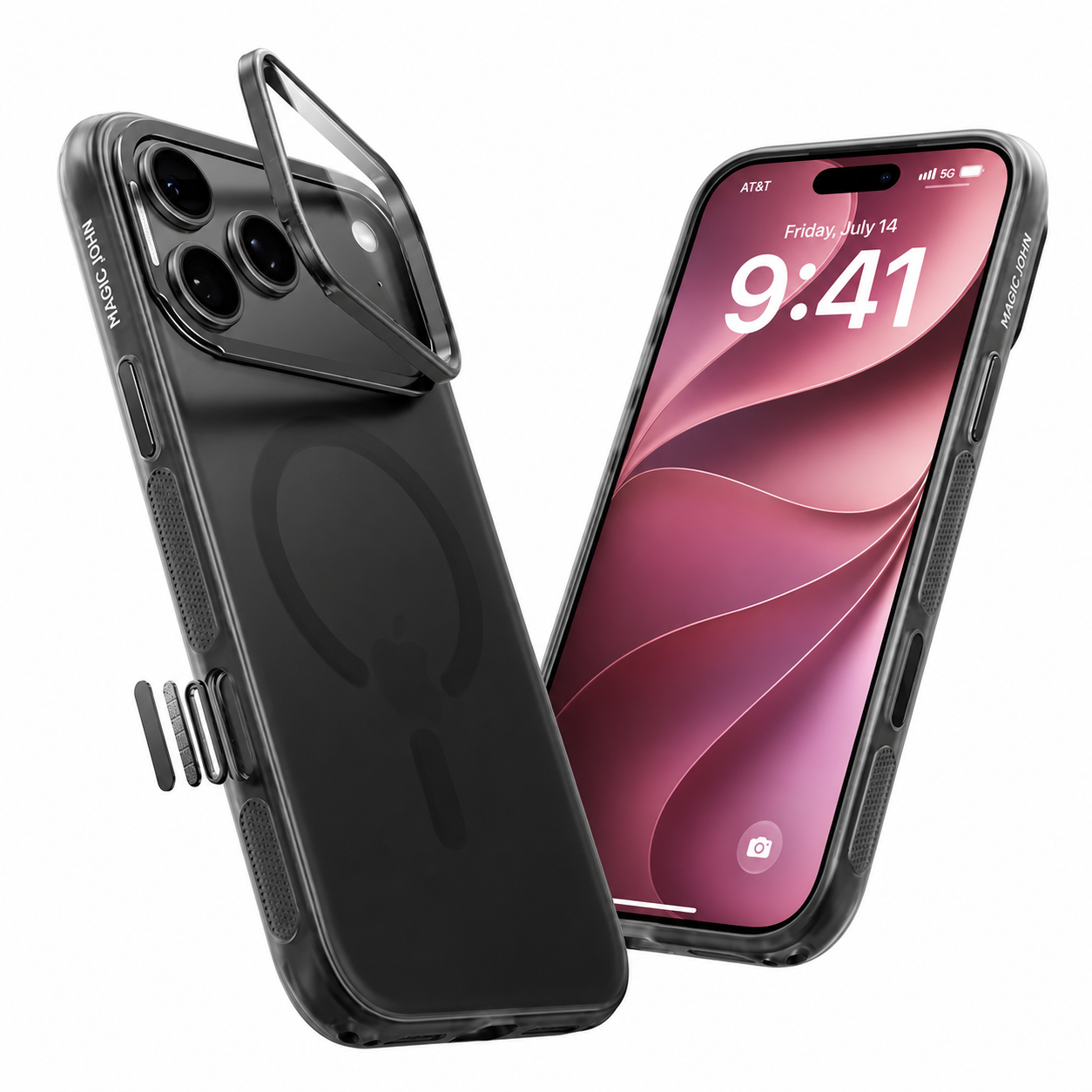
Actualiza a un protector de pantalla Magic John.
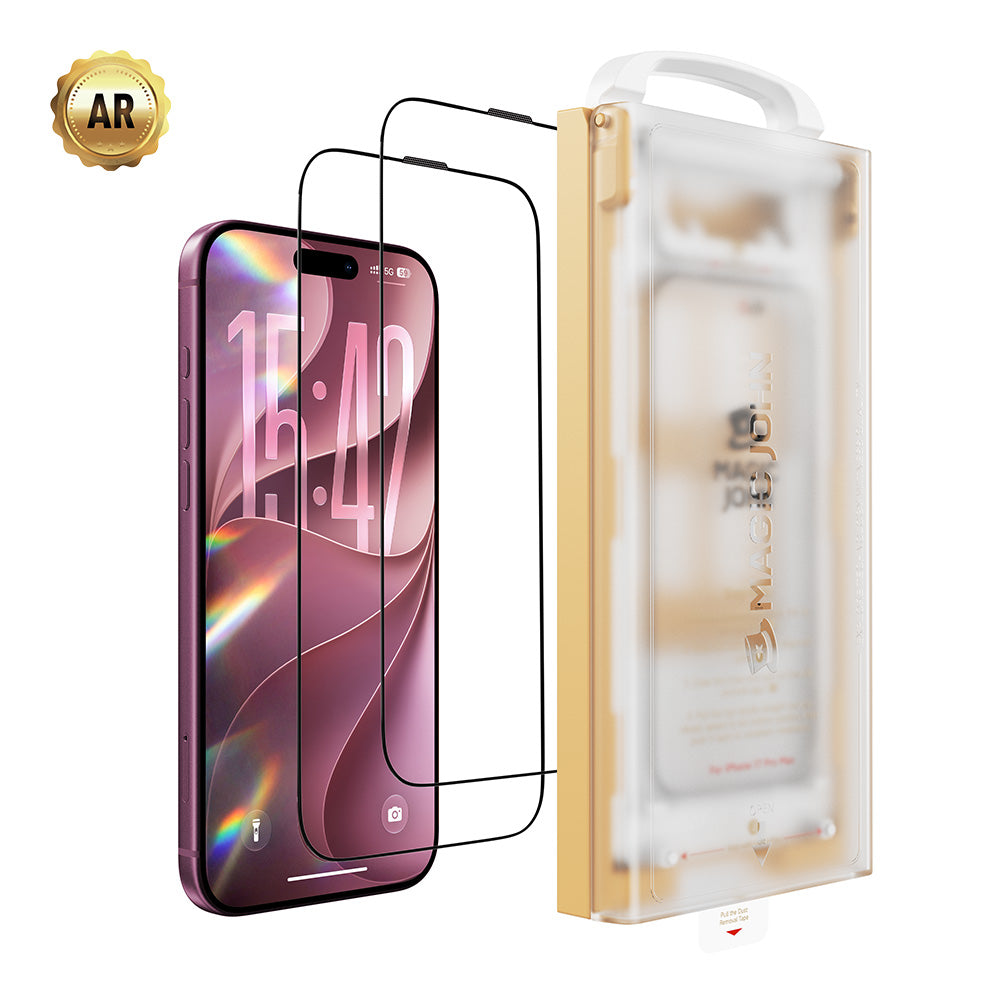
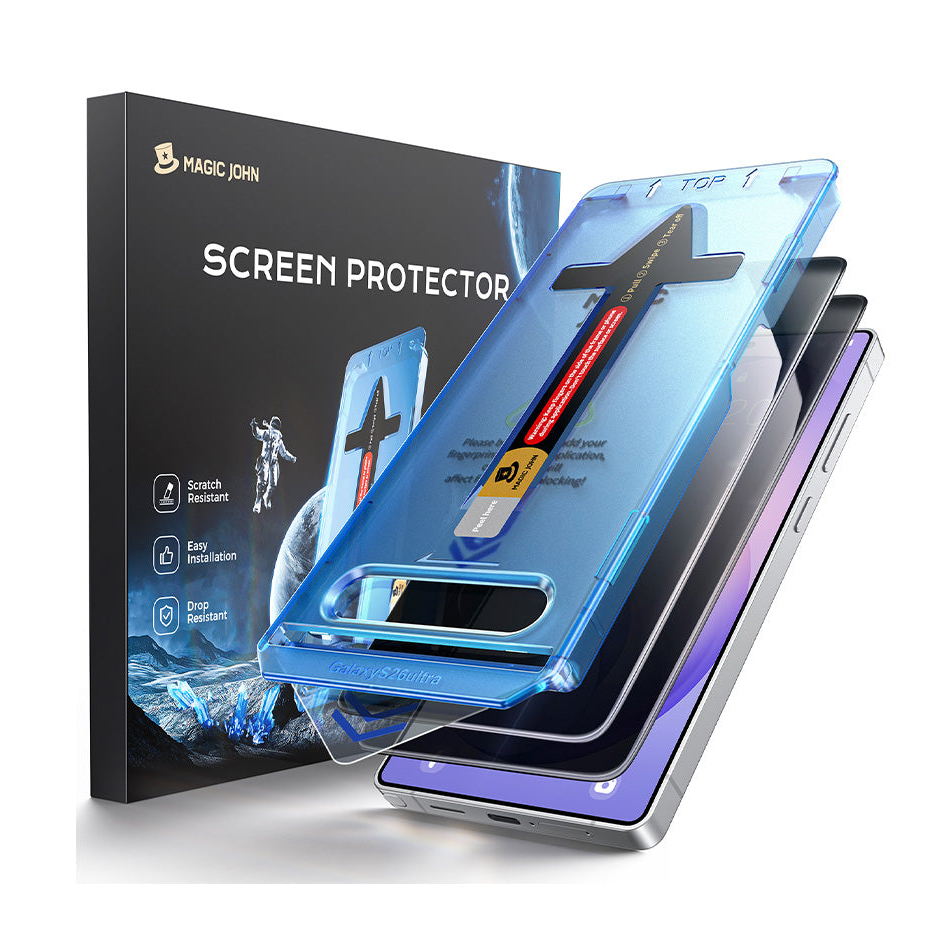
Si al colocar un nuevo protector te preocupan las burbujas o el polvo, prueba con un Protector de pantalla Magic John.
Incluye una caja de fácil instalación. Simplemente coloca la caja sobre tu teléfono y tira de la pestaña. La pestaña elimina el polvo automáticamente.
El cristal se ajusta perfectamente. Obtendrás una pantalla impecable y sin burbujas en tan solo unos segundos. Es la forma más sencilla de proteger tu teléfono.
Preguntas frecuentes
P1. ¿Es seguro usar un protector de pantalla de vidrio agrietado hasta que pueda reemplazarlo?
No. Se desprenden pequeñas astillas cada vez que usas el teléfono y no sobrevivirá a otra caída. Si no puedes reemplazarlo hoy, cubre toda la superficie con cinta adhesiva para mantener los fragmentos en su lugar.
P2. ¿Cómo se puede saber si el protector de pantalla está roto o si la pantalla en sí está dañada?
Pasa un dedo por la superficie. Una grieta protectora se siente elevada y áspera.Una grieta en la pantalla se siente lisa y uniforme. La pérdida de color, las manchas oscuras o las zonas táctiles muertas indican daños en la pantalla que se encuentran debajo.
P3. ¿Se puede reemplazar uno mismo en casa un protector de pantalla roto?
Sí. Asegúrese primero de que no queden residuos ni fragmentos de vidrio. El polvo atrapado bajo el nuevo protector provoca burbujas. No se puede arreglar. Para una aplicación sin polvo, trabaje en el baño justo después de darse una ducha caliente.
P4. ¿Por qué el vidrio templado se rompe en tantos pedazos en lugar de agrietarse como el vidrio común?
Se fabrica a temperaturas extremas, lo que lo hace mucho más resistente que el vidrio común. Pero cuando finalmente se rompe, toda esa tensión acumulada hace que se fragmente en muchos trozos pequeños y romos. Este patrón de fractura es intencional, ya que los fragmentos pequeños y romos son más seguros que los grandes y afilados.
P5. ¿Cuánto tiempo se tarda en retirar de forma segura un protector de pantalla roto utilizando el método de la cinta adhesiva?
Con las herramientas listas, se tarda entre 10 y 15 minutos. Si se apresura el paso de levantar, los fragmentos se dispersan y, por lo general, la limpieza lleva mucho más tiempo.


Deja un comentario
Este sitio está protegido por hCaptcha y se aplican la Política de privacidad de hCaptcha y los Términos del servicio.