
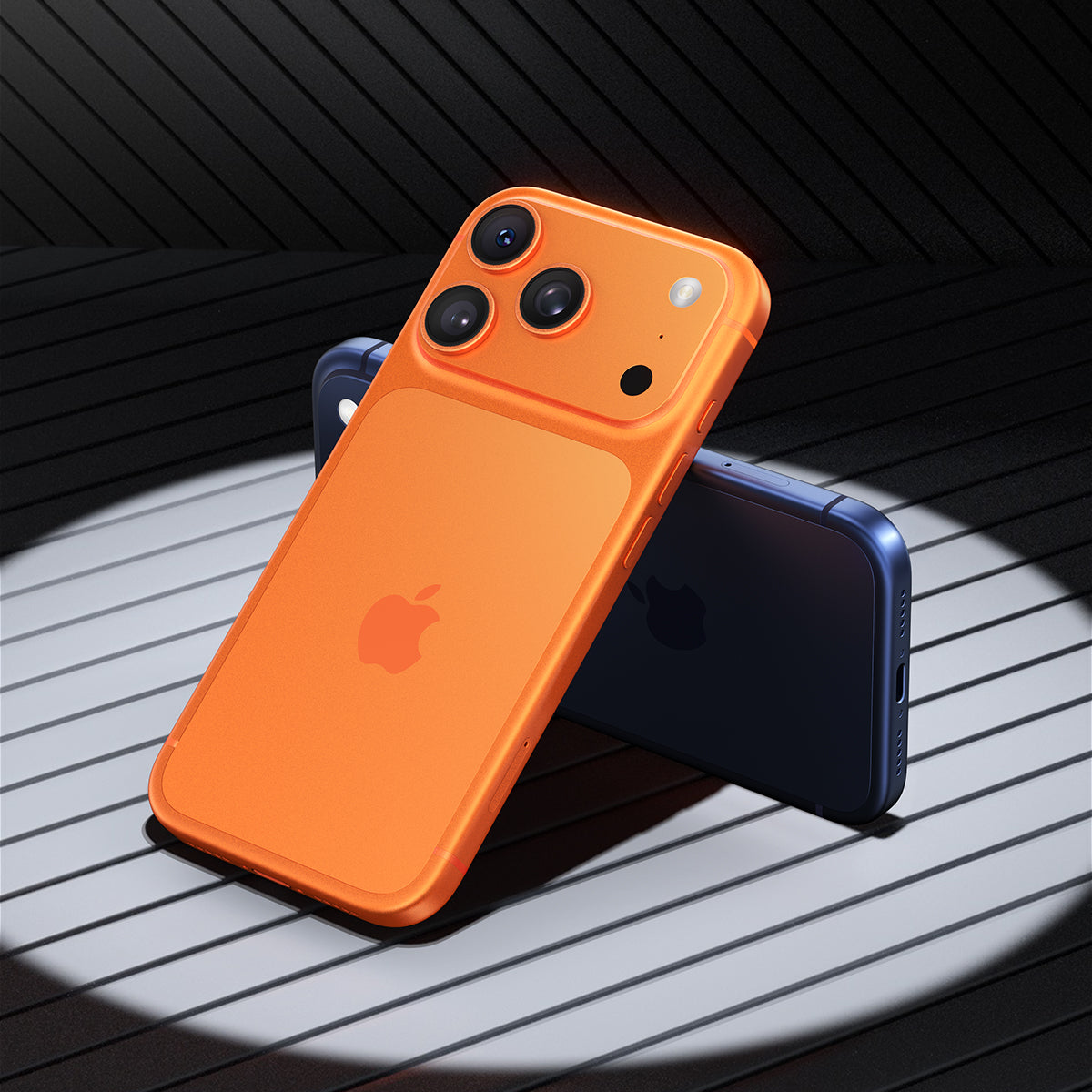
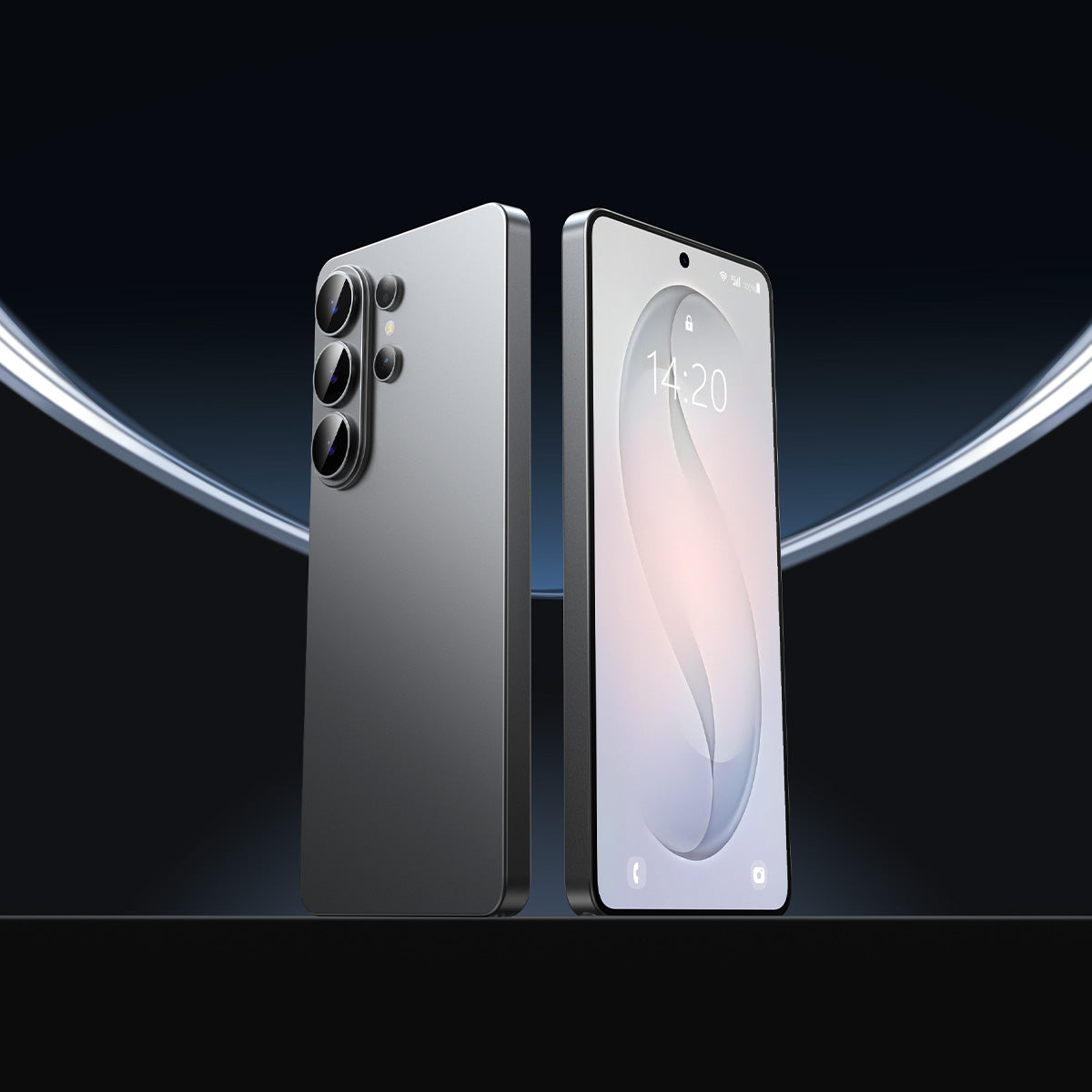




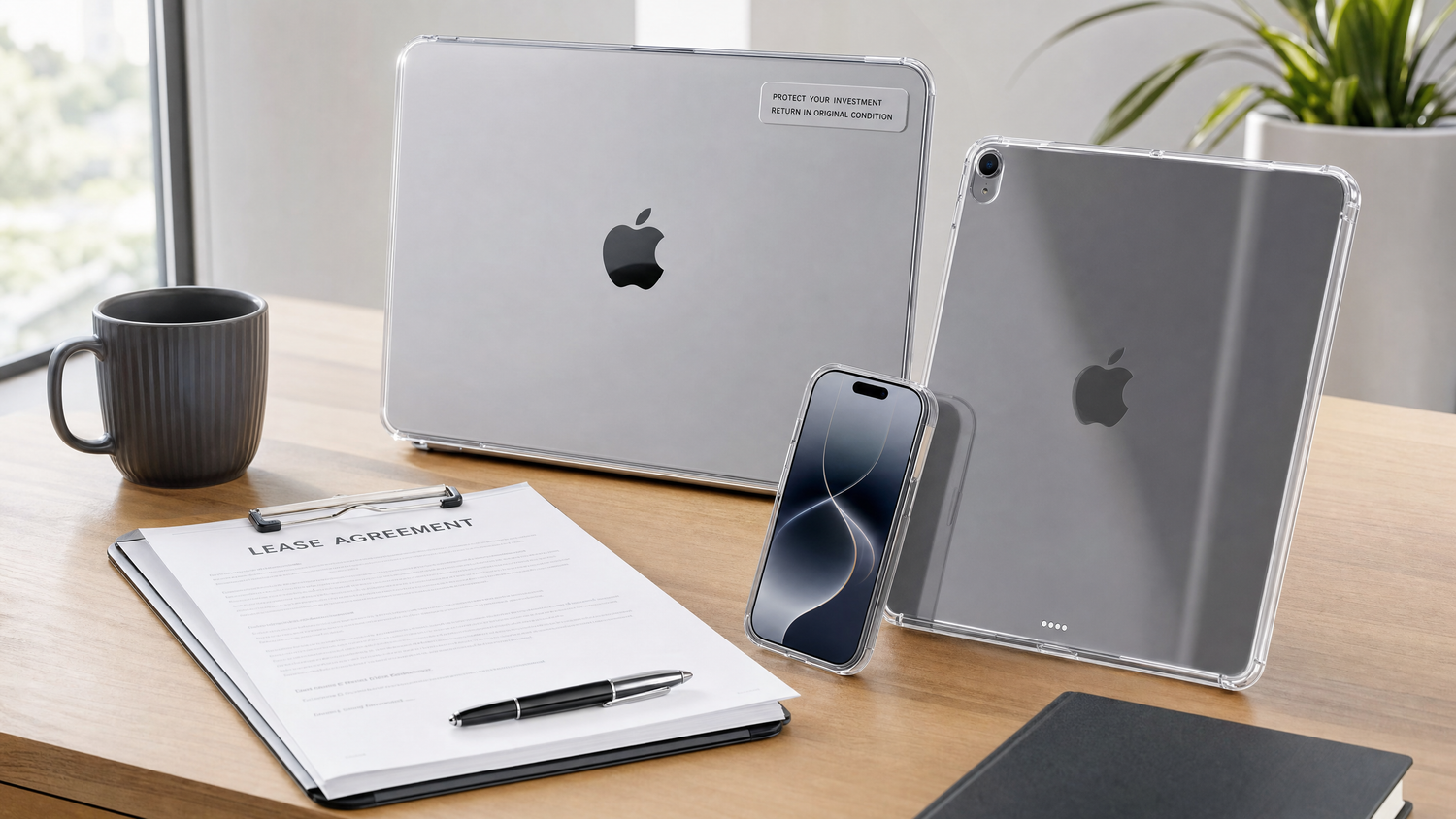
A finales de julio de 2026, Apple retiró el Programa de Actualización de iPhone y lo reemplazó con una nueva opción de arrendamiento de hardware llamada Actualización de Apple, ofrecido en asociación con Klarna. Los arrendamientos comienzan desde tan solo $17.99 por mes para iPhone, $11.99 para Apple Watch, $24.99 para Mac y $11.99 para iPad, según Anuncio oficial de la sala de prensa de Apple.
A primera vista, el arrendamiento suena genial: pagos mensuales más bajos, una ruta de actualización sencilla y sin un gran costo inicial. Pero hay un detalle que muchas personas pasan por alto hasta que es demasiado tarde: Usted es responsable del estado del dispositivo cuando lo devuelva..
A diferencia del antiguo programa de actualización de iPhone, AppleCare+ es ya no está incluido en el precio base del arrendamiento. Este simple cambio hace que la protección física —un protector de pantalla y una funda— sea más importante que nunca para quienes arriendan un dispositivo Apple. Esto es lo que necesitas saber antes de firmar.
Cómo funciona la actualización de Apple (y qué ha cambiado)
Apple Upgrade es un verdadero arrendamiento, similar al arrendamiento de un automóvil. Realizas pagos mensuales durante un plazo fijo: 12 o 24 meses para iPhone y Apple Watch, 24 o 36 meses para Mac y iPad. Al final del plazo, tienes tres opciones:
- Mejora al dispositivo más reciente (sin cargo por actualización al final del plazo)
- Comprar la parte el dispositivo (pague el saldo restante)
- Devolver el dispositivo y aléjese
Análisis detallado de MacRumors Se destacan varias diferencias cruciales con respecto al programa anterior:
- AppleCare+ no está incluido. — debe adquirirse por separado si se desea.
- Klarna se encarga de la financiación. — Los pagos atrasados afectan su puntaje crediticio
- Normas estrictas sobre las condiciones de devolución — Los dispositivos se inspeccionan al ser devueltos.
- Cobertura disponible en todos los productos. — iPhone, Apple Watch, Mac y iPad son todos elegibles.
¿Qué se considera daño en un dispositivo arrendado?
No todas las marcas conllevan un cargo, pero la línea entre "desgaste aceptable" y "daño facturable" es más delgada de lo que la mayoría de los inquilinos esperan:
Aceptable (desgaste normal):
- Pequeños microarañazos en la carrocería que apenas son visibles a simple vista.
- Ligera decoloración cosmética alrededor de los puertos
- Degradación normal de la capacidad de la batería
No aceptable (daños imputables):
- Grietas o desconchones en el cristal (frontal o posterior)
- Arañazos profundos que se pueden sentir con la uña.
- Abolladuras o marcos de metal doblados por caídas
- Arañazos en la lente de la cámara que afectan a la calidad de la foto.
- Daños por líquidos
Por qué AppleCare+ por sí solo no es suficiente
Algunos inquilinos suponen que comprar AppleCare+ resuelve el problema. Pero AppleCare+ es un seguro, no una medida preventiva, y además tiene deducibles:
- Costo mensual: Entre 9,99 y 13,99 dólares al mes para iPhone (entre 240 y 335 dólares en dos años)
- Tarifas de servicio: $29 por reparación de pantalla, $99 por otros daños.
- Factor de molestia: Concertar una cita en el Genius Bar, hacer una copia de seguridad de los datos y esperar a que se realice la reparación.
Un protector de pantalla de $20 y una funda de $30 cuestan aproximadamente 1/5 de la cuota de suscripción de dos años de AppleCare+ — y además evitan que el daño se produzca desde el principio. Te ahorras tanto el coste de la reparación como el viaje a la Apple Store.
La estrategia de protección inteligente para dispositivos Apple arrendados

Si tienes un iPhone o iPad en régimen de arrendamiento bajo el programa Apple Upgrade, esta es la configuración de protección más rentable:
1. Instale un protector de pantalla con alineación automática el primer día.
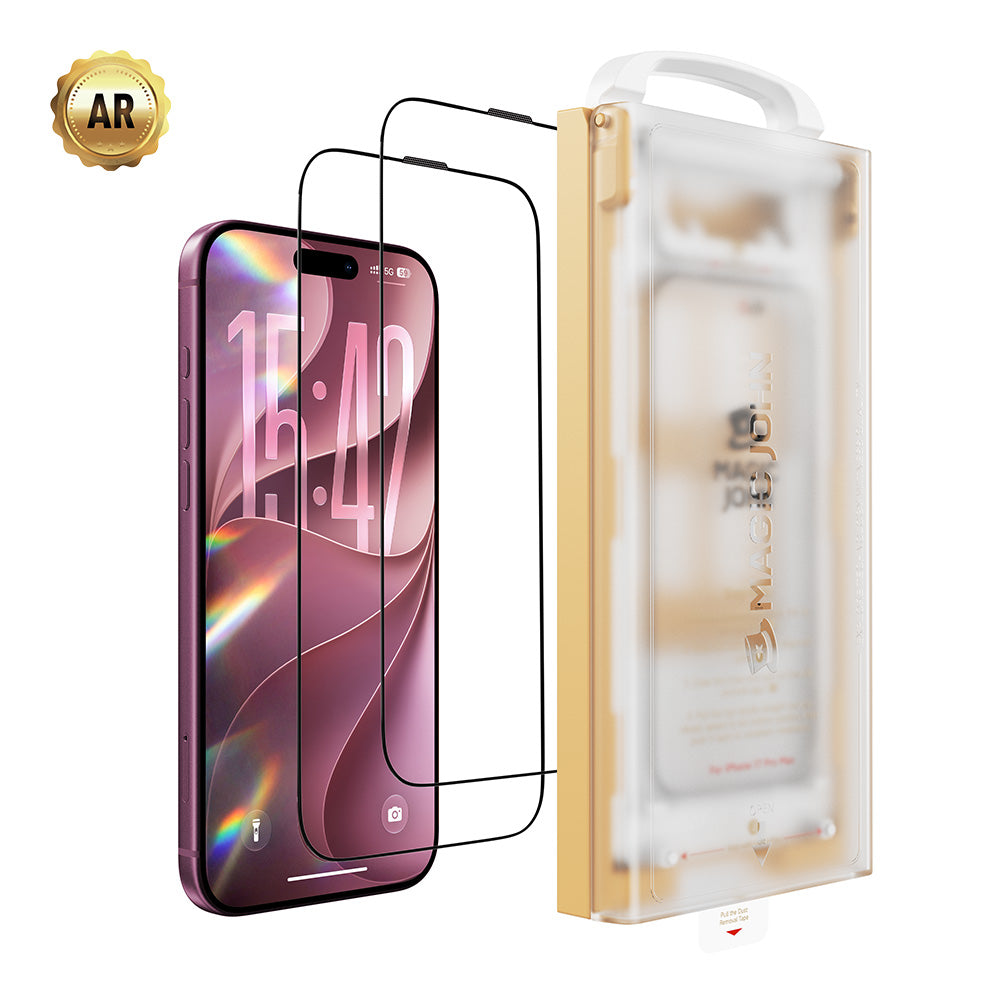
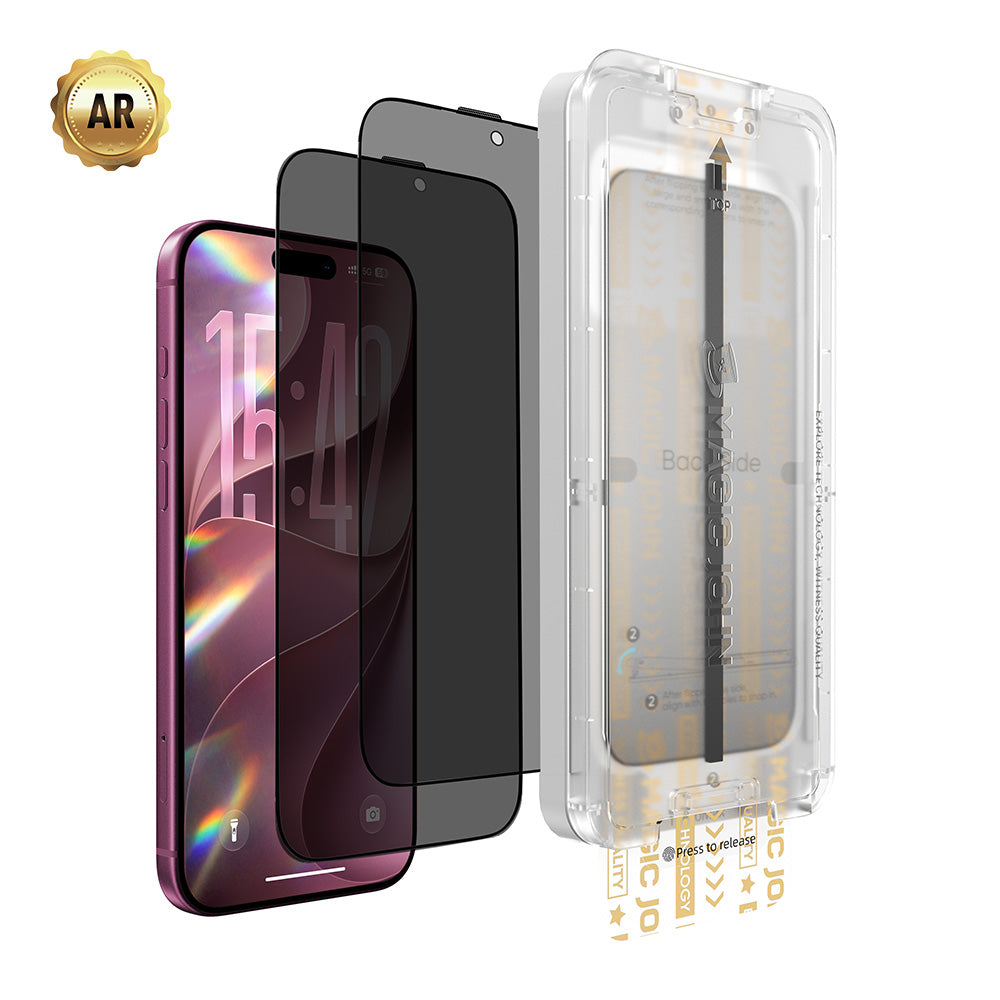
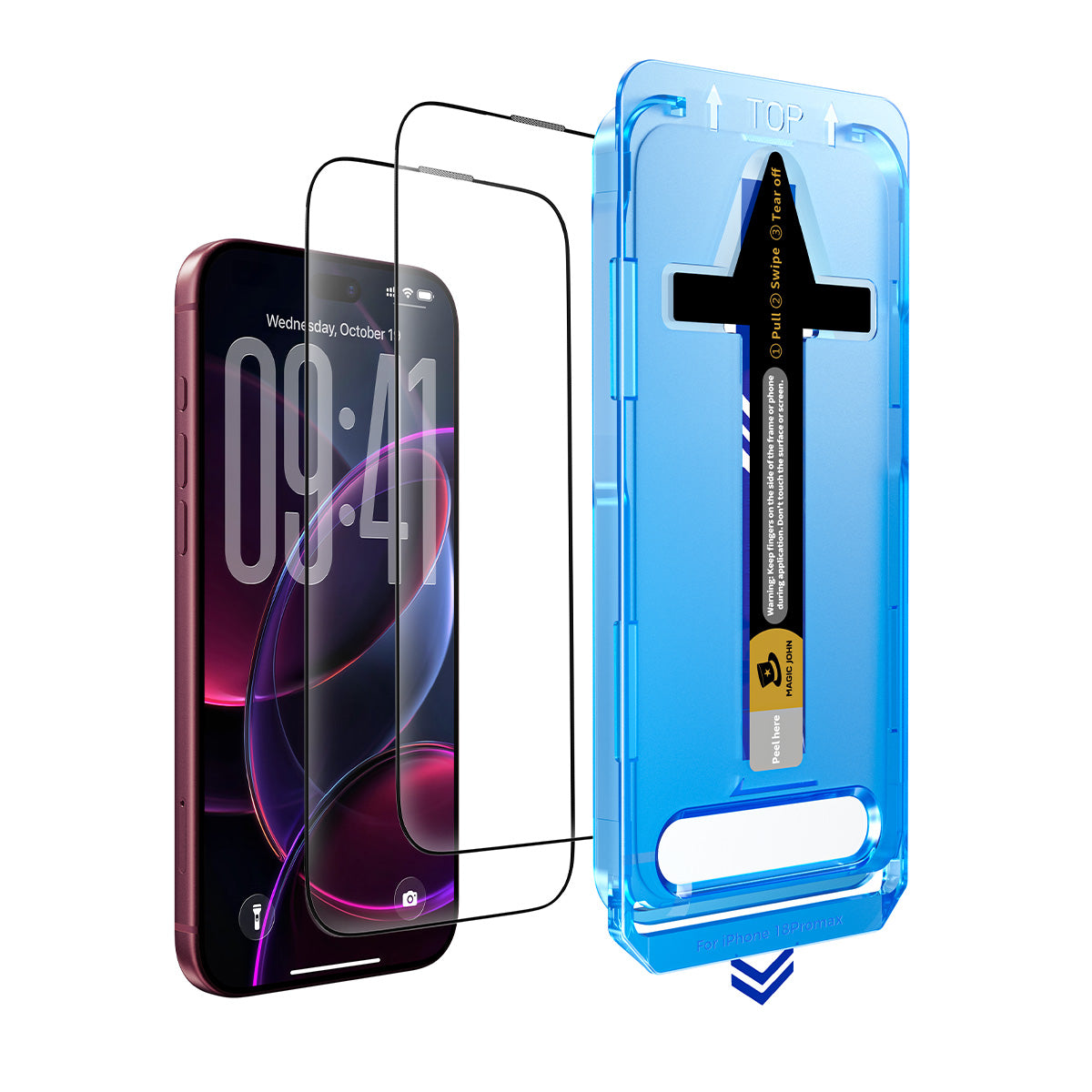
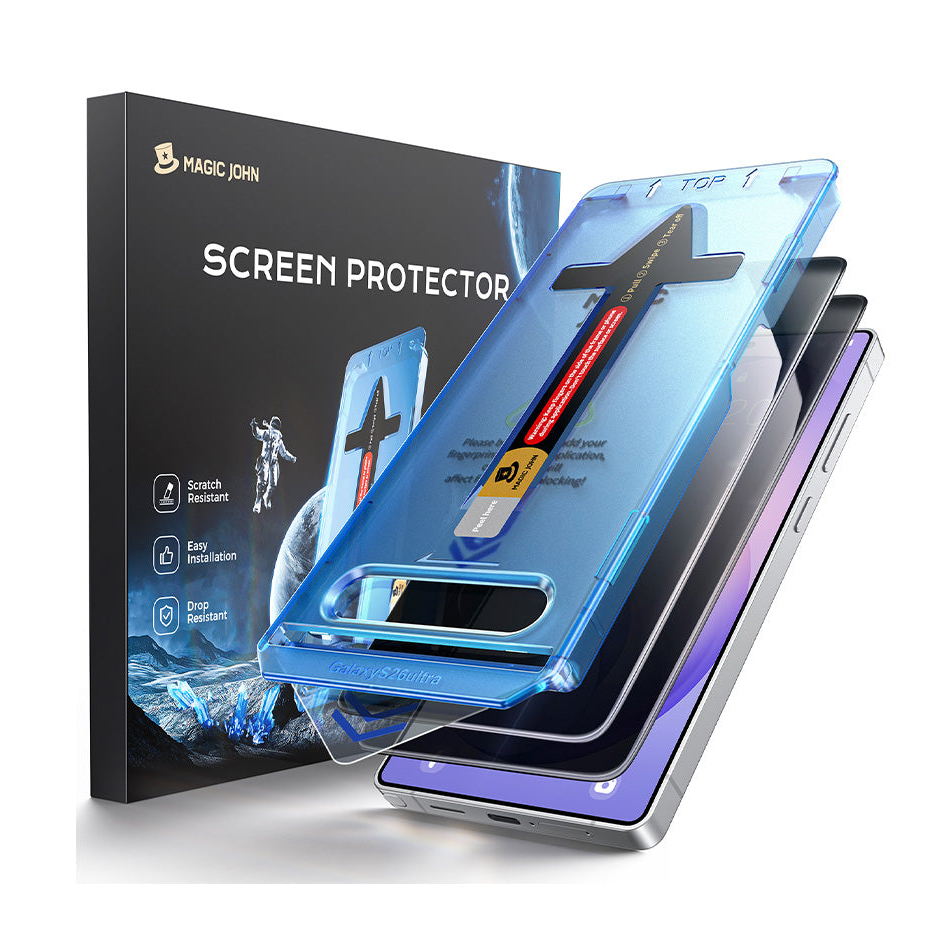
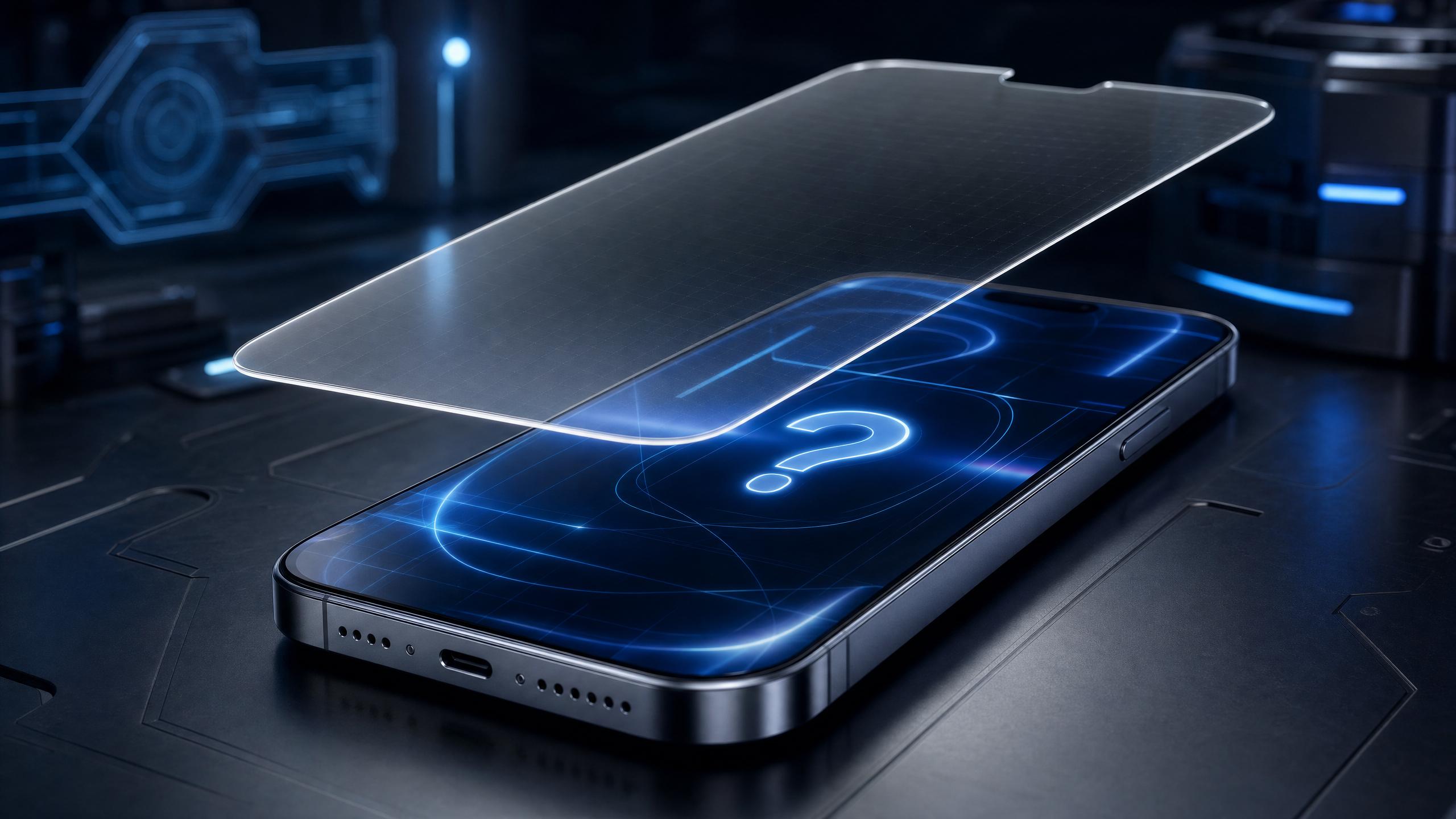
La pantalla es la parte más vulnerable y costosa de reparar. Protectores de pantalla de tercera generación de Magic John Utilice una caja de alineación libre de polvo que se instala perfectamente en 30 segundos, proporcionando una dureza de vidrio templado 9H contra caídas y microarañazos.
2.Utilice una funda con protectores de borde elevado.
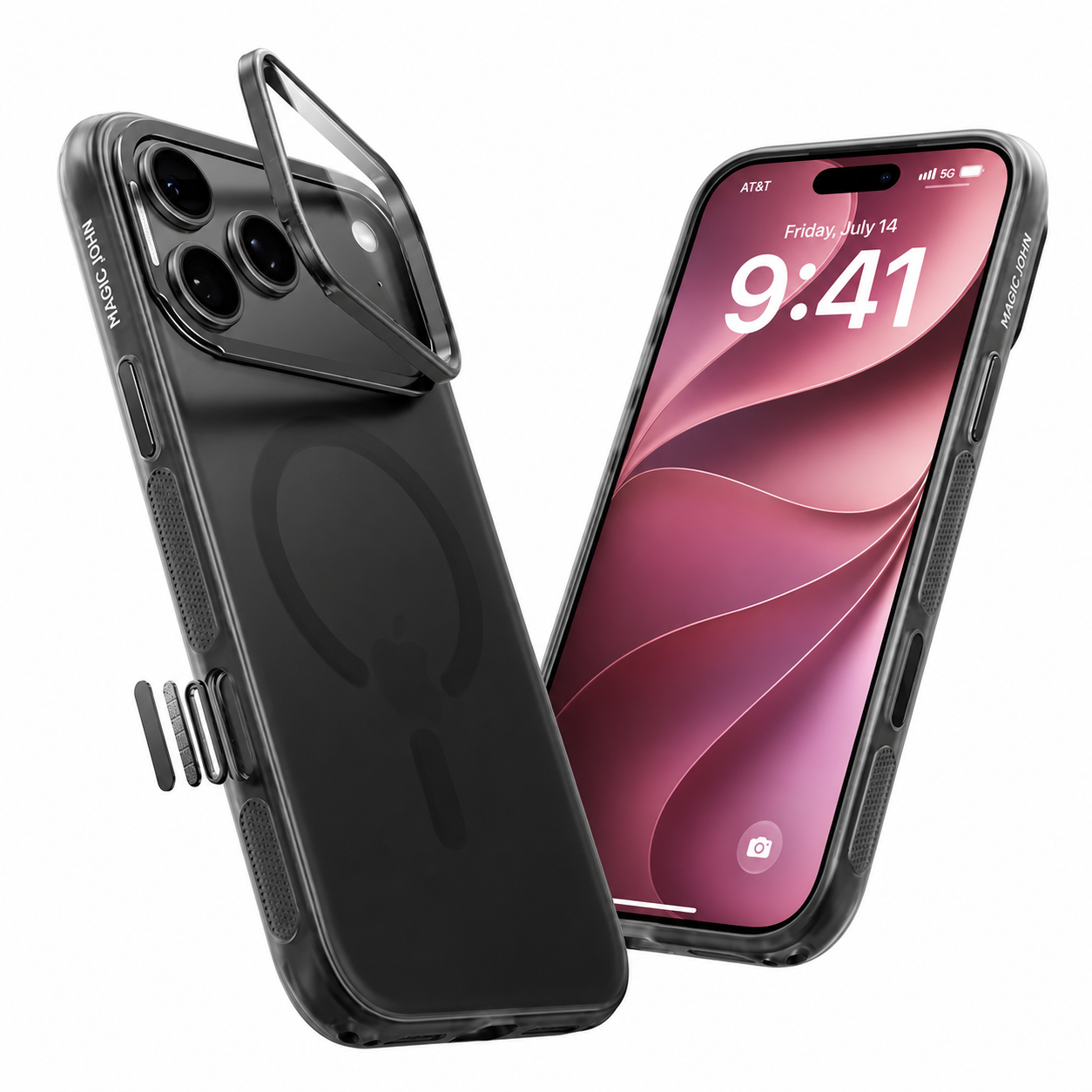
Una funda para teléfonos alquilados necesita dos características específicas:
- Labio de pantalla: Bordes elevados para que el vaso nunca toque el suelo cuando se caiga boca abajo.
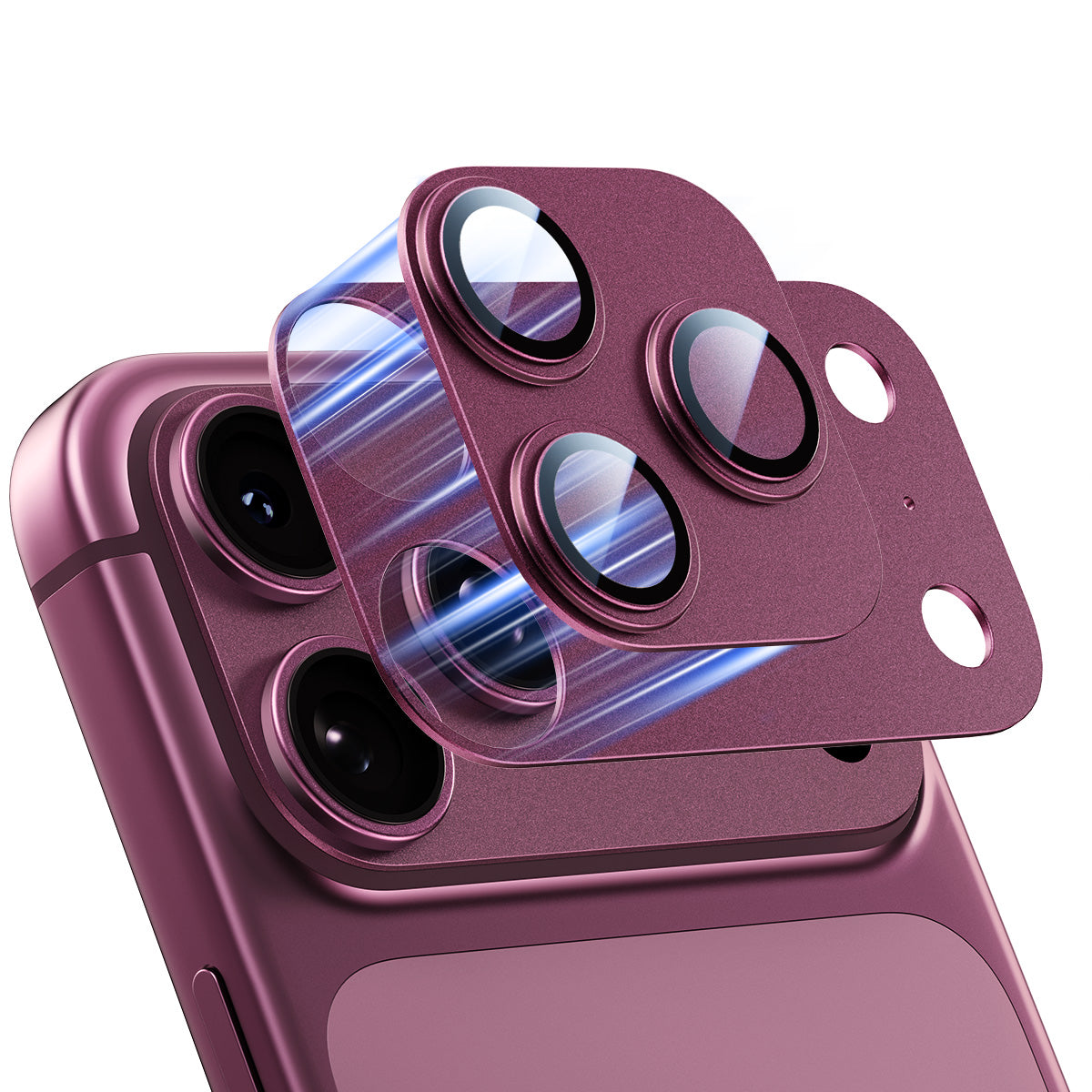
- Protección de la plataforma de la cámara: Marco elevado alrededor de las lentes para evitar arañazos que generen gastos de devolución.
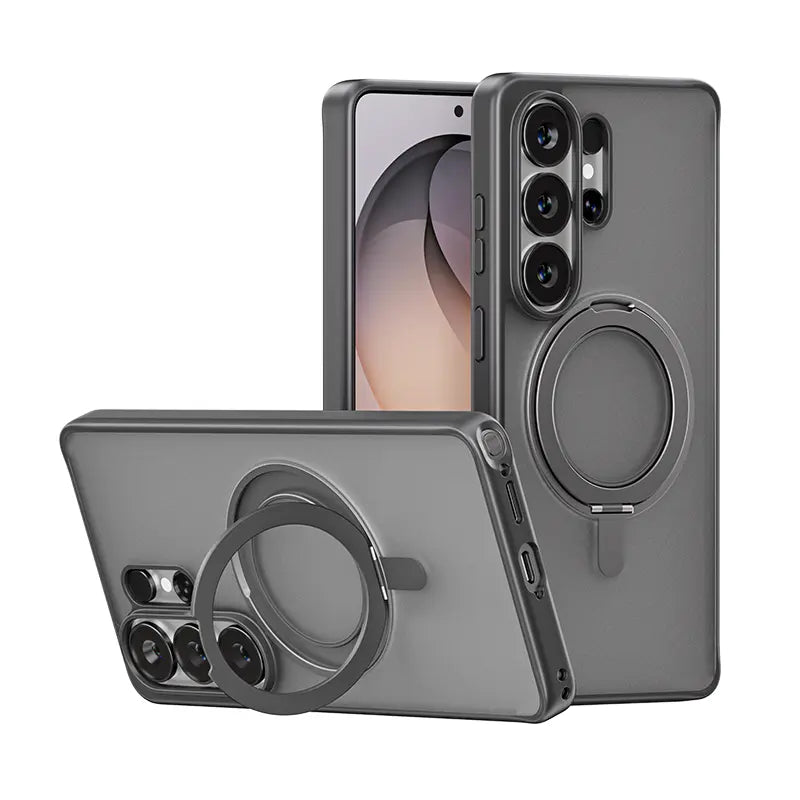
- Explorar Colección de fundas para teléfono de Magic John para opciones diseñadas específicamente para proteger los dispositivos arrendados y propios.
3. Conserve el embalaje y los protectores originales.
Cuando finalice el contrato de arrendamiento, retire el protector de pantalla y la funda. El teléfono quedará como nuevo, garantizado para pasar la inspección de devolución sin cargos por daños.
En resumen: Alquile con inteligencia, protéjase desde el principio.
El arrendamiento a través de Apple Upgrade es una excelente manera de mantenerse al día con la última tecnología por un costo mensual más bajo. Pero debido a que AppleCare+ ya no está incluido, Los dispositivos arrendados sin protección son una apuesta financiera..
Invertir entre 30 y 50 dólares en una protección de calidad desde el primer día garantiza que no te encontrarás con una factura sorpresa de más de 200 dólares cuando llegue el momento de devolver el teléfono.
Preguntas frecuentes
¿Está incluido AppleCare+ en los contratos de arrendamiento de Apple Upgrade?
¿Qué ocurre si devuelvo un iPhone alquilado con la pantalla rota?
¿Los pequeños arañazos en un dispositivo alquilado se consideran daños?
¿Puedo añadir AppleCare+ después de iniciar mi contrato de arrendamiento?
¿Realmente merece la pena un protector de pantalla de 20 dólares para un teléfono alquilado?
¿Está disponible Apple Upgrade fuera de Estados Unidos?



Deja un comentario
Este sitio está protegido por hCaptcha y se aplican la Política de privacidad de hCaptcha y los Términos del servicio.