
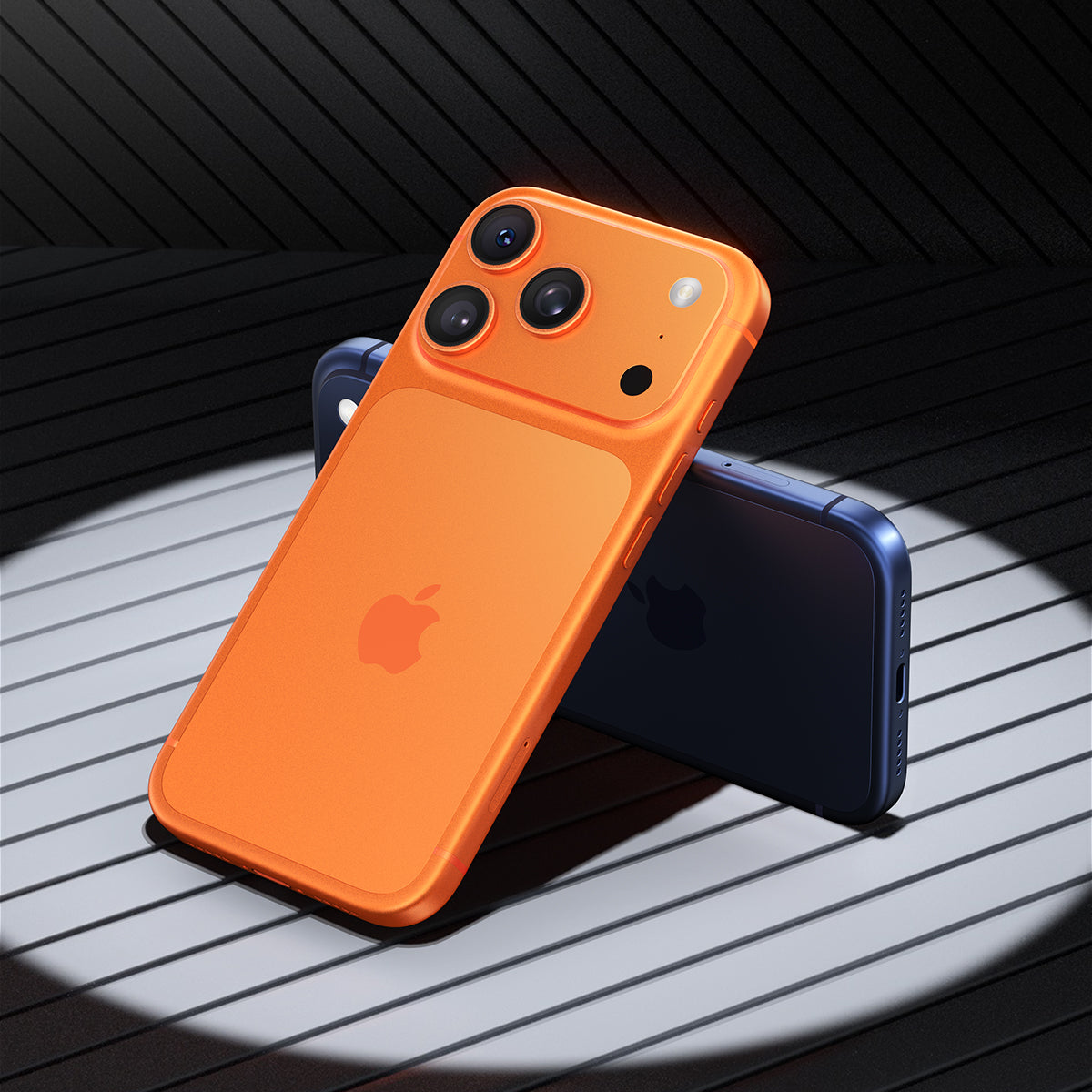
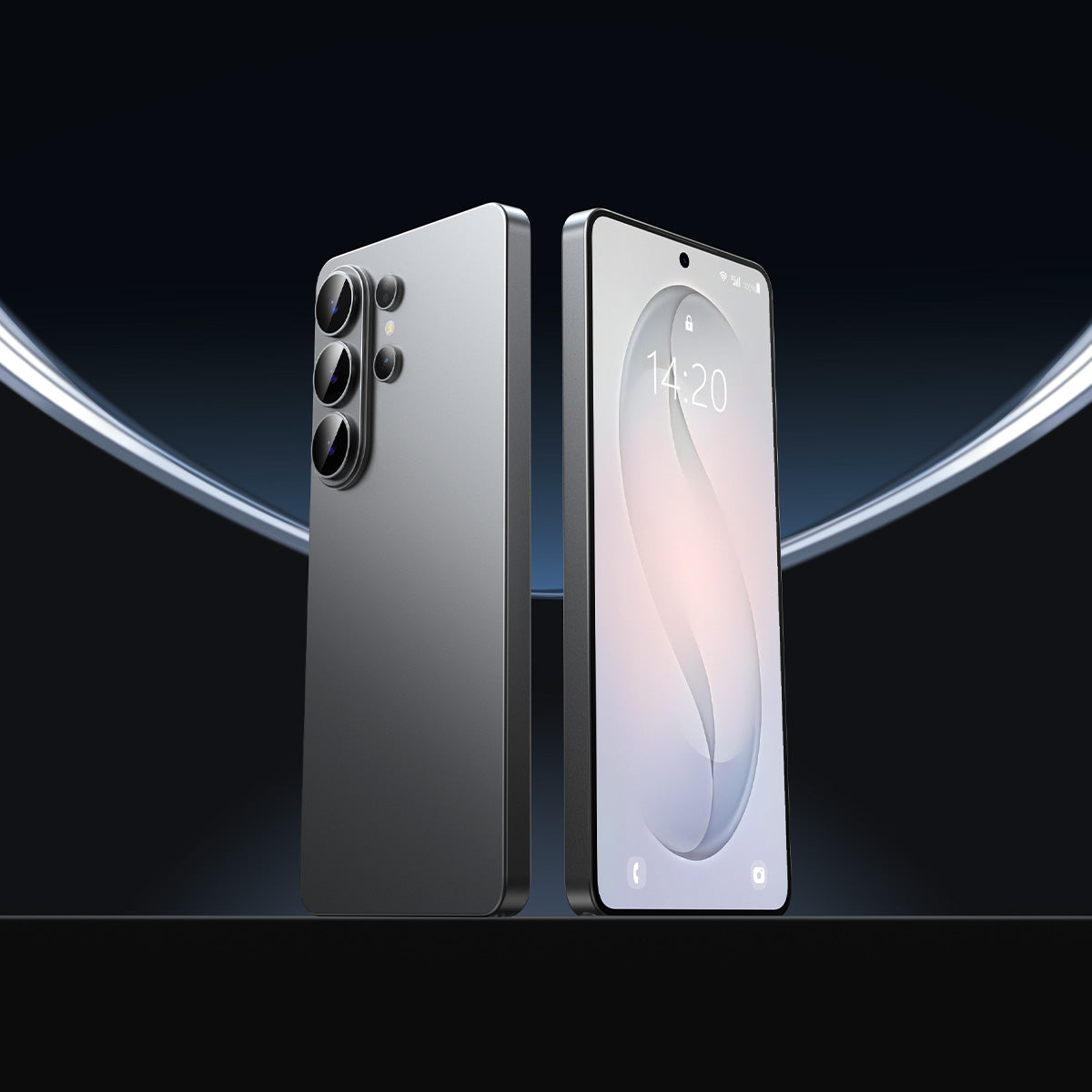

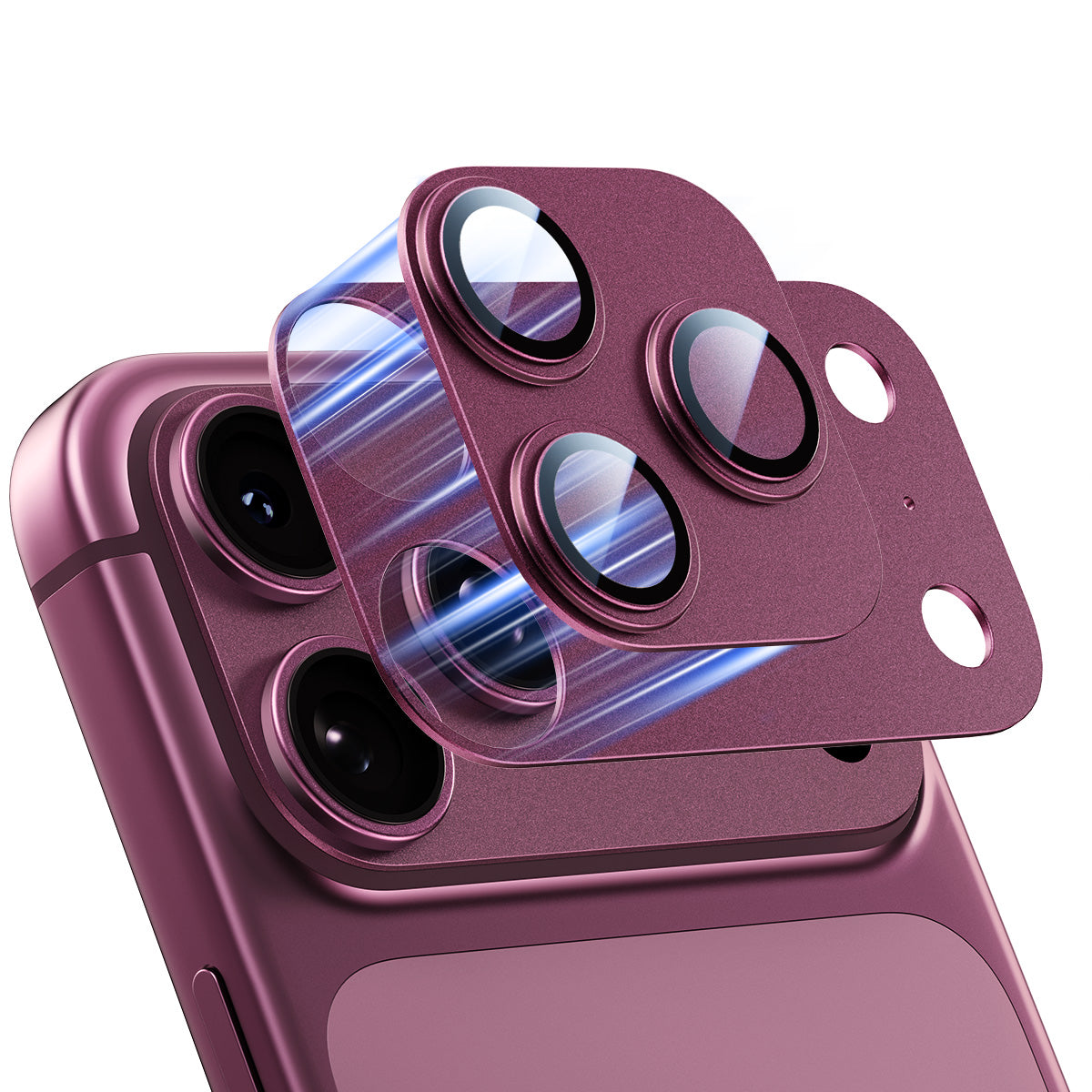



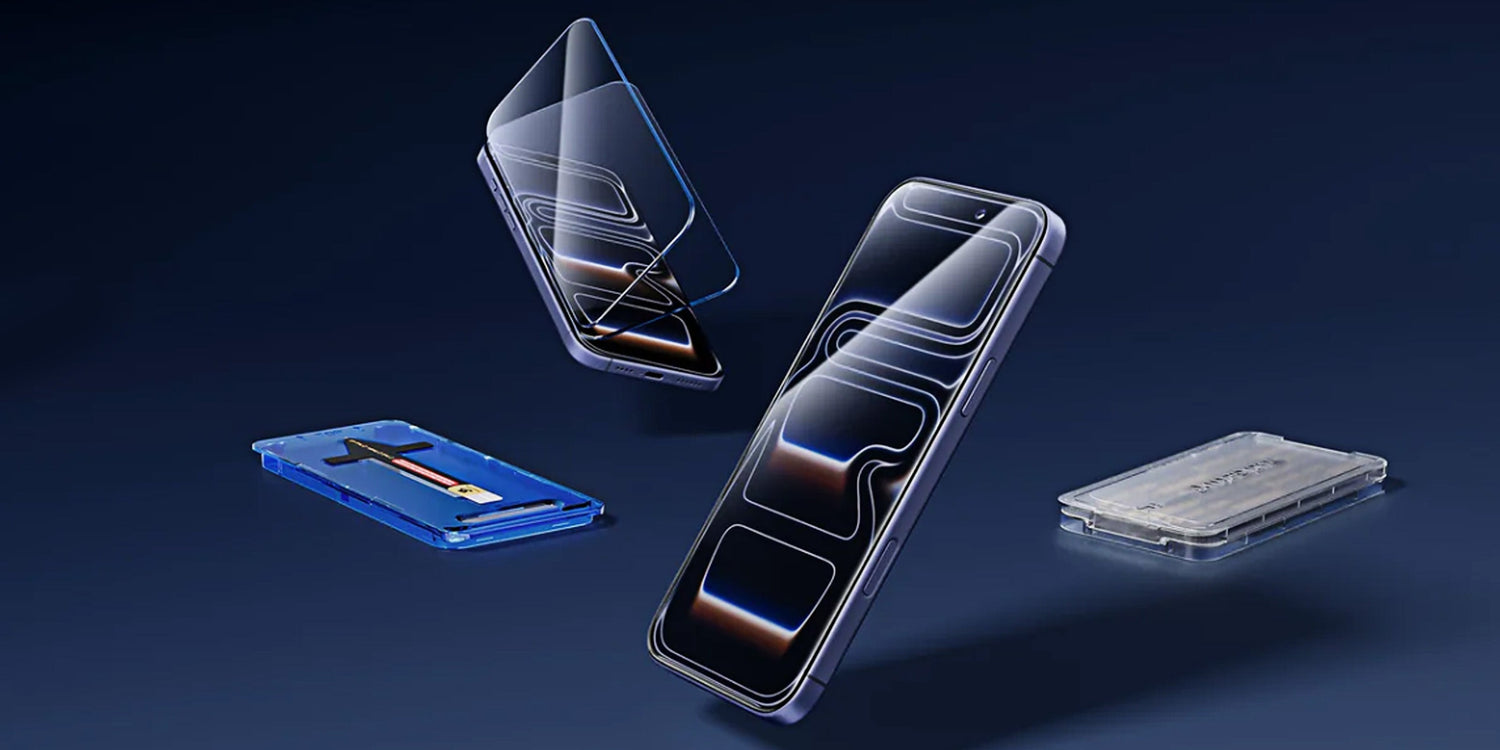
Ihr Handy rutscht Ihnen aus der Tasche. Es fällt mit dem Display nach unten auf den Boden. Sie heben es auf und drehen es um, den Atem anhaltend. Diese halbe Sekunde des Grauens kennen viele iPhone-Besitzer nur zu gut. Die richtige Schutzfolie für Ihr iPhone kann das komplett verhindern. Wählen Sie den richtigen Typ, legen Sie ihn richtig an und wissen Sie, wann Sie ihn austauschen müssen.: Diese drei Dinge zusammen ergeben zusammen einen echten Bildschirmschutz.
Benötigt Ihr iPhone tatsächlich eine Displayschutzfolie?
Ja, sogar mit Ceramic Shield.
Ceramic Shield schützt zwar vor Bruch bei Stürzen, macht den Bildschirm aber nicht kratzfest. Schlüssel, Sand und Beton hinterlassen mit der Zeit feine Spuren. Diese Spuren trüben die Oberfläche, nutzen die oleophobe Beschichtung ab und mindern den Wiederverkaufswert Ihres Smartphones.
Der Kostenvergleich ist einfach:
- Eine hochwertige iPhone-Displayschutzfolie: 15 bis 40 US-Dollar
- Bildschirmreparatur im Apple Store: 129 bis 379 US-Dollar, abhängig vom Modell
Ein einziger Sturz ohne Schutz kann Sie das Zehnfache des Preises des Schutzes selbst kosten.
| Mit einer Displayschutzfolie | Ohne | |
| Oberflächengefühl | Bleibt länger geschmeidig | Rauht durch Mikrokratzer allmählich auf |
| Sichtbare Kratzer | Bei normaler Anwendung selten. | Anhäufen sich innerhalb weniger Monate |
| Wiederverkaufswert | Besser erhalten | Deutlich niedriger |
| Fallschaden | Der Protektor absorbiert Stöße | Risiko eines vollständigen Bildschirmaustauschs |
Welche Art von iPhone-Displayschutzfolie ist die richtige für Sie?
Gehärtetes Glas
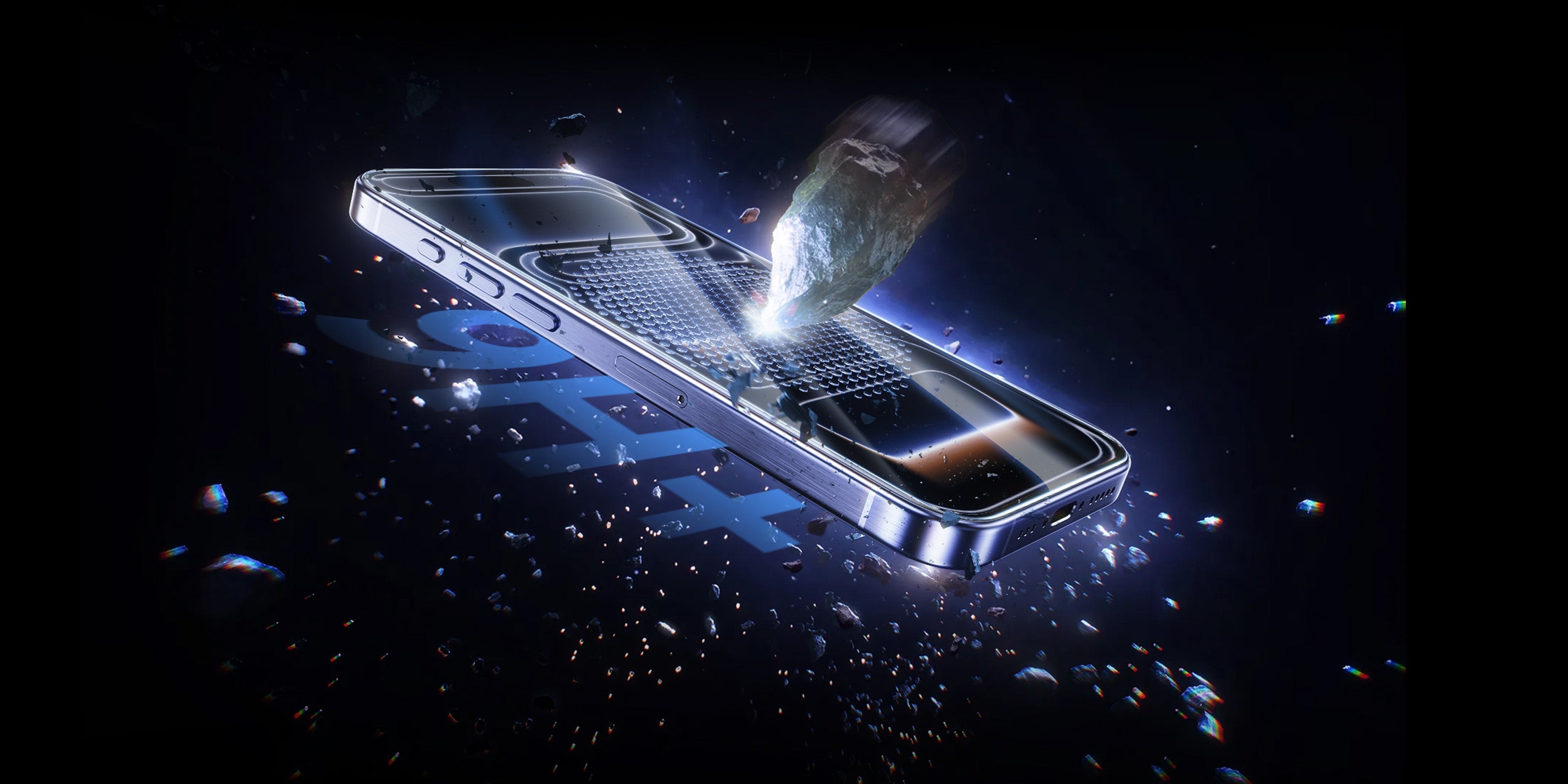
Gehärtetes Glas ist für die meisten Menschen die erste Wahl. Es erreicht 9H auf der Bleistifthärteskala, einem Standardmaß für Kratzfestigkeit. Praktisch bedeutet das: Es braucht ein sehr hartes Material, um Spuren zu hinterlassen. Die Oberfläche fühlt sich fast so an wie Ihr Originalbildschirm, und die Berührungsempfindlichkeit bleibt erhalten.
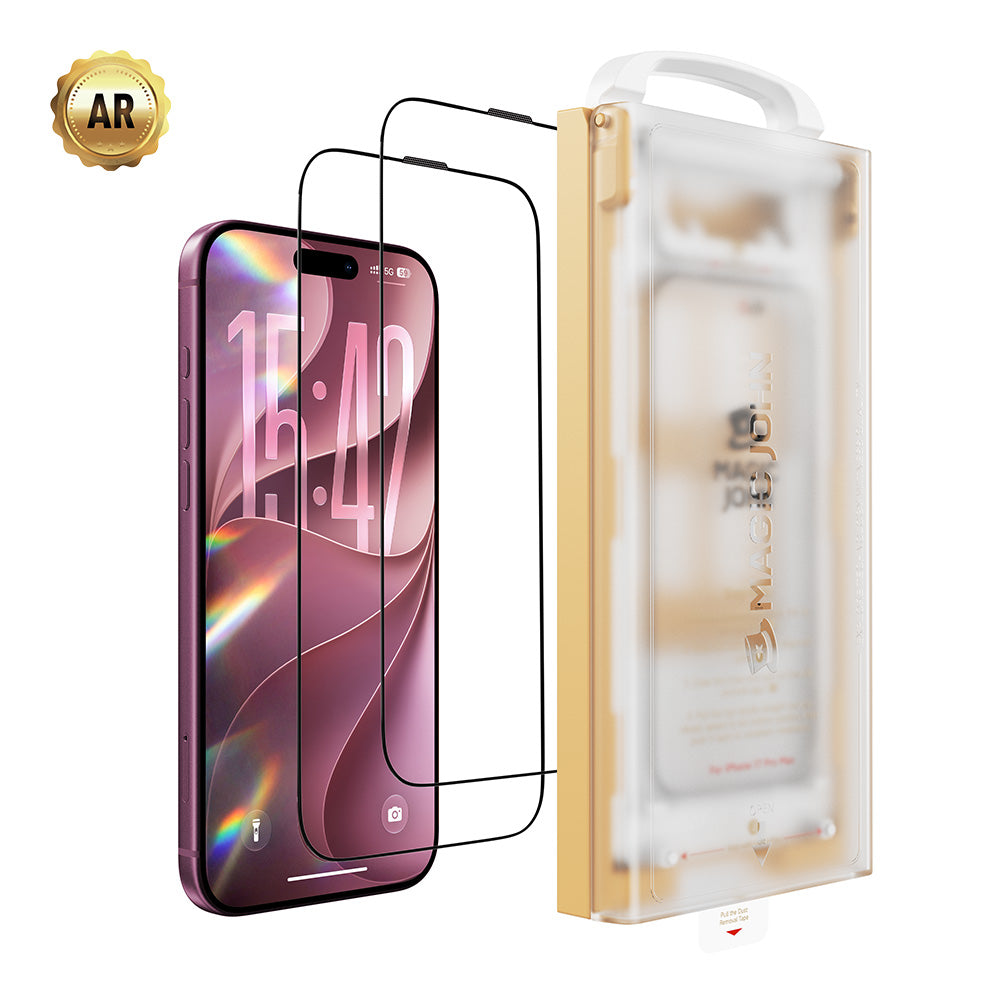
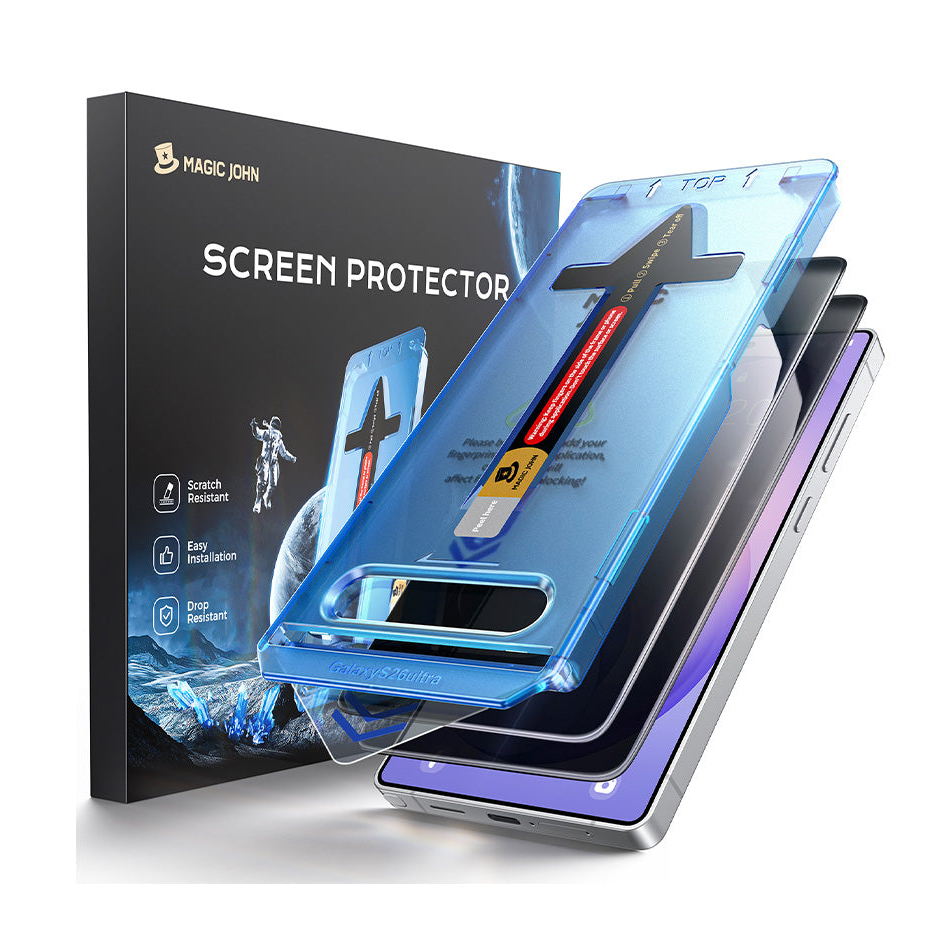
Für eine passgenaue Option, Magic Johns Gen 3-Serie Verwendet wird randloses gehärtetes Glas mit einer Härte von 9H und ein automatischer Staubentfernungsapplikator, der eine saubere und blasenfreie Installation ermöglicht.

PET-Folie
PET ist eine dünne Kunststofffolie. Sie ist leicht und preiswert, aber Der Schutz beschränkt sich lediglich auf oberflächliche Kratzer. Bei einem Sturz bietet es wenig Schutz. Eine vernünftige Wahl für sehr vorsichtige Nutzer, die hauptsächlich eine Barriere zwischen Bildschirm und Tastatur wünschen.
TPU-Folie
TPU besitzt eine Selbstheilungsfunktion. Es besitzt die Eigenschaft, dass leichte Oberflächenspuren von selbst verblassen können. Der Nachteil ist ein etwas weicheres, manchmal leicht trübes Gefühl unter den Fingern, und es kann schwierig sein, es faltenfrei aufzutragen.
Optionen für Sichtschutz und Blendschutz
Datenschutzbeauftragte begrenzen Betrachtungswinkel Der Winkel beträgt etwa 28 Grad, sodass Personen neben Ihnen Ihren Bildschirm nicht sehen können. Eine praktische Wahl, wenn Sie Ihr Smartphone häufig in der Öffentlichkeit, in Großraumbüros oder überall dort nutzen, wo Sie mit sensiblen Daten arbeiten.
Blendschutz Das reflektierte Licht wird gestreut, um die Lesbarkeit im Freien zu verbessern. Der Bildschirm hat eine matte Oberfläche anstelle des üblichen glänzenden Aussehens.
| Typ | Schutzstufe | Fühlen | Am besten geeignet für |
| Gehärtetes Glas | Hoch (Schlag- und Kratzfestigkeit) | Nahezu identisch mit dem blanken Bildschirm | Die meisten Nutzer |
| PET-Folie | Niedrig (nur Kratzer) | Sehr dünn, kaum wahrnehmbar | Wenignutzer, knappes Budget |
| TPU-Folie | Medium | Weicher, leicht verschwommen | Präferenz für Selbstheilung |
| Sichtschutzglas | Hoher Datenschutz | Dasselbe wie gehärtetes Glas | Öffentliche oder sensible Nutzung |
| Entspiegeltes Glas | Hohe Blendungsreduzierung | Mattes Finish | Außenbereich oder helle Umgebungen |
So wählen Sie die richtige Passform für Ihr iPhone-Modell
Kaufen Sie immer eine Schutzhülle, die genau für Ihr iPhone-Modell hergestellt wurde. Eine für das iPhone 14 entwickelte Schutzfolie passt nicht auf ein iPhone 16. Jedes Modell hat unterschiedliche Aussparungen für die Dynamic Island, die Kameraanordnung und den Kamera-Steuerungsknopf. Eine falsche Passform führt zu falsch ausgerichteten Aussparungen, unzureichendem Kantenschutz und einem schnelleren Ablösen der Folie.
Wenn Sie eine Schutzhülle verwenden, achten Sie auf eine „hüllenfreundliche“ Version. Diese Schutzfolien sind an den Rändern einige Millimeter kürzer zugeschnitten, damit der Rand der Schutzhülle nicht gegen das Glas drückt. Eine Schutzfolie in Standardgröße kann sich unter einer dicken Schutzhülle bereits nach wenigen Tagen ablösen.
Nutzen Sie die vorhandenen Ausrichtungshilfen. Viele hochwertige Schutzfolien werden mit einem Applikatorrahmen oder einem Ausrichtungsaufkleber geliefert. Diese Hilfsmittel haben ihren Sinn. Die Positionierung per Hand führt fast immer zu einer leichten Fehlausrichtung, die nach dem Anbringen der Folie deutlich sichtbar wird.
So installieren Sie eine iPhone-Displayschutzfolie blasenfrei
Richten Sie Ihren Raum ein
Gute Beleuchtung und geringe Staubbelastung sind Ihre beiden Voraussetzungen.
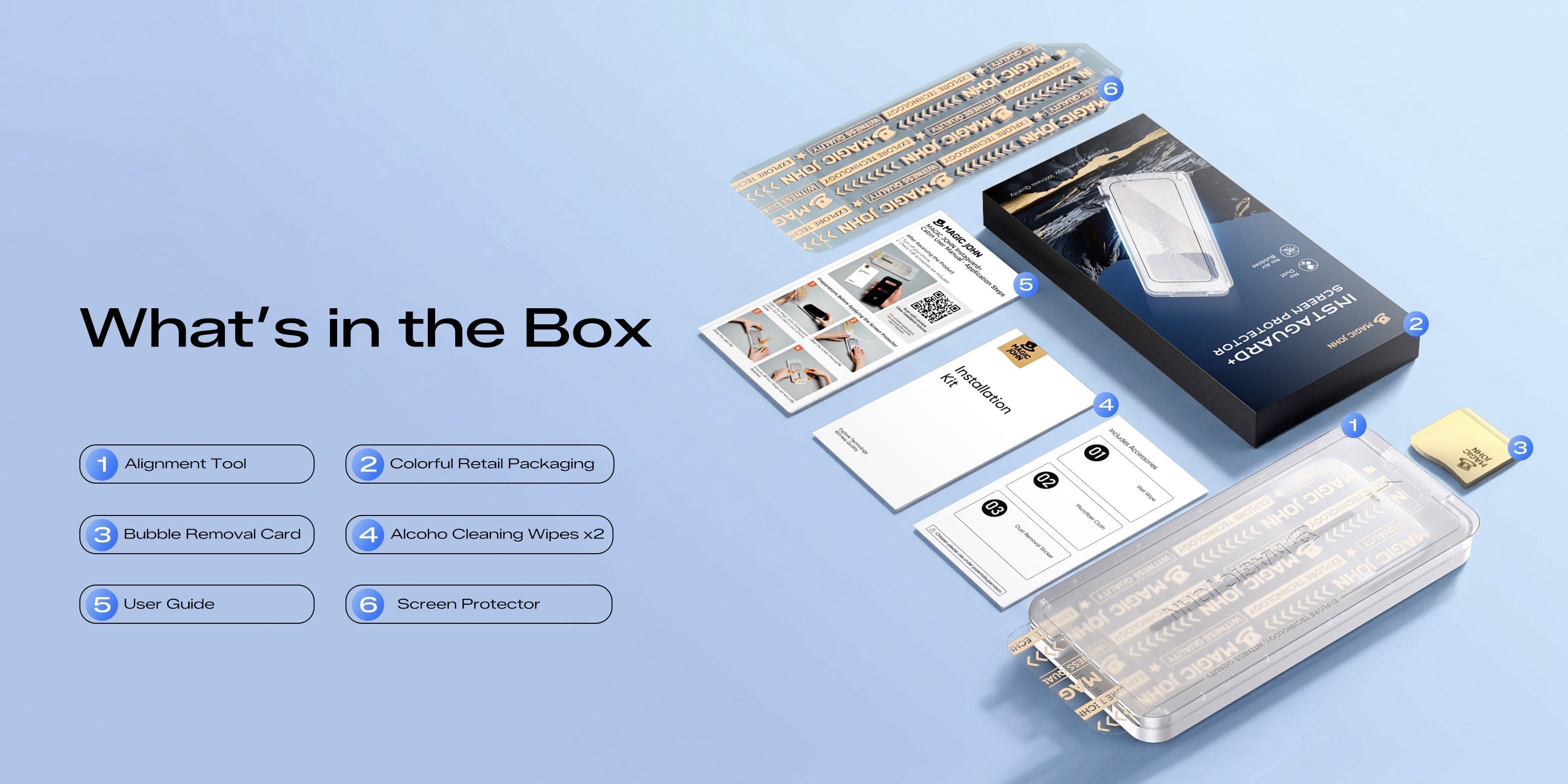
Ein Badezimmer direkt nach dem Duschen eignet sich gut, da der Dampf die in der Luft befindlichen Partikel bindet. Waschen Sie sich die Hände, bevor Sie etwas öffnen. Legen Sie alle Teile aus der Verpackung bereit: Alkoholtuch, trockenes Tuch, Staubentfernungsaufkleber und gegebenenfalls eine Rakelkarte oder einen Applikatorrahmen.
Reinigen Sie den Bildschirm gründlich.
Reinigung in drei Schritten:
- Mit dem Alkoholtuch in langsamen, gleichmäßigen Bewegungen abwischen.
- Mit dem Mikrofasertuch trocken polieren.
- Drücken Sie den Staubentfernungsaufkleber auf den Bildschirm und ziehen Sie ihn ab.
Überspringen Sie Schritt drei nicht. Selbst ein einziges Staubkorn wird zu einer sichtbaren Blase, die man später nicht mehr herausdrücken kann.
Richten Sie sich aus, bevor Sie sich festlegen.
Wenn Ihre Schutzfolie mit einem Anbringungsrahmen geliefert wird, setzen Sie diesen zuerst auf das Telefon auf. Andernfalls verwenden Sie das Lautsprechergitter oder die Dynamic Island als Orientierungspunkt.
Halten Sie die Schutzfolie über den Bildschirm und überprüfen Sie die Ausrichtung von allen Seiten, bevor Sie sie aufsetzen. Senken Sie zuerst eine Kante ab, prüfen Sie, ob sie ausgerichtet ist, und legen Sie dann den Rest langsam flach hin.
Luft herausdrücken und ruhen lassen
Beginnen Sie in der Mitte und streichen Sie mit der Rakelkarte in gleichmäßigen Bewegungen nach außen zu den Rändern. Nicht wiederholt abheben und erneut auftragen. — das wirbelt jedes Mal mehr Staub auf.
Kleine Restbläschen sind meist nur eingeschlossene Luft. Nach 24 Stunden verschwinden die meisten von selbst.
Was tun, wenn die Displayschutzfolie Blasen wirft oder sich an den Rändern ablöst?
Nicht alle Blasen stellen das gleiche Problem dar, und die Lösung hängt davon ab, um welche Art von Blase es sich handelt.
Staubblasen Sie sind klein und scharfkantig. Ein Partikel ist darunter eingeklemmt. Um das Problem zu beheben, heben Sie die Schutzfolie vorsichtig an, entfernen Sie Staub mit einem Staubentfernungssticker sowohl auf dem Bildschirm als auch auf der Unterseite des Glases und bringen Sie die Schutzfolie anschließend wieder an.
Luftblasen Sie sind größer und haben weiche Ränder. Diese verschwinden normalerweise innerhalb von 24 Stunden durch sanften Druck mit einer Rakelkarte, wobei man von der Mitte zum Rand arbeitet.
Kantenhebung deutet in der Regel auf eine von zwei Ursachen hin:
- Der Schutz ist nicht für Ihr spezifisches Modell zugeschnitten.
- Ihre Hülle ist zu dick und ihr Rand drückt gegen die Glaskante.
Entfernen Sie die Hülle und prüfen Sie, ob die Kante flach bleibt. Wenn ja, liegt das Problem an der Hülle. Wechseln Sie zu einer Schutzhülle, die mit Ihrer Hülle kompatibel ist. Hebt sich die Kante auch ohne Hülle ab, passt die Schutzhülle nicht zu Ihrem Modell.
Wenn Sie die Schutzfolie zweimal erneut angebracht haben und das gleiche Problem immer wieder auftritt, ersetzen Sie die Schutzfolie. Es lohnt sich nicht, weiter gegen ein schlecht sitzendes Kleidungsstück anzukämpfen.
So reinigen und pflegen Sie Ihre iPhone-Displayschutzfolie
Für die tägliche Reinigung, Ein trockenes Mikrofasertuch entfernt Fingerabdrücke und Flecken problemlos. Vermeiden Sie Papiertücher und die meisten Reinigungsmittel aus dem Haushalt – sie sind zu rau, um die oleophobe Beschichtung mit der Zeit zu beschädigen.
Für eine gründlichere Reinigung, Verwenden Sie ein mit 70%igem Isopropylalkohol getränktes Tuch und üben Sie dabei leichten Druck aus. Wischen Sie anschließend sofort mit einem trockenen Mikrofasertuch nach. Achten Sie darauf, dass keine Feuchtigkeit an den Rändern zurückbleibt.
Absolut vermeiden: Küchenpapier, Haushaltsglasreiniger, Aceton und alle bleichmittelhaltigen Produkte greifen die Beschichtung an und können dazu führen, dass sich der Klebstoff an den Rändern ablöst.
Anzeichen dafür, dass es Zeit ist, Ihre Bildschirmabdeckung zu ersetzen
Sie können es weiterhin verwenden, wenn:
- Oberflächenkratzer sind nur bei direktem Lichteinfall sichtbar und beeinträchtigen die Berührungsempfindlichkeit nicht.
- Ein kleiner Riss befindet sich ganz in der Ecke, abseits der Bildschirmmitte.
Ersetzen Sie es sofort, wenn:
- Ein Riss verläuft mitten durch den Bildschirm.
- Die Kanten heben sich an und bleiben nicht flach.
- Die Berührungsreaktion fühlt sich langsam oder ungleichmäßig an. (Glassplitter können die Empfindlichkeit des Displays beeinträchtigen)
- Die Oberfläche wirkt trüb oder zeigt bei normalem Licht einen regenbogenfarbenen Schimmer.
Durchschnittliche Lebensdauer: Eine hochwertige Schutzfolie aus gehärtetem Glas hält bei normalem täglichem Gebrauch in der Regel 6 bis 12 Monate. Bei häufiger Nutzung – z. B. durch häufiges Fallenlassen oder loses Tragen des Telefons in der Tasche – ist mit einer Lebensdauer von etwa 6 Monaten zu rechnen.
Schützen Sie Ihren iPhone-Bildschirm
Wählen Sie den richtigen Typ, bringen Sie ihn fachgerecht an, halten Sie ihn sauber und wissen Sie, wann er ausgetauscht werden muss. Diese vier Gewohnheiten tragen wesentlich dazu bei, dass Ihr Bildschirm langfristig in gutem Zustand bleibt. Wenn Sie einen einfachen Einstieg wünschen, Magic Johns iPhone-Displayschutzfolien Mit integriertem Staubentfernungsapplikator für eine saubere, blasenfreie Installation, erhältlich für alle iPhone-Modelle.

Häufig gestellte Fragen zu iPhone-Displayschutzfolien
Frage 1: Beeinträchtigt eine Displayschutzfolie Face ID oder Touch ID?
Nein, eine passgenaue Schutzfolie blockiert Face ID nicht. Face ID nutzt die Frontkamera und die Sensoren, um die herum hochwertige Schutzfolien zugeschnitten sind. Bei iPhones mit Touch ID (wie dem SE) wird der Home-Button durch die Schutzfolie nicht abgedeckt.
Falls Face ID nach der Installation langsamer erscheint, überprüfen Sie, ob die obere Sensoraussparung vollständig frei ist und nicht von einer falsch ausgerichteten Kante verdeckt wird.
Frage 2: Kann ich eine Displayschutzfolie mit einer MagSafe-Hülle verwenden?
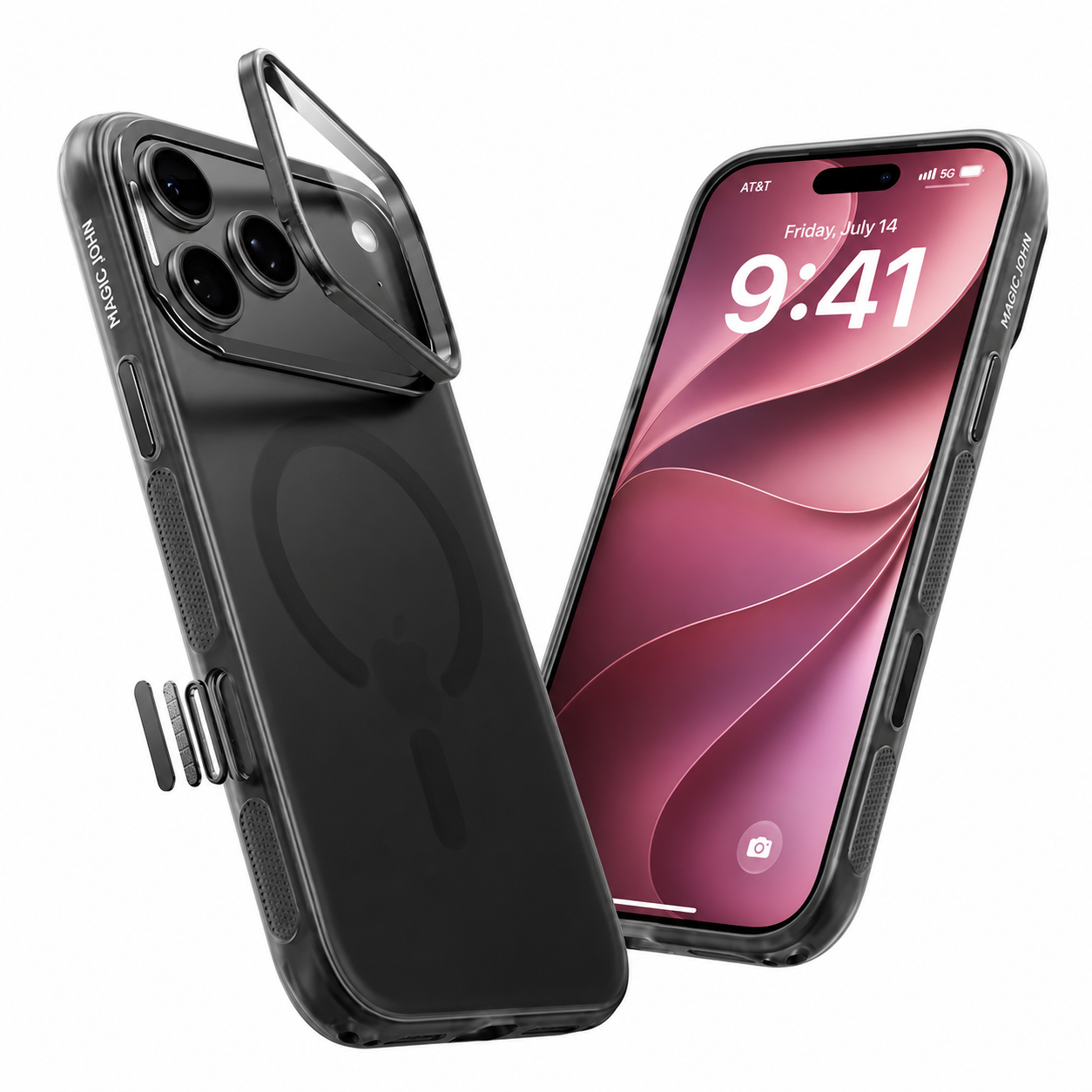
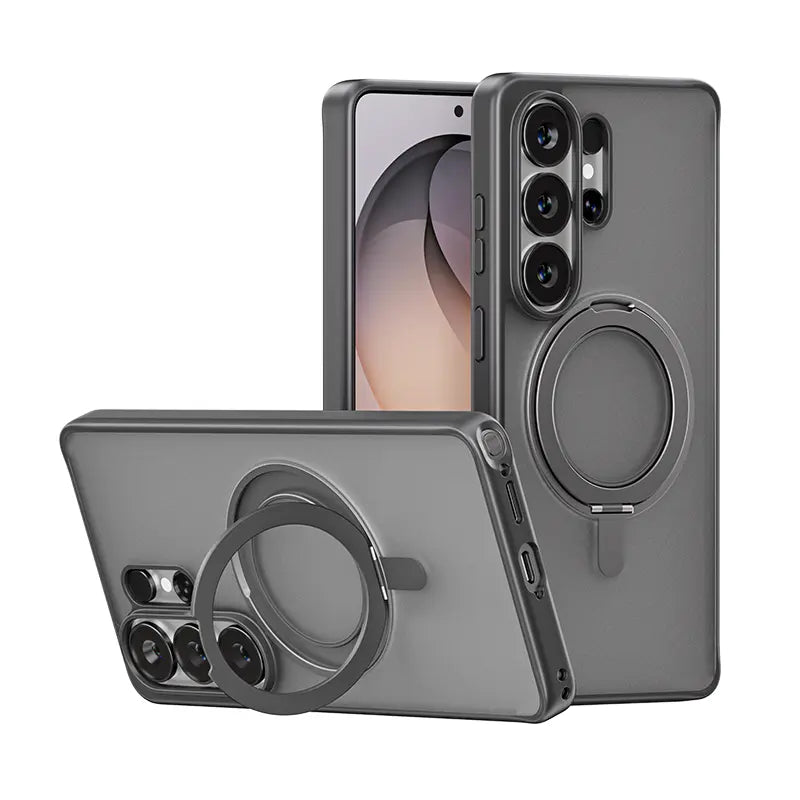
Ja. Eine Schutzfolie aus gehärtetem Glas bei 0.5 mm dick oder weniger Beeinträchtigt nicht das MagSafe-Laden oder magnetische Befestigung. Wichtig ist, dass die Schutzfolie so zugeschnitten ist, dass sie mit der Hülle kompatibel ist und die Kanten nicht mit dem Hüllenrand kollidieren. Die Displayschutzfolien von Magic John sind so konzipiert, dass sie perfekt mit unseren iPhone-Hüllen harmonieren und eine saubere, passgenaue Optik gewährleisten.
Frage 3: Ist es sicher, eine beschädigte Displayschutzfolie weiterhin zu verwenden?
Das hängt davon ab, wo sich der Riss befindet.
Ein kleiner Riss in einer Ecke, abseits des Haupt-Touchbereichs, stellt bei kurzfristiger Nutzung ein geringes Risiko dar. Ein Riss in der Mitte des Bildschirms oder mit scharfen Glaskanten muss jedoch unbedingt repariert werden. Scharfe Kanten können zu Schnittverletzungen führen, und gerissenes Glas dämpft Stöße nicht mehr optimal ab. Ersetzen Sie es daher so schnell wie möglich.
Frage 4: Wie lange hält eine Displayschutzfolie aus gehärtetem Glas?
Typischerweise 6 bis 12 Monate Bei normalem täglichem Gebrauch hält das Smartphone länger. Häufige Stürze aus großer Höhe verkürzen die Lebensdauer. Selbst ohne sichtbare Risse kann sich die Oberflächenbeschichtung nach einem Jahr so weit abnutzen, dass die Berührungsempfindlichkeit und Haptik spürbar nachlassen. Ein jährlicher Austausch ist daher für die meisten Nutzer sinnvoll.
Frage 5: Benötige ich eine Displayschutzfolie, wenn mein iPhone bereits über Ceramic Shield verfügt?
Ja, weiterhin empfehlenswert. Ceramic Shield bietet einen sehr guten Schutz vor Bruch durch Stürze. Es ist jedoch keine kratzfeste Beschichtung. Alltägliche Materialien wie Sand, Schlüssel und raue Oberflächen können Kratzer verursachen. hinterlassen Spuren auf dem Glas. A Schutzhülle für iPhone Dadurch werden diese Abnutzungsspuren anstelle des eigentlichen Displays abbekommen, was sowohl für die Haptik des Bildschirms im Alltag als auch für den Wiederverkaufswert später von Bedeutung ist.


Hinterlassen Sie einen Kommentar
Diese Website ist durch hCaptcha geschützt und es gelten die allgemeinen Geschäftsbedingungen und Datenschutzbestimmungen von hCaptcha.