
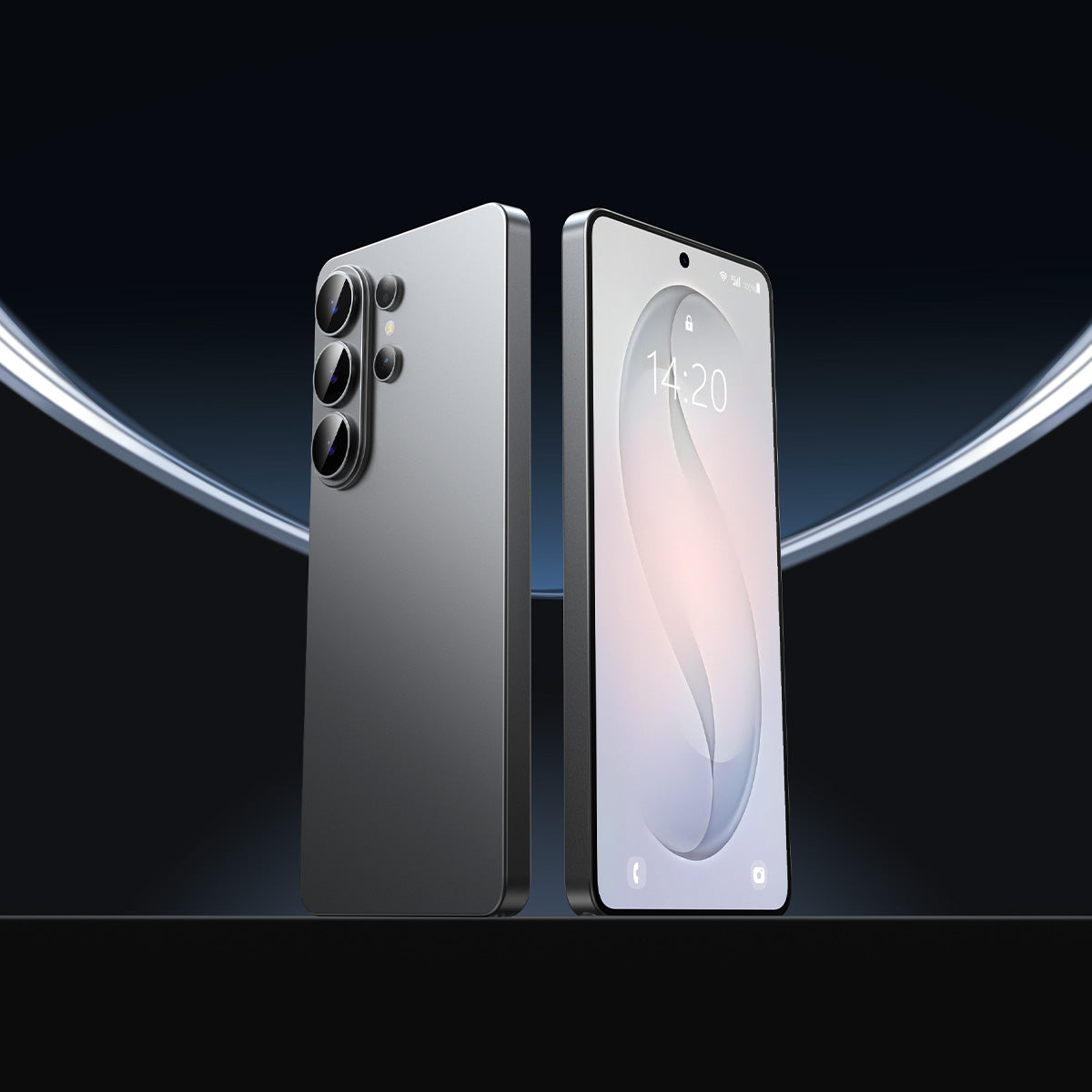



You pull out your phone on the subway, and the person next to you can see exactly what you are typing. Samsung built Privacy Display into the S26 Ultra to fix that. But if you are also considering an s26 ultra screen protector on top of it, you may be asking which one actually does the job. These two features protect you in different ways, and knowing the difference leads to a smarter setup.
How Each Technology Actually Works
Privacy Display and a physical privacy film both limit what others can see on your screen. They do it through completely different mechanisms, which is why they perform differently in real-world conditions.
Samsung's Privacy Display
The S26 Ultra uses a dual-layer pixel structure. Each pixel has two layers: a narrow pixel and a wide pixel.
When you activate Privacy Mode, the software turns off the wide pixels. Only the narrow pixels stay on, sending light straight forward. Anyone sitting to the side sees a black or near-black screen instead of your content.
Physical Privacy Screen Protectors
A physical privacy film works at the optical level, using micro-louvers. These are tiny physical slats built into the film at a precise angle, similar to sideways window blinds.
They physically block light from traveling sideways. The effect is always active and does not rely on software, settings, or battery life.
The Core Difference
Privacy Display controls light at the pixel itself. A physical film intercepts light after it exits the screen surface. Both methods limit side-angle viewing, but they respond differently depending on lighting conditions and how you use your phone.
Privacy Protection Side by Side
Here is how the two options compare across the conditions that matter most to everyday users.
| Privacy Display | Physical Privacy Film | |
| Side-angle blocking | Strong when active; no impact when off | 28° viewing angle: strong, consistent |
| Low-light performance | Weaker: screen becomes brightest in the room | Unaffected by ambient light |
| Brightness loss | Varies by setting / Off: no impact | Permanent 25-35% reduction |
| Portrait vs. landscape | Effective in both orientations | Most films cover portrait only |
| Flexibility | Per-app, per-notification, adjustable | Always on, cannot be disabled |
| Selective privacy | Can protect specific apps while leaving others unaffected | Full-screen effect, no exceptions |
| Color accuracy | Slight shift when active, normal when off | Permanent slight dimming |
Privacy Display wins on flexibility and control. A physical privacy film is more consistent in low-light settings, where Privacy Display loses effectiveness as the screen becomes the dominant light source in the room.
For users who need privacy at all times, regardless of the environment or software state, physical film is the more reliable choice.
Physical Screen Protection Is Also Part of Being Safe
Most comparisons between Privacy Display and a privacy film only focus on one question: which one hides your screen better. But "safer" has a second meaning that almost never comes up in this discussion.
What Privacy Display Leaves Exposed
Privacy Display is a software feature. It adds no physical layer over your display. Your screen is still exposed to:
- Keys and grit: Sand particles and metal debris are harder than screen glass. They leave micro-scratches that build up over months, gradually softening image sharpness.
- Drops: A direct impact on tile or concrete puts the full force on the display itself. No software feature absorbs that.
- Long-term wear: Micro-scratches accumulate in ways that are hard to notice until brightness and clarity have already dropped.
The Real Cost
That is a real cost exposure. A cracked S26 Ultra screen costs over $300 to repair at a Samsung service center. Replacing a worn screen protector costs around $20. The math is straightforward.
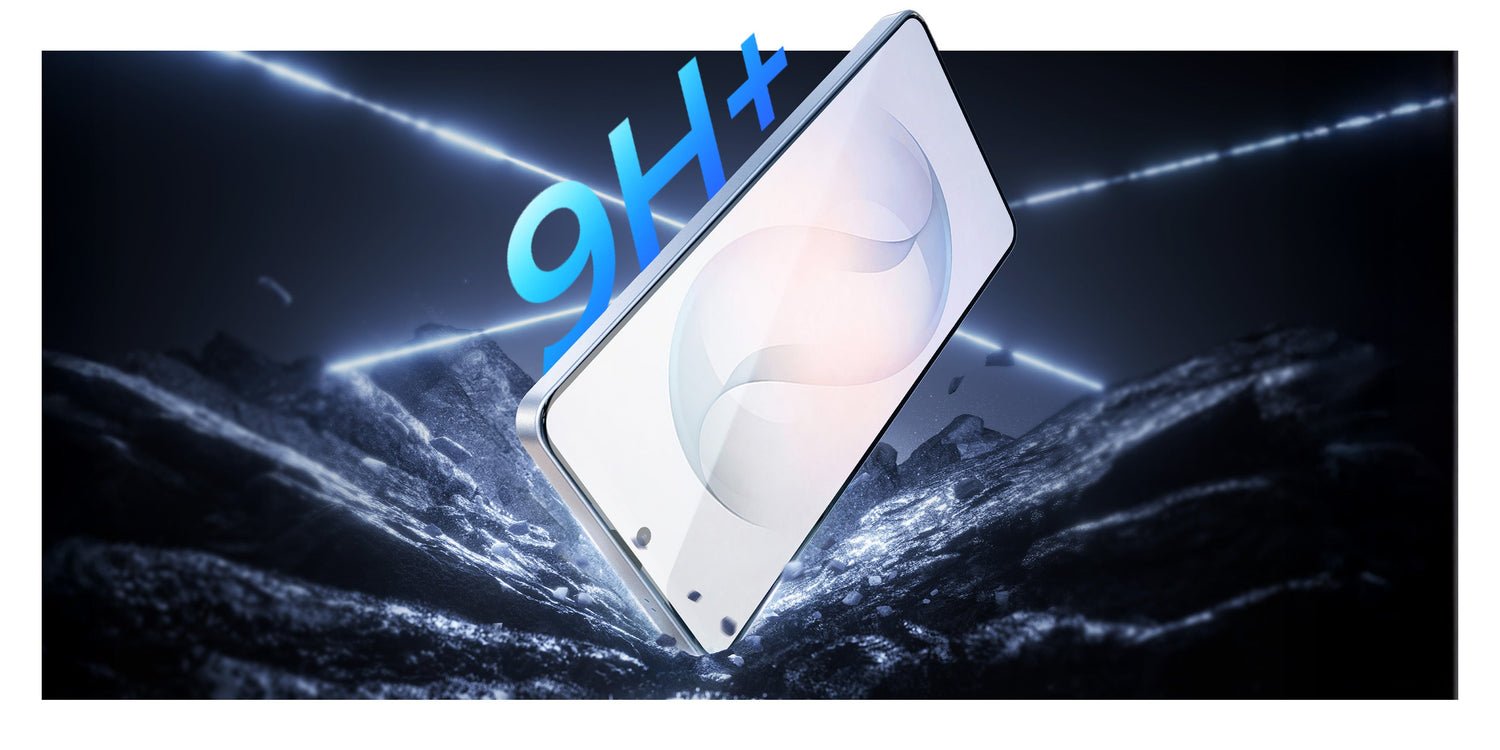
A privacy screen protector handles both concerns at once. It blocks side-angle views and adds a 9H hardness barrier that absorbs scratches and impact before they reach the display.
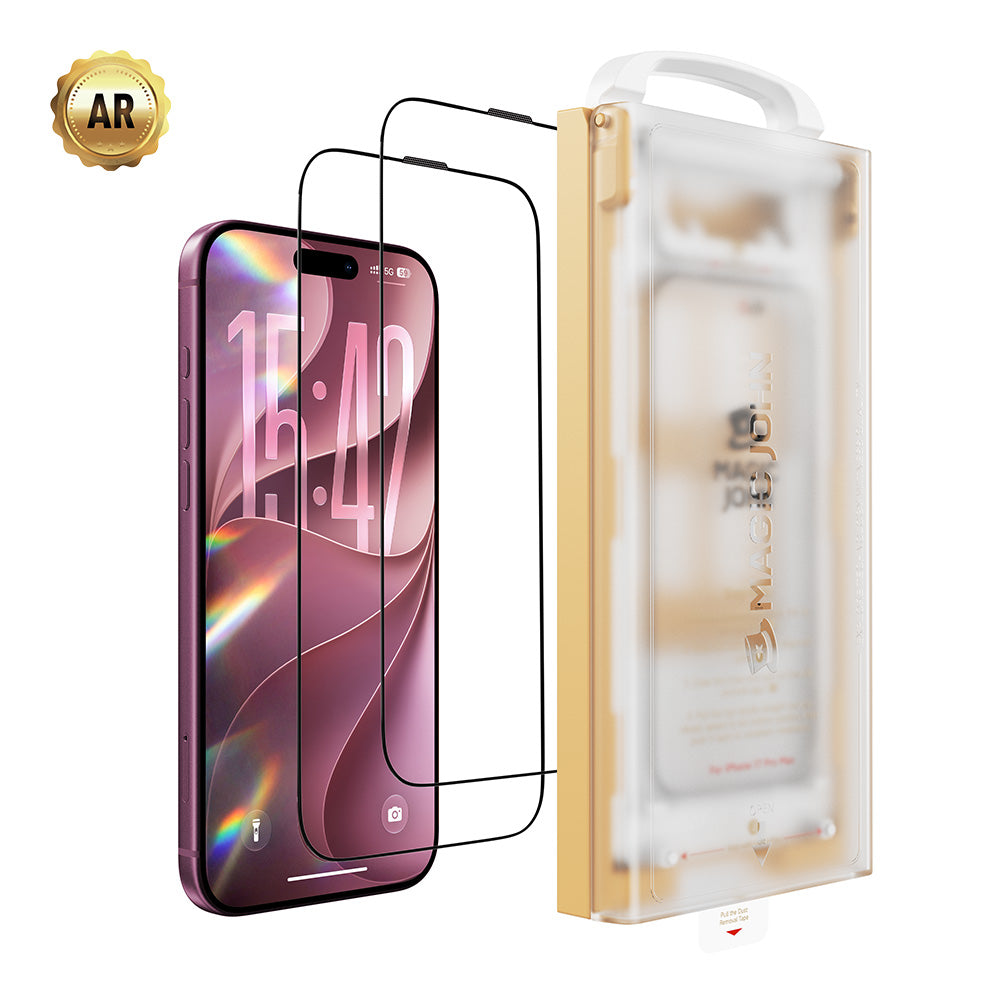
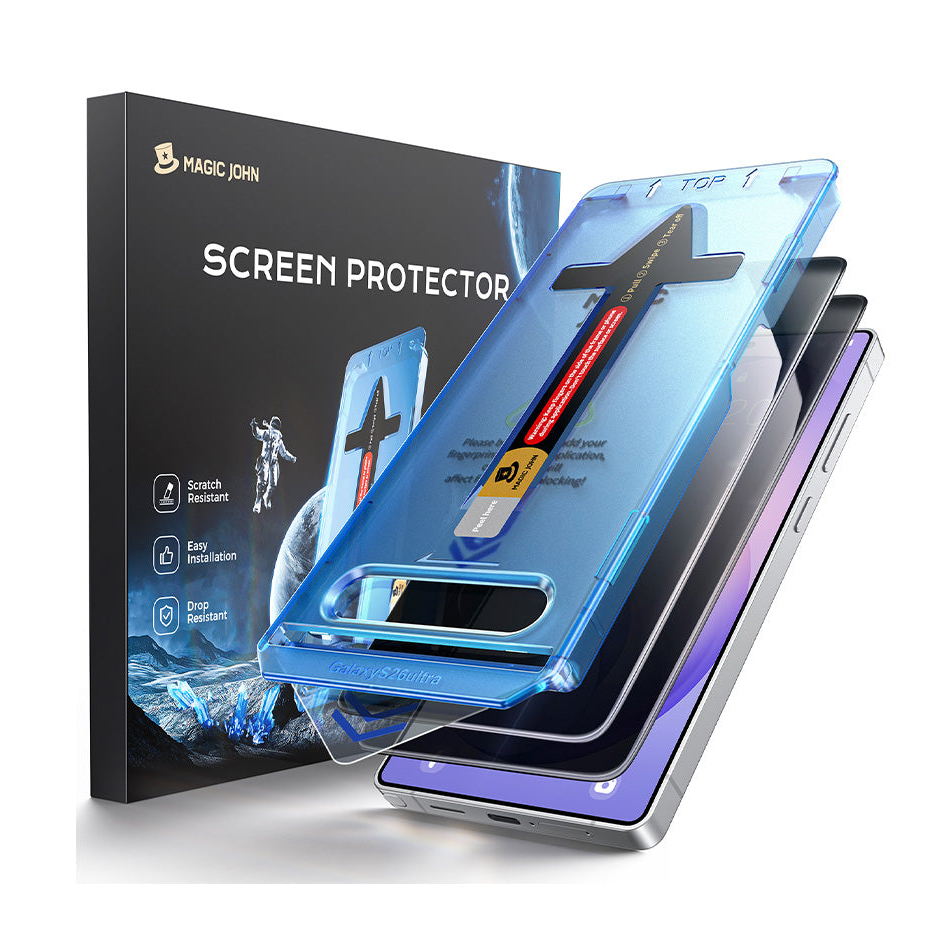
MAGIC JOHN's privacy screen protector for the S26 Ultra combines 28° side-angle blocking, 9H scratch resistance, and an anti-oil coating that keeps fingerprints and smudges off the surface. Ultrasonic fingerprint compatibility is confirmed for the S26 Ultra.
One product. Two definitions of safer.
How Screen Protectors Affect Fingerprint Recognition
The S26 Ultra uses an ultrasonic fingerprint sensor, which reads through sound waves rather than light. This makes it more tolerant of screen protectors than older optical sensors. That said, the wrong protector still causes problems.

What Can Go Wrong
Protectors above 0.33mm can slow fingerprint reads or cause occasional failures. Bubbles or dust trapped over the sensor zone during installation are a common cause of inconsistent recognition afterward.
The Fix
Choose a protector labeled as ultrasonic fingerprint compatible and 0.25mm or thinner. This eliminates most recognition issues before they start.
Setup Tip: After applying any protector, go to Settings, enable Touch Sensitivity, and re-register your fingerprints from scratch. This two-minute step resolves most recognition issues that come up after installation.
The MAGIC JOHN screen protector removes debris automatically as the film goes down, reducing the chance of bubbles forming over the sensor area during the process.

Which Setup Fits Your Situation
There is no single right answer. The better configuration depends on how and where you use your phone.
Commuters and open-office users: Turn on Privacy Display for specific apps like banking and messaging. Pair it with an HD clear screen protector for daily physical protection.
You get targeted privacy without giving up brightness all day long.
Healthcare, legal, or finance professionals: Your screen needs to stay private at all times, including dim conference rooms and low-light environments. A physical privacy film is the more dependable option here. It works regardless of software state or ambient light.
Galaxy S26 and S26 Plus users: Privacy Display is an S26 Ultra exclusive feature. A physical privacy screen protector is the only available side-angle protection for these models. Look for options with a 28° or narrower viewing angle and confirmed ultrasonic fingerprint compatibility.
Users who want the most complete setup: Run Privacy Display on sensitive apps, apply an HD clear screen protector for physical protection, and fully enable Privacy Display during high-sensitivity moments.
This covers information privacy and screen durability without relying on any single layer.
Two Layers of Safety, One Smart Setup
Privacy Display and a physical screen protector are not the same thing, and they are not interchangeable. One protects your data. The other protects your display. For most S26 Ultra users, the strongest setup uses both.
MAGIC JOHN offers HD clear and 28° privacy options for the S26 Ultra, each compatible with the ultrasonic fingerprint sensor and installed in seconds with a built-in applicator. See MAGIC JOHN's full S26 Ultra lineup here.
FAQs about privacy screen protectors
Q1: Can I use a privacy screen protector on the S26 Ultra without affecting Privacy Display?
Yes, with one consideration. An HD clear tempered glass protector does not interfere with Privacy Display's pixel-level light control.
A tinted privacy film stacks with Privacy Display's dimming effect, making the screen very dark when both are active. For the cleanest setup, use an HD clear protector and rely on Privacy Display for privacy control.
Q2: Do privacy screen protectors work on Galaxy S26 and S26 Plus?
Yes. Privacy Display is exclusive to the S26 Ultra, so a physical privacy screen protector is the only side-angle protection available for the S26 and S26+. Look for models labeled as ultrasonic fingerprint compatible with a viewing angle of 28° or narrower.
Q3: How much brightness do privacy screen protectors actually reduce?
Most tempered glass privacy protectors reduce light transmission by 25-35%. On the S26 Ultra's high-brightness display, that reduction is still comfortable for most indoor and shaded outdoor use, but noticeably dimmer in direct sunlight.
Q4: Will a thick screen protector cause issues with the S Pen on the S26 Ultra?
It can. Protectors above 0.33mm may introduce slight parallax, a visible offset between where the S Pen tip touches and where the mark appears on screen. Ultra-thin options at 0.25mm or below reduce this noticeably. After applying any protector, test S Pen tracking accuracy and adjust pressure sensitivity in Settings if needed.
Sources
- Fria Reyes, "Samsung Launches New 'Privacy Display' to Protect Your Screen," Privacy Guides, February 27, 2026. https://www.privacyguides.org/news/2026/02/27/samsung-launches-new-privacy-display-to-protect-your-screen
- Samsung, "Galaxy S26 Ultra," Samsung Official. https://www.samsung.com/in/smartphones/galaxy-s26-ultra


Leave a comment
This site is protected by hCaptcha and the hCaptcha Privacy Policy and Terms of Service apply.