
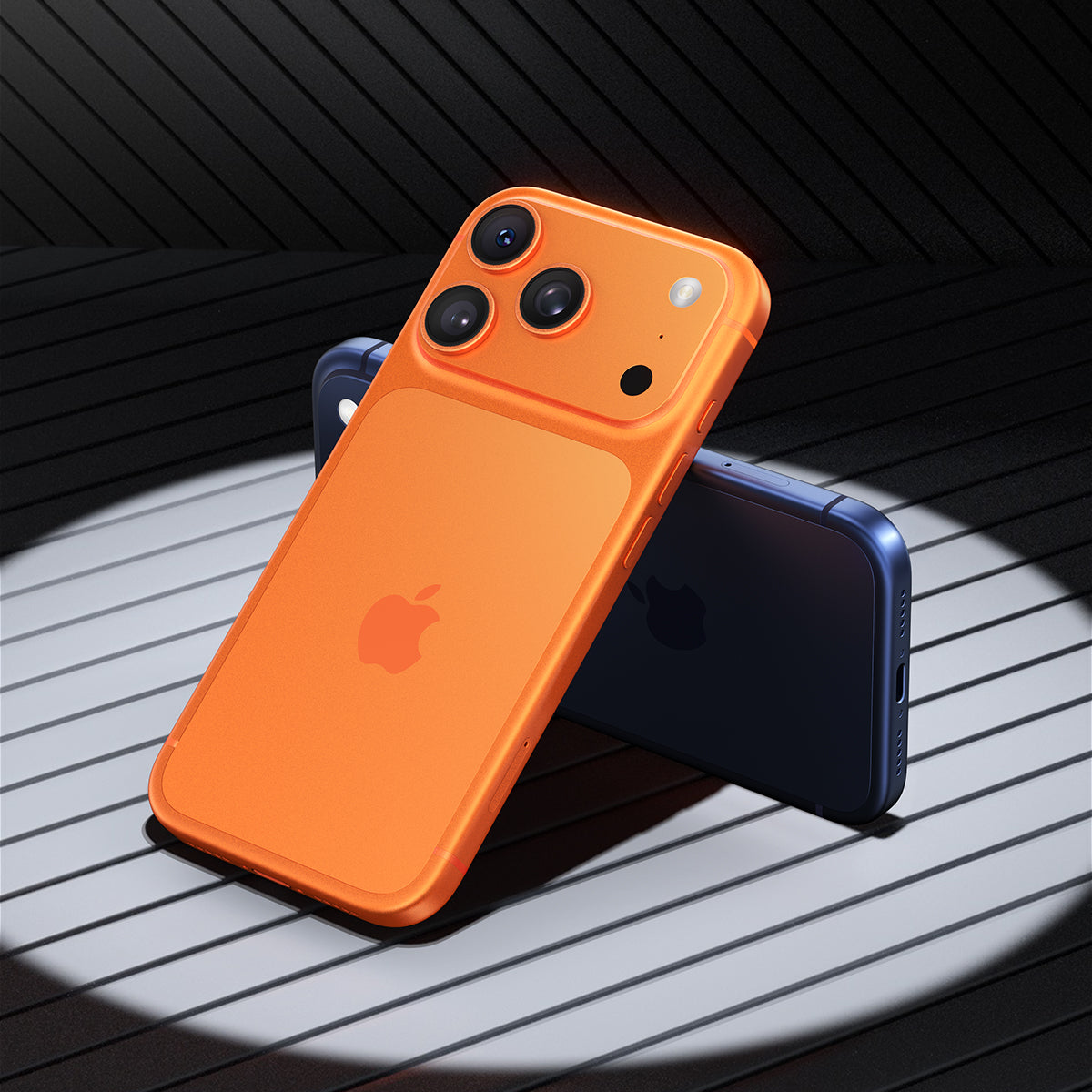
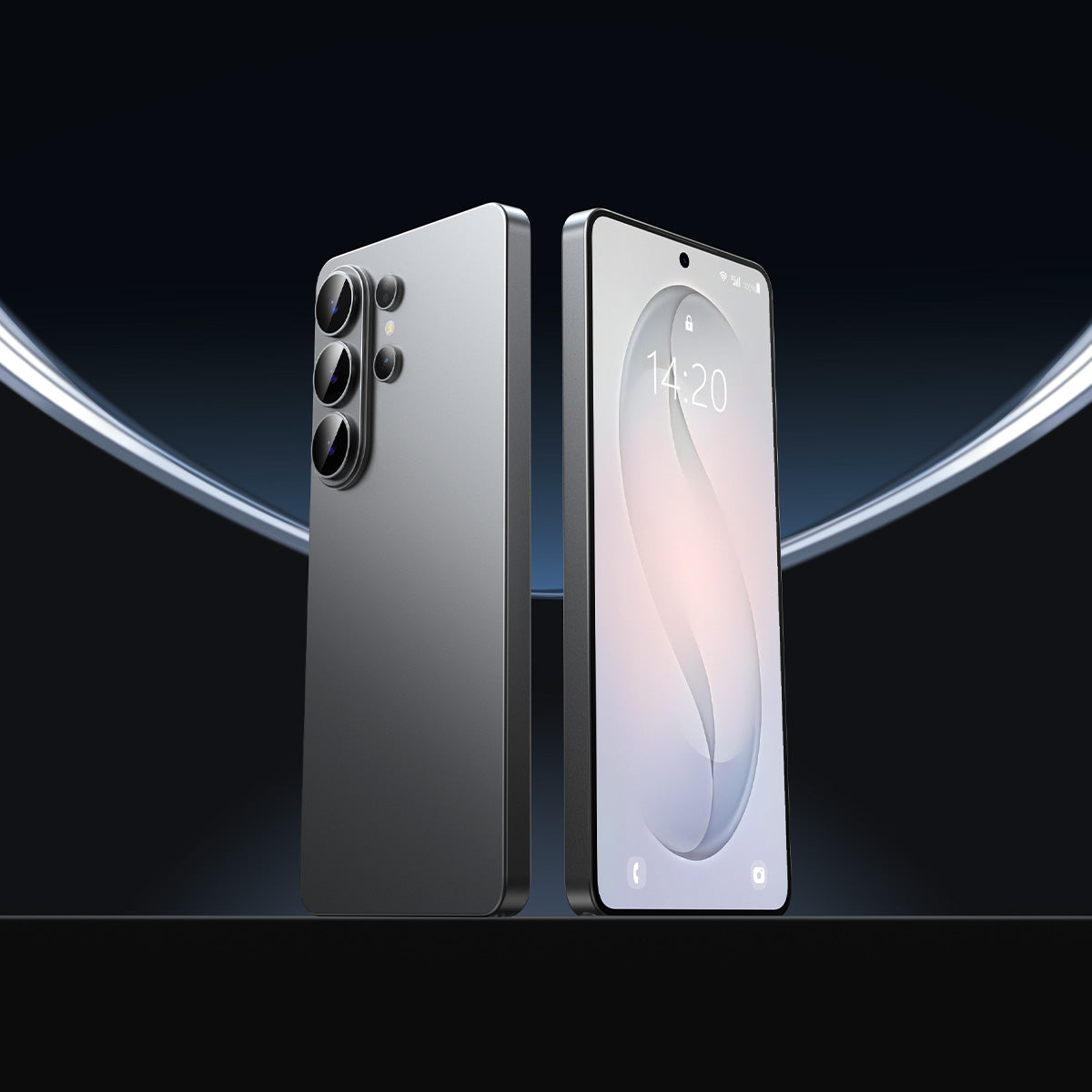



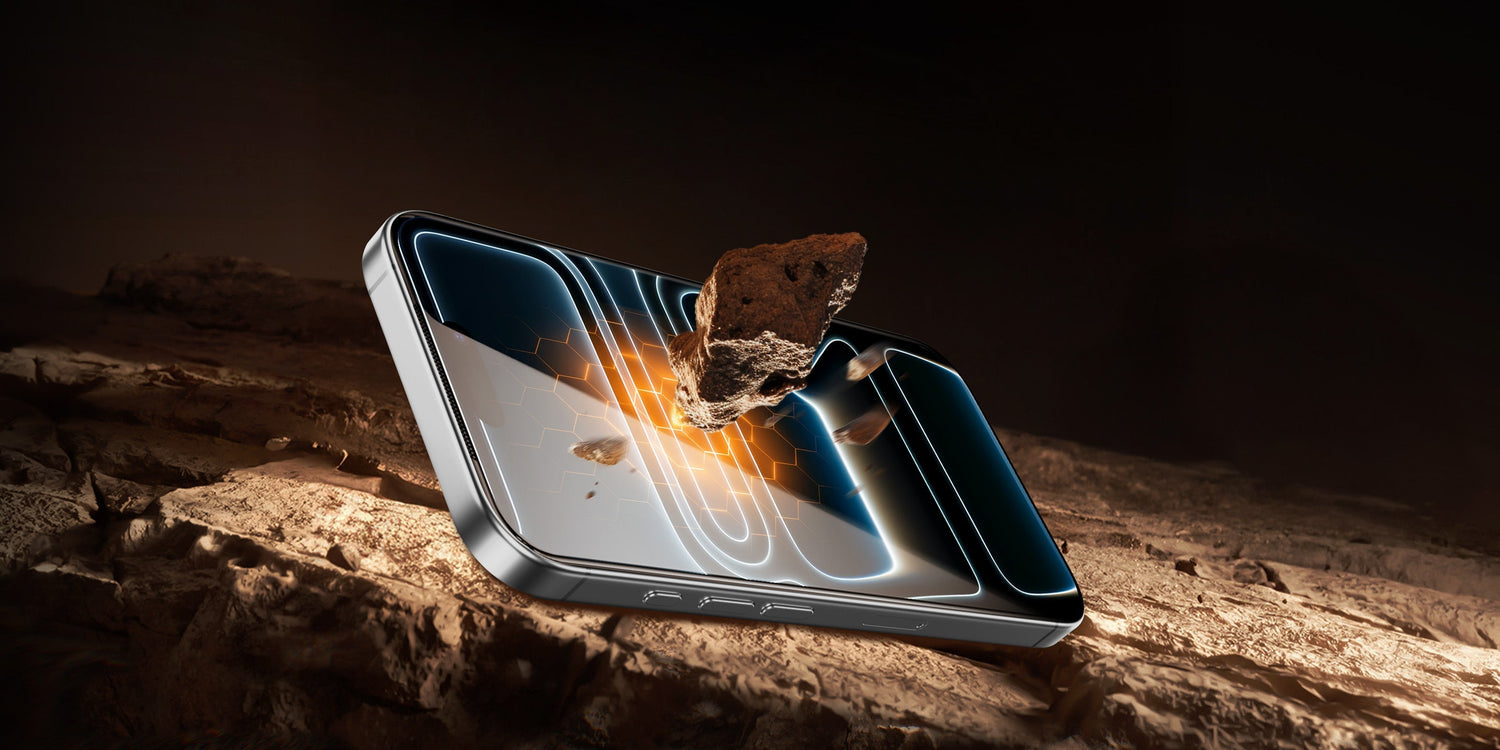
Got a new iPhone? The first thing many people do is look for ways to keep it safe. With so many choices, it can feel hard to know what matters most. The good news is that screen protection, case fit, and camera safety work best as a system, not separate fixes.
Does Your iPhone Screen Need a Protector at All?
Yes, most people should use one. Apple’s Ceramic Shield helps with drops, but it does not stop daily scratches from keys, sand, pocket grit, or a rough desk surface. If you care about keeping the display clear and resale value high, iPhone screen protection is still worth it.
A screen protector also gives you a cheap first layer of defense. Replacing a protector is much easier than dealing with a scratched screen. For anyone wondering "do I need a screen protector for my iPhone?", the simple answer is yes for everyday use.
What the protector actually does
- Helps reduce scratches from daily carry.
- Takes the hit from small chips and scuffs.
- Keeps the screen looking cleaner over time.
- Can lower stress if you carry your phone everywhere.
Screen Protector Types and Which One Fits Your Habits
Not every protective screen cover for iPhone feels the same, and each type fits a different routine. The right choice depends on how you use your phone, how careful you are, and what you care about most. Knowing the main iPhone screen protector types makes the purchase easier.
Tempered glass
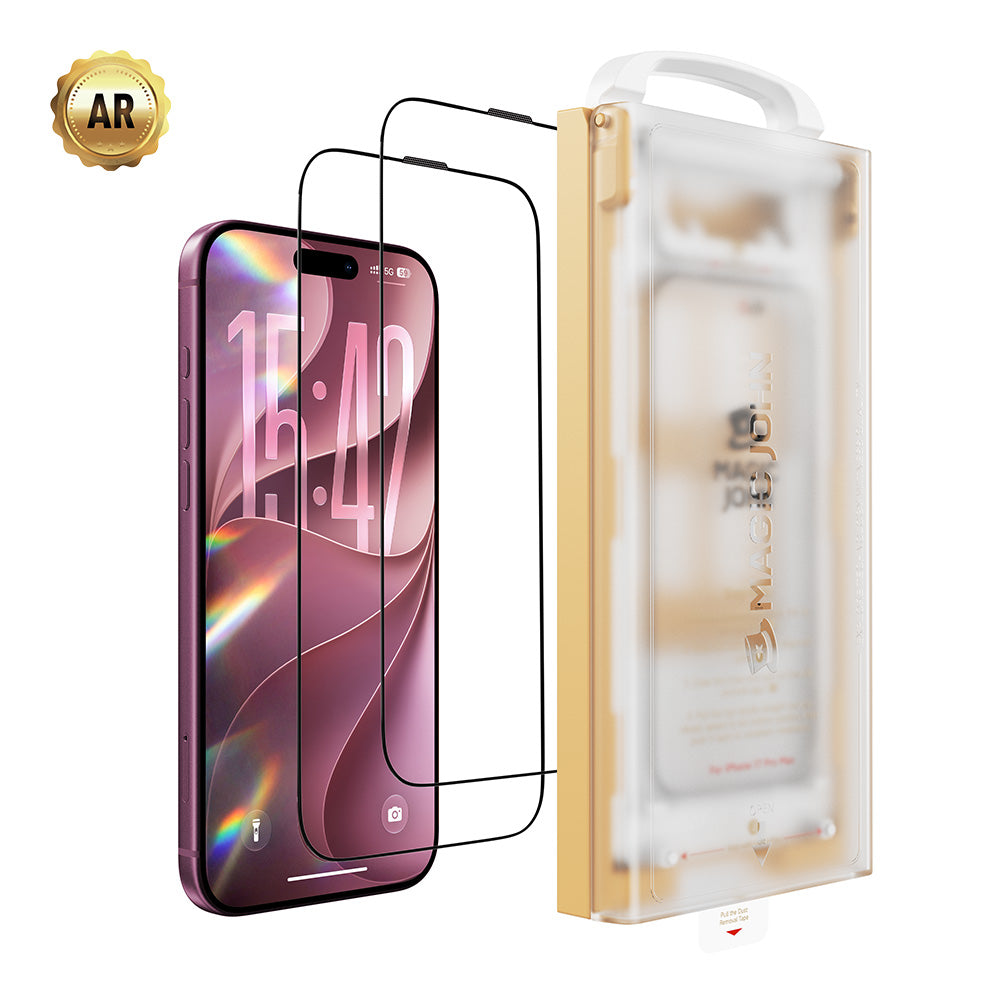
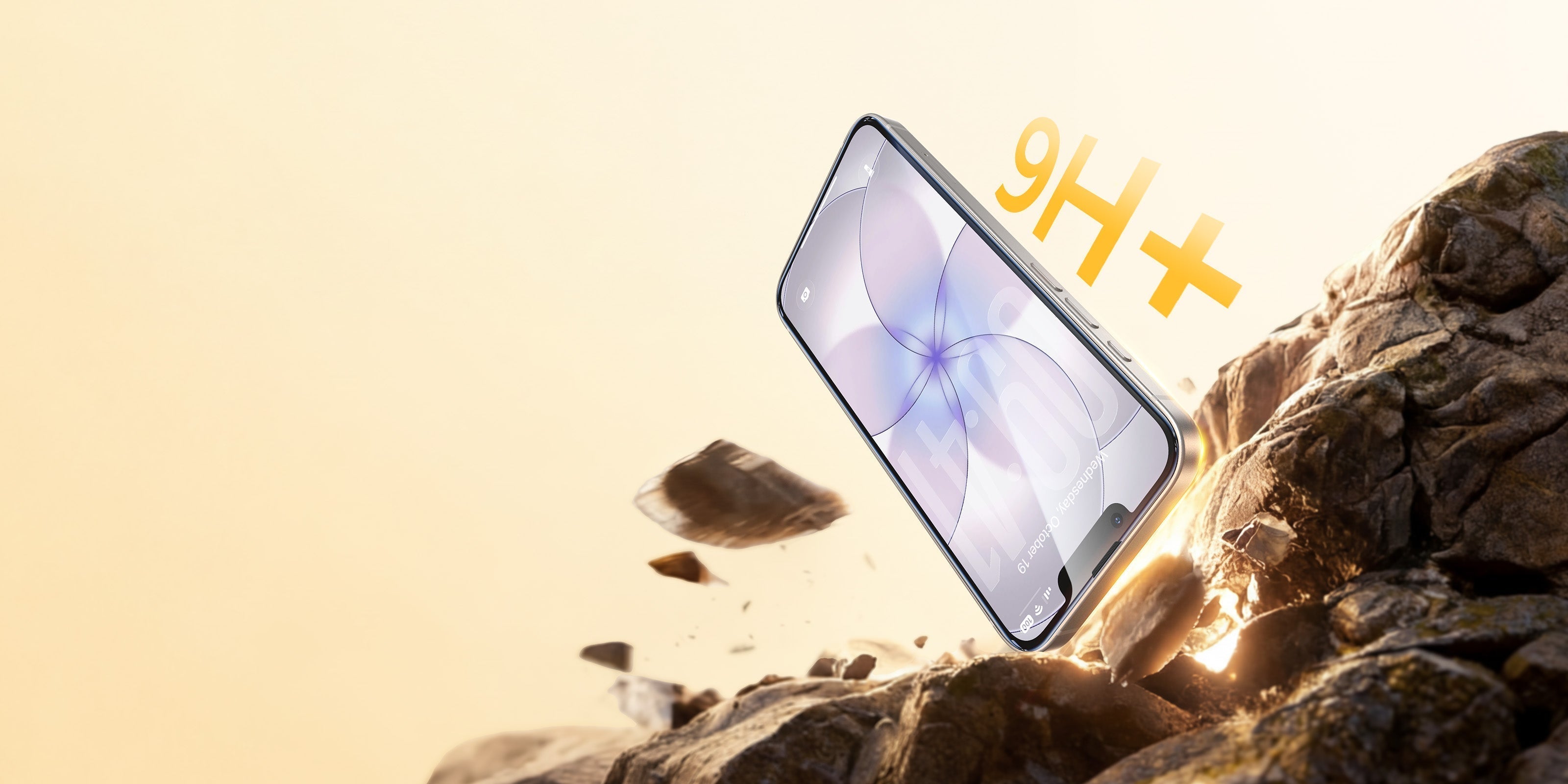
Tempered glass feels closest to the bare screen. It usually offers strong scratch resistance, smooth touch response, and a more natural look. For many people, this is the best iPhone screen protection option because it balances comfort and protection well.
PET Film
PET film is thin, light, and usually more flexible. It can help against small marks, but it does not feel as sturdy as glass. People who want a barely there layer often choose it, though it is not the strongest pick.
TPU Film
TPU is soft and self-healing, which helps with tiny scuffs. It can be a good fit for users who care about flexibility more than a glass feel. It may also take more effort to install cleanly.
Privacy Screen Protector
A privacy screen protector for iPhone helps keep side views hidden from people nearby. That can be useful on trains, in airports, or at coffee shops. The tradeoff is that brightness and viewing angle may feel a bit tighter.
Anti-Glare
Anti-glare films reduce reflections in bright light. They are useful outdoors or near windows, especially for people who read a lot on their phone. Some users like the matte feel, while others prefer the clarity of glass.
A Practical Option
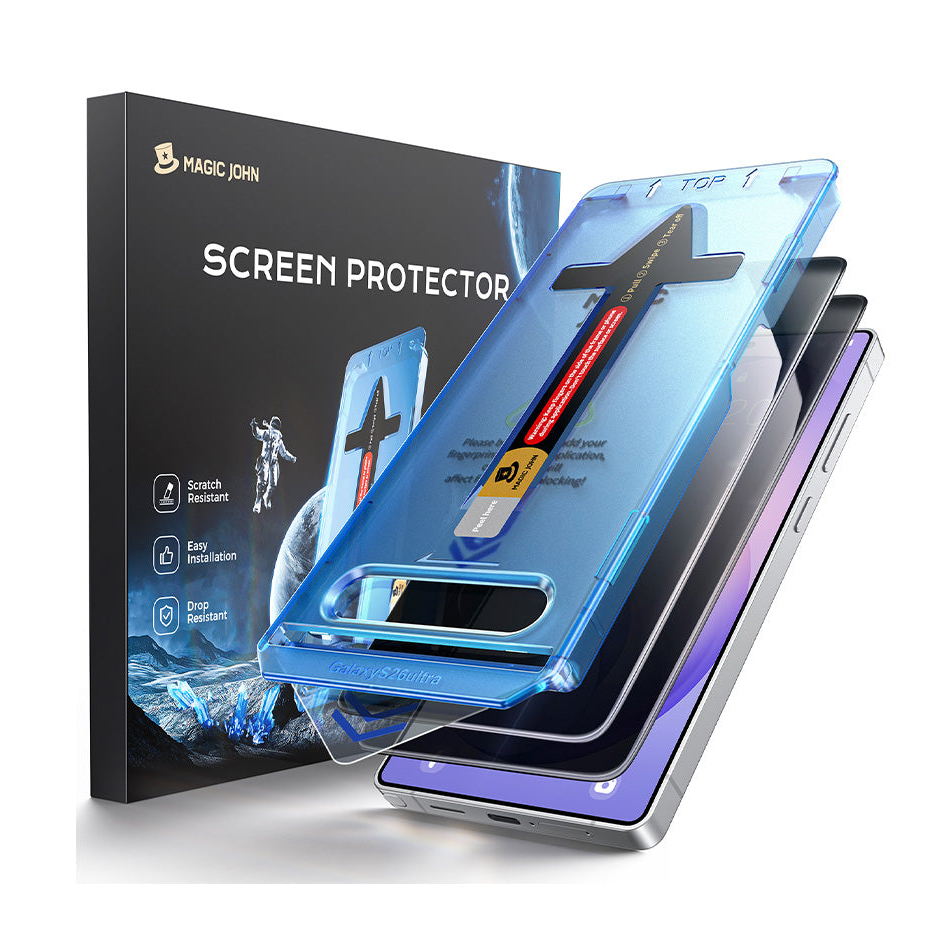
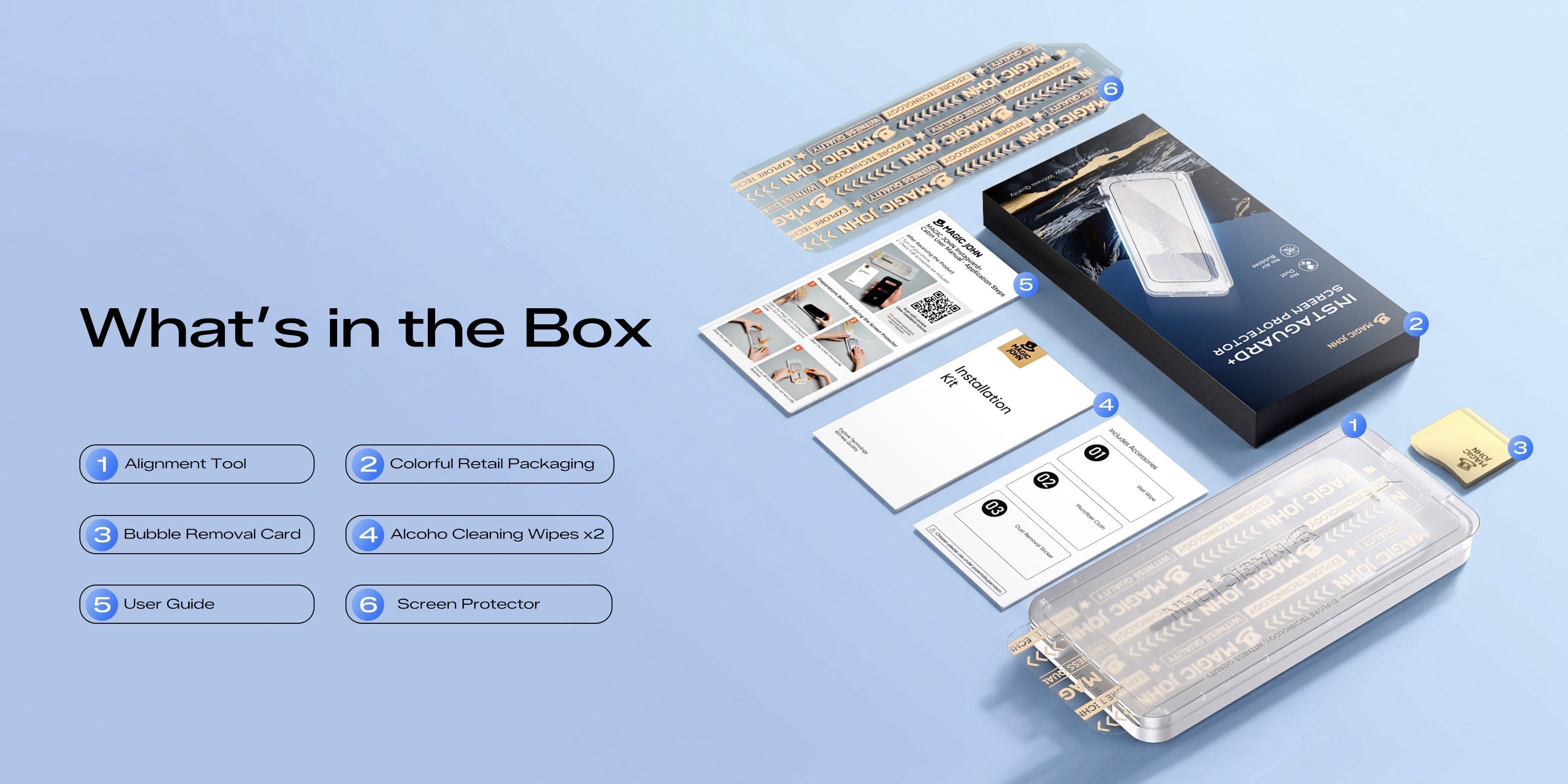
If you want a simple setup with easier installation and strong daily protection, Magic John Gen 3 is worth looking at for its functional design and user-friendly fit. It is a good example of the kind of protection many shoppers want when they search for complete screen protection.

Why Your Case and Screen Protector Need to Work Together
A screen protector does not work in isolation. If the case presses on the edges, the film can lift, bubble, or peel over time. That is why choosing a case-compatible iPhone screen protector matters so much.
The most common edge lift problem comes from a case that sits too tightly around the screen. If the case overlaps the protector too much, pressure builds along the edge. A case friendly cut solves that by leaving enough room for the protector to stay flat.
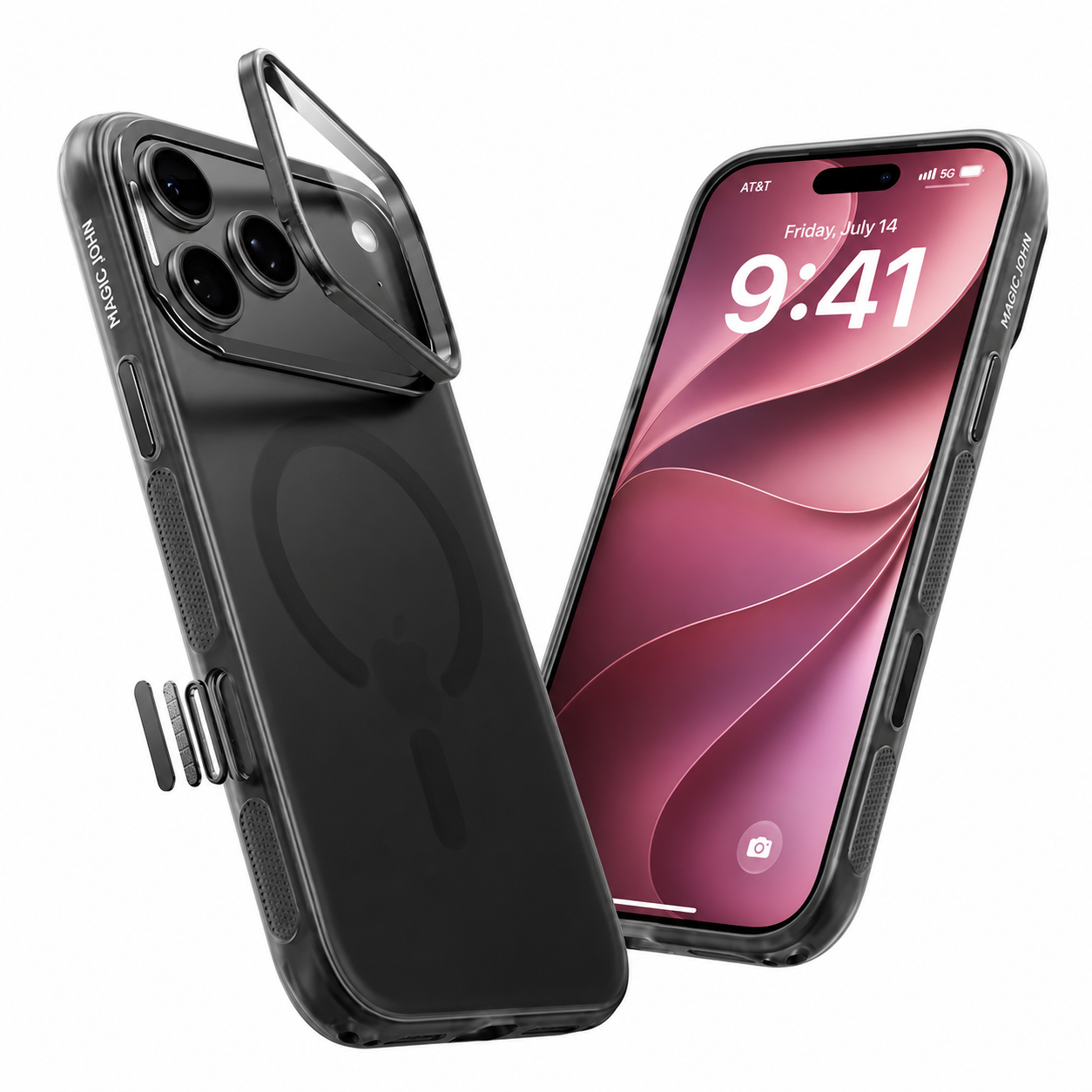
A raised camera lip also matters. It keeps the back lenses from touching tables and counters when the phone lies face down. For daily use, the screen and case should protect each other, not fight each other.
What to Check Before Buying
- Make sure the protector fits the case design.
- Look for a case friendly edge shape.
- Choose a case with a raised camera lip.
- Avoid pairings that force the protector to bend at the corners.
Camera Lens Protectors: Worth It or Not
People often ask whether an iPhone camera lens protector is needed. The answer depends on how you use your phone and what kind of case you already have. iPhone camera glass is strong, but it is not immune to scratches, grit, or hard contact.
The biggest concern with low quality lens covers is image quality. Cheap lens protectors can cause glare, softness, or weird light effects in photos. That is why many users prefer to skip them unless the product has strong optical quality.
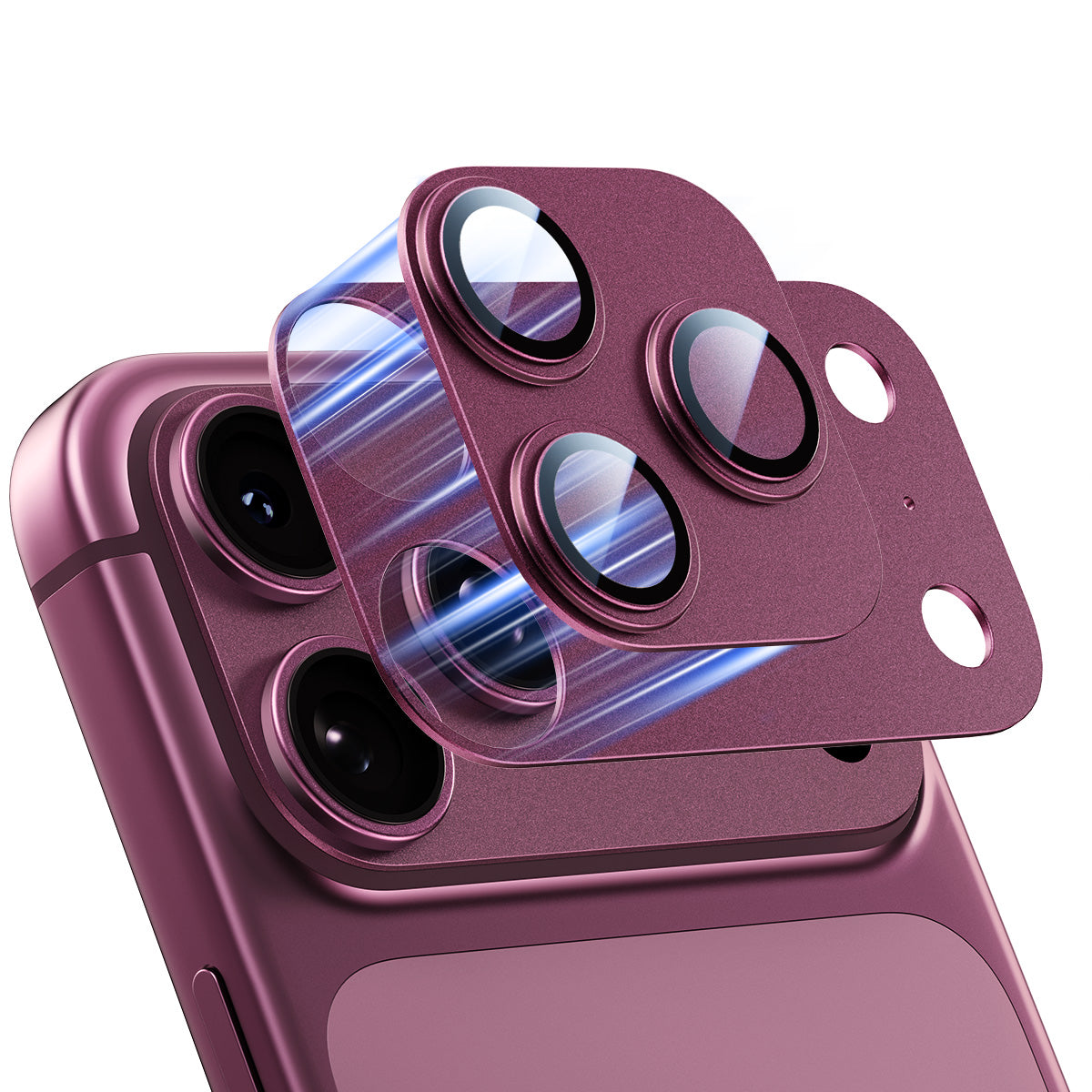
If you do buy one, choose a well made version with clear glass and a precise fit. Magic John’s magnetic lens protectors are a practical choice for users who want added coverage without making the setup feel bulky. If you skip a lens protector, use a case with a raised camera ring so the lenses stay off flat surfaces.

Build Your Setup by Use Style
Your phone habits should decide your setup. A person who keeps a phone in a clean bag needs something different from someone who drops a phone often or uses it outside all day. Here is an easy way to build full-body iPhone protection around real use.
| User type | Main risk | Good setup |
| Light use | Small scratches, pocket wear | Tempered glass protector, slim case, raised camera lip |
| Daily use | Drops, desk wear, side impacts | Tempered glass protector, case friendly case, optional lens cover |
| High risk use | Outdoor work, travel, frequent drops | Strong glass protector, rugged case, raised camera lip, lens protection if needed |
For the best iPhone protection against frequent drops, focus on layers that fit well together. For outdoor iPhone use, pick a screen layer with strong scratch resistance and a case that does not force edge lift. Complete screen protection works best when each part has a clear job.
Protect Your iPhone the Smart Way
Start with the screen, then work outward. A good protector, a well fitting case, and camera coverage that matches your habits can keep your iPhone looking better for longer. If you want a simple path, Magic John offers options that fit this protection-first approach and make it easier to build the right setup for your iPhone collection.
FAQs about iPhone screen protector use
Q1: Does a screen protector affect Face ID or camera performance?
A good screen protector should not affect Face ID or front camera use in normal conditions. Problems usually come from poor fit, dust, or low quality material. If the protector is clean and properly installed, most users will not notice a difference.
Q2: Can I use a screen protector without a case?
Yes, you can, but the phone will still be more exposed to edge hits and drops. A protector helps with scratches, not every kind of impact. For daily carry, a case gives you a fuller layer of safety.
Q3: Do I need a separate lens protector if my case has a raised camera ring?
Often, no. A raised ring already helps keep the lenses off flat surfaces. A separate lens protector becomes more useful if you are very hard on your phone or want extra coverage for travel or outdoor use.
Q4: How often should I replace my iPhone screen protector?
Replace it when you see cracks, deep scratches, lifting edges, or touch issues. Some people keep one for months, while others need a new one sooner based on use. A worn protector should be swapped out because it no longer does its job well.


Leave a comment
This site is protected by hCaptcha and the hCaptcha Privacy Policy and Terms of Service apply.