





Ever ruined a screen protector halfway through installation—dust trapped under the glass, bubbles you can't squeeze out, or edges that won't align? Well that's quite common because manual application is hard to achieve 100% success on the first try. But auto-install systems are totally different. Here's how.

Manual vs. Auto-Install: Quick Comparison
| Feature | Manual Films | Auto-Install Systems | Why It Matters |
| Success Rate | 60-70% (first try) | 99%+ (first try) | You won't waste protectors |
| Dust Prevention | Depends on environment | Built-in dust removal | No bubbles, no halos |
| Alignment Accuracy | By eye (prone to error) | Tray-guided precision | Perfect fit every time |
| Installation Time | 10-20 minutes | 30 seconds | Less frustration |
| Cost Per Success | Higher (wasted units) | Lower (one-shot success) | Better value long-term |
| Skill Required | High | None | Anyone can do it |
What Is an Auto-Install System?
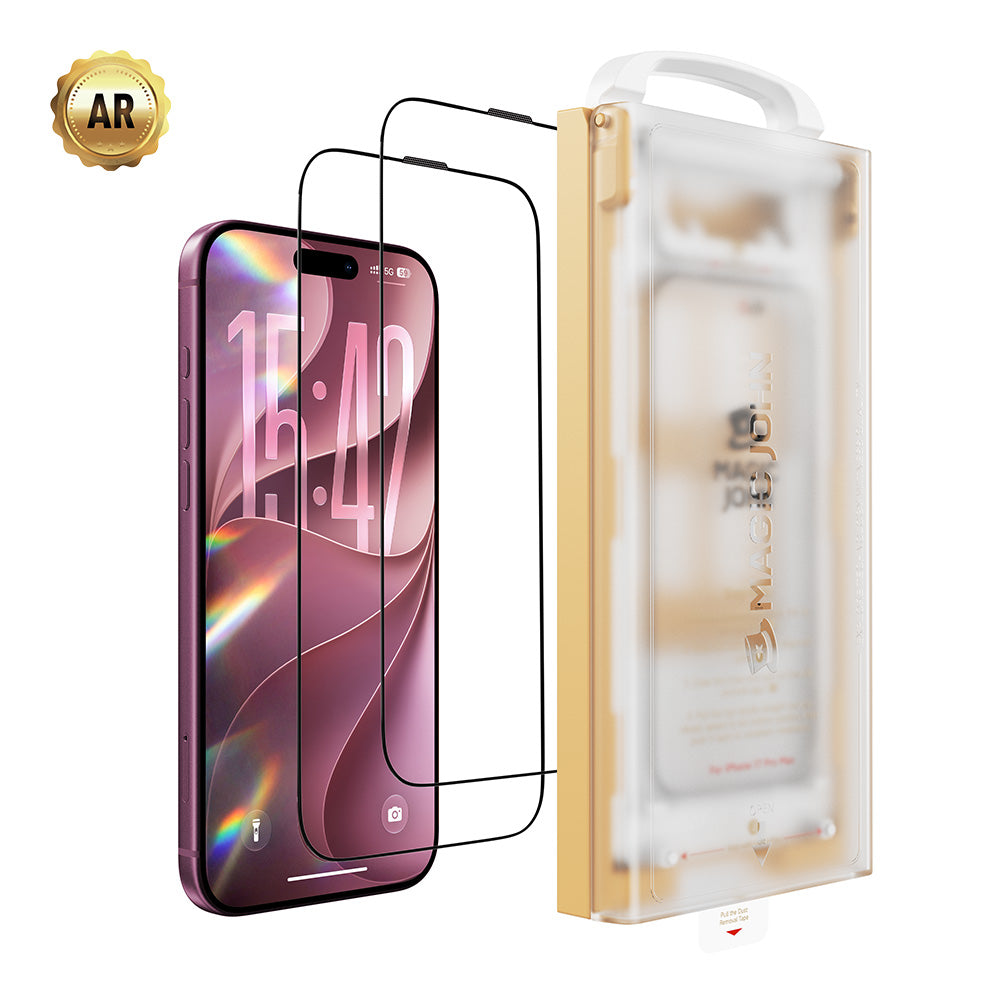
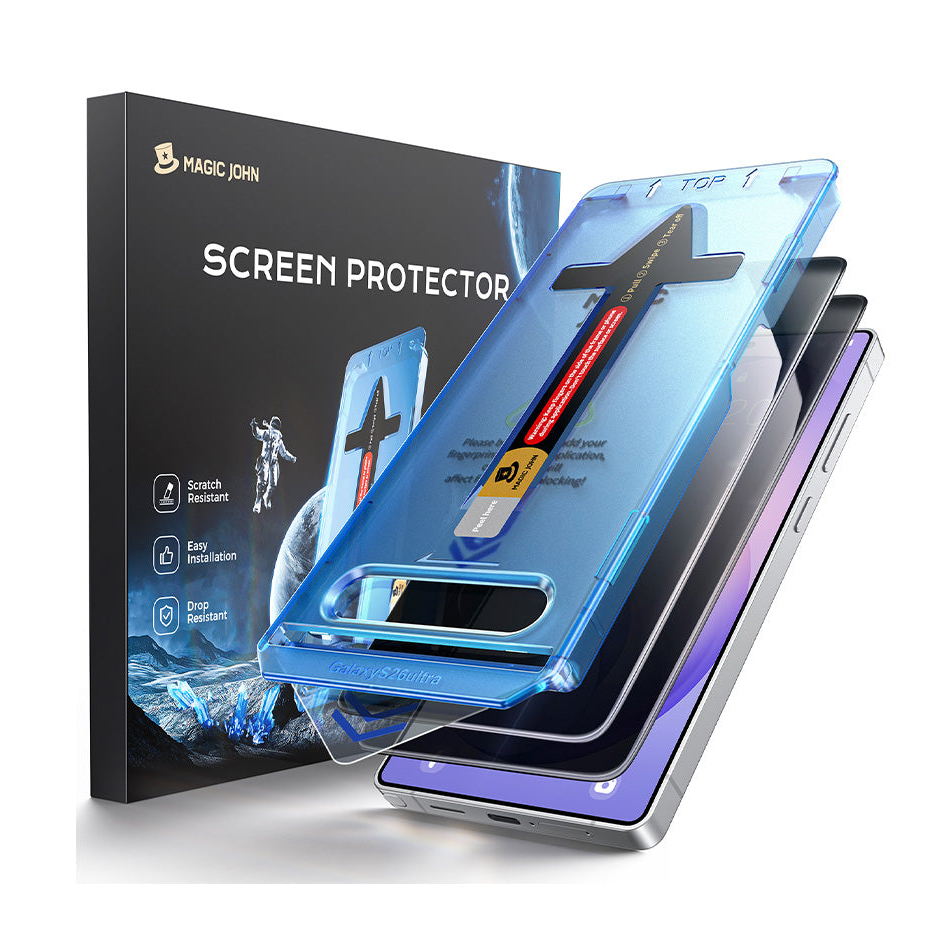
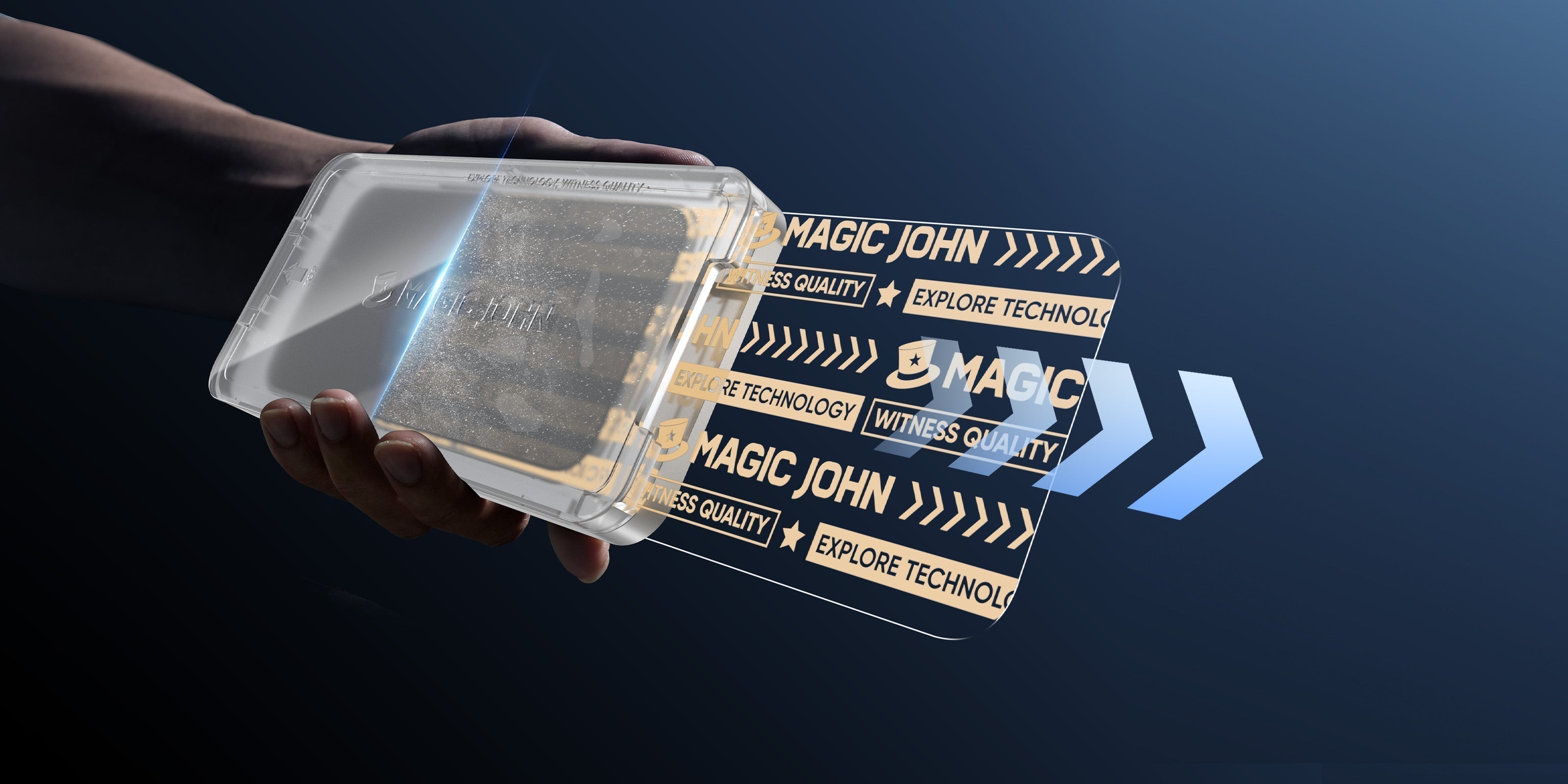
An auto-install system is a molded tray designed for your specific phone model. The tray holds the screen protector in exact alignment with your device—camera cutouts, speaker grills, sensor positions all match perfectly.
Inside the tray sits a pull-tab strip made from soft, non-abrasive material. You place the tray on your phone, then pull this strip out. As it slides away, it sweeps dust off your screen while the protector drops into place.
The entire process takes 30-60 seconds if you follow the right method. You never touch the adhesive side. The tray handles all positioning.
Why Do Manual Protectors Fail?

Manual application relies on human precision and a dust-free environment—two things that rarely exist in average homes.
When you peel the backing off a standard film, you create static electricity. That static pulls invisible dust particles from the air onto the adhesive before you can apply it. Even if you clean your screen perfectly, those few seconds between cleaning and applying are where dust sneaks in.
Common failure points:
- The dust window. Too much time with exposed adhesive gives airborne particles a chance to land.
- Misalignment. Lining up camera cutouts and speaker grills by eye is difficult, especially with shaky hands.
- Trapped bubbles. Once a dust particle gets under the glass, no amount of squeegeeing removes the halo bubble around it.
User reports show that many people failed their try of manual home installations, and they may discard the first film and try again with the second.
How Does Auto-Dust Removal Work?
Auto-dust removal systems eliminate the variables that ruin manual installations. The technology uses three components: an alignment tray, a dust removal strip, and controlled adhesive exposure.
The Alignment Tray
The tray is custom-molded for your exact phone model—iPhone 16 Pro, Samsung Galaxy S24 Ultra, Pixel 9, etc. This precision molding ensures the screen protector sits perfectly over all cutouts and sensors. You're not eyeballing alignment; the physical design makes misalignment impossible.
The Dust Removal Mechanism
The pull-tab strip sits between your phone's display and the screen protector's adhesive layer. As you pull the tab, it performs two functions simultaneously:
It acts as a mechanical sweeper, pushing dust particles ahead as it slides across the glass. Even microscopic particles invisible to the naked eye get cleared.
It controls adhesive exposure. Traditional application exposes the entire adhesive surface at once. The auto-dust strip exposes adhesive progressively, section by section, as it exits.
The Sealed Environment
The tray creates a physical barrier between your screen and surrounding air during application. Once you position the tray, you remove the protector's backing while the glass remains held above your screen by the dust strip.
When you pull the strip, the protector descends in a controlled drop. The tray sides block ambient dust from entering horizontally. The strip blocks entry from below. The gap for contamination is effectively zero.
You get clean-room results—the same dust-free, perfectly aligned installation that shops charge $30-50 to perform—in 30 seconds on your kitchen counter.
Is It Worth the Extra Cost?
There is a common misconception that traditional films are the "cheaper" option. While the upfront sticker price might be lower, the true cost of ownership tells a different story.
If you buy a 3-pack of cheap films for $10 but ruin the first two trying to get a clean install, your cost-per-unit effectively triples. Furthermore, a poorly applied protector—one with bubbles or lifting edges—compromises the structural integrity of the protection. An edge that is peeling up is an edge that will snag, crack, and fail to absorb impact when you drop your phone.
The Math of "Cheap" vs. Quality:
- Traditional Film: Low initial cost + High risk of wasted units + Time lost scraping out bubbles.
- Auto-Dust Removal Kit: Moderate initial cost + 100% success rate + Factory-level protection immediately.
Time is also a currency. Spending 20 minutes fighting air bubbles is 20 minutes you could be doing something else. A premium kit turns a frustration-filled project into a 30-second task.
What Should You Look for in a Screen Protector?
If you accept that an auto-alignment kit is the best way to apply tempered glass at home, now you can look at the glass itself.
For the modern user—especially those using high-end devices like the iPhone 16 or Samsung S24 series—you need specs that match the hardware.
- Hardness: Look for 9H hardness. This is the industry standard for resisting keys, coins, and everyday abrasion.
- Coating: A high-quality electroplated oleophobic coating is non-negotiable. This is what makes the glass feel smooth (like the original screen) rather than sticky, and it repels fingerprints and face oil.
- Functionality: Ensure the protector does not interfere with Face ID or under-display fingerprint scanners. Precision kits are designed with 1:1 molding to ensure sensors are never blocked.
- Privacy Options: For business professionals, a 28° privacy angle is superior to the standard 45°. It ensures that the person sitting next to you on a flight sees a near-black screen while you see your emails clearly.
Ready to Apply Protection Right the First Time?
Traditional films force you to rely on luck and steady hands, often leading to wasted money and subpar protection. The shift toward auto-dust removal systems represents a move toward reliability and efficiency. By choosing a system that mechanically eliminates dust and guarantees alignment, you ensure your device holds its value and stays pristine.
Ready to get it right the first time?
Stop stressing over bubbles and dust. Experience the precision of the Magic John Installation Kit. It's designed to be the easiest, most reliable screen protector application—guaranteed first-time success.
FAQ About Screen Protectors
Q1: Do auto-align kits work if I have a case on my phone?
Remove your case before using the tray. Quality protectors like Magic John are "case-friendly"—they leave a small margin so your case won't push the glass up when you put it back on.
Q2: Will the privacy version make my screen too dark?
Premium privacy glass maintains high clarity when you look straight at it. You might need to increase brightness slightly, but modern electroplated privacy glass is much clearer than older versions.
Q3: How do I remove a tempered glass protector if it cracks?
Use duct tape or packing tape on the corner of the cracked protector. Lift gently—the tape will grab the glass and peel it off in one sheet, keeping shards contained.
Q4: Does the "auto-dust" strip scratch the screen?
No. The strip uses soft, non-abrasive film designed to glide over glass without leaving marks or residue.


Leave a comment
This site is protected by hCaptcha and the hCaptcha Privacy Policy and Terms of Service apply.