
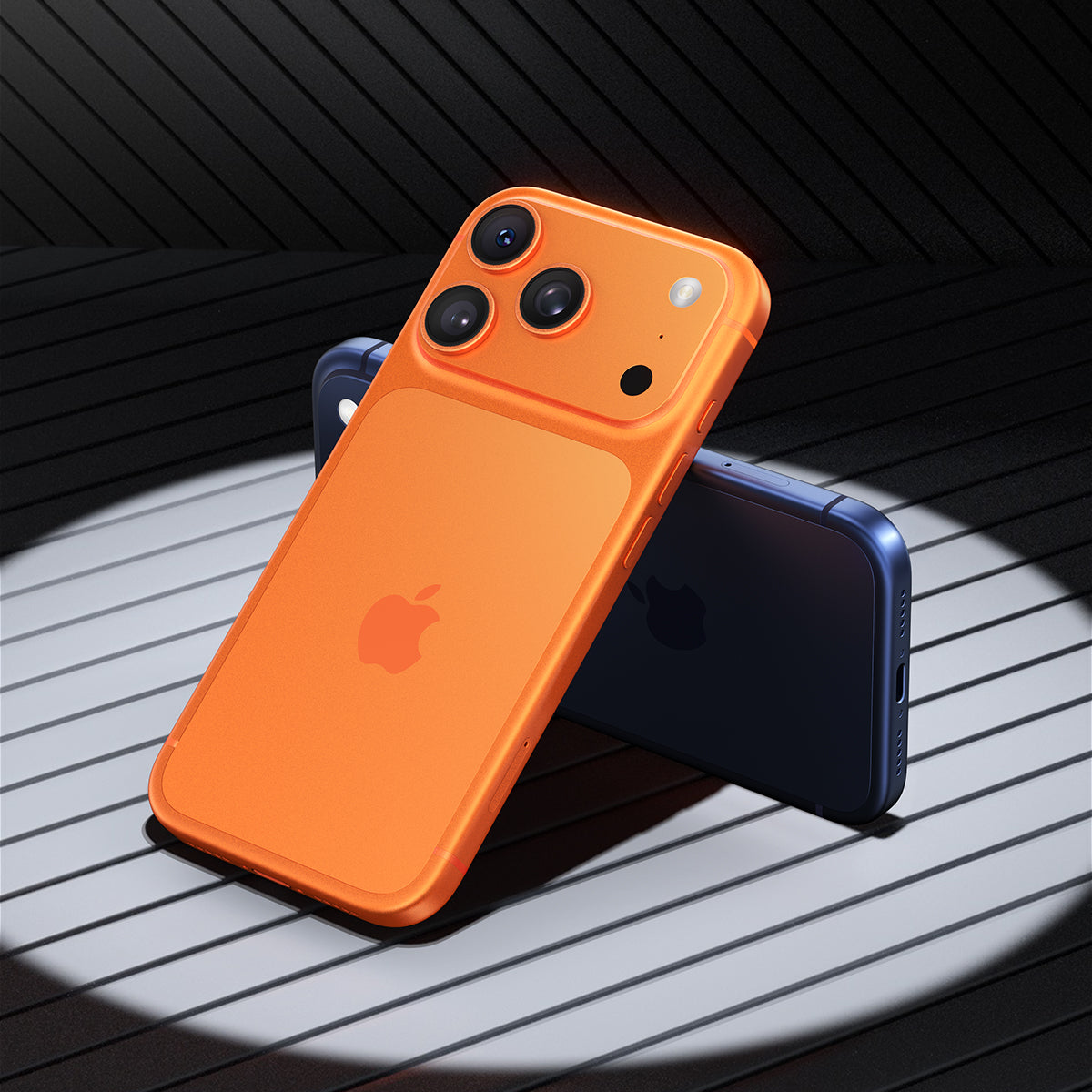




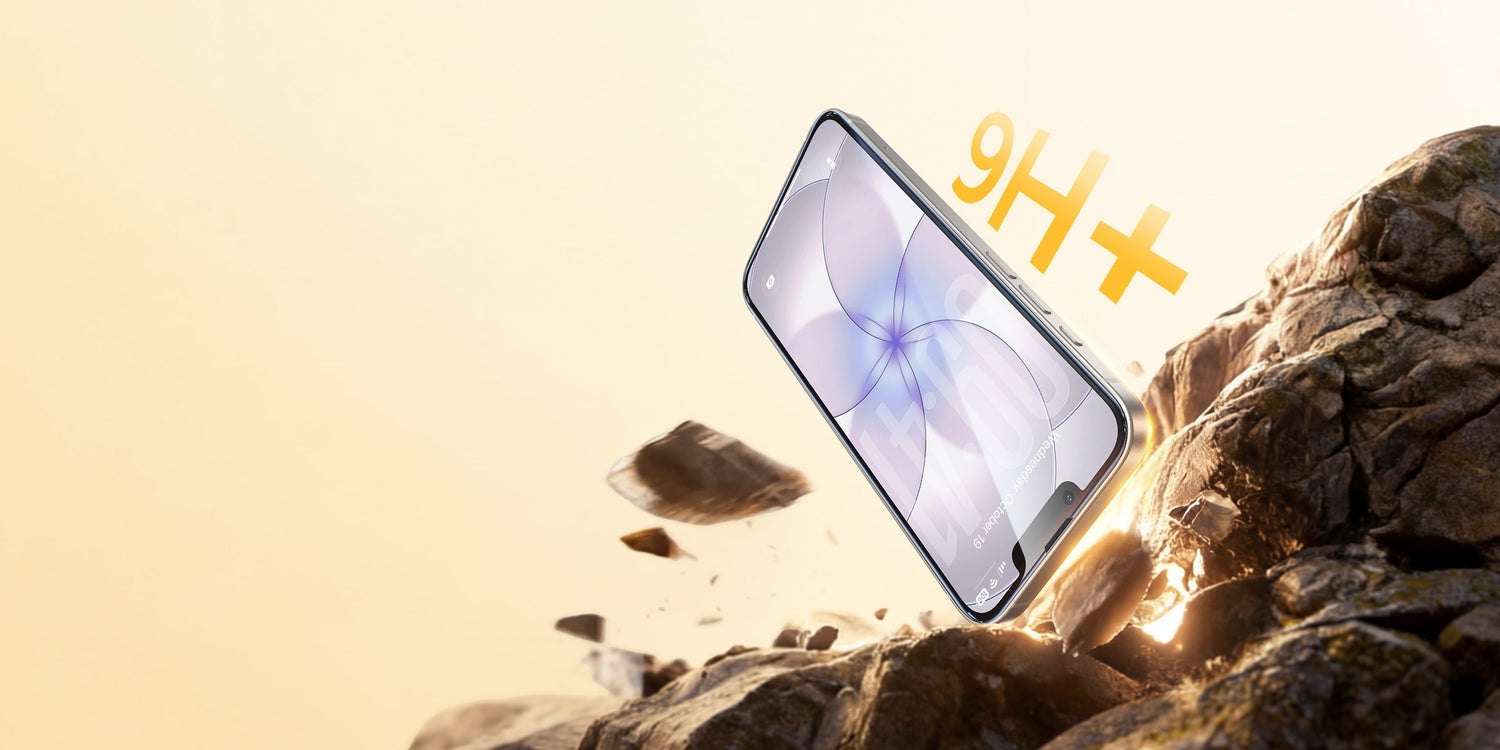
Seu iPhone 17 acabou de chegar. Você o tira da caixa, sente a parte traseira de vidro fria e o coloca na bolsa junto com as chaves e o dinheiro. É nesse momento que o risco começa. O Ceramic Shield 2 da Apple é realmente mais resistente que seu antecessor, mas areia, poeira e concreto não se importam com isso. Um único grão de quartzo pode arranhar sua tela antes do final do primeiro dia.
O iPhone 17 realmente precisa de uma película protetora de tela?
Resposta curta: sim.
O Ceramic Shield 2 é uma verdadeira evolução. Ele é feito com a matriz de vidro-cerâmica personalizada da Apple, que confere ao iPhone 17 uma resistência a quedas superior à da maioria dos modelos anteriores. Isso é ótimo para quedas acidentais. Mas resistência a quedas e resistência a arranhões são duas coisas diferentes, e é aí que muita gente se confunde.
Por que o Ceramic Shield 2 não é suficiente por si só?
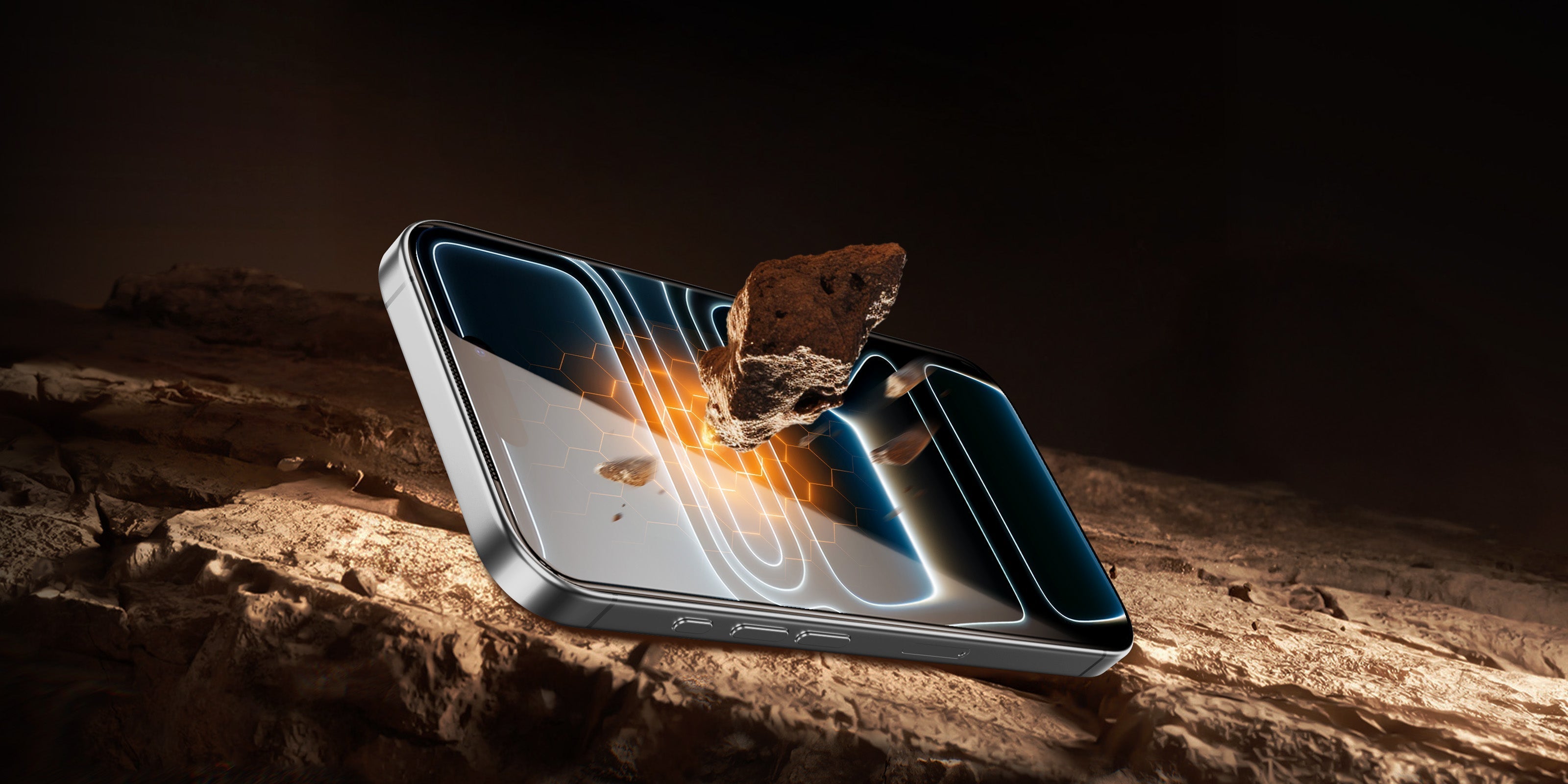
A resistência a riscos é medida na escala de dureza de Mohs. O Ceramic Shield 2 do iPhone 17 tem uma dureza de aproximadamente 6 na escala de Mohs. Já as partículas comuns de areia e quartzo têm dureza 7. Isso significa que objetos do dia a dia que você carrega no bolso ou na bolsa podem causar pequenos riscos na tela com o tempo.
E o custo de ignorar isso aumenta rapidamente:
| Cenário | Custo estimado |
| Reparo de tela do iPhone 17 (fora da garantia) | $279+ |
| película protetora de vidro temperado | De 20 a 40 dólares |
| Substituição da lente da câmera | De US$ 100 a US$ 200 ou mais |
Uma película protetora para a tela do seu iPhone é muito mais barata do que um conserto. A conta é simples.
Como é, na prática, a proteção completa do iPhone 17?
Depois de aceitar que o telefone precisa de proteção, a próxima pergunta é: proteção para quê, exatamente? A maioria das pessoas pensa apenas na tela, mas o iPhone 17 tem três áreas que são realmente vulneráveis a danos diários.
| Zona | Risco principal | Proteção recomendada |
| Tela | Arranhões e rachaduras causadas por quedas | película protetora de vidro temperado |
| Lentes de câmera | Arranhões superficiais em superfícies planas | Protetor de lente |
| Painel traseiro | Lascas, rachaduras, desgaste estético | Capa protetora |
Tela: Sua primeira linha de defesa
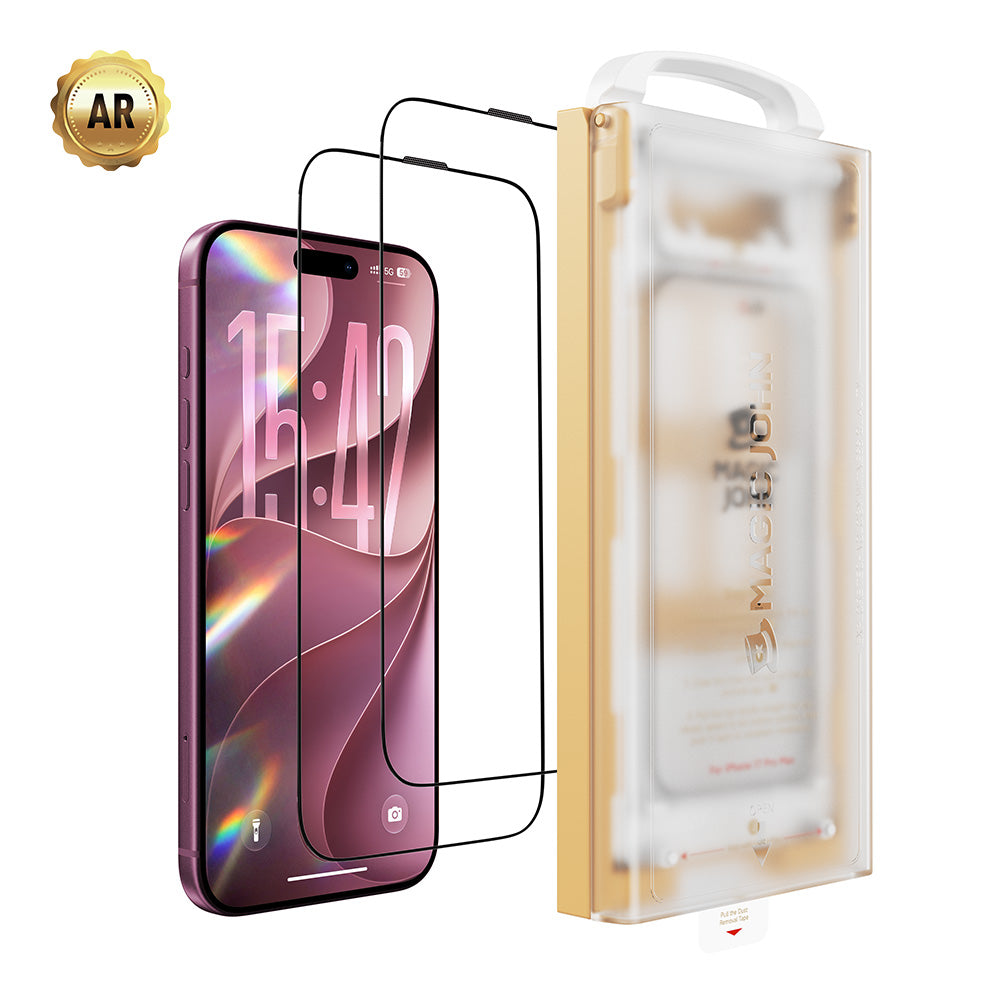
A tela é a parte mais usada do seu telefone, por isso é a que mais sofre desgaste. A melhor opção é usar uma tela com proteção contra respingos. película protetora de tela para iPhone 17 Terá dureza mínima de 9H, cobertura total de ponta a ponta e um revestimento oleofóbico para reduzir as marcas de impressões digitais.
Uma boa película protetora para a tela do iPhone 17 mantém mais de 99% da transparência, para que você não perca a precisão das cores nem o brilho. Se você usa aplicativos bancários ou lê mensagens confidenciais em público, uma boa película é essencial. tela de privacidade A versão (normalmente com ângulo de visão de 28°) bloqueia a visibilidade lateral sem afetar a visão frontal.
Lente da câmera: a parte mais exposta
As lentes traseiras do iPhone 17 ficam ligeiramente salientes em relação ao painel traseiro. Sempre que você coloca o telefone com a tela para cima sobre uma mesa, as lentes tocam a superfície. O vidro das lentes é fabricado com precisão e é difícil de substituir, principalmente nos modelos Pro e Pro Max.
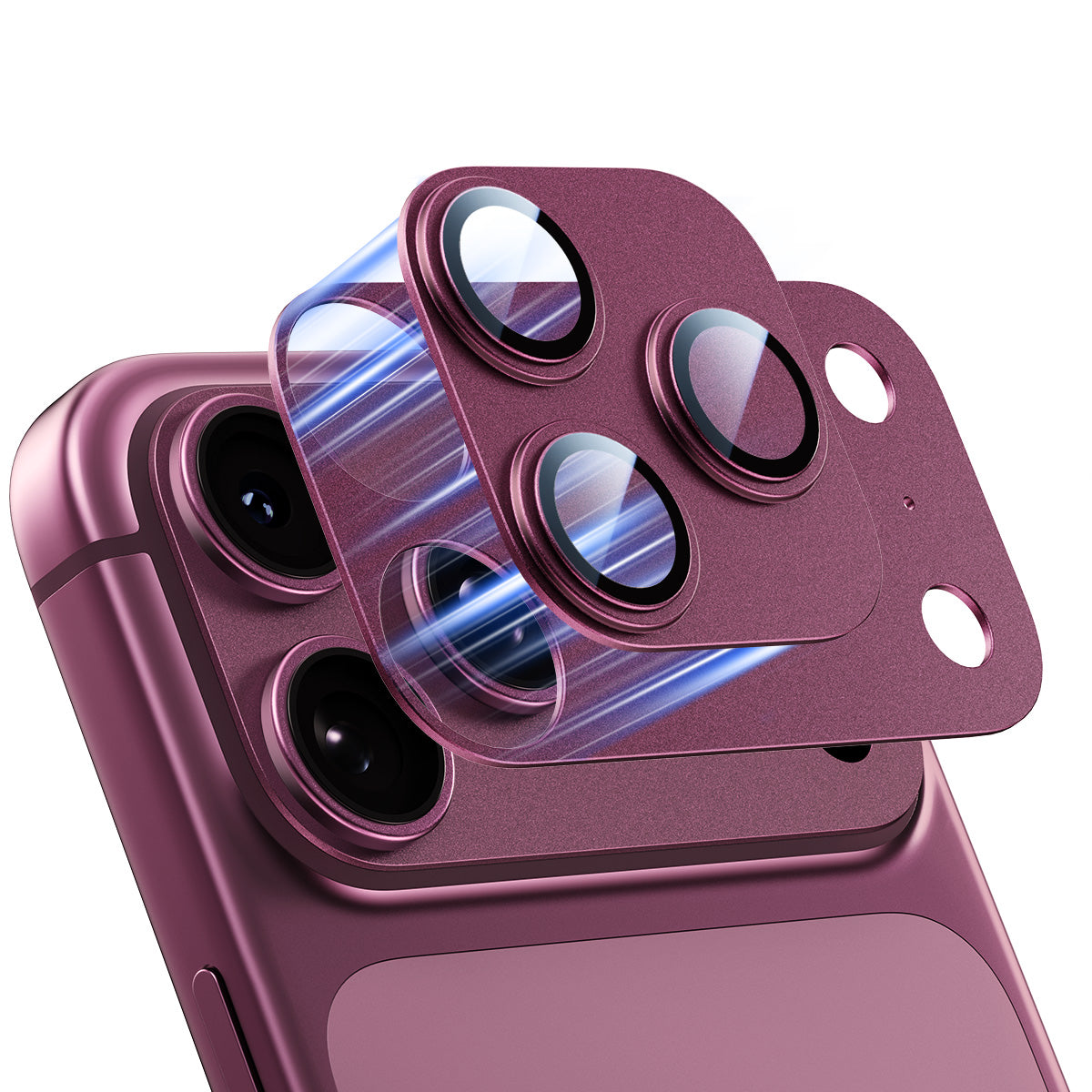
A película protetora para lente da câmera do iPhone 17 é fina o suficiente para ser invisível no uso diário e impede que partículas em suspensão entrem em contato direto com a lente. Para fotógrafos e cinegrafistas, isso é indispensável.
Painel traseiro: frequentemente ignorado
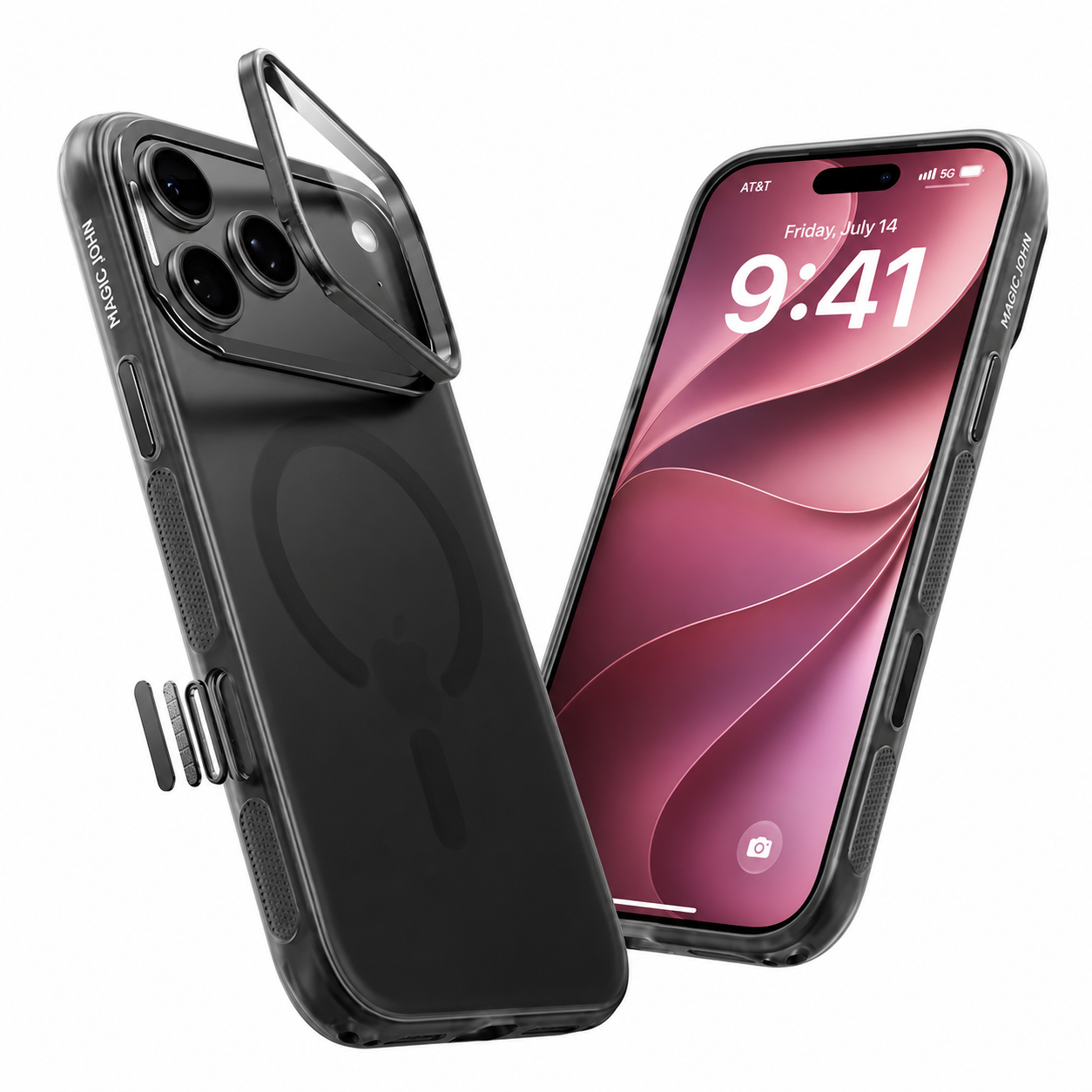
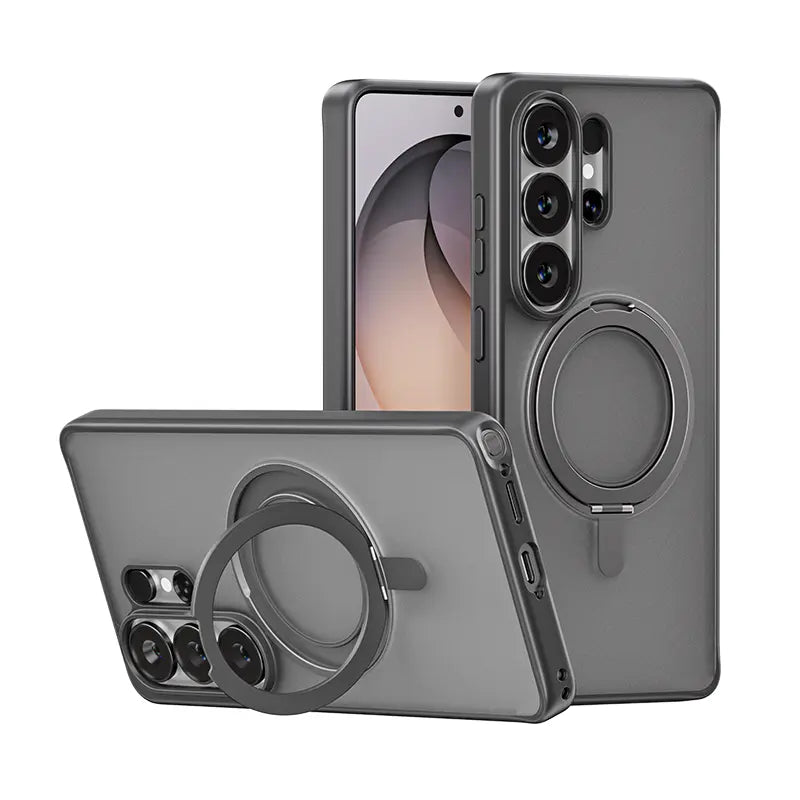
A parte traseira de vidro do iPhone 17 pode lascar nas bordas com quedas frequentes, e danos estéticos afetam significativamente o valor de revenda. Uma capa fina oferece absorção de impacto considerável sem adicionar muito volume. Procure capas com bordas elevadas ao redor do módulo da câmera para proteção extra da lente.
Por que a maioria das películas protetoras de tela falha em menos de um mês?
Uma película protetora que descola nos cantos ou forma bolhas depois de alguns dias não é apenas irritante, como também não protege a tela adequadamente. Veja por que isso acontece com mais frequência do que deveria.
A verdadeira causa das bolhas e da descamação.
A maioria das pessoas culpa o produto. Na maioria dos casos, o verdadeiro culpado é... poeira retida durante a instalação. Mesmo em um ambiente de sala limpa, partículas microscópicas se depositam na tela segundos após a exposição ao ar. Uma única partícula de poeira sob a película protetora cria um ponto elevado que eventualmente levanta o adesivo ao redor.
| Falha comum | Causa raiz | Solução |
| Bolhas sob o copo | Pó retido na aplicação | Utilize uma ferramenta aplicadora que não produza poeira. |
| As bordas começaram a se levantar após uma semana. | Adesão incompleta nos cantos | Pressione firmemente do centro para fora. |
| película protetora descascando | Aplique óleo ou umidade na tela antes da aplicação. | Limpe e seque completamente a tela primeiro. |
| Desalinhamento na primeira tentativa | Não foi utilizado nenhum guia de alinhamento. | Use um aplicador baseado em moldura. |
É aqui que as ferramentas de instalação fazem toda a diferença. Um sistema de proteção de tela sem poeira, que inclui um aplicador automático de remoção de poeira, levanta fisicamente as partículas da superfície da tela antes que o vidro a toque, eliminando a principal causa de falhas antes mesmo que elas comecem.
Como obter uma instalação sem bolhas sempre
Conseguir uma instalação limpa e sem bolhas no seu iPhone 17 é uma questão de processo, não de sorte. Siga estes passos e o resultado será sempre o mesmo.
Passo 1: Limpe a tela
Use o lenço umedecido com álcool incluso para limpar a superfície da tela. Limpe em uma única direção, não em movimentos circulares.
Passo 2: Seque completamente
Use um pano de microfibra para remover qualquer umidade. Não pule esta etapa; resíduos de álcool podem causar problemas de adesão.
Passo 3: Remova a poeira
Use o adesivo removedor de poeira que acompanha a maioria das películas protetoras de qualidade para remover quaisquer partículas restantes. Faça isso imediatamente antes de aplicar a película.
Passo 4: Alinhe-se antes de se comprometer
Com uma moldura ou ferramenta aplicadora, posicione a película protetora sobre o telefone sem soltá-la. Confirme se o recorte do alto-falante, a câmera frontal e as bordas estão alinhados.
Passo 5: Abaixe e pressione
Solte a pressão do centro para as extremidades. Use uma espátula ou a borda de um cartão para pressionar firmemente do centro em direção a cada borda.
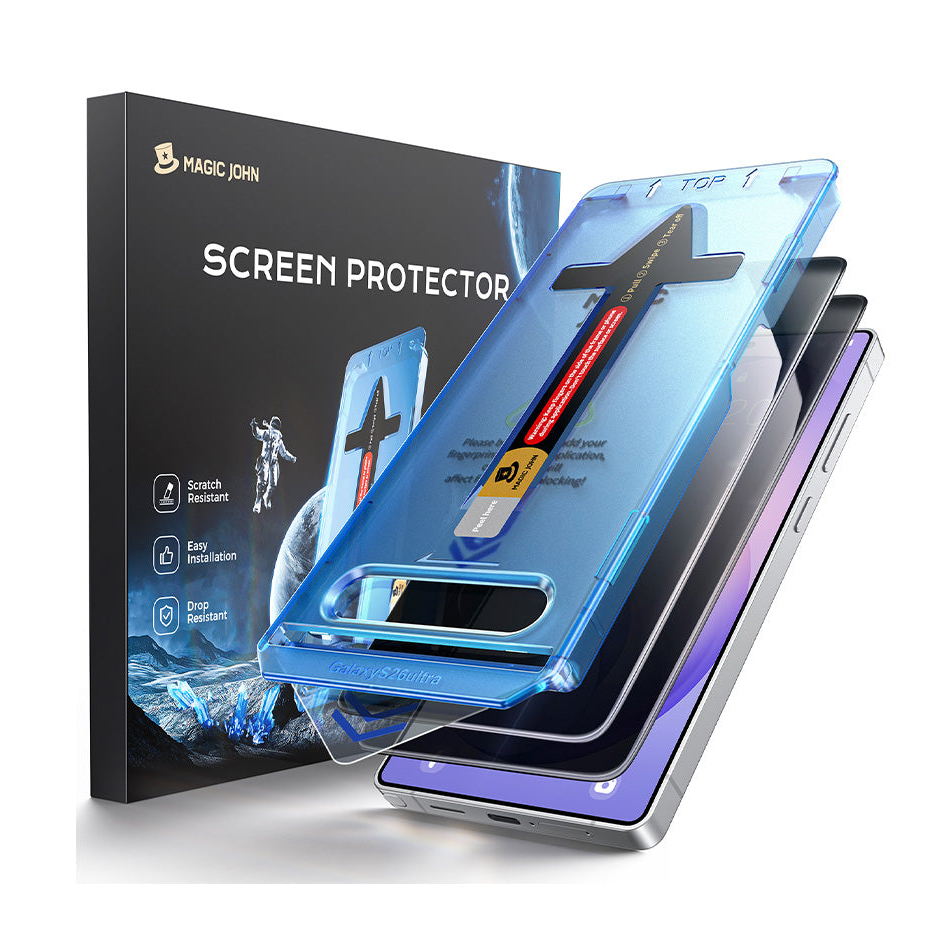
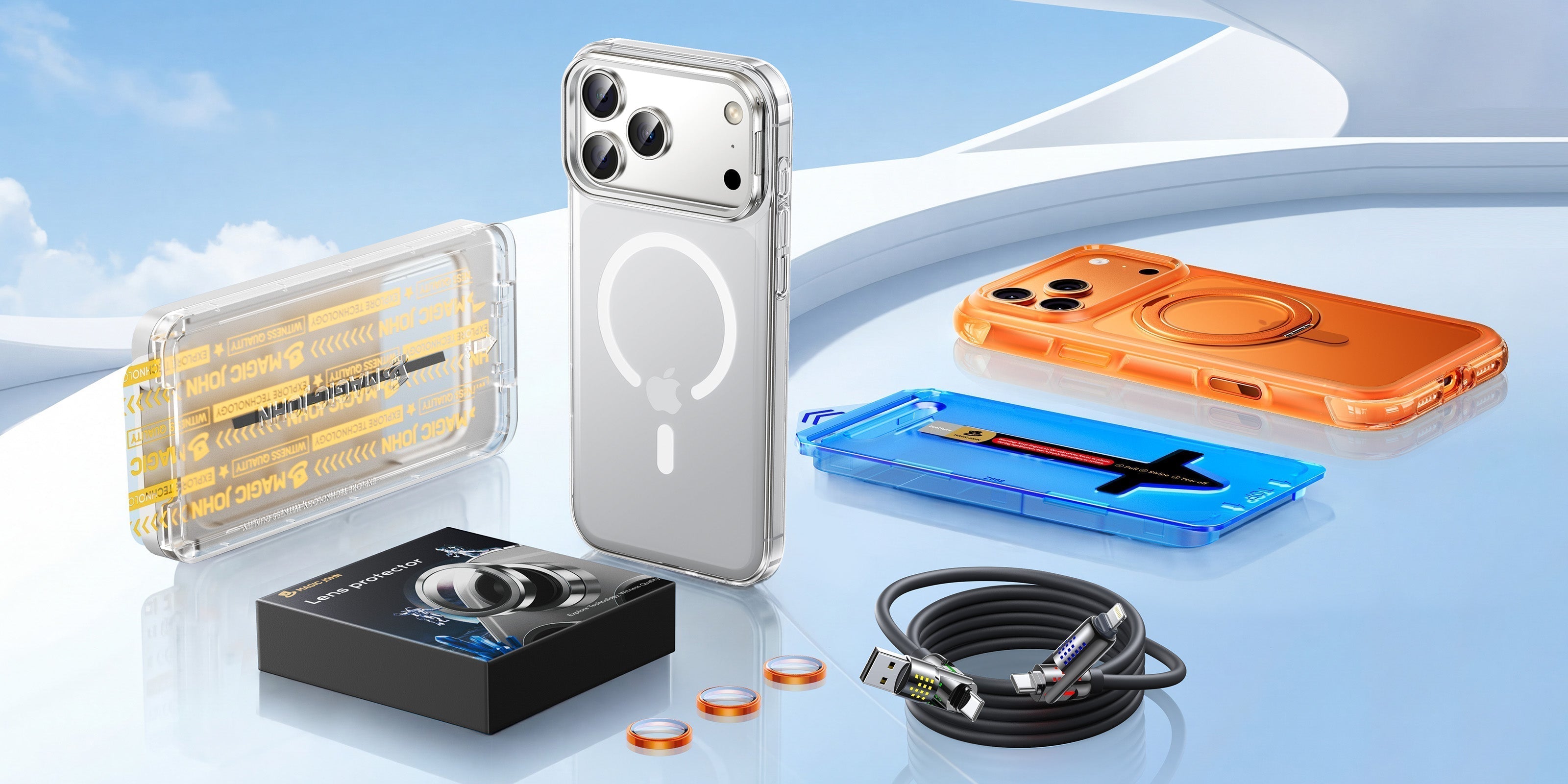
Para quem já teve dificuldades com alinhamento, Ferramenta aplicadora de 3ª geração do Magic John O alinhamento é feito automaticamente. Você coloca o telefone na bandeja, carrega a película protetora e a ferramenta o posiciona com 100% de alinhamento em menos de 10 segundos. A remoção de poeira é integrada ao mecanismo, impedindo que partículas sobrevivam e criem bolhas. Isso elimina completamente o que geralmente é a parte mais difícil do processo.

Hábitos cotidianos que arranham silenciosamente seu iPhone 17
Mesmo com uma película protetora instalada corretamente, alguns hábitos podem prejudicá-lo. Estes são os mais comuns.
- Compartilhar o bolso com chaves ou moedas. As teclas geralmente são de aço, com dureza entre 5 e 5,5 na escala de Mohs. Em uma tela sem proteção, isso não é um problema, mas as bordas afiadas de uma chave podem lascar os cantos da película protetora e, eventualmente, atingir a tela por baixo. Guarde o telefone em um bolso separado.
- Usar o telefone na praia ou perto de áreas empoeiradas. A areia fina é essencialmente quartzo e entra em tudo. Se estiver na praia, guarde o celular em um saco plástico fechado quando não estiver usando ou guarde-o completamente.
- Colocar o telefone com a tela virada para baixo em superfícies ásperas. Mesmo com uma película protetora, o concreto áspero ou o tijolo podem desgastar o revestimento da tela com o tempo. Use uma capa com bordas elevadas para evitar o contato direto da tela com superfícies planas.
- Coloque o telefone com a câmera virada para baixo. Na verdade, isso é mais arriscado do que colocar o celular com a tela para baixo, já que as lentes ficam salientes e em contato direto com a superfície onde ele é apoiado. Sempre coloque o celular sobre uma superfície macia ou lisa, ou invista em uma película protetora para as lentes.
Pronto para configurar a proteção do seu iPhone 17?
Proteger o iPhone 17 se resume a três zonas e um momento de instalação cuidadosa. Cubra a tela, proteja as lentes e adicione uma capa para a parte traseira. Faça a instalação corretamente na primeira vez e você não precisará refazê-la. Uma capa aplicada corretamente garante a proteção do seu iPhone 17. protetor de tela de vidro temperado A película protetora para iPhone 17 deve permanecer limpa e plana por um ano ou mais. Você encontra as películas protetoras de tela e lentes para iPhone 17 da Magic John em [link para o site]. Protetores de tela para iPhone 17 & Capas | Blindagem Tough Shield.
Perguntas frequentes sobre a proteção de tela do iPhone 17
P1: O Ceramic Shield 2 do iPhone 17 torna o uso de película protetora de tela desnecessário?
Não. O Ceramic Shield 2 melhora a resistência a quedas, mas tem uma dureza de aproximadamente 6 na escala de Mohs. Partículas de areia e grãos comuns têm dureza 7 na escala de Mohs, o que significa que podem riscar o vidro. Uma película protetora de tela atua como uma camada de sacrifício que absorve o dano em vez da tela. Com reparos de tela fora da garantia a partir de US$ 279, uma película de vidro temperado de US$ 20 a US$ 40 para o iPhone 17 é uma troca vantajosa.
P2: Posso usar uma película protetora de tela do iPhone 16 no iPhone 17?
Não. O iPhone 17 tem dimensões diferentes e um módulo de câmera reposicionado em comparação com o iPhone 16. Uma película protetora projetada para o iPhone 16 não se alinhará corretamente com a grade do alto-falante ou os recortes dos sensores do iPhone 17, e as bordas podem não ficar niveladas. Compre sempre uma película protetora feita especificamente para o iPhone 17.
P3: Como faço para remover uma película protetora sem danificar a tela?
Comece por um canto. Use a unha para levantar delicadamente a borda e, em seguida, descole lentamente em um ângulo de 45 graus. Evite usar ferramentas de metal, pois podem riscar o vidro por baixo. Se ainda houver resíduos de adesivo, aplique uma pequena quantidade de álcool isopropílico em um pano de microfibra e limpe suavemente. Não derrame o líquido diretamente na tela.
Q4: Vale a pena comprar um protetor de lente para a câmera do iPhone 17?
Sim, principalmente no iPhone 17 Pro e Pro Max. As lentes traseiras são de vidro óptico de precisão e arranhões nelas não podem ser corrigidos por atualizações de software. A substituição da lente é cara e mais complexa do que o reparo da tela. O cenário de dano mais comum é colocar o telefone com a lente virada para baixo em qualquer superfície áspera, o que acontece constantemente no uso diário. Uma película protetora fina elimina esse risco sem afetar a qualidade da foto.


Deixe um comentário
Este site é protegido por hCaptcha e a Política de privacidade e os Termos de serviço do hCaptcha se aplicam.