





Você acabou de comprar um carregador rápido e agora, toda vez que seu celular esquenta, você se pergunta se está danificando a bateria aos poucos. Essa preocupação é extremamente comum. Mas um experimento de dois anos envolvendo 40 celulares e 500 ciclos de carga resolveu essa questão. dados concretos.
Resposta curta: O carregamento rápido é seguro. Descobrimos que estávamos nos preocupando com o culpado errado o tempo todo.
Não, o carregamento rápido não vai danificar a bateria do seu iPhone.
O carregamento rápido não causar danos significativos A bateria do seu iPhone. Os números deixam isso bem claro.
Um teste de bateria independente iPhones e telefones Android rastreados através de 500 ciclos de carga completos (aproximadamente 1,5 anos de uso diário). Cada grupo foi automatizado para descarregar e recarregar continuamente durante 167 dias consecutivos. Eis o que descobriram:
Carregamento rápido versus carregamento lento: os dados
| Método de carregamento | Perda de capacidade após 500 ciclos |
| Carregamento lento (0% → 100%) | 11,80% |
| Carregamento rápido (0% → 100%) | 12,30% |
| Carregamento rápido (30% → 80%) | ~8% |
Fonte: Estúdio HTX
Essa diferença de 0,5% entre o carregamento rápido e o lento é imperceptível no uso diário. Você jamais notaria isso.
Seu iPhone também possui uma proteção integrada que a maioria das pessoas desconhece. Todo iPhone moderno tem um chip de gerenciamento de carregamento que limita a entrada de energia a cerca de 27 W. Não importa se você conecta um carregador de 30 W, 65 W ou até mesmo 100 W. Seu iPhone só consome a energia necessária.
Quando a bateria atinge aproximadamente 80%, o sistema reduz automaticamente a corrente de carregamento (chamada de modo de carga lenta) para reduzir o estresse durante o trecho final.
Então O carregamento rápido é seguro.. Mas e aquele telefone quentinho?
Então, por que meu iPhone esquenta enquanto carrega?
O calor é o que realmente reduz a vida útil da bateria. Quando as baterias de íon-lítio permanecem aquecidas por muito tempo, os componentes químicos em seu interior se degradam mais rapidamente, e essa perda de capacidade é permanente.
Se você frequenta fóruns sobre telefones ou tópicos do Reddit, vai perceber que este é o único ponto em que quase todos concordam: É o calor, e não a velocidade de carregamento, que envelhece a bateria.
Duas situações comuns causam perigo acúmulo de calor:
Uso intenso enquanto conectado à tomada
Executar um jogo exigente ou editar vídeos enquanto carrega o celular força o processador e a bateria a gerarem calor simultaneamente. A estrutura fina do seu telefone só consegue dissipar uma certa quantidade de calor, e o excesso vai direto para a bateria. Isso é especialmente perceptível se o seu telefone estiver dentro de uma capa grossa que retém o calor contra a carcaça.
O carregamento sem fio gera mais calor do que o carregamento com fio.
O MagSafe e outros carregadores sem fio perdem parte da energia na forma de calor durante a transferência de energia. Isso é apenas... Como funciona o carregamento sem fio. Em espaços fechados, como um suporte para carro sem circulação de ar, o calor se acumula ainda mais rapidamente.
Se você usa o CarPlay sem fio, pode ter notado que seu telefone fica especialmente quente, já que a tela, o GPS e o carregamento sem fio funcionam simultaneamente.
Diretrizes de temperatura da Apple: A Apple recomenda Carregue seu iPhone entre 0°C e 35°C (32°F e 95°F).. Temperaturas acima desse intervalo podem reduzir permanentemente a capacidade da bateria.
Se o calor é a verdadeira preocupação, a próxima pergunta que a maioria das pessoas faz é se manter a bateria dentro de uma faixa específica realmente ajuda.
Devo manter a bateria do meu iPhone entre 30% e 80%?
Resumindo: Não. Não vale a pena o incômodo diário para um ganho insignificante de 4% na saúde da bateria.
Essa é uma das questões mais debatidas sobre carregamento online. A "regra 20-80" diz que você nunca deve carregar acima de 80% nem descarregar abaixo de 20%. É uma recomendação popular também em comunidades de veículos elétricos, onde alguns fabricantes recomendam um limite de carga diária de 80%.
Mas será que isso realmente importa para o seu telefone?
O mesmo experimento de 500 ciclos nos dá uma resposta concreta. Telefones carregados apenas entre 30% e 80% perderam cerca de 8% da capacidade, em comparação com 12,3% para telefones carregados de 0% a 100%. Isso é aproximadamente um Vantagem de 4%.
Mas aqui está o problema: carregar entre 30% e 80% significa que você usa apenas metade da bateria a cada ciclo. Você precisará encontrar um carregador O dobro disso significa que você gastará energia mental observando uma barra de porcentagem o dia todo. Para um ganho de 4% em 500 ciclos.
Vale a pena seguir essa regra?
Para a maioria das pessoas, não. Se você troca de celular a cada dois ou três anos, essa diferença de 4% nunca afetará sua experiência diária. A bateria ainda estará em boas condições quando você trocar de aparelho.
Se você pretende ficar com o seu celular por mais tempo (quatro anos ou mais), existe uma abordagem mais inteligente do que ficar monitorando manualmente o nível da bateria:
ligar Carregamento otimizado da bateria (Configurações → Bateria → Saúde da bateria) & Carregamento). Essa função aprende sua rotina e mantém a carga em 80% durante a noite, completando os 20% restantes pouco antes do alarme tocar. O mesmo benefício, sem nenhum esforço.
Um carregador de maior potência pode danificar meu iPhone?
Não. O chip de gerenciamento de energia do seu iPhone funciona como um controlador. Independentemente da potência do seu carregador ser de 20 W, 45 W ou 100 W, o telefone negocia com o adaptador e só utiliza a potência para a qual foi projetado (limitada a aproximadamente 27 W para os modelos de iPhone mais rápidos).
O verdadeiro fator de risco é qualidade do cabo, Não se trata da potência do carregador.
Por que a qualidade do cabo é importante?
Um cabo mal fabricado não consegue manter Fornecimento de tensão estável. Quando a tensão oscila de forma imprevisível, o circuito de carregamento trabalha mais para compensar, o que gera calor extra no conector e dentro do telefone. Cabos baratos também costumam não ter proteção adequada contra sobrecorrente.
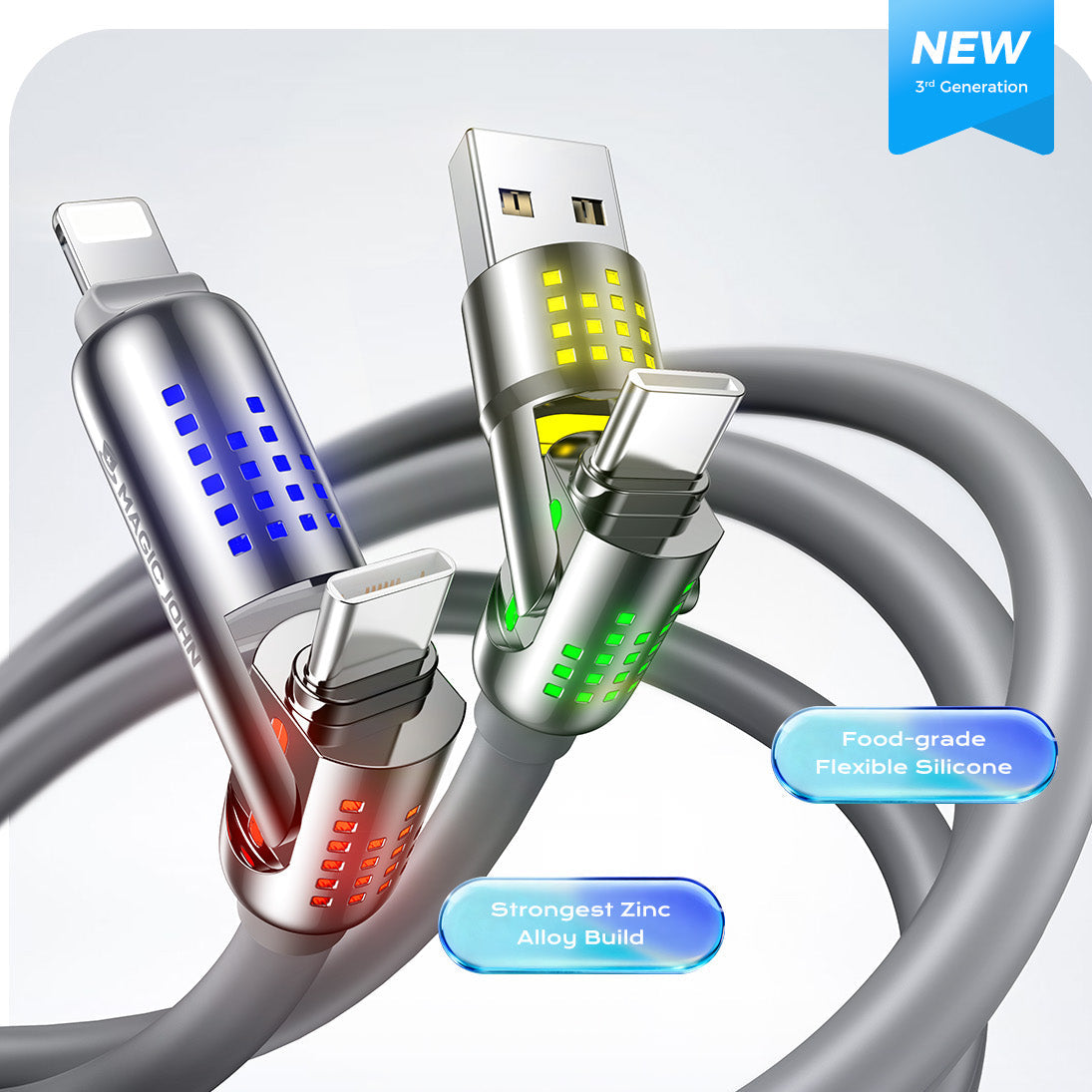
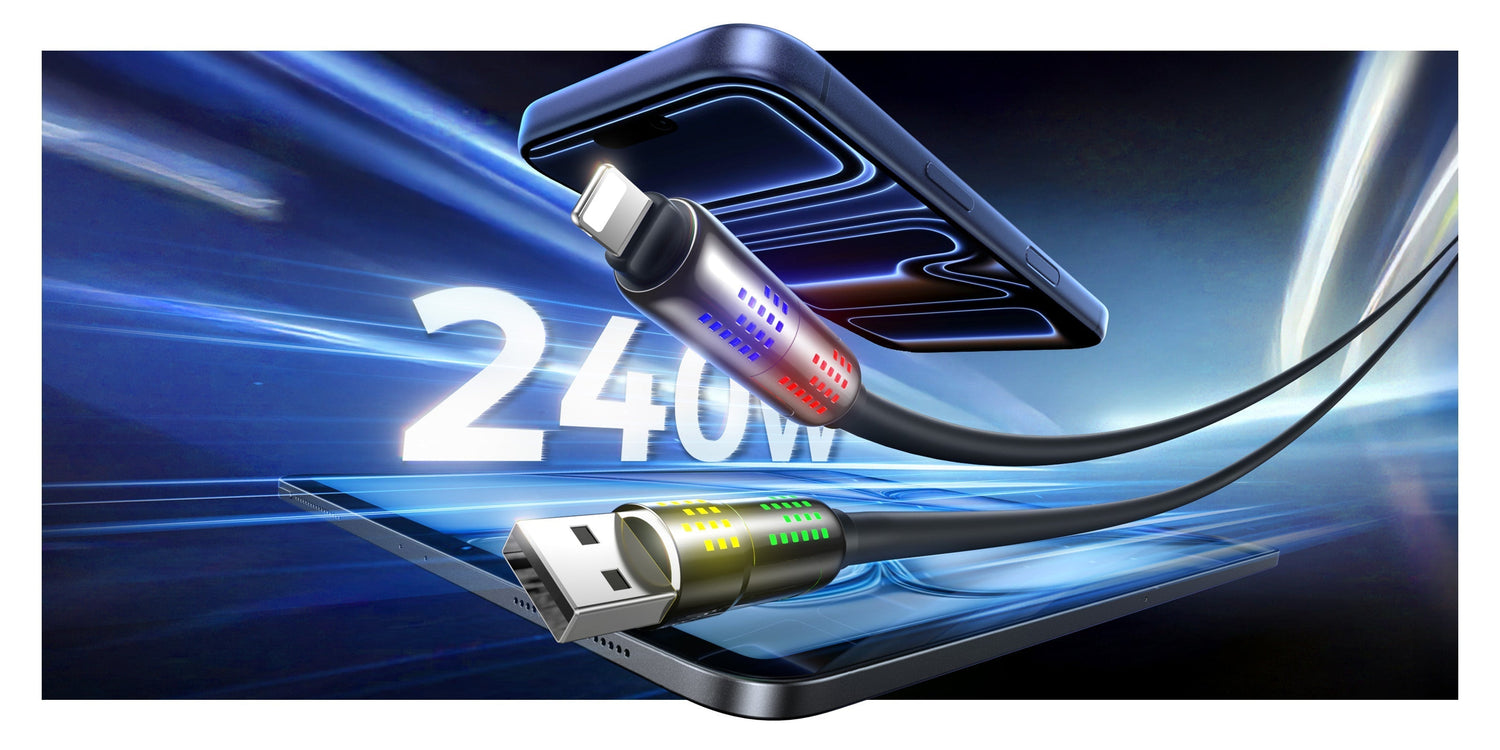
É aqui que a escolha do cabo certo se torna uma decisão crucial para a saúde da bateria. Cabo de carregamento rápido MAGIC JOHN Utiliza revestimento de silicone líquido com núcleo de liga de alumínio para dissipação de calor eficiente, mantendo o conector e o telefone mais frios durante cada carregamento.
Os conectores antioxidantes e os fios de cobre supercondutores de alta espessura fornecem energia estável e consistente, garantindo que sua bateria receba uma carga limpa, sem as flutuações de tensão produzidas por cabos baratos. Ele também suporta carregamento rápido de até 240 W e possui um design 4 em 1 (USB-C, Lightning, Micro USB e USB-A), permitindo que um único cabo de qualidade substitua uma gaveta cheia de fios aleatórios.

6 hábitos que realmente protegem a sua bateria.
Não precisa complicar o carregamento. Estes quatro hábitos simples abordam os fatores que realmente importam para o iPhone. saúde da bateria.
Ative o carregamento otimizado da bateria.
Vá para Configurações → Bateria → Saúde da bateria & Carregamento → Carregamento otimizado da bateria. Seu iPhone aprende a que horas você costuma acordar e adia a carga final de 80% para 100% até pouco antes desse horário. Isso reduz as horas em que a bateria permanece com carga máxima, período em que ocorre o maior desgaste químico.
Remova capas volumosas ao carregar.
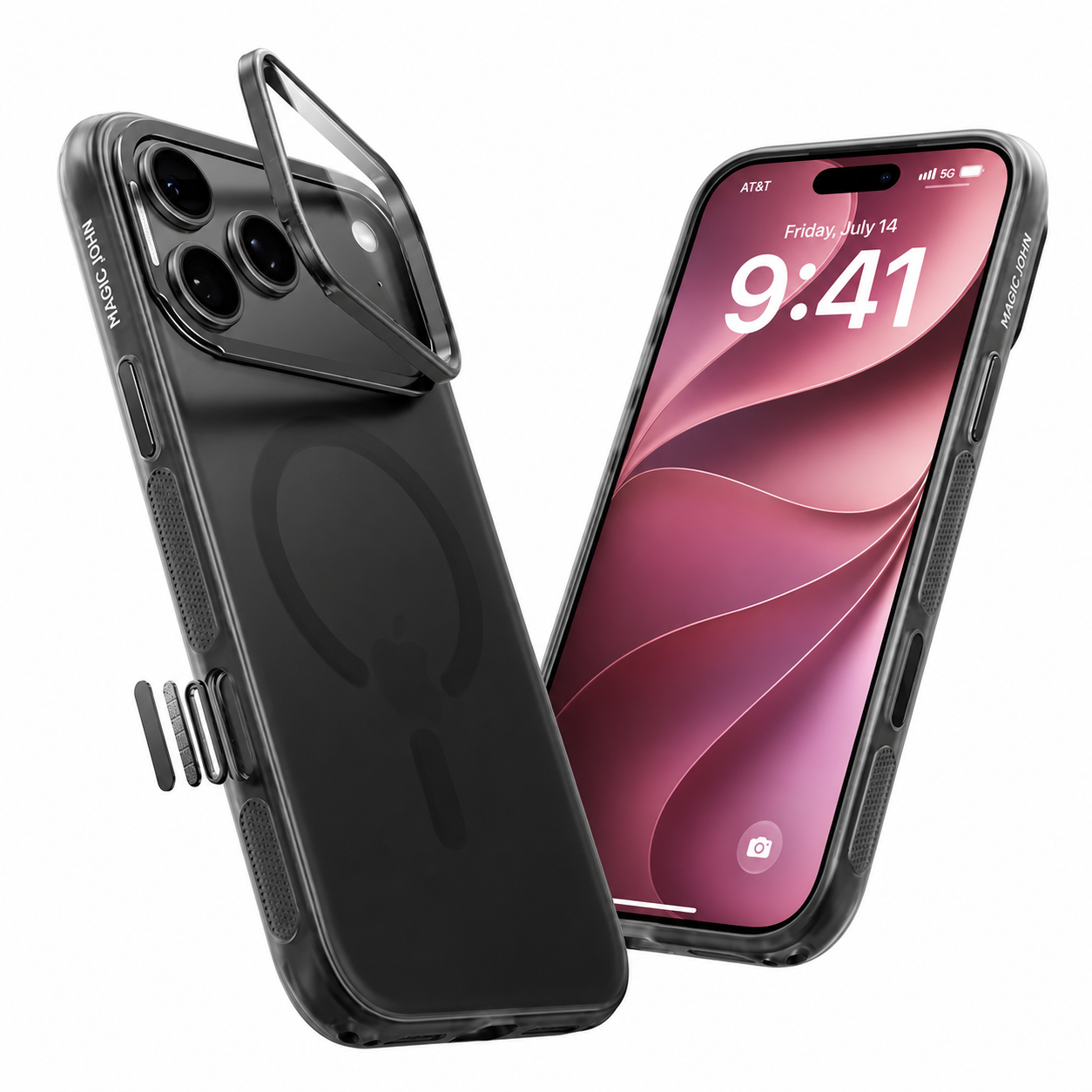
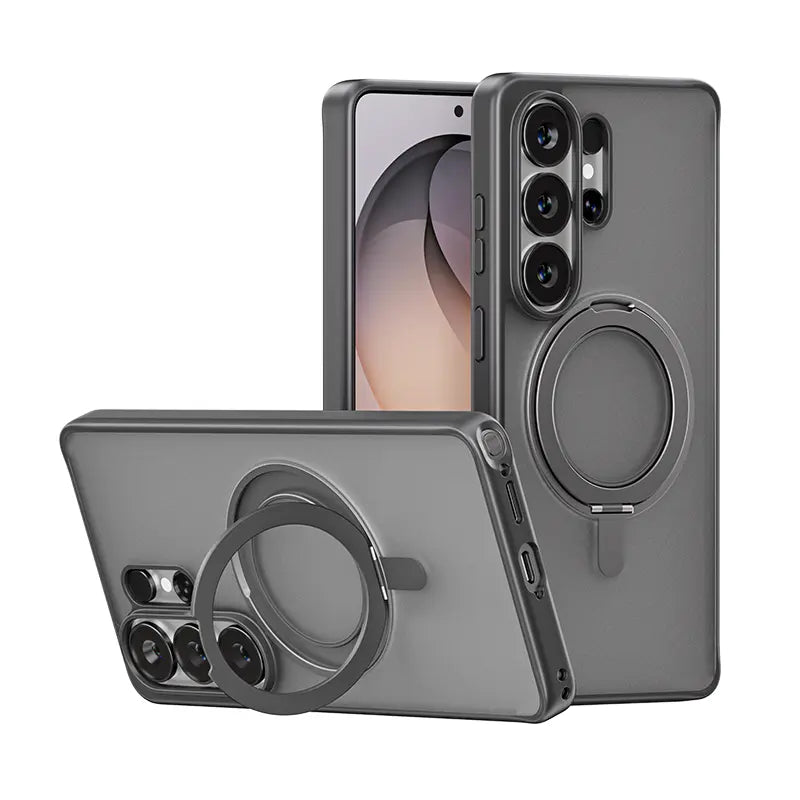
Capas grossas para celular retêm o calor junto à bateria durante o carregamento. Se o seu celular esquentar enquanto estiver conectado à tomada, retire a capa.Isso é ainda mais importante durante sessões de carregamento rápido ou carregamento sem fio.
Não jogue nem faça videochamadas enquanto o dispositivo estiver carregando.
O carregamento naturalmente aquece o seu telefone. Adicionar tarefas pesadas, como jogos, videochamadas longas ou gravação de vídeos, cria um efeito de "aquecimento duplo" que degrada permanentemente a bateria. Enviar mensagens de texto não tem problema, mas suspenda o uso intenso quando o telefone estiver conectado à tomada.
Mantenha longe da luz solar.
O calor é o pior inimigo da bateria do seu celular. Nunca deixe seu telefone esquentando no painel do carro ou sob a luz solar direta. Se o seu telefone esquentar devido ao ambiente, deixe-o esfriar na sombra antes de carregá-lo.
Não esvazie regularmente até 0%.
As baterias de íon-lítio se desgastam mais rapidamente quando descarregadas repetidamente a níveis extremamente baixos. Não é necessário mantê-las acima de 50% o tempo todo, mas tente recarregar antes que a carga chegue a um dígito.
Saiba quando trocar a bateria
A Apple classifica as baterias do iPhone 15 e modelos posteriores como Reter 80% da capacidade após 1.000 ciclos de carga completos. (iPhone 14 e modelos anteriores: 500 ciclos). Na prática:
- Abaixo de 85%: Você começará a notar uma menor duração da bateria entre as cargas.
- Abaixo de 80%: O iOS pode começar a limitar o desempenho para evitar desligamentos inesperados. Este é o sinal para você agendar uma substituição.
Você pode verificar a qualquer momento em Configurações → Bateria → Saúde da bateria & Carregando.
Aumente sua energia com segurança com MAGIC JOHN
Bons hábitos protegem a sua bateria. Hardware de boa qualidade torna esses hábitos ainda mais eficazes.
Para um carregamento mais rápido e com menor aquecimento: O Carregador MAGIC JOHN 45W GaN Utiliza um chip GaN de última geração para carregar seu iPhone até 66% em cerca de 30 minutos, o que significa menos tempo total no carregador e menos exposição ao calor para a bateria. Além disso, é 59% menor que um carregador padrão, cabendo facilmente em um bolso ou bolsa de viagem.

Para um fornecimento de energia estável e confiável: UM Cabo de carregamento rápido MAGIC JOHN Fabricado com silicone líquido e liga de alumínio, o cabo e o conector mantêm-se frios mesmo durante carregamentos rápidos. O núcleo de cobre espesso fornece uma tensão estável, sem os picos produzidos por cabos baratos, e o design com 4 conectores em 1 permite a conexão de todos os seus dispositivos com um único cabo.
O carregamento rápido é seguro. Com o carregador e o cabo certos, é ainda melhor. Visite o Loja MAGIC JOHN Para ver a programação completa.
Perguntas frequentes sobre o carregamento da bateria do iPhone
P1: Devo deixar meu celular conectado à tomada durante a noite?
Sim. Os iPhones modernos param de consumir energia quando atingem 100%. Para proteção extra, mantenha o Carregamento Otimizado da Bateria ativado. Ele mantém a bateria em 80% durante a maior parte da noite e só a carrega completamente pouco antes do seu horário habitual de despertar.
P2: O MagSafe gera mais calor do que um carregador com fio?
Sim. A transferência de energia sem fio é menos eficiente do que uma conexão direta por cabo, e a energia perdida se transforma em calor. Se o seu iPhone esquentar em uma base MagSafe (principalmente em um suporte veicular ou com o CarPlay instalado), um cabo com fio de qualidade é mais frio e mais rápido.
P3: Posso jogar enquanto meu celular está carregando?
Uso moderado é aceitável. Jogar intensamente enquanto carrega o dispositivo cria uma dupla fonte de calor, com o processador e a bateria trabalhando em alta potência simultaneamente. Essa é uma das maneiras mais rápidas de desgastar uma bateria. Se precisar jogar enquanto o dispositivo estiver conectado à tomada, use um cabo com boa dissipação de calor para ajudar a controlar a carga térmica.
Q4: É seguro usar qualquer carregador, independentemente da potência (em watts), com meu iPhone?
Sim.O sistema de gerenciamento de energia integrado do seu iPhone negocia com o carregador e utiliza apenas a potência necessária. Um carregador de 100 W não fornecerá 100 W para o seu telefone. O que importa mais é a qualidade do cabo: um cabo bem feito, com fornecimento de tensão estável, protege a bateria de uma forma que um cabo barato não consegue.
Q5: O que é a regra da bateria 20/80?
A regra 20/80 sugere manter a bateria entre 20% e 80% para reduzir o desgaste. Testes mostram um benefício real, embora modesto (cerca de 4% menos perda de capacidade em 500 ciclos). Para a maioria das pessoas que trocam de bateria a cada poucos anos, essa diferença é insignificante. Ativar o Carregamento Otimizado da Bateria oferece um benefício semelhante sem o incômodo diário.
P6: Com que porcentagem devo substituir a bateria do meu iPhone?
Considere a substituição quando a capacidade máxima cair abaixo de 80%. Nesse ponto, a duração da bateria entre as cargas diminui consideravelmente e o iOS pode limitar a velocidade do processador para evitar desligamentos inesperados.


Deixe um comentário
Este site é protegido por hCaptcha e a Política de privacidade e os Termos de serviço do hCaptcha se aplicam.