







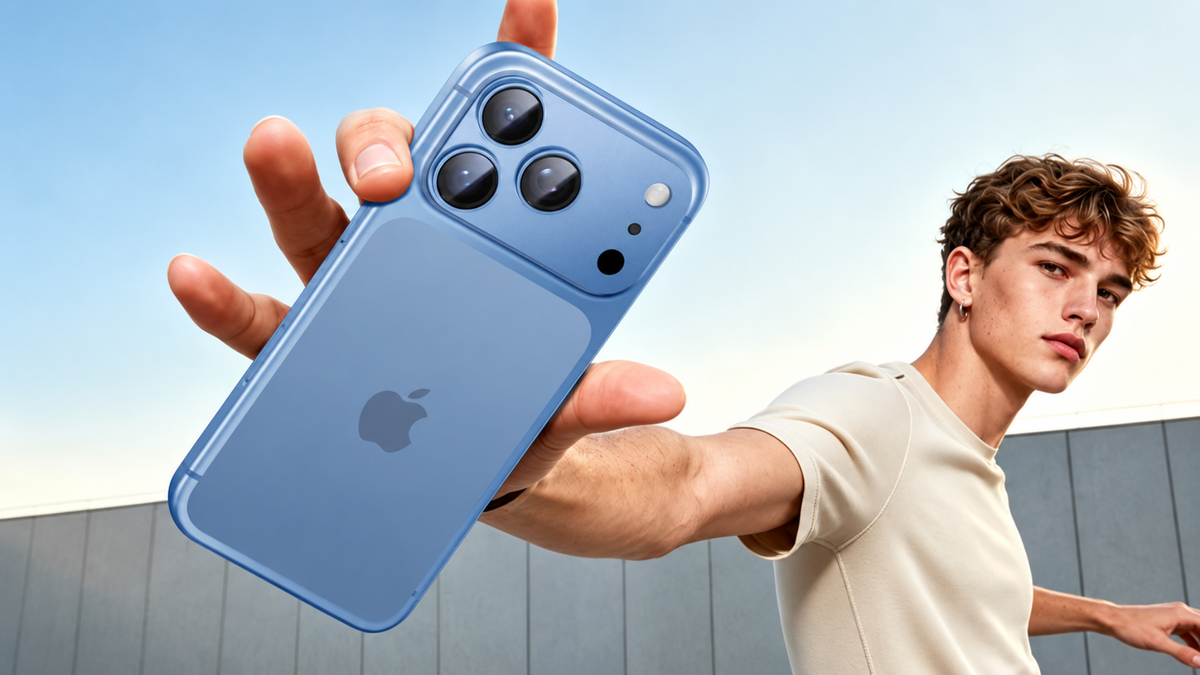
Some iPhone 18 Pro owners are reporting a lighter, pinkish ring around the rear camera lenses, in some cases right out of the box. As of October 1, Apple had not commented publicly. Here's what's being reported, what may be behind it, what you can do, and how to protect the camera area day to day.
What iPhone 18 Pro Owners Are Reporting
Shortly after launch, one owner posted on Reddit asking whether the discoloration around the camera lens rings on a new iPhone 18 Pro is normal. They said the area around the lenses looks "slightly lighter/pinkish compared with the surrounding camera housing." They said there was no oil, residue or dirt on the phone, that they had cleaned the area carefully, and that they saw no scratches or dents. The difference was also noticeable in person, not just in the photo.
The thread has drawn more than 150 comments, and opinions are split:
- Some replies said it doesn't look normal. One commenter who said they have the same thing wrote that it's hard to remove by wiping and that they believe it's a manufacturing issue.
- One commenter with a burgundy phone said a faint version disappeared after cleaning it with an alcohol wipe.
- Another said their burgundy phone looks the same, that the iPhone 17 does too, and that it's just how the finish looks.
- One owner said theirs was bad enough that it was already going back to Apple.
News outlets have picked up the reports too. According to Cult of Mac and Phandroid, the reports mostly mention the burgundy and black models, while silver and Glacier owners haven't widely reported it. It's not clear how many phones are affected. Similar color-change reports appeared last year with the iPhone 17 Pro in Cosmic Orange, and Apple never publicly explained those.

What Might Be Causing It
Apple hasn't commented, so nobody knows for sure. These are the explanations being discussed, and none is confirmed:
- The colored finish on the aluminum. Cult of Mac suggests the anodized, dyed finish on the aluminum frame may be involved.
- Skin oils. Some forum users believe oils build up on the metal around the lenses. Apple's cleaning page says that on earlier Pro models, skin oil might temporarily alter the color of the outside band. The owner in the Reddit thread, however, said they found no oil and had cleaned the area.
- It may just be how the finish looks. Some commenters say their phones look the same and that this is normal.
What to Do If Your iPhone 18 Pro Is Affected
- Start with a gentle wipe. Apple's cleaning guidance recommends a soft, slightly damp, lint-free cloth. Apple also lists 70 percent isopropyl alcohol wipes among the disinfectants you can use on the outside of an iPhone, but it warns that cleaning products can wear down the coating, and not to use products containing bleach or hydrogen peroxide.
- Take clear photos of the camera area in good light, so you have a record of how it looks.
- If it doesn't wipe off, or it was there from day one, contact Apple or the retailer you bought it from. Some owners report that Apple offered a replacement when they asked.
- If you're still deciding whether to return or exchange the phone, hold off on adhesive accessories such as a lens protector until that's settled.
- Check your return window if you bought the phone recently.

Protecting the Camera Area Day to Day
Whatever the cause of the color change, the camera area is one of the parts of your phone that takes the most daily wear. Two simple accessories help:
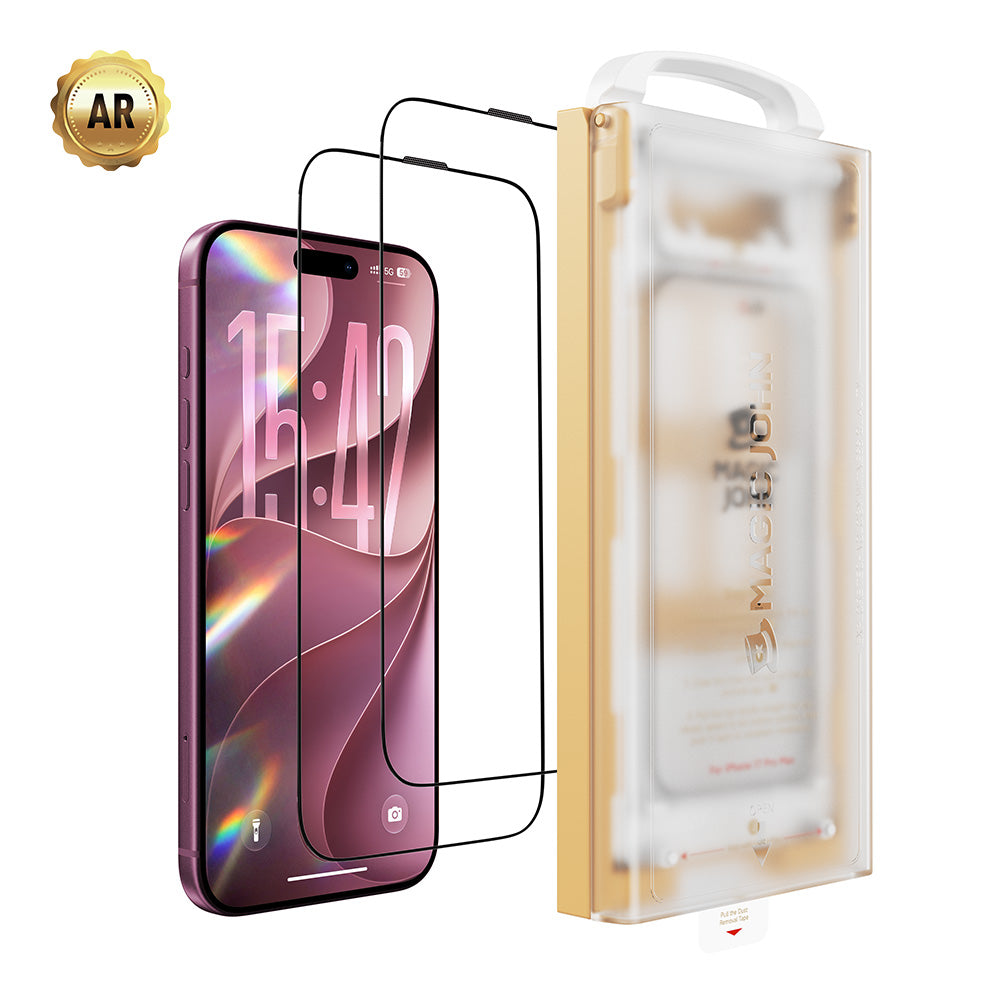
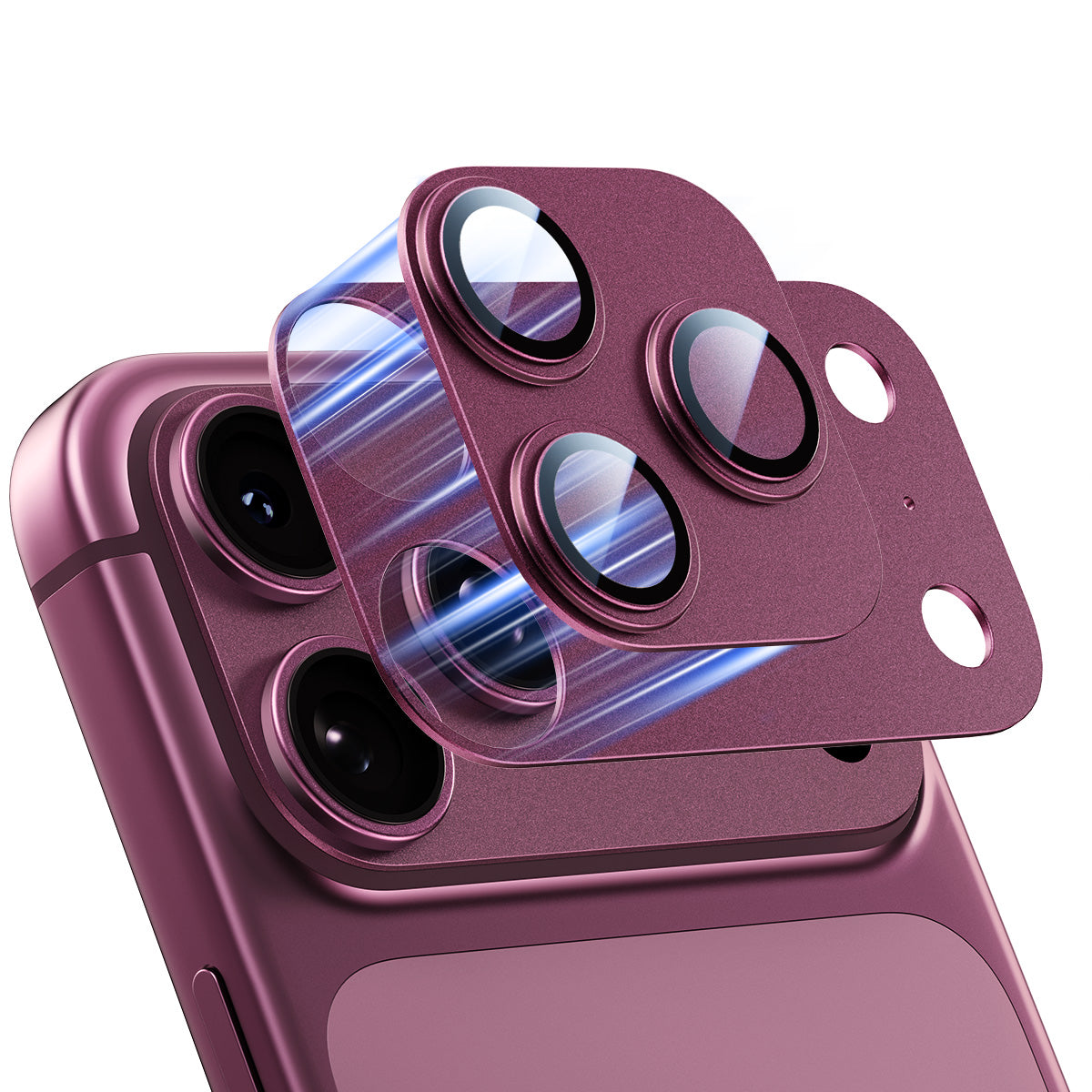
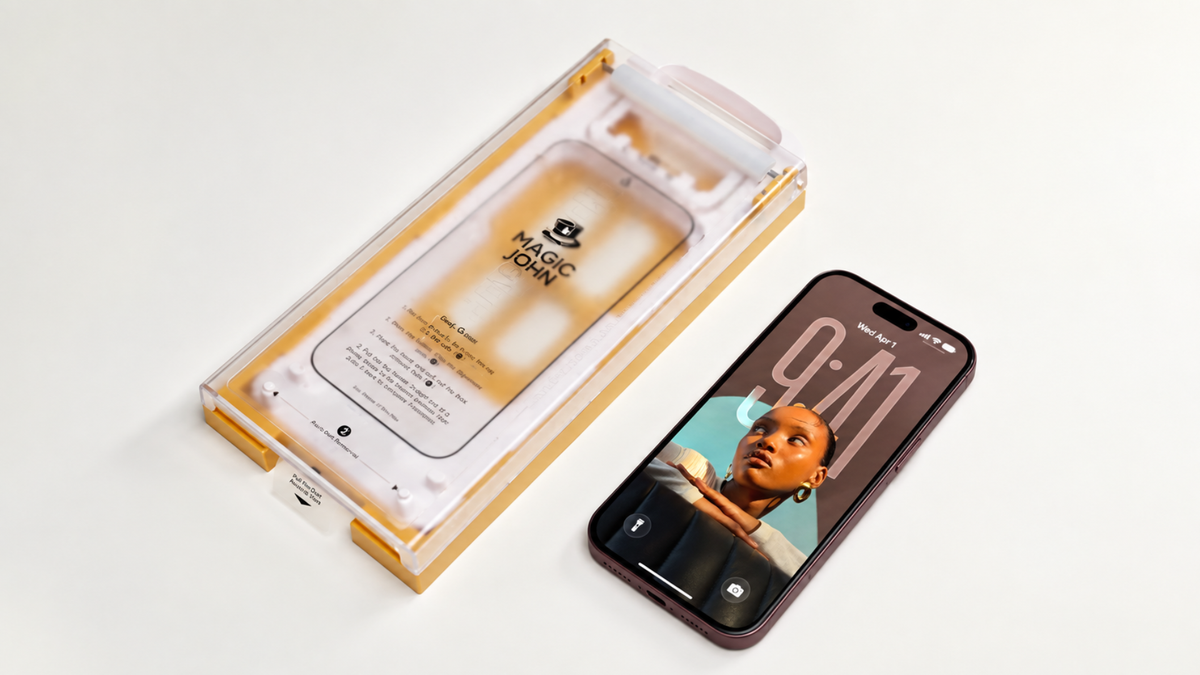
- A lens protector helps guard each camera lens against scratches and scuffs.
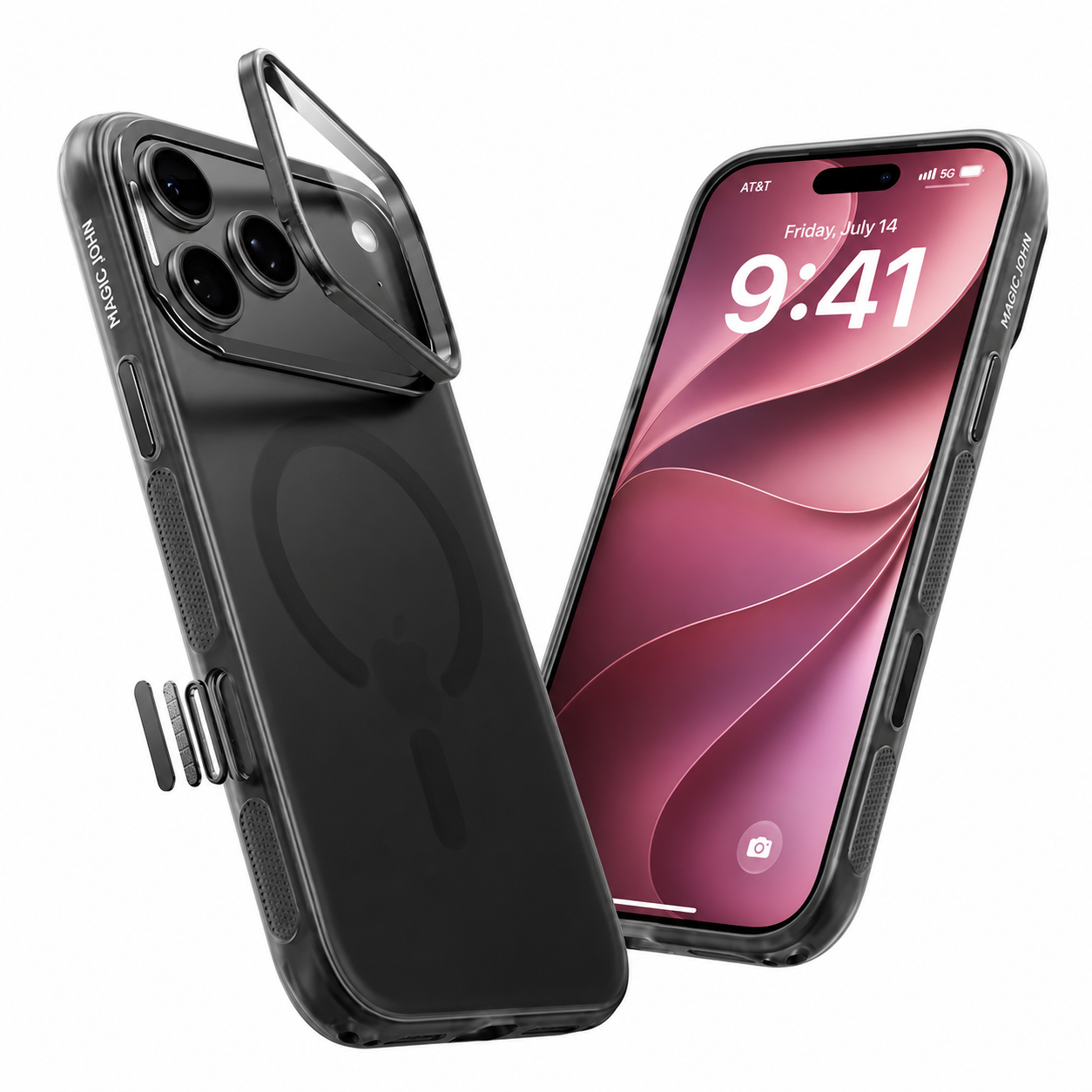
- A case adds a layer between the phone's body and keys, desks and everyday knocks.
Magic John makes lens protectors and cases for the iPhone 18 Pro.
One honest note: neither a lens protector nor a case can fix a color change that came from the factory, and we can't promise that either one prevents it. They protect against scratches and everyday wear. If your camera ring already looks off, contact Apple or your retailer first.
FAQ
Is the iPhone 18 Pro camera discoloration normal?
Apple hasn't said. Owners disagree: some say it's just how the finish looks, while others believe it's a manufacturing issue. If it bothers you, contact Apple or your retailer.
Which iPhone 18 Pro colors are affected?
Reports mostly mention the burgundy and black models. Silver and Glacier owners haven't widely reported it.
Can I clean the discoloration off?
Some owners say wiping helped, while others say it doesn't come off. Apple recommends a soft, slightly damp, lint-free cloth, and warns that cleaning products can wear down the coating.
Will a lens protector or case stop the discoloration?
We can't promise that. They protect against scratches and everyday wear, but they can't fix a color change that was already there.
What should I do if my iPhone 18 Pro has this?
Take photos, try a gentle wipe, and contact Apple or your retailer if it doesn't go away.


コメントを残す
このサイトはhCaptchaによって保護されており、hCaptchaプライバシーポリシーおよび利用規約が適用されます。