



スクリーンプロテクターの貼り付け失敗のほとんどは、焦りが原因です。ホコリが入り込んだり、位置がずれたり、ガラスが貼り付けられる前に接着剤に触れてしまったりするのです。正しく行えば、スクリーンプロテクターの貼り付けはわずか5分ほどで完了し、気泡のないきれいな仕上がりを長持ちさせることができます。この記事では、作業スペースの準備から貼り付け後の気泡の修正まで、すべてを網羅しているので、初めてでも自信を持ってスクリーンプロテクターを貼り付けることができます。
始める前に必要なもの
最大の理由は スクリーンプロテクター 失敗は技術ではなく、準備の問題だ。
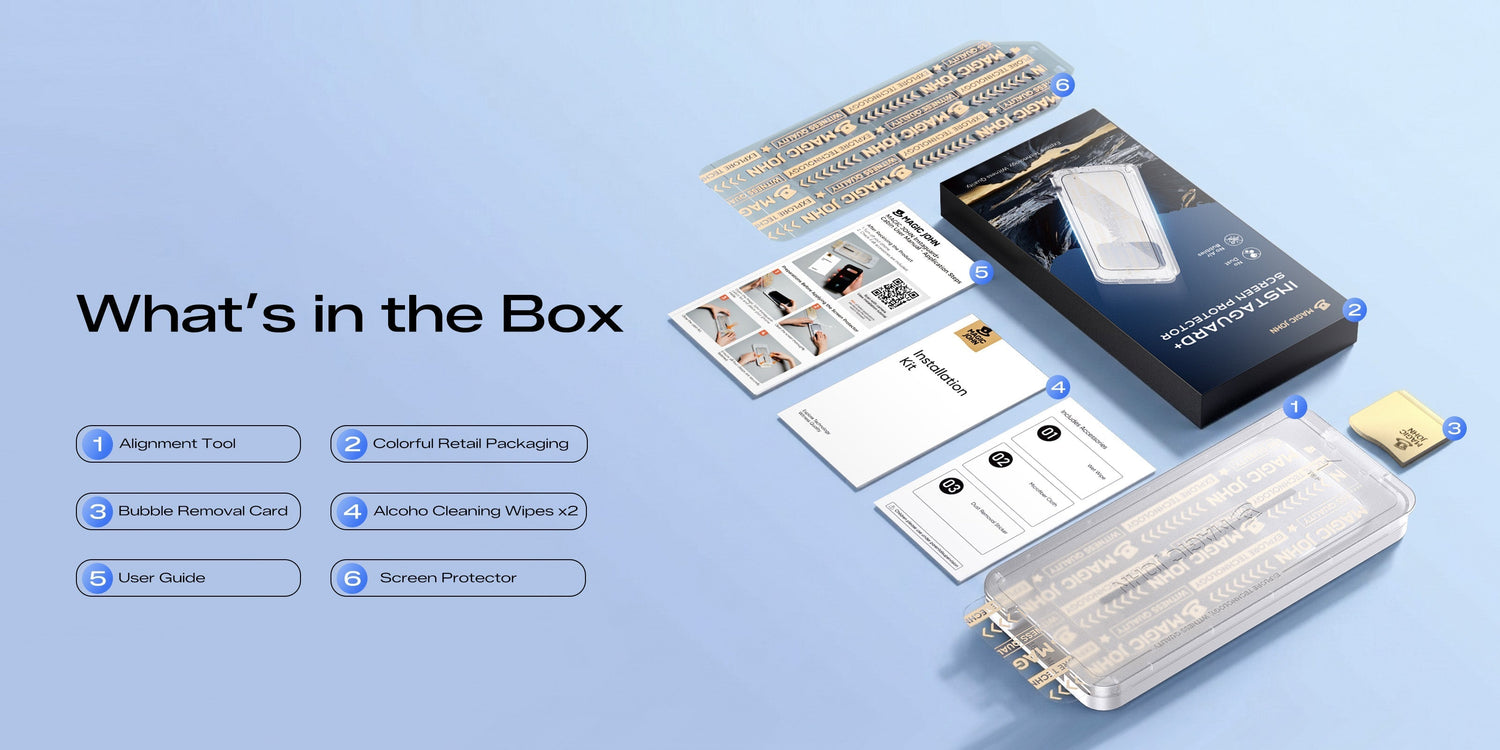
朗報です。ほとんどの高品質プロテクターには、必要なものがすべて同梱されています。開封する前に、以下のものがすべて揃っているか確認してください。
- アルコールワイプ 画面から油分や指紋を取り除きます
- マイクロファイバークロス アルコールワイプの後、画面を乾拭きする
- ほこり除去ステッカー 布が残した微粒子を持ち上げます
- スクイージーまたはカード — 設置後に気泡を押し出す
- 位置合わせフレームまたはアプリケーター — 含めると、正確な配置がはるかに容易になります。
何かに触れる前にすべきことが2つあります。 手をよく洗い、その後は画面に触らないでください。指がきれいでも油分が残っていることがあります。
スクリーンプロテクターを貼るのに最適な場所
あなたには 清潔な空間と硬い床面、そして十分な照明。
浴室の蒸気を使った方法は効果的です。 熱いシャワーを1~2分ほど出し、止めてから10~15分ほど待ってから、その部屋で設置作業を行ってください。蒸気によって空気中の埃が顔の高さに浮遊するのではなく、表面や床に沈着します。その頃には空気は湿っぽくなく、いつもよりきれいな状態になっているはずです。
キッチンカウンターも有力な選択肢の一つです。 硬い床面は、カーペットや寝室などの布張りの部屋に比べて糸くずが溜まりにくい。ソファやベッドの上、扇風機や換気口の近くでは掃除をしないようにしましょう。
照明も重要です。 明るい場所で作業し、スマートフォンの側面に光源を配置するようにしてください。斜めから光を当てると、ホコリや画面の傷などを、作業に取りかかる前にずっと簡単に見つけることができます。
避けるべきこと: 空気中の 典型的な寝室またはリビングルーム 保護フィルムには浮遊する埃の粒子がたくさん含まれており、保護フィルムの裏紙を剥がした瞬間に、それらの粒子が粘着面に付着し始めます。
保護フィルムを貼る前に画面をきれいにする方法
掃除は人々がつい急いで済ませてしまうステップだが、最も重要なステップでもある。 ガラスの下に付着した小さな油汚れや埃は、永久に残ってしまう。
まずアルコールワイプを使用してください
アルコールワイプを広げ、画面の中央から外側に向かって、ゆっくりと重ねながら拭いてください。これにより、指紋の油分、皮膚の残留物、表面の油汚れなどが除去されます。
キッチンペーパーや普通のウェットティッシュで代用しないでください。それらは糸くずが残る上、油汚れを同じように落とすことができません。
乾いた布で拭いてください
マイクロファイバークロスを使って画面を拭き、乾かしてください。アルコールが残っていないことを確認してください。保護フィルムを貼る際に表面がわずかに湿っていると、その部分の接着力が弱くなります。
ダストステッカーは最後に使用してください
ホコリ除去シールを画面に軽く押し付け、剥がしてください。 軽く押して持ち上げる動作で、こすらないようにします。 布では捉えきれない微粒子を吸着します。
この手順は最後に行い、その後すぐに保護フィルムを貼ってください。時間が経つと、ホコリが再び画面に付着し、元の状態に戻ってしまいます。
スクリーンプロテクターを正しく貼る方法
設置作業で失敗する原因のほとんどは、位置合わせのミスです。 つい上から目線で測ろうとしがちですが、それでは正確な結果が得られることは稀です。固定された基準点が必要です。
何を基準にすべきか:
- 電話機の上部にあるスピーカーグリル
- ダイナミックアイランドまたはフロントカメラの切り欠き(iPhoneの場合)
- 画面の各角から保護フィルムの端までの距離
これらの固定された開口部は、最も信頼できる目安となります。スマートフォンの外縁は、ケースやベゼルによって位置感覚が誤る可能性があるため、信頼性が低くなります。
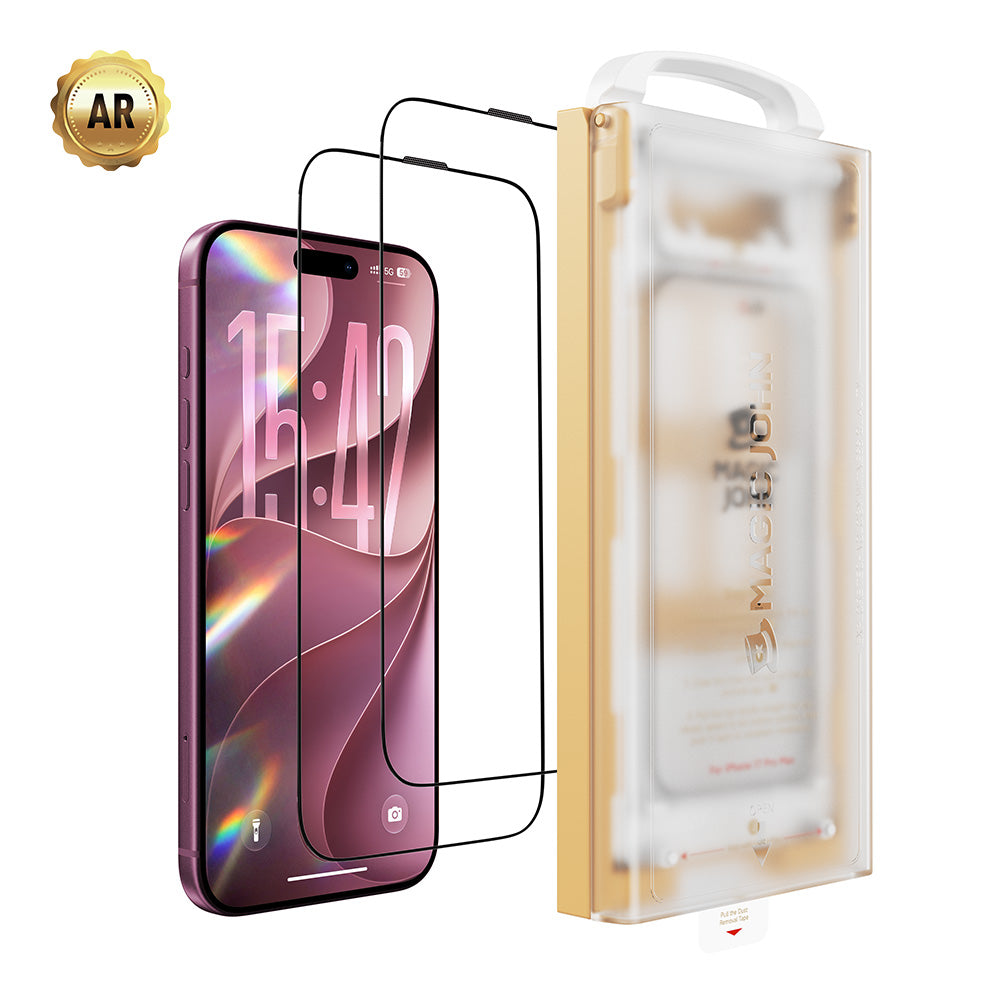
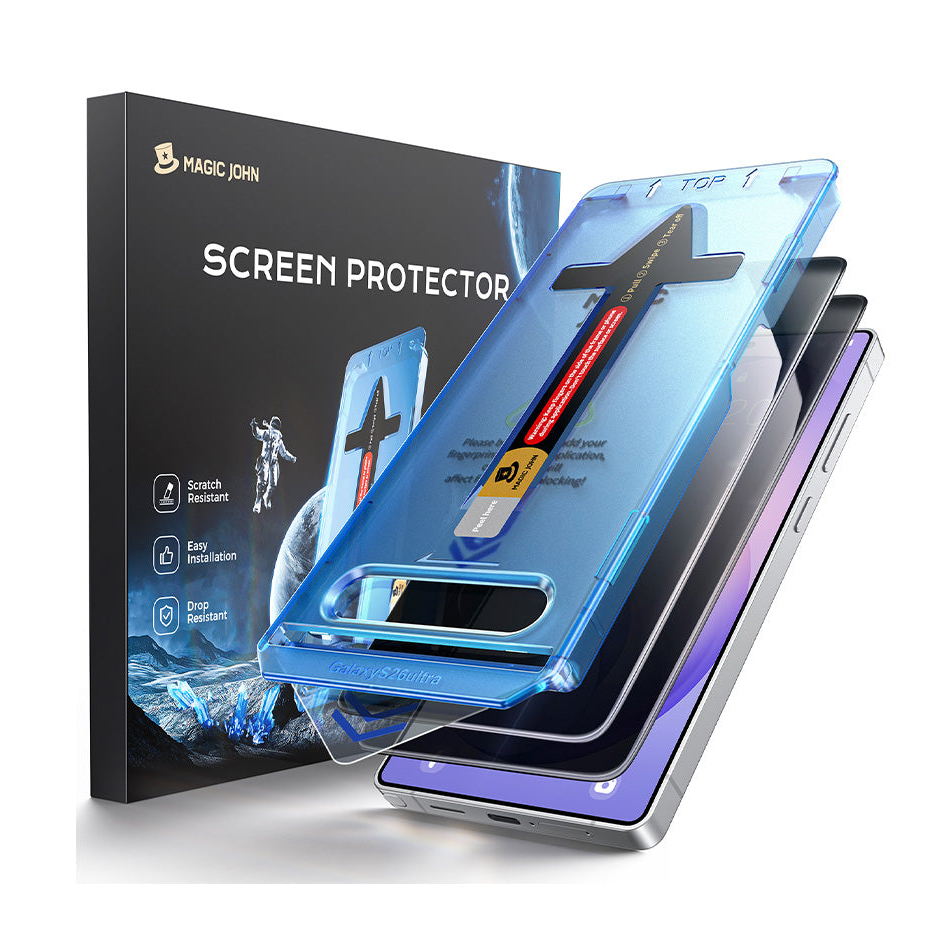
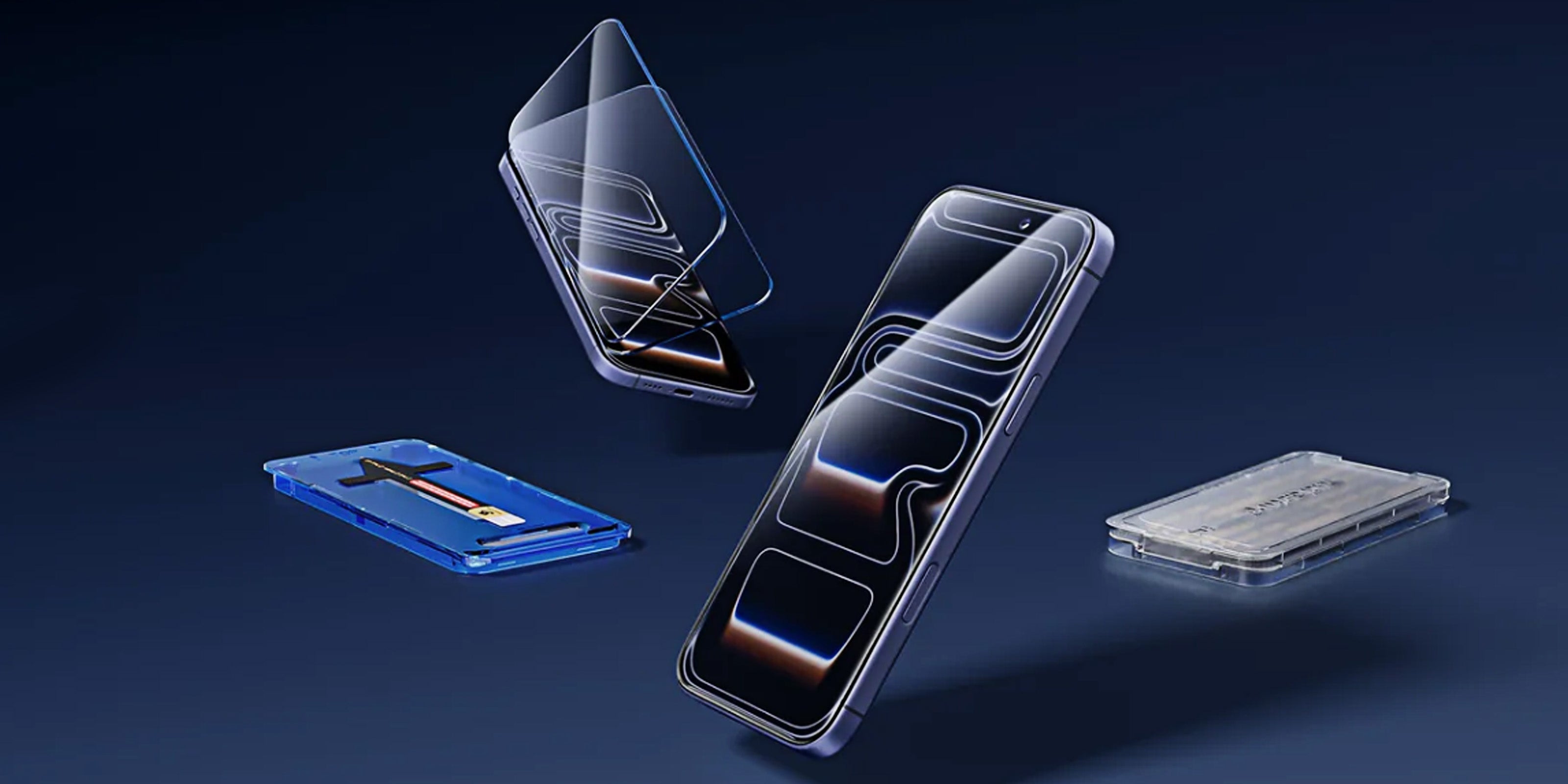
プロテクターに位置合わせフレームまたはアプリケーターが含まれている場合、 使い方は簡単です。まずフレームをスマートフォンに取り付け、その上に保護フィルムをはめ込み、所定の位置に落とし込みます。こうすることで、ほぼすべてのミスをなくすことができます。
マジック・ジョンの第3世代アプリケーター この機構により、保護フィルムが画面上に正確に自動的に配置されるようになっています。これにより、異なるユーザーや機種でも再現性の高い取り付けが可能になります。

フレームなしの場合: 保護フィルムを画面の上に持ち上げ、四隅の間隔が均等であることを確認し、切り抜き部分がスピーカーまたはダイナミックアイランドと一直線になっていることを確認してから、まず上端からフィルムを下ろします。
気泡が入らないようにスクリーンプロテクターを貼る方法
保護フィルムを画面に貼り付ける際の向きによって、最初に発生する気泡の数が決まります。
片方の端から始めます, 通常はスピーカーやカメラの切り欠き付近の上部です。保護フィルム全体を一度に平らに落とさないでください。まず上端を下ろして接触させ、その後残りの部分が自然に落ちるようにしてください。
良い 強化ガラス製保護フィルム 自滅するだろう 上端が接触すると、静電気による引力と重力によって自然に固定されます。押す必要はありません。3~5秒間そのままにして、位置合わせを確認してから次の作業に進んでください。
位置がずれていたり、保護フィルムが完全に貼り付いていない場合は、プラスチックカードを使って角をそっと持ち上げ、位置を調整してください。 絶対に金属製の工具を使ってはいけません。 金属が滑り落ちると、むき出しの画面に傷がつく可能性があります。
位置合わせが正しく見えたら、何も押さずにしばらくそのままにしておいてください。
スクリーンプロテクターを貼り付けた後の気泡の除去方法
カードで泡を押し出す
ガラス面を保護するため、スクイージーまたはクレジットカードをマイクロファイバークロスで包んでください。画面の中央から始め、端に向かってしっかりと均一なストロークで拭き取ります。円を描くように、またはランダムな方向に動かすのではなく、必ず外側に向かって動かしてください。
動かない小さな泡
スクイージーで除去できない、約3mm以下の気泡がある場合は、 彼らを放っておいてあげて。 接着剤は24~48時間かけて硬化し続け、その間に小さな気泡はほぼ自然に消えます。強く押しても硬化が早まることはなく、保護フィルムがずれる原因にもなります。
ガラスの下に埃の泡が浮いている
これらは気泡とは見た目が違う。 ダストバブル 鋭く明確なエッジを持ち、押しても動かない。 それらが所定の位置に固定されているのは、その下に粒子が存在するためです。
修正するには:
- 気泡に最も近いスクリーンプロテクターの角にテープを貼り、その端をゆっくりと持ち上げてください。
- 新しいダストステッカーを使って、画面表面の粒子を取り除いてください。
- また、ステッカーを保護フィルムの粘着面に軽く押し付けて拭き取ってください。
- プロテクターを元の位置に戻し、残った空気を押し出します。
ダストの泡が3つ以上ある場合、または画面の中央に泡がある場合は、クリーニング手順からインストール全体をやり直すことをお勧めします。
縁に浮かぶ泡が次々と持ち上がる
端が浮き上がるのは、通常、取り付けの問題ではなく、嵌合の問題です。 次の2点を確認してください。
- ケースが保護フィルムの端に当たっていませんか?ケースの縁が厚いと、下からガラスが押し上げられることがあります。ケースを外して、端が平らなままかどうか確認してみてください。
- 保護フィルムは、お使いのスマートフォンの機種に合わせて正確にカットされていますか?サイズが少しでも間違っていると、どんなに丁寧に貼り付けても端が浮き上がってしまいます。
ケースが問題の場合は、ケースに干渉しないように数ミリ短くカットされた、同じ保護フィルムのケース対応バージョンに切り替えてください。
スクリーンプロテクターの取り付けでよくある間違いとその回避方法
| 間違い | 何が起こるのですか | 代わりに何をすべきか |
| 粘着面に触れる | 指紋の油分が接着を阻害し、気泡を発生させる。 | 端だけを持ち、粘着面は絶対に持たないでください。 |
| ダストステッカーをスキップ | ガラスの下に永久に閉じ込められた埃 | ダストステッカーは必ず最後に貼ってください。 |
| 位置調整が多すぎる | 接着剤が弱まり、埃が溜まりやすくなる | 配置する前に慎重に位置を合わせ、きれいな一滴になるようにします。 |
| 位置合わせする前に強く押す | 準備が整う前にガラスが所定の位置にロックされます | 位置合わせが確認できるまで、軽く触れるだけにしてください。 |
| ペーパータオルを使って掃除する | 糸くずがスクリーンに付着する | マイクロファイバークロスのみ |
画面が保護されました
画面をきれいにし、適切な環境を選び、慎重に位置合わせをし、端から貼り付ける。この4つの手順を順番通りに行うことが、気泡だらけでイライラする貼り付けと、きれいに貼り付けられる貼り付けを分ける鍵となります。 マジック・ジョンのiPhone用スクリーンプロテクター 位置合わせの工程を自動で行う第3世代のアプリケーターに加え、万が一不具合が発生した場合に備えて180日間の保証が付いています。
スクリーンプロテクターの取り付けとお手入れに関するよくある質問
Q1:一度剥がしたスクリーンプロテクターは再利用できますか?
お勧めしません。完全に剥がしてしまうと、粘着剤に埃が付着し、接着力が低下します。最初の取り付け時に少し調整すれば問題ありませんが、一度完全に剥がしてしまった保護フィルムは、二度目にきれいに接着することはほとんどありません。
Q2:画面保護フィルムを貼る前に、スマートフォンの電源を切った方が良いですか?
はい。画面が暗い方が、ホコリを見つけやすく、位置合わせも簡単にできます。また、貼り付け作業中に誤って画面を叩いてしまい、保護フィルムが固まる前にずれてしまうのを防ぐこともできます。
Q3:インストール時にケースを付けていても問題ありませんか?
まずケースを外してください。ケースを装着していると、スマートフォンの本体がわずかに歪み、位置合わせが狂う可能性があります。保護フィルムが完全に硬化したら(約24時間後)、ケースを元に戻してください。
Q4:数週間経つと、スクリーンプロテクターの下に埃が入り込んでしまうのはなぜですか?
これはほぼ間違いなく、縁が持ち上がり始めている兆候です。 端が浮き上がると、時間の経過とともに小さな隙間ができ、そこに埃が入り込むことがあります。これは、ケース内の圧力や熱にさらされることが原因で起こることが多いです。端をしっかりと押し戻してください。浮き上がりが再発する場合は、保護フィルムを交換する必要があります。
Q5:スクリーンプロテクターが完全に硬化するまでにはどれくらい時間がかかりますか?
ほとんどの強化ガラス製保護フィルムは、24~48時間以内に完全に密着します。取り付け後、少なくとも30分待ってから、 場合 ケースを元に戻してください。ケースを早めに貼り付けると、接着剤が固まる前に端に圧力がかかり、端が早期に剥がれる原因となります。


コメントを残す
このサイトはhCaptchaによって保護されており、hCaptchaプライバシーポリシーおよび利用規約が適用されます。