
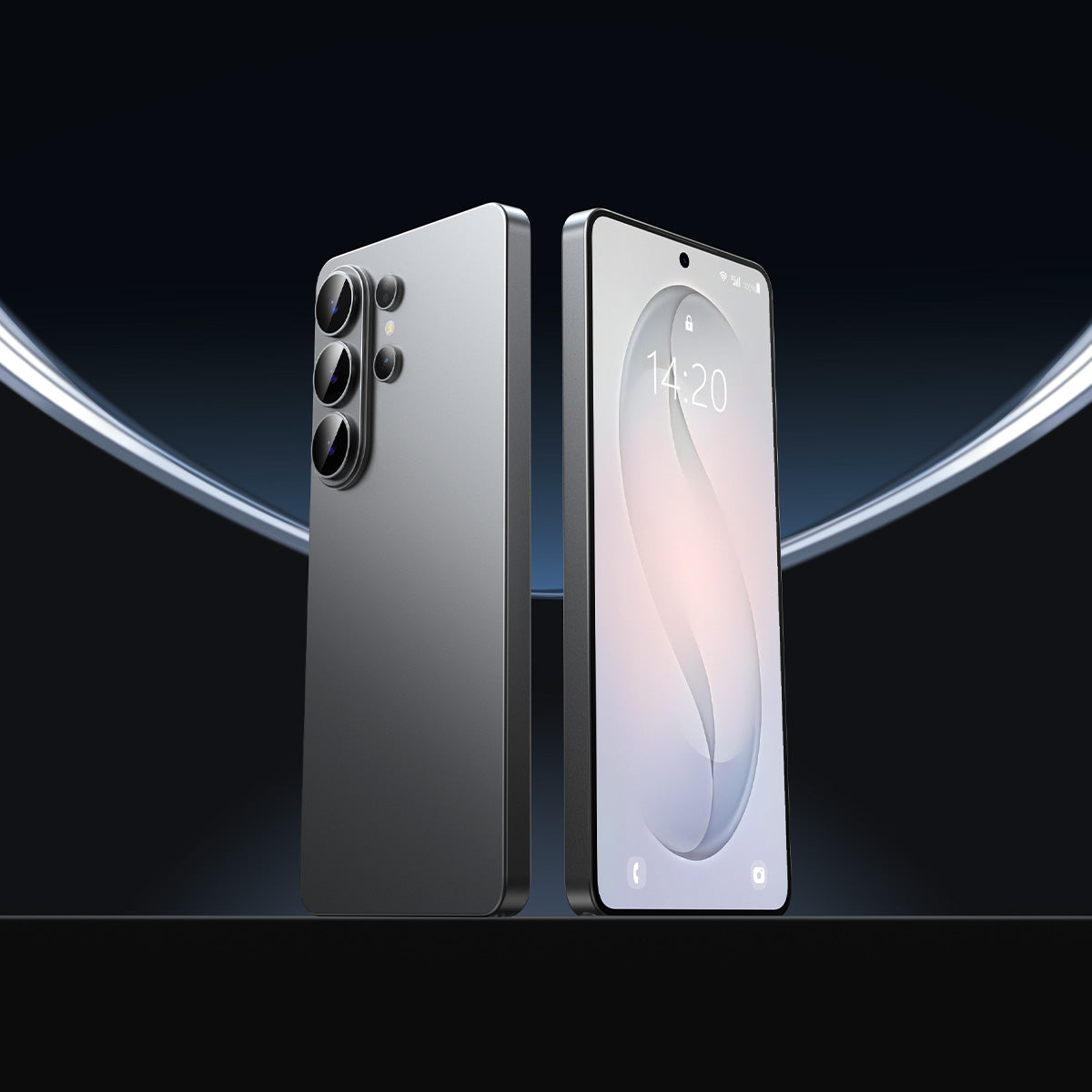


地下鉄でS26 Ultraを取り出し、銀行アプリを開くと、隣の人は誰も画面を見ることができないので安心します。サムスンの プライバシー表示 近年で最も注目を集めたディスプレイ機能であるプライバシーディスプレイですが、数週間の実使用を経て、多くのユーザーがスペックではカバーされていない欠点に気づいています。ここでは、Galaxy S26 Ultraのプライバシーディスプレイにおける5つの実際の制限事項と、それらがスマートフォンのセキュリティ保護にどのような影響を与えるかをご紹介します。
S26 Ultraのプライバシーディスプレイが実際に優れている点
サムスンの フレックスマジックピクセル技術 プライバシーディスプレイは、ディスプレイを2種類のピクセルに分割します。1つは光をまっすぐ前方に照射する狭いピクセル、もう1つは光をあらゆる方向に散乱させる広いピクセルです。プライバシーディスプレイがオンになると、広いピクセルの輝度が大幅に低下します。これにより、左右上下にいる人から見える範囲が制限されます。
実際の効果は多くの状況で強力です。物理的なプライバシー保護フィルムでは決して実現できなかったことをいくつか挙げます。
- アプリごとの有効化。 プライバシー表示は、銀行アプリやパスワード入力欄で自動的にオンになり、それ以外の場所ではオフになります。
- 通知レベルの非表示。 通知バナーは、画面の他の部分が完全に表示されたままでも、自動的に暗くなります。
- 全軸カバー範囲。 それは制限する 視野角 縦向きと横向きの両方で同時に表示できます。
明るい環境下で、スマートフォンを通常通りに持ち、30度以上の角度から覗き込まれた場合、画面の内容は効果的に隠されます。ただし、これは第一世代の技術であり、以下の5つのセクションではその欠点について説明します。
死角その1:暗い場所での視認性が低い
の Galaxy S26 Ultraのプライバシーディスプレイ このシステムは、狭いピクセルが前方に投影する画像と、広いピクセルが斜めから抑制する画像との間にコントラストを生み出すことで機能します。明るい環境ではそのコントラストが強くなり、プライバシー保護効果が維持されます。
暗い場所では、物理法則が不利に働きます。周囲の光量が減少すると、画面が空間内で最も明るい物体になります。そうなると、抑制されたワイドピクセルでさえ、周囲の環境に比べて十分に明るくなり、近くにいる人がコンテンツを判別できてしまうのです。
これは重要な点です。なぜなら、薄暗い環境こそ、人々が最もプライバシーを求める時だからです。例えば、薄暗い飛行機の中、深夜の通勤、暗いレストランなどです。こうした状況では、プライバシー保護機能は日中のデモで示されるほど強力ではありません。この問題はソフトウェアで解決できるものではありません。これは、デュアルピクセルシステムがプライバシー効果を生み出す物理的な特性なのです。
ブラインドスポット2:最大プライバシーモードで明るさを67%カット
S26 Ultraには、標準表示、プライバシー表示オン、 最大限のプライバシー保護. 公共の場では、プライバシー保護を最大限まで保護する設定が最適だと考えるかもしれません。しかし、問題は画面の明るさが犠牲になることです。
Tom's Guideによるラボテスト プライバシー表示と最大プライバシー保護の両方が有効になっている場合、 画面の明るさ 輝度は586ニトまで低下します。自動輝度調整をオンにした状態での基準値は1,209ニトです。これは67.6%の減少に相当します。
輝度586ニトでは、直射日光の下では画面が見づらく、室内では明らかに暗く感じられます。この機能を最大出力で使用すると、フラッグシップモデル並みのディスプレイ品質と引き換えに、ミドルレンジクラスの視聴体験しか得られません。
標準のプライバシー表示モードの方が、日常的に使いやすい。 Android Centralによるテスト しかし、標準モードでは、より急な角度から見ると画面の一部しか見えないことが確認された。トレードオフは明らかだ。 強力なプライバシー保護機能には、暗い画面が付属しています。, そして、快適な画面には、完全なプライバシー保護という欠点が伴う。
これはハードウェア上の制約であり、設定で変更できるものではありません。
盲点3:プライバシーディスプレイはデータを保護するが、画面は保護しない
これは最も注目されていないギャップである。
プライバシーディスプレイは、他の人があなたの画面で何を見ることができるかを制御する機能です。ただし、ガラスを傷、ひび割れ、衝撃による損傷から保護する機能はありません。S26 Ultraには、スクリーンプロテクターはプリインストールされていません。Gorilla Armor 2は軽微な衝撃にはよく耐えますが、鍵、コイン、粗い表面との日常的な接触による微細な傷には耐性がありません。
画面に傷がついたり、ひびが入ったりした場合、プライバシーディスプレイは適用されません。物理的な損傷は、全く別の種類のリスクとなります。

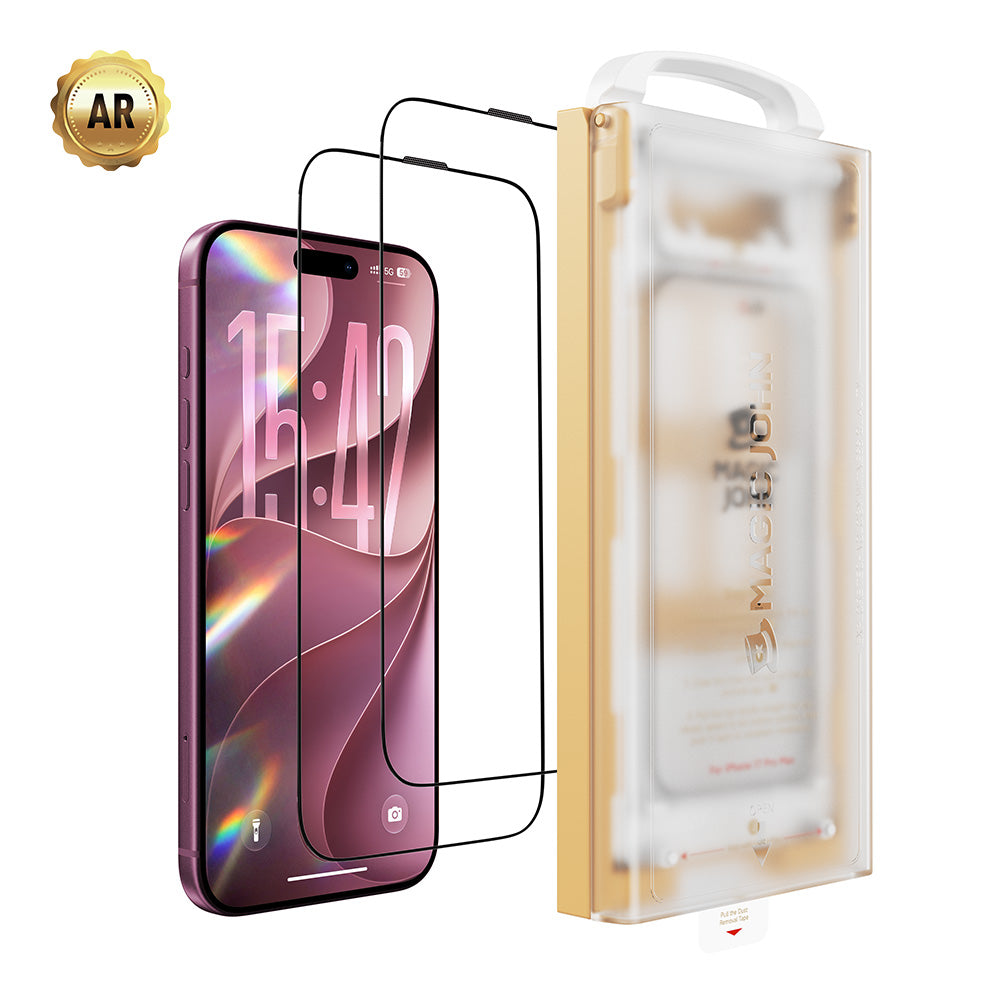
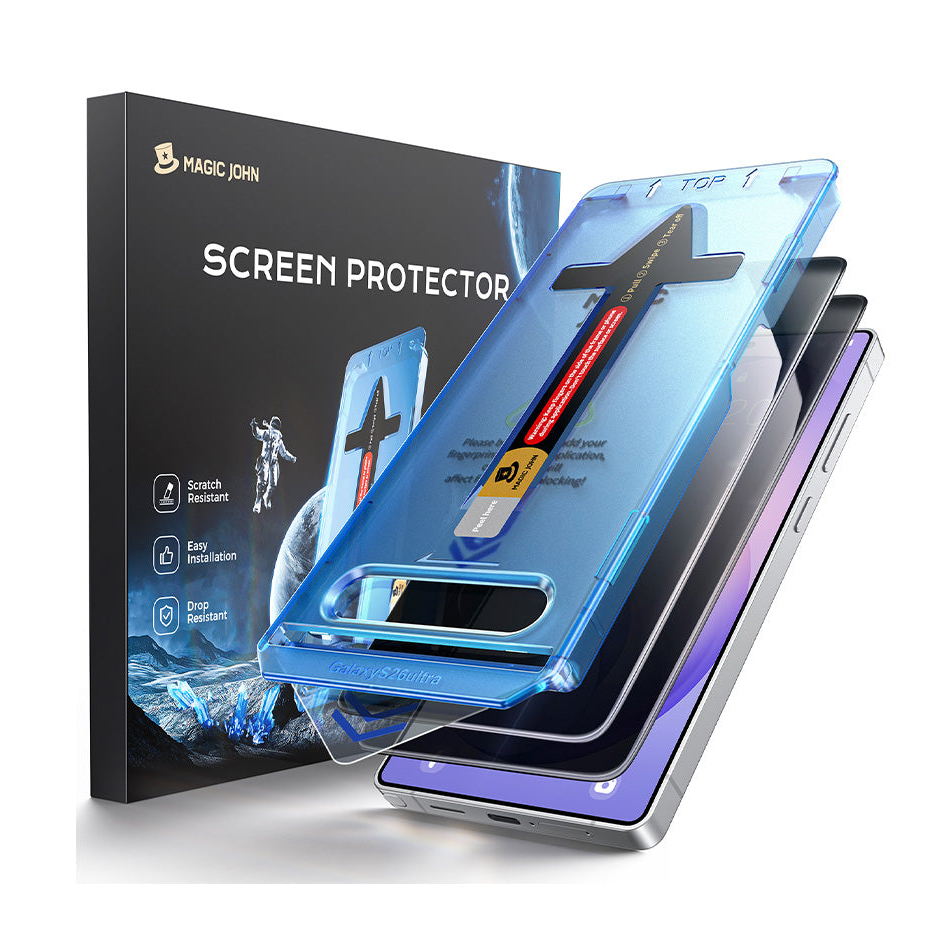
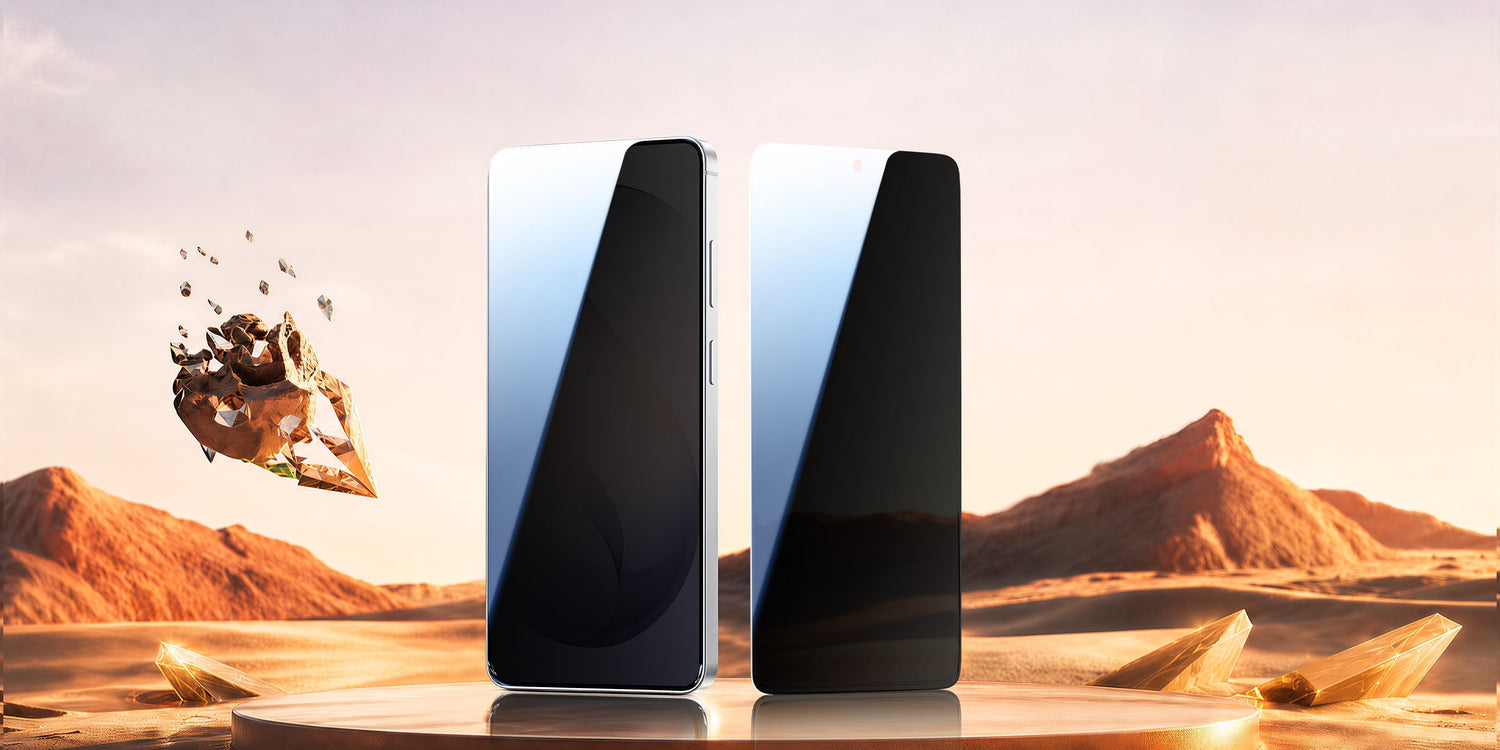
硬度9Hの強化ガラス スクリーンプロテクター は物理層(耐傷性、落下衝撃吸収性、指紋防止)を扱います。プライバシーディスプレイは情報層を扱います。これら2つは全く異なる問題に対処するものであり、HDクリアプロテクターを使用する場合、互いに干渉することはありません。 マジック・ジョンのGalaxy S26 Ultra用スクリーンプロテクター, 例えば、プライバシーディスプレイ効果を完全に損なわないよう、光学的な透明度を考慮して設計されています。
| 保護タイプ | 内容 | 対象外となるもの |
| プライバシー表示 | オフアクシスビューイング、通知プライバシー | 物理的な傷、ひび割れ、衝撃 |
| HDクリアスクリーンプロテクター | 傷、落下、指紋 | 他のユーザーがあなたの画面で見ているもの |
両方を組み合わせることで、全体像を把握できます。

ブラインドスポット4:反射防止コーティングは後退した
Galaxy S25 Ultraは、反射防止コーティングのおかげで屋外や明るい照明の下でも画面が見やすく、快適に使用できたと高く評価された。S26 Ultraのコーティングはそれとは異なる。
Android CentralやSammyGuruなどによる複数のディスプレイレビューによると、S26 Ultraは 周囲の光をより多く反射する 前モデルよりも優れている。プライバシーディスプレイに必要なデュアルピクセル構造が表面の光学特性に影響を与え、コーティングの効果を低下させているようだ。
実用面では、直射日光下や明るいオフィス照明の下では、S26 Ultraの画面はS25 Ultraよりも目立つグレアが発生します。これは、プライバシーディスプレイを完全にオフにした状態でも、日常的な画面の視認性に影響を与えます。
劇的な違いではありませんが、屋外や明るい部屋で頻繁にスマートフォンを使用する方は、購入前に知っておくと良いでしょう。
死角5:プライバシーディスプレイをオフにしても目の疲れを感じるユーザーがいると報告
眼精疲労や頭痛の報告は、Reddit、Samsungコミュニティフォーラム、Tarun VatsやIce Universeといった技術系レビュアーの投稿などで多数寄せられている。Tom's Guideは複数の事例を記録しており、その中にはS25 Ultraに戻した後に全ての症状が解消したと報告したRedditユーザーも含まれている。
サムスンは、ディスプレイを特定の角度から見ると 色と明るさにわずかな違いがある, プライバシーディスプレイをオフにした状態でも同様でした。同社はこの問題を、Flex Magic Pixelの構造に起因する軽微な問題だと説明しています。
原因としては、デュアルピクセルレイアウトによる知覚される鮮明度への影響と、ディスプレイのPWM調光動作の組み合わせが考えられます。ほとんどのユーザーにとって、その影響は最小限です。しかし、画面のちらつきに敏感な方や、画面が原因で頭痛を起こしやすい方は、S26 Ultraのディスプレイは以前のSamsungフラッグシップモデルよりも快適に感じられないかもしれません。
S26 Ultraの購入を検討していて、過去に画面の感度に関する問題を経験したことがあるなら、購入前に店頭で数分間端末を触ってみるのは賢明な判断と言えるでしょう。
[[関連商品_1]]
物理的な保護を加えれば、両方の側面をカバーできます
S26 Ultraのプライバシーディスプレイは、スマートフォンのプライバシー保護において真に前進したと言えるでしょう。しかし同時に、特に低照度環境下、最大限のプライバシー設定時、そして物理的な画面保護に関することなど、現時点ではいくつかの限界があります。
シンプルなアプローチ:アプリごとにプライバシー保護のためにプライバシー表示を使用し、高品質のHDクリアを追加します。 スクリーンプロテクター 物理的な保護層として、Magic JohnのGalaxy S26 Ultra用スクリーンプロテクターは、優れた光学的な透明度と超音波指紋認証に対応するように設計されています。MAGIC JOHNのウェブサイトでご購入いただけます。
[[関連商品_1]]
S26 Ultraプライバシーディスプレイに関するよくある質問
Q1:S26 Ultraのプライバシーディスプレイは、縦向きと横向きの両方のモードで動作しますか?
はい. サムスンのFlex Magic Pixelテクノロジーは、ディスプレイの長軸と短軸の両方において視野角を制限します。このプライバシー保護効果は、縦向きと横向きの両方で適用されます。2つの向きで視野角に若干の違いが見られるかもしれませんが、どちらの向きでも保護機能は有効です。
Q2:S26 Ultraのプライバシーディスプレイにスクリーンプロテクターを使用できますか?
はい、HDクリア強化ガラス製プロテクターを使用すれば可能です。プライバシーディスプレイの上に色付きプライバシーフィルムを重ねると、二重調光が発生し、視覚的な干渉が生じる可能性があります。HDクリアプロテクターは、プライバシーディスプレイの機能に影響を与えることなく、物理的な保護を提供します。この組み合わせにより、妥協することなく両方のニーズを満たすことができます。
Q3:プライバシー表示はS26 Ultraのバッテリー寿命に影響しますか?
影響は最小限です。Tom's Guideのバッテリーテストでは、充電サイクルあたりの合計使用時間の差は20分未満であることが分かりました。プライバシーディスプレイを終日オンにするのではなく、特定のアプリでのみ有効にするように設定すれば、影響はさらに軽減されます。
Q4:サムスンはソフトウェアアップデートで明るさと鮮明度の問題を修正しますか?
部分的には可能です。Samsungはファームウェアアップデートを通じて輝度アルゴリズムとピクセルキャリブレーションを最適化でき、初期のアップデートで既に一部のユーザーの視認性が向上しています。最大限のプライバシー保護と最大輝度の間の根本的なトレードオフは、Flex Magic Pixel構造に起因するハードウェアの制約です。この部分は現行機種でも変更されません。
Q5:S26 Ultraのプライバシーディスプレイは、物理的なプライバシー保護フィルムよりも優れていますか?
それはあなたのニーズによります。プライバシーディスプレイは、映画では再現できない、アプリごとのピクセルレベルのオンデマンドプライバシーを提供します。 物理的なプライバシー保護 28度の角度制限に加え、傷や落下に対する保護機能も備えています。S26 Ultraユーザーにとって、プライバシー保護のためのプライバシーディスプレイと、物理的な保護のためのHDクリアスクリーンプロテクターを使用することで、両方のニーズを妥協なく満たすことができます。


コメントを残す
このサイトはhCaptchaによって保護されており、hCaptchaプライバシーポリシーおよび利用規約が適用されます。