

No More Bubbles: Auto-Alignment Makes Screen Protectors Foolproof

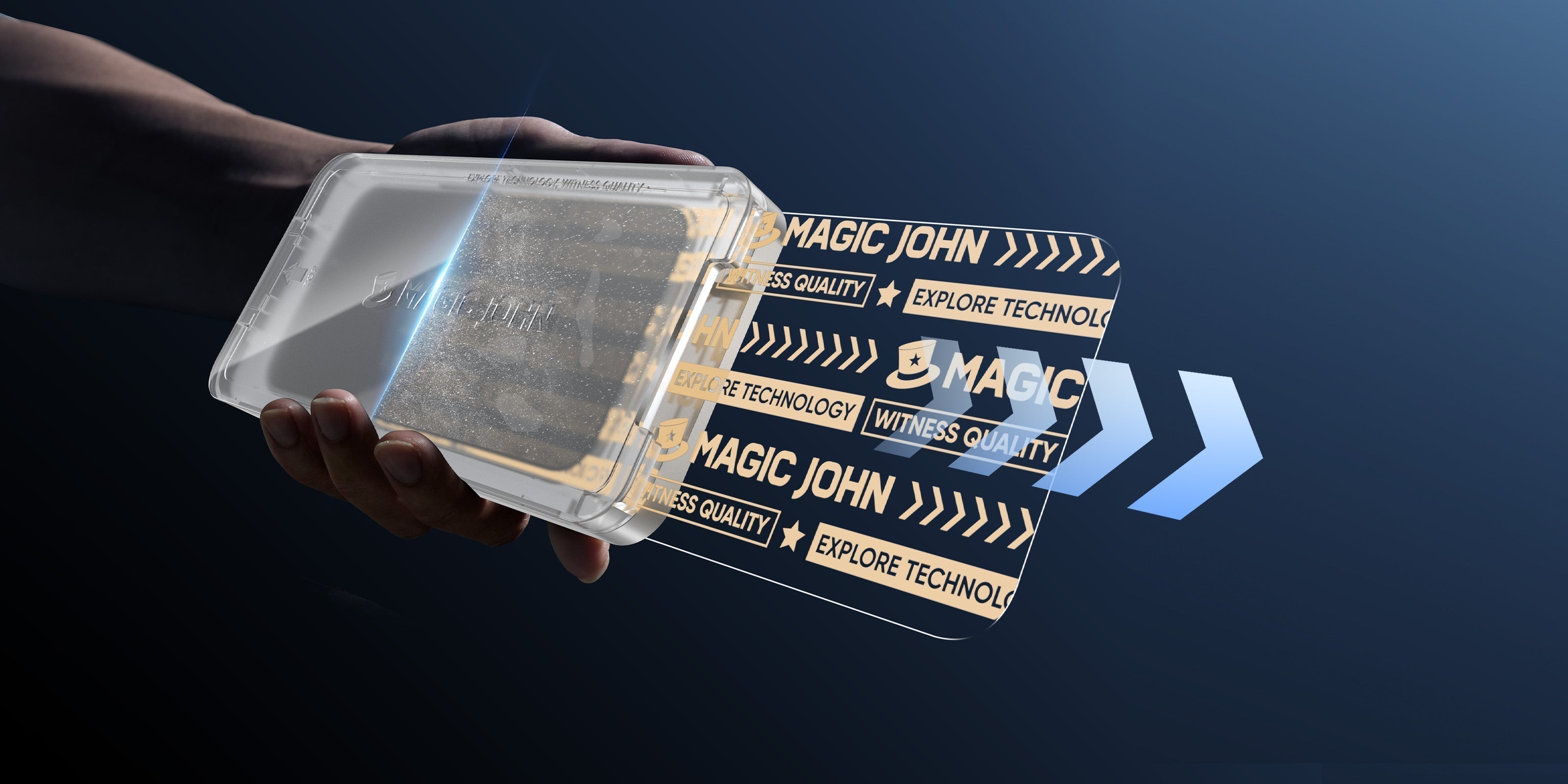
Hand applying a phone screen protector onto a smartphone.

Installing a screen protector without bubbles used to require perfect hands and good luck. Now it takes 10-30 seconds and one pull. This guide shows you why auto-alignment works and how to use it.

Why Screen Protectors Get Bubbles and How to Stop It

Most people assume bubbles are just trapped air, but in reality, they are usually "dust halos".

When a microscopic dust particle settles on your screen, it creates a high point. The tempered glass cannot contour around this speck, leaving a tiny pocket of air surrounding it. Because the adhesive cannot bond to the dust, the air remains trapped.

Static electricity is the main culprit here. The moment you peel the backing off a traditional protector, it becomes a magnet for airborne particles. Without a controlled environment or a dust removal layer, a "perfect" manual install is statistically unlikely in a standard home setting.

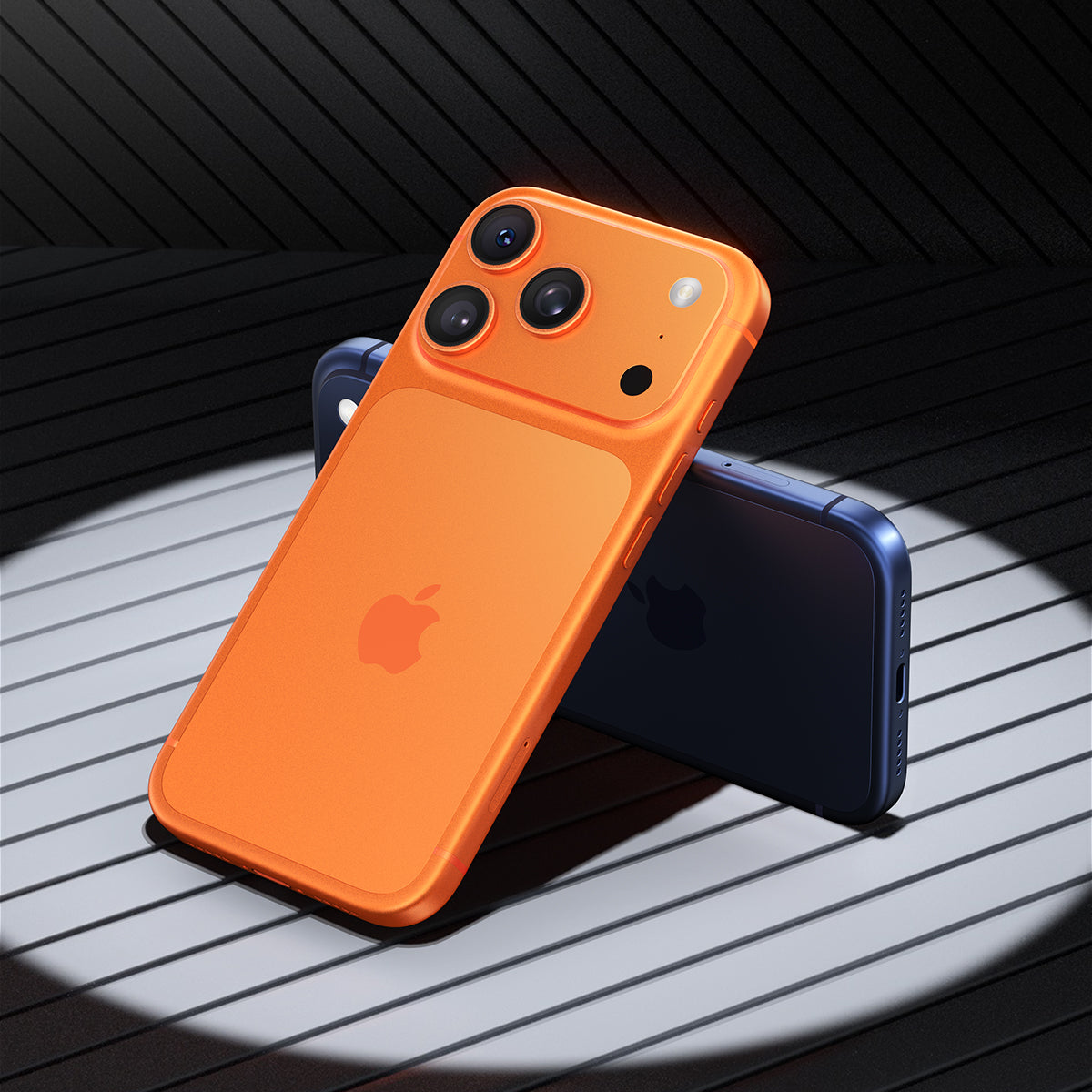
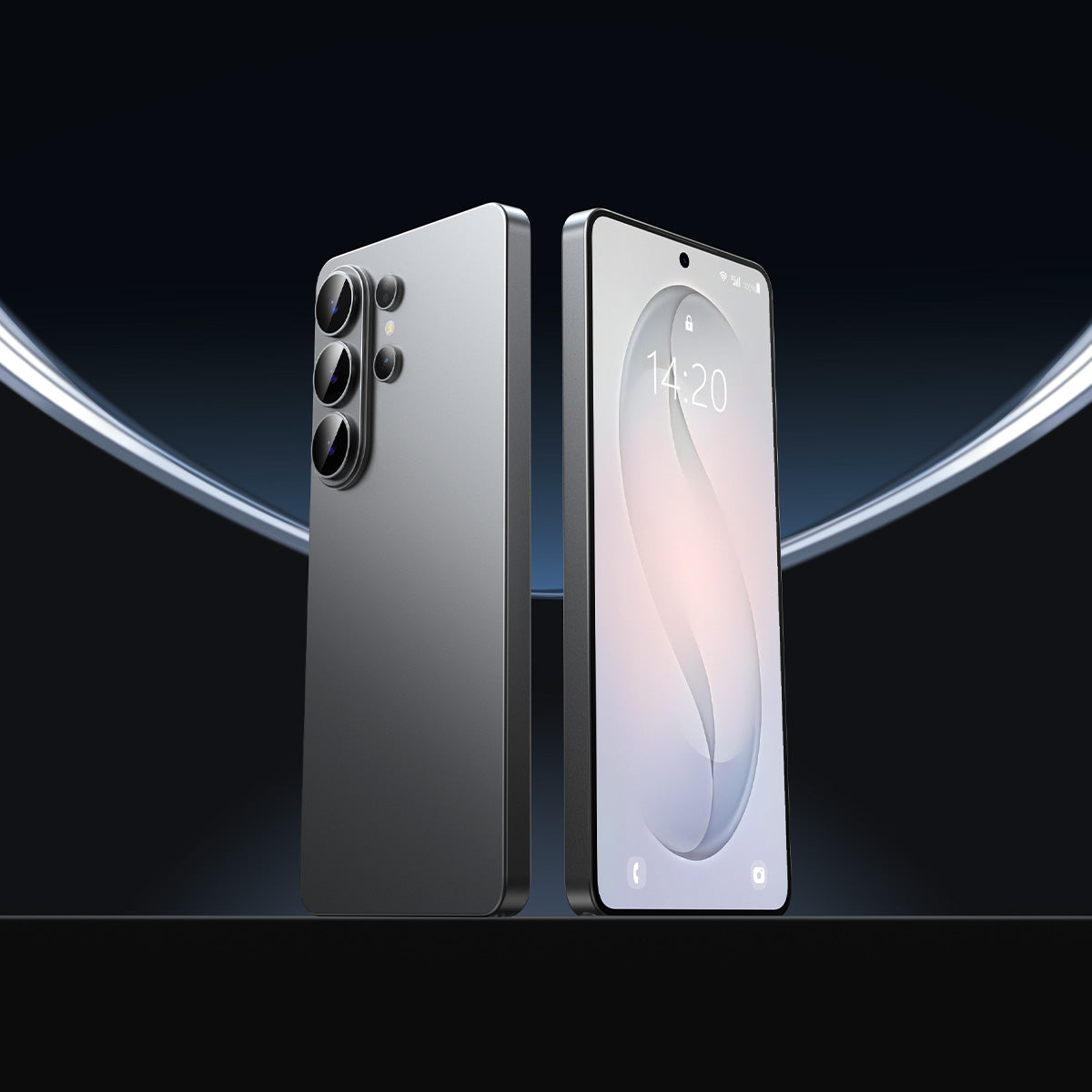
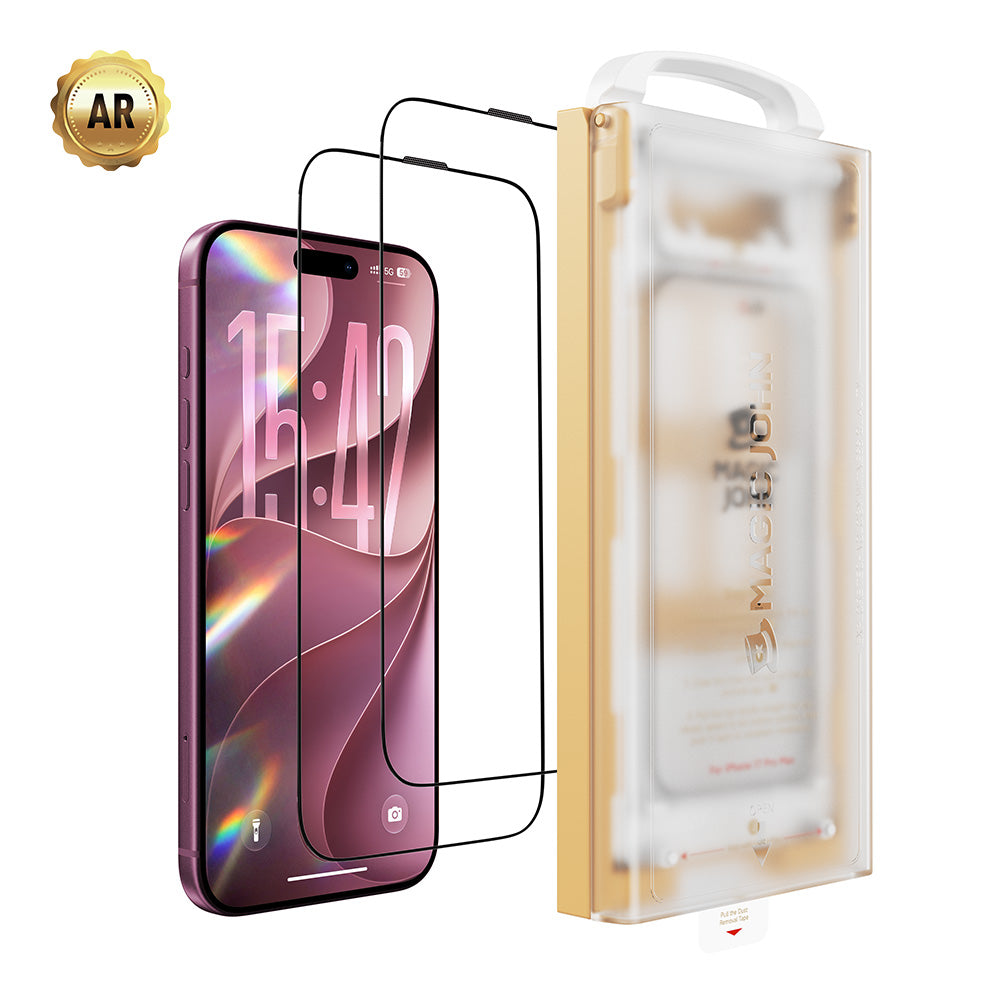
Two phone screen protectors displayed side by side on a reflective surface.

The solution?

Use an auto-alignment kit with built-in dust removal technology that cleans your screen in the split second before the glass touches it.

How One Pull Removes All Dust Before Application

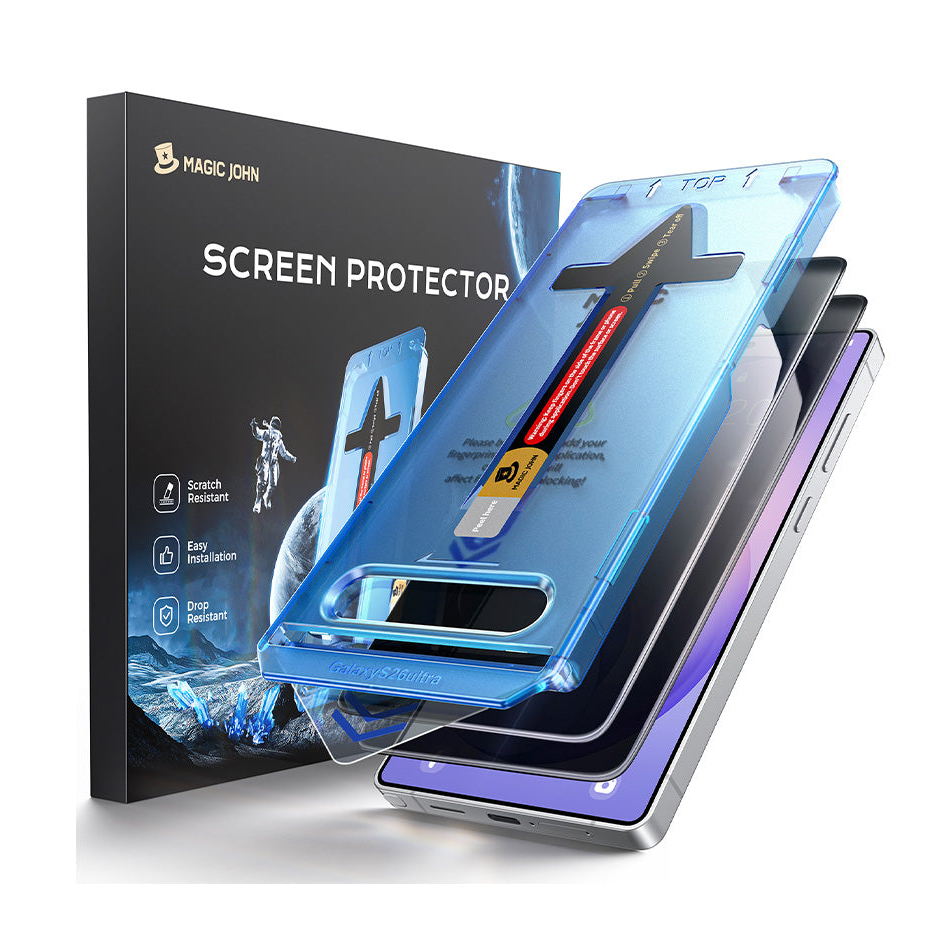
The breakthrough in modern DIY screen protection lies in the integration of an automatic dust-free screen protector kit. Instead of relying on "hinge methods" or shaky hands, these kits use a specialized film integrated into the alignment tool.

Here's how it works in 10-30 seconds:

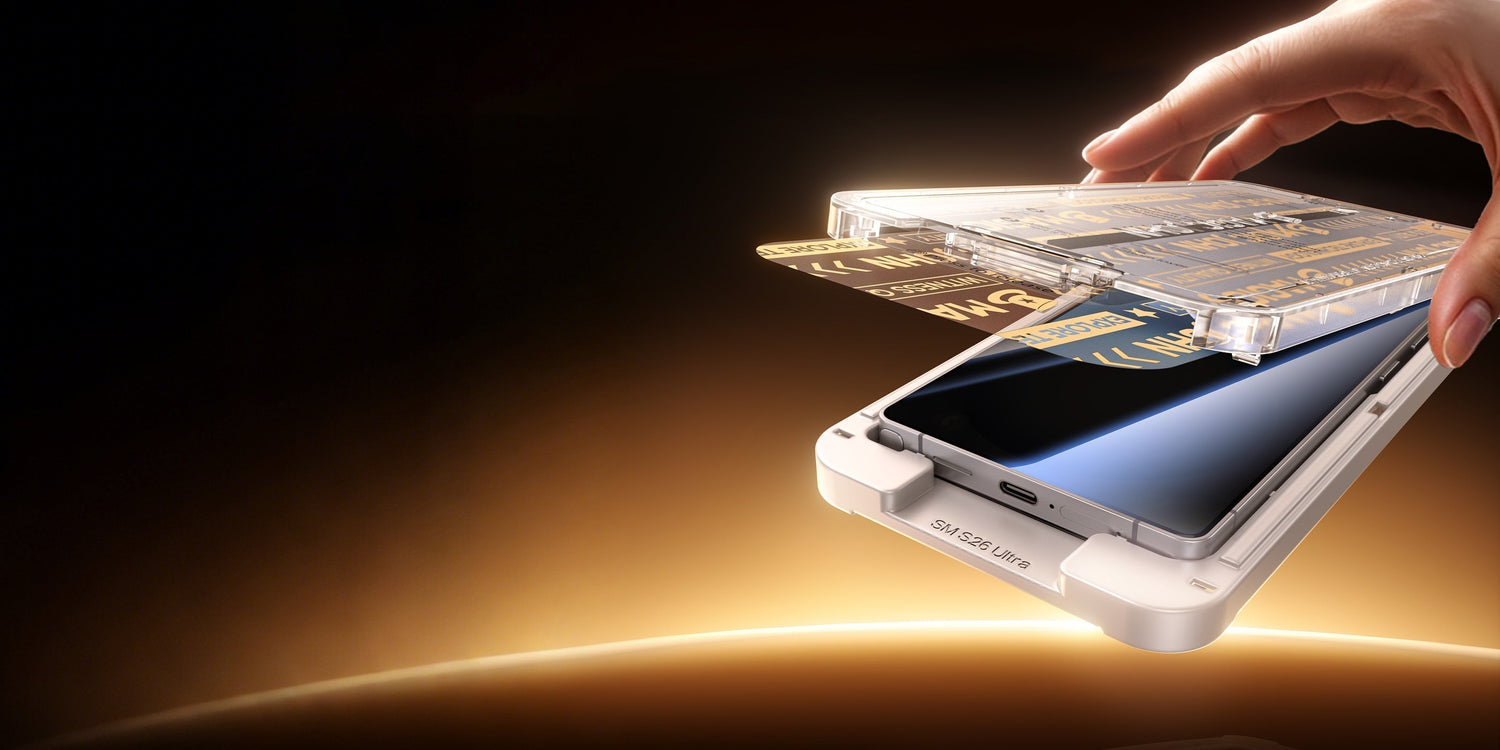
When you place the alignment tray over your phone and pull the starting tab, the dust removal layer slides across the screen's surface immediately before the glass makes contact.

Hands aligning a phone screen protector onto a smartphone in seconds.

This action does two things:

  • Neutralizes static electricity so your screen stops attracting airborne particles
  • Physically sweeps away micro-lint that settled in the seconds after you wiped the screen

By the time the tempered glass touches your device, the surface is in a vacuum-like state of cleanliness, virtually guaranteeing a zero bubble installation.

Why Minor Misalignment Causes Edge Lifting and Case Issues

Precision matters for two reasons: aesthetics and longevity. Today's smartphones have incredibly tight tolerances. If a screen protector is even 0.1mm off-center, it creates a "clearance conflict" with your phone case.

Here's what happens when your protector is misaligned:

When you snap a protective case onto your phone, the lip of the case exerts inward pressure. If the protector is off-center, the case pushes against the edge of the glass. This constant pressure causes three major problems:

  • Edge Lifting: The protector begins to peel away, allowing more dust to enter
  • Sensor Interference: Misalignment can partially block the front-facing camera or Face ID sensors, causing "ghosting" or login failures
  • Reduced Impact Resistance: A protector that isn't seated perfectly is more likely to chip at the edges during a drop

An alignment tool kit removes the guesswork, ensuring the glass sits in the exact geometric center of the device every single time.

Manual Installation vs Auto-Alignment: 60% vs 99% Success Rate

The evolution of screen protection has moved from manual "peel and pray" methods to integrated systems.

Feature Traditional Manual Install Modern Auto-Alignment Kit
Preparation Time 5–10 minutes (Cleaning + Taping) 30 seconds
Success Rate ~60% (First try) >99%
Dust Control Manual stickers (Incomplete) Integrated Dust Removal Film
Alignment Eye-balled (Often crooked) Fixed Frame (Mechanical Precision)
User Experience High stress, potential waste Fast, "10-second" process

Traditional kits require you to be a perfectionist. Modern kits like those from MAGIC JOHN, are designed to be foolproof, turning a frustrating chore into a satisfying, "one-pull" success.

4 Simple Tips for Perfect Screen Protector Installation

While the tech does the heavy lifting, a few pro tips can ensure your DIY screen protection looks like it was done at a flagship retail store:

Work in a Still Environment

Avoid being under an AC vent or a ceiling fan. Moving air carries more dust particles that can settle on your screen.

Secure Your Phone First

Make sure your phone sits firmly in the alignment tray before pulling the tab. A loose phone means misalignment.

The One-Pull Rule

When pulling the dust removal tab, do it in one smooth, continuous motion. This maintains the static seal and ensures no debris is left behind.

Final Press

Once the glass drops, let the adhesive spread naturally. If a tiny air bubble remains (not a dust bubble), gently push it toward the nearest edge using a microfiber cloth.

How to Install a Screen Protector (Step-by-Step)

  1. Clean your screen with the included wipe
  2. Place the alignment tray over your phone
  3. Pull the dust removal tab in one smooth motion
  4. Let the glass drop and press gently

Done! Zero bubbles guaranteed.

For a visual guide, watch our step-by-step installation video:

You can also scan the QR code included in your MAGIC JOHN package for instant access to the tutorial.

Modern Screen Protection Is About Technology

The era of struggling with "wonky" glass and trapped lint is over. By focusing on the science of adhesion and the mechanical precision of an alignment tool kit, you can protect your investment in seconds. Modern screen protection is no longer about how steady your hands are; it's about using the right technology to get the job done.

If you are ready for a frustration-free experience, we recommend checking out the MAGIC JOHN lineup. Our patented automatic dust-free screen protector tech takes the "DIY" out of the equation, giving you a factory-perfect finish.

FAQs about Auto-Alignment, Case Compatibility, and Bubbles

Q1: Can I reuse the alignment kit?

Yes! The 3rd Generation MAGIC JOHN kit features a reusable installation tray. Simply replace the screen protector film while keeping the same applicator—reducing waste and saving money. This eco-friendly design is one of the key upgrades over previous generations.

Q2: Does the auto-alignment work with all cases?

While the MAGIC JOHN screen protector works with most standard cases, for the best fit and maximum protection, we recommend pairing it with MAGIC JOHN's matching phone cases. These cases are precision-engineered to work seamlessly with our screen protectors, ensuring no edge lifting or clearance conflicts.

Q3: What if I still see a bubble?

If it's an air bubble, it will usually disappear within 24-48 hours as the adhesive cures. If it's a dust bubble (you see a speck in the middle), the auto-dust removal film likely wasn't pulled in a single motion. Larger bubbles may require reapplication.

前後の記事を読む

The Ultimate Guide to MAGIC JOHN Tempered Glass Screen Protectors
Hand holding a phone screen protector kit while sliding the film out.

コメントを書く

このサイトはhCaptchaによって保護されており、hCaptchaプライバシーポリシーおよび利用規約が適用されます。