





You put on a new screen protector, and a few hours later the edges are lifting. It's one of the most common screen protector complaints, and on the iPhone 18 Pro it's already coming up in owner forums. Here are four common causes, how to tell which one you have, and how to fix and prevent it.
What iPhone 18 Pro Owners Are Reporting
On Reddit, one iPhone 18 Pro Max owner recently posted that after trying several screen protector brands on a brand-new phone, the edges raised on all sides. They said they never had this problem on their iPhone 13, and that they have plenty of experience installing protectors.
A single post can't tell us what caused it, and edge lifting has several common causes. The good news is that most of them are easy to identify and fix.
4 Common Causes of Screen Protector Lifting
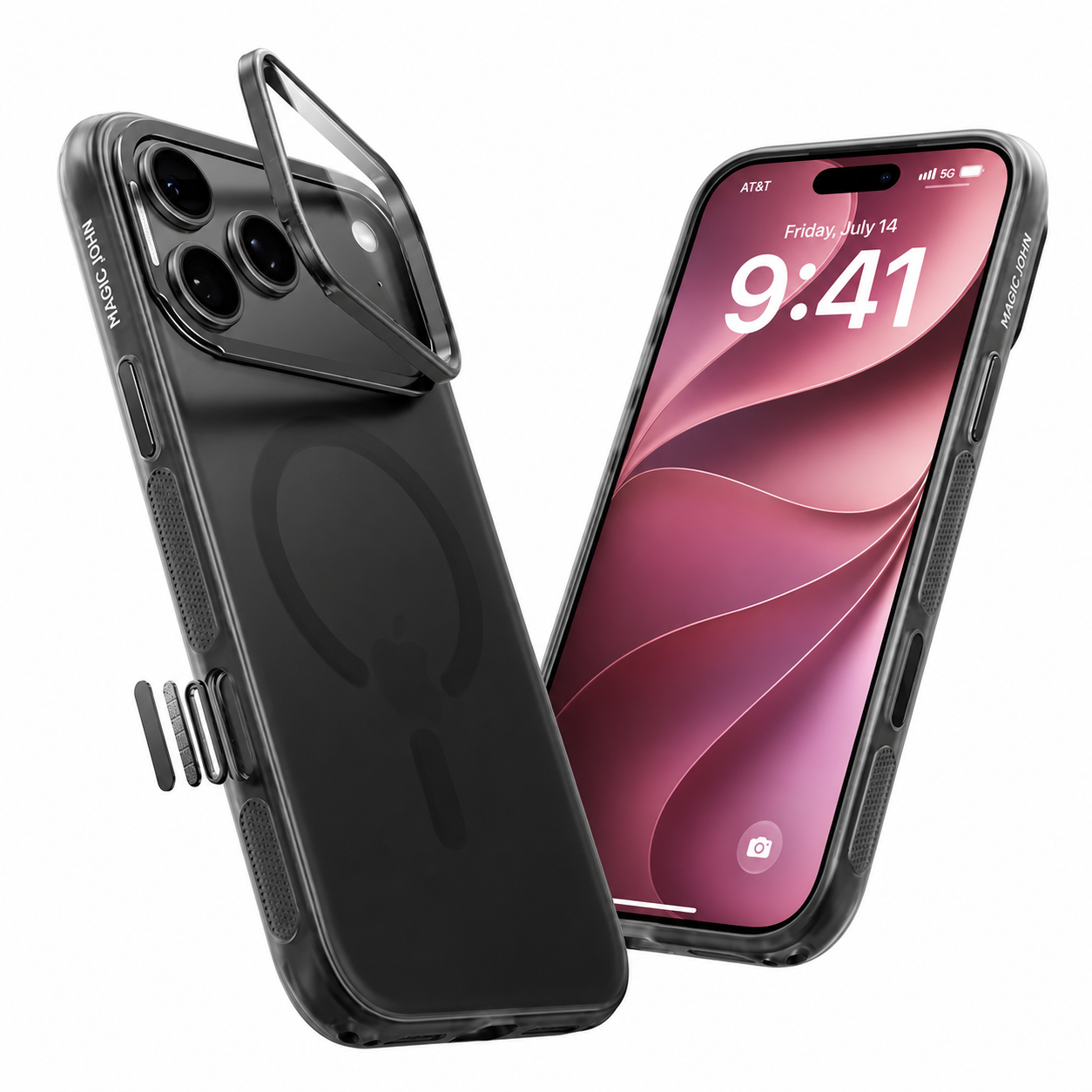
- Your case is pressing on the protector. A case with a raised lip can touch or press against the edge of a protector. Over time that pressure can push the edge up, usually on the side where the case sits closest.
- Dust or oil at the edge. A single fiber or speck near the edge can keep a larger area of the protector from sticking. Fingerprints or leftover oil on the screen edge can do the same.
- Not pressed down fully, or the case went on too soon. If the protector isn't smoothed down properly, or you put the case back on right away, the edges may not settle.
- The protector doesn't match your model. A protector made for a different model, even a similar one, may not line up with the edges of your screen.

How to Tell Which Cause It Is
- Only the side or corner nearest the case is lifting: the case is the likely cause.
- A small bubble or halo around a tiny speck: dust or lint under the protector.
- Lifting started soon after installation: the protector may not have been fully pressed down, or it may not match your model.
- Edges lift on every side, even with different protectors: check that each one is made for your exact model, and contact the seller's support team so they can look into it.
How to Fix It
- Take the case off.
- Press the lifted edge down gently with a clean microfiber cloth, working from the center toward the edge.
- If there's a speck underneath, lift the edge carefully, remove the dust with a piece of tape, and press it back down.
- If it keeps lifting, replace the protector. A used protector that has been lifted often won't stick well again.
- If the case seems to be the problem, try it without the case for a day to see if the edges stay down, or try a case that doesn't touch the protector.
How to Prevent It
- Clean the screen thoroughly before installing, including the edges.
- Install in a clean, dust-free spot.
- Make sure the protector is made for your exact model.
- Follow the installation steps, and give the protector a little time to settle before putting the case back on.

Choosing a Screen Protector for iPhone 18 Pro
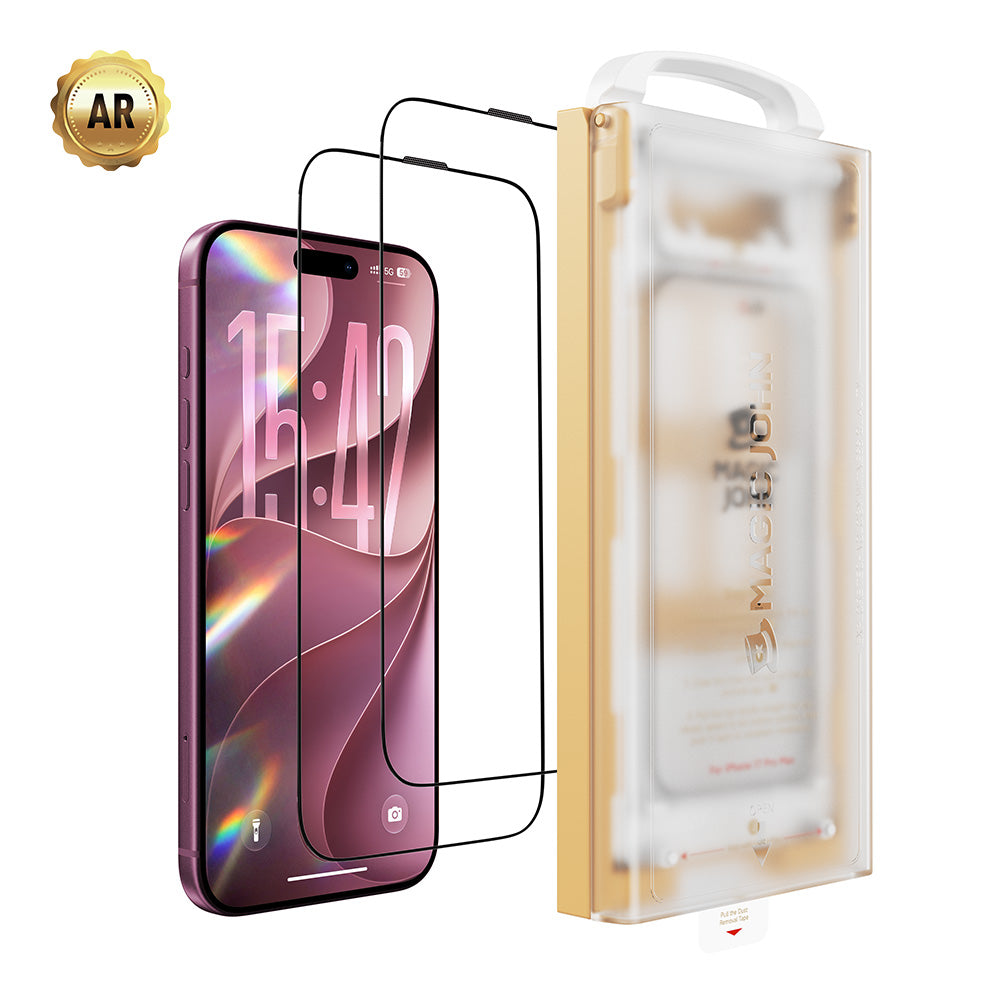
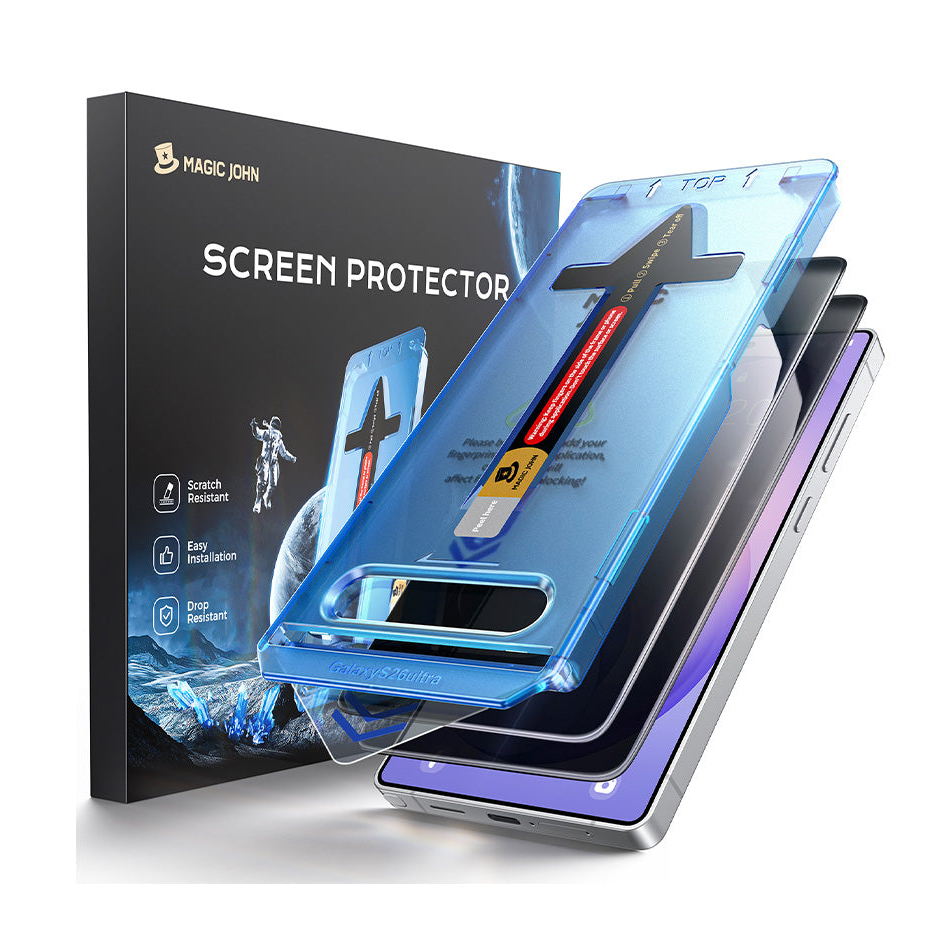
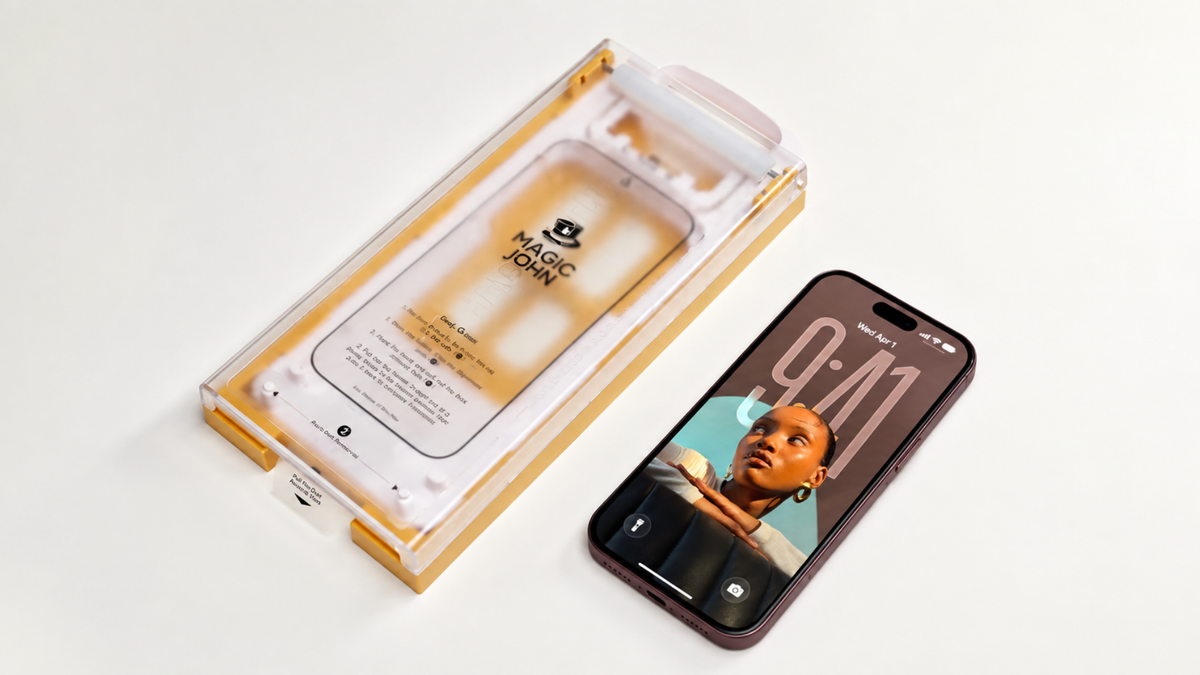
Magic John iPhone 18 Pro screen protectors come in two types: HD Clear for maximum clarity, and Privacy for keeping your screen private. For the best result, we recommend watching our installation tutorial before you apply one.
Shop iPhone 18 Pro screen protectors

Also see our guide on iPhone 18 Pro Face ID and screen protectors.
FAQ
Why is my screen protector lifting at the edges?
The most common causes are a case pressing on the edge, dust or oil at the edge, not pressing the protector down fully, and a protector that doesn't match the model.
Can a phone case make a screen protector lift?
Yes. A case with a raised lip that touches the edge of the protector can push it up over time.
Can I fix a lifted screen protector?
Sometimes. Remove the case, clean away any dust, and press the edge down. If it keeps lifting, replace it.
Does a lifted edge affect touch response?
It can, in the lifted area. If touch feels off near a lifted edge, press it down or replace the protector.
How do I install a screen protector so it doesn't lift?
Clean the screen first and follow our installation tutorial.


Hinterlassen Sie einen Kommentar
Diese Website ist durch hCaptcha geschützt und es gelten die allgemeinen Geschäftsbedingungen und Datenschutzbestimmungen von hCaptcha.